



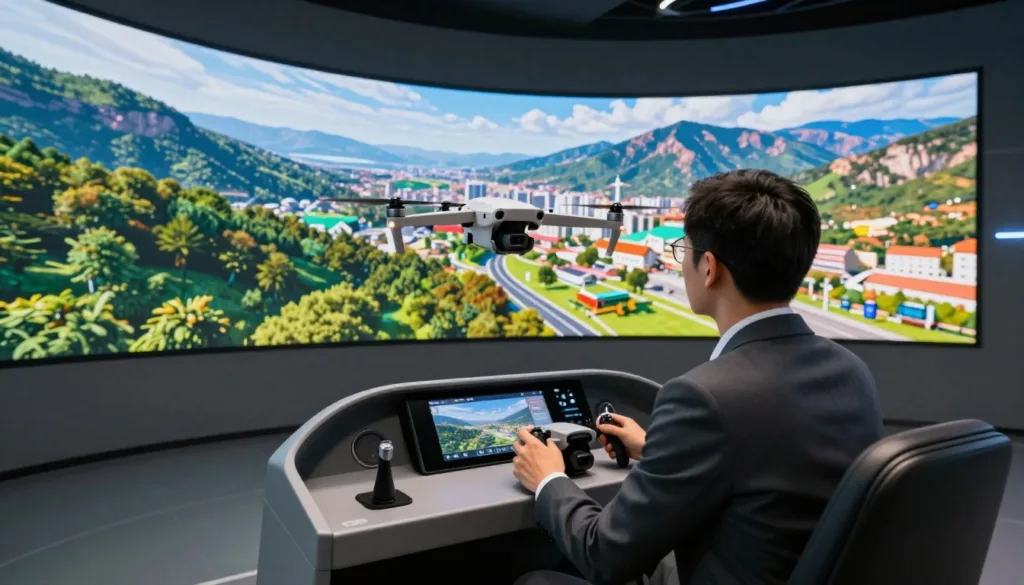
Welcome to your complete guide for mastering FPV flying from the safety of your home. This tool, officially called DJI Virtual Flight, serves as your personal training ground. It was built by a team of experts to help pilots of all levels develop their skills.
This application provides an incredibly immersive experience that lets you practice complex maneuvers. You can build muscle memory and gain confidence before taking real equipment into the sky. It’s the perfect way to prepare for your first manual mode flight or to perfect advanced tricks.
This free software has helped thousands of users transition from cautious beginners to confident enthusiasts. Our guide will walk you through setup, navigation, and optimization techniques. You’ll learn how to get the most out of your virtual training sessions.
By the end, you’ll understand how to leverage this powerful tool. It will accelerate your piloting journey and develop the skills needed for safe, confident real-world flying.
Key Takeaways
- DJI Virtual Flight is a free training application for FPV flying techniques.
- The simulator is available on iOS, Android, and Windows platforms.
- It was designed to provide a safe, risk-free environment for skill development.
- Users can practice complex maneuvers and build muscle memory effectively.
- The application offers realistic flight physics for an authentic training experience.
- While official support ended in March 2024, the app remains functional for existing users.
- This guide provides comprehensive instructions for maximizing your training sessions.
Introduction to the DJI Drone Sim Experience
Imagine practicing complex aerial maneuvers without worrying about damaging expensive equipment. This innovative training platform transforms how pilots develop their FPV flying skills.
What is the DJI Drone Sim?
The DJI Virtual Flight application represents a groundbreaking approach to pilot training. It serves as a dedicated FPV simulator that bridges the gap between theory and real-world flying.
This mobile app works with compatible devices like the FPV Goggles V2 and various controllers. Users can practice with actual DJI FPV equipment for an authentic training session.
The software includes multiple lifelike locations and detailed flight tracks. Various game modes like Arcade and Time Trial keep training engaging.
User Benefits and Learning Opportunities
Pilots gain significant advantages from this virtual environment. The most valuable benefit is building muscle memory for coordinated turns.
You can safely master switching between flight modes and understand controller responsiveness. The progressive tutorials guide you from basic takeoff to advanced maneuvers.
User feedback confirms the experience helps develop crucial throttle management skills. While some report occasional technical issues, the consensus praises its training value.
The application’s privacy policy is transparent about data collection practices. Information about cookies and usage tracking is available on the official website.
Getting Started with DJI drone sim Setup
Before you can soar through digital skies, you’ll need to ensure your equipment is properly configured. This foundation makes your training sessions smooth and effective.
Hardware Compatibility and Supported Devices
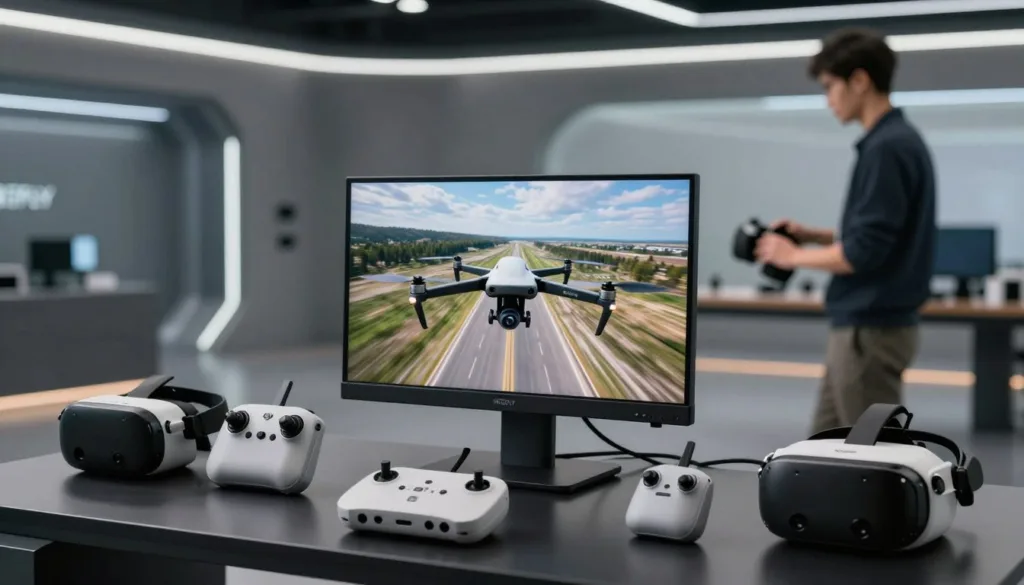
The DJI Virtual Flight application works with specific devices for optimal performance. Compatible equipment includes DJI Goggles Integra, DJI Goggles 2, and DJI FPV Goggles V2.
Your remote controller options are limited to DJI FPV Remote Controller 2 and DJI Motion Controller. Newer products like DJI Avata 2 and DJI Goggles 3 won’t work with this software.
Mobile devices need iOS 12.0 or later. iPhone 8 through latest models work well. iPad support starts with 7th generation.
Installation and Account Configuration
Start by downloading the app from official stores. iOS users get it from the App Store. Android and Windows versions have separate sources.
Ensure all your devices have the latest firmware version. Use original cables for connections. Third-party cables may cause data transfer issues.
For DJI Goggles 2, enable virtual flight in Menu settings. Android users should select “Transfer files” when connecting. This prevents other apps from launching automatically.
The DJI Assistant software helps maintain device firmware. While not required for setup, it ensures compatibility. Proper maintenance prevents connection problems.
Navigating the Simulator App and Flight Modes
Exploring the digital training environment reveals a wealth of learning opportunities. The interface guides you through progressive skill development with structured content.
Exploring the App Interface and Tutorials
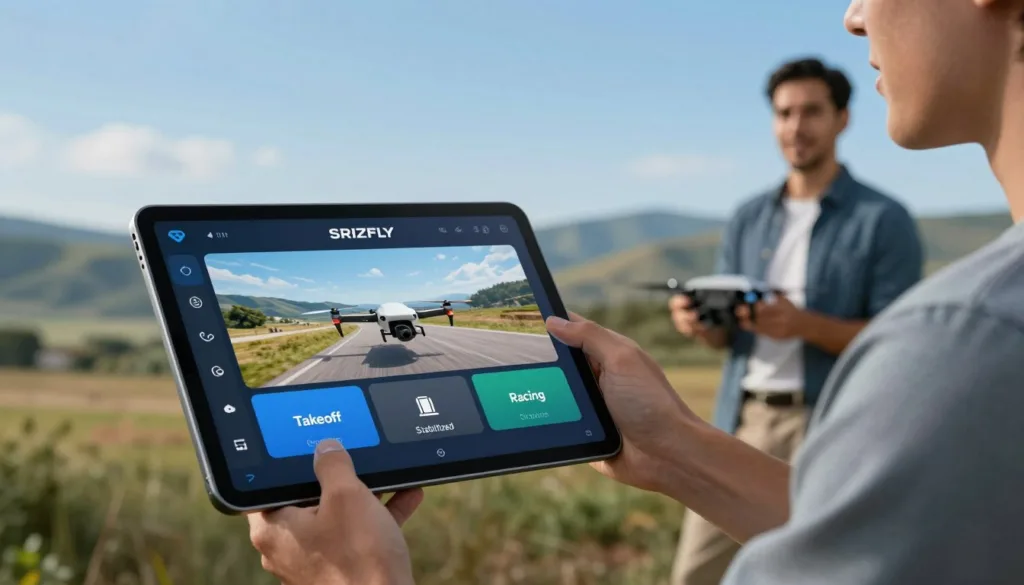
The Beginner Guide serves as your starting point for mastering basic maneuvers. You can reset this tutorial anytime to revisit foundational lessons.
Video content demonstrates techniques like coordinated turns and altitude control. These visual guides show proper execution of each action.
The application supports touchscreen control for convenient practice sessions. Guest login allows quick access without account creation.
Understanding Different Flight Modes and Controls
Three primary flight modes offer different levels of assistance. Normal mode provides stabilization, while Sport increases speed. Manual mode delivers complete control for advanced users.
You can choose from three control stick configurations to match your preference. This ensures muscle memory translates to real-world flying.
Arcade mode challenges you to pass through targets within time limits. Time Trial tracks measure your progress as lap times improve.
The software supports various controllers beyond the manufacturer’s hardware. Xbox and PlayStation gamepads provide flexible training options.
Optimizing Simulator Settings for a Realistic Training Experience
Fine-tuning your virtual training environment bridges the gap between practice and real-world performance. The application’s detailed settings menu lets you create a custom experience that closely mirrors actual flight.
Careful adjustment ensures the skills you build translate directly to flying your real equipment. This personalized approach maximizes the value of every training session.
Customizing Flight Settings and Simulation Sensitivity
Version 1.3.1 introduced flight dynamics model adjustments. This powerful feature allows you to fine-tune how the virtual craft responds to your controller inputs.
You can also adjust the Field of View (FOV) up to 150 degrees. Matching this to your goggle settings creates a more immersive experience.
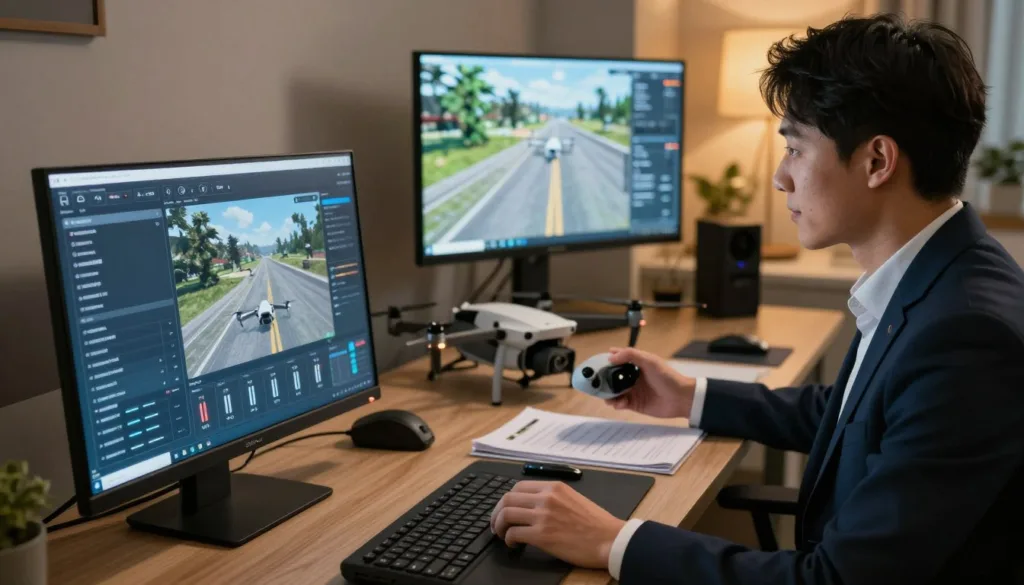
User analysis indicates the simulator can feel slower than real life. Many pilots set a 35-degree camera angle here to match the speed of a 20-degree angle in actual flight.
Adjusting Gain, Expo, and Other Controller Features
When flying in Manual mode, you gain access to remote controller gain and expo tuning. Gain controls overall responsiveness to stick movements.
Expo adjustments change the response curve around the center stick position. This allows for precise control during gentle maneuvers while maintaining full authority for aggressive action.
Version 1.3.2 improved the flight control algorithm for a more realistic feel. For pilots of the DJI Mini 3 Pro or similar series, understanding that the simulator focuses on FPV techniques is key. Regular practice with these optimized DJI FPV settings builds crucial muscle memory.
Troubleshooting and Enhancing Simulator Performance
Technical hiccups can occasionally interrupt your virtual training, but most have simple solutions. Understanding common issues helps maintain smooth practice sessions.
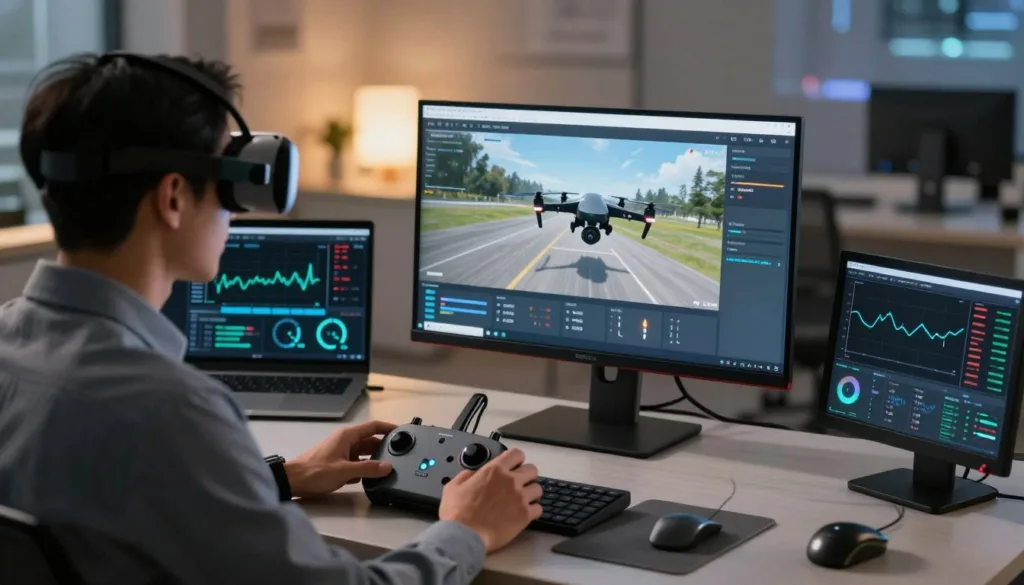
Common Issues and Step-by-Step Fixes
The most frequent problem involves goggles freezing every 5-10 minutes. Power cycling the goggles while the app runs on your connected device typically resolves this.
Video glitches or interference often stem from power or cable issues. Verify all devices are fully charged. Use official cables included with your equipment.
Blurry images were resolved in version 1.4.3. Ensure you have the latest downloaded app for optimal visual quality.
For Android connection problems, select “Transfer files” when devices connect. Clear default app settings to prevent interference from other applications.
Keeping Firmware and Software Up-to-Date
Regular updates are crucial for performance. The DJI Assistant tool helps maintain current firmware on goggles and controllers.
Keep detailed records of your software version and firmware combinations. This data helps with analysis if issues persist.
Check the official website for update information. While maintenance ended in March 2024, the application remains functional for existing users.
For persistent problems, consider third-party alternatives like Liftoff or DRL. These support newer hardware not compatible with the original virtual flight tool.
Conclusion
The transition from virtual practice to real-world flying represents a significant milestone in any pilot’s development. This comprehensive software has proven invaluable for building the muscle memory needed for confident flight.
While no tool perfectly replicates outdoor conditions, the foundational skills you develop here translate directly to actual FPV operations. Your commitment to proper training demonstrates responsible piloting that keeps our skies safe.
Remember to review the privacy policy and understand how cookies are used when working with any connected application. Alternative simulators offer additional perspectives if you seek broader training options.
Combine your virtual practice with community resources and progressive real-world challenges. This disciplined approach ensures you develop into the skilled pilot you aspire to become.
FAQ
What exactly is the DJI Virtual Flight application?
It’s a powerful software tool from DJI that lets you practice flying various models, like the Mini Pro or FPV series, in a safe, virtual environment. You use a real remote controller with your computer or mobile device to get a realistic experience before your actual flight.
What are the main benefits of using this training tool?
The primary advantage is risk-free skill development. You can master complex maneuvers, understand different flight modes, and get comfortable with the controller without worrying about damaging your equipment. It’s an excellent way for beginners to build confidence and for experienced pilots to refine their techniques.
Which devices and controllers are compatible with the simulator?
The software supports a wide range of DJI products. You can typically use it with compatible remote controllers for models like the Mini series, FPV drone, and even the Agras. It’s best to check the official website for the most current list of supported devices and any required firmware versions.
How do I install the software and set up my account?
You can download the app directly from the official DJI website. After installation, you’ll need to log in with your DJI account. The setup process usually involves connecting your remote controller to your computer or device and calibrating it within the software for optimal control.
Can I customize the flight settings to match my real-world setup?
A> Absolutely! A key feature is the ability to fine-tune settings like sensitivity, gain, and expo. This allows you to mimic the exact behavior of your physical aircraft, making the virtual practice incredibly valuable for translating skills directly to your actual flying sessions.
What should I do if I encounter performance issues or bugs?
First, ensure your firmware and the simulator software are up-to-date. If problems persist, check the official support pages for common fixes. Restarting the application, re-calibrating your controller, or checking your computer’s system specifications often resolves most glitches.
How does DJI handle my privacy and data within the app?
DJI takes user privacy seriously. Their policy outlines how information is collected and used, often for improving products and services. You can usually review these details in the privacy section of the application or on the company’s main website to understand your data’s management.

