



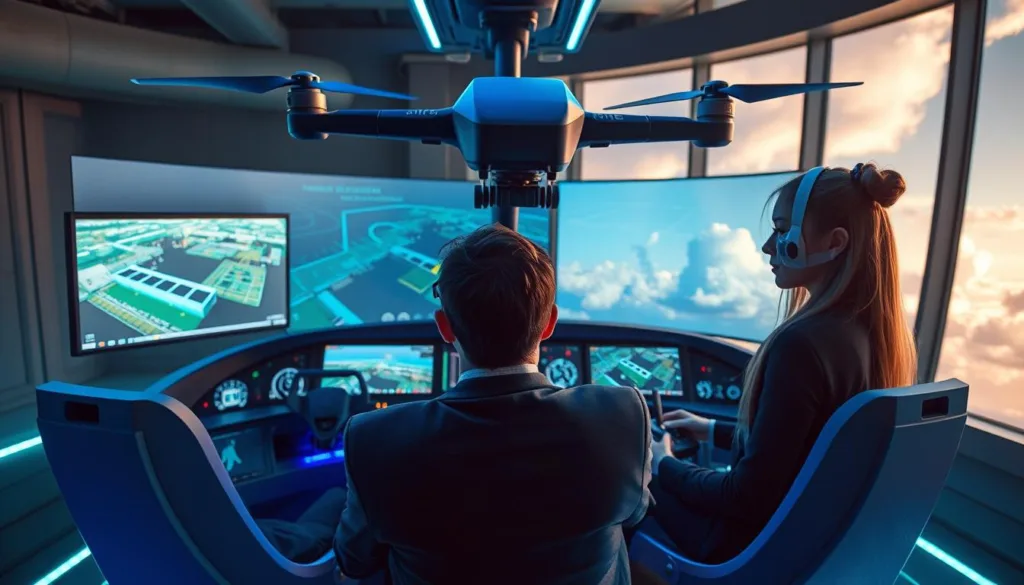
Welcome to the exciting world of virtual pilot training. Here, you can build your skills from the ground up without any risk to your gear or the world around you.
Whether you’re a hobbyist mastering basic maneuvers or a pro preparing for complex jobs, there’s a perfect program for you. These powerful tools are changing how pilots learn.
Virtual training provides a safe and cost-effective space to make mistakes. Every error becomes a valuable lesson, not a costly accident.
The best software replicates real flight physics and advanced weather. You can practice in scenarios that are too dangerous or expensive to try in real life.
This guide will help you find the right solution. We’ll look at top options, their features, and who they’re best for.
Key Takeaways
- Practice flying in a completely safe, virtual environment.
- Develop your piloting skills without risking expensive equipment.
- Save money by training at home before real-world flights.
- Experience highly realistic physics and weather conditions.
- Find programs suited for all skill levels and budgets.
- Accelerate your learning curve and build confidence faster.
- Prepare for challenging real-world flying situations in advance.
Introduction to Drone Simulation Applications
The journey to becoming a skilled pilot begins not in the air, but on your screen. These powerful tools create a detailed virtual world where you can learn and practice.
What Are Drone Simulation Applications?
At its heart, this technology is specialized software. It runs on your computer or other device, mimicking real-world physics. You connect a compatible controller, like a USB transmitter, to steer your virtual aircraft.
This setup provides an authentic feel. It closely matches the experience of handling actual equipment.
How They Revolutionize Pilot Training
These programs remove the fear of a costly crash. You can make mistakes and learn from them without any financial risk. This makes building your piloting skill much less stressful.
You can also repeat tricky maneuvers endlessly. This builds crucial muscle memory and confidence. The best part is you can customize scenarios to match your real-world goals.
The landscape includes three main types. Some focus on fun and games. Others are built specifically for skill development. A third category is tailored for high-speed FPV racing.
Benefits of Drone Simulation for Pilot Training
The most effective way to build piloting confidence is through repeated practice in a consequence-free virtual environment. This approach lets you focus purely on skill development without worrying about damaging your gear.
Enhanced Safety and Skill Building
You can crash your virtual aircraft countless times with no repair bills or safety concerns. This freedom allows for aggressive practice of complex maneuvers that would be too risky with actual equipment.
Building muscle memory through repetition accelerates your learning curve dramatically. Challenging techniques become second nature when you can instantly reset and try again.
Cost-Effective Learning Environments
Virtual training eliminates expenses for replacement parts, extra batteries, and potential repair costs. You get unlimited practice time for a one-time software investment or reasonable subscription fee.
Before purchasing an expensive real drone, developing fundamental skills in a simulator protects your investment. This preparatory step ensures you’re ready for actual flights.
“Practice doesn’t make perfect if you’re afraid to make mistakes. Perfect practice makes perfect, and that requires a safe space to fail.”
By the time you transition to physical aircraft, your hands and mind are already trained. This makes your first real-world experience significantly smoother and more successful.
Cutting-Edge Features of Top Drone Simulators
What separates top-tier virtual training platforms from basic ones is their sophisticated feature set. These advanced features create an environment that feels remarkably close to actual flying.
Realistic Physics and Flight Dynamics
Leading software uses complex physics engines. They model aerodynamics, wind, and propeller forces with great accuracy.
Developers achieve this realism through extensive data collection. Thousands of bench tests measure thrust, torque, and other variables.
Advanced platforms give you real-time telemetry feedback. You see exactly how your control inputs affect the virtual aircraft’s response.
Intuitive User Interfaces and Customization
A clean, logical interface is crucial for a good user experience. Modern programs let you navigate menus and adjust settings effortlessly.
Customization options are vast. You can choose specific models, tweak their performance, and design unique flight environments.
Many systems now include instant replay. Users can review their flight from multiple angles to pinpoint mistakes and improve.
Realistic Flight Physics and Environmental Simulations
The core of any effective virtual training system lies in its ability to mimic real-world physics and environmental factors. This creates a foundation for true skill transfer from screen to sky.
Simulating Weather and Terrain Conditions
Advanced algorithms calculate real-time factors like weight distribution and wind resistance. These elements shape how your aircraft behaves, offering authentic flight characteristics.
Environmental recreations now include specific weather conditions. Wind gusts and fog visibility can impact battery performance and handling.
Premium platforms feature worldwide 3D terrain models. You can practice in accurate virtual cities or mountainous wilderness areas.
Diverse terrain prepares pilots for real challenges. Navigating around buildings or following contours at low altitude requires dedicated practice.
Lighting scenarios change throughout the virtual day. Different sun angles affect visibility and depth perception during flight.
Weather modeling goes beyond visuals. Sophisticated systems simulate wind currents around structures, creating realistic turbulence.
By practicing in these high-fidelity environments, pilots develop crucial decision-making skills. They gain situational awareness for when environmental conditions become challenging.
Drone simulation applications: Product Roundup
From professional-grade platforms to free beginner-friendly options, the market offers a simulator for every pilot. This roundup cuts through the noise to highlight the best virtual training tools available today.
You’ll find a wide variety of specialized software. Some are built for commercial operator training. Others focus on structured skill-building or high-speed FPV racing.
Each platform in this list was chosen for its unique strengths. We considered user reviews, feature sets, and supported hardware models.
Our goal is to help you match the right options to your specific goals and budget. The following sections will explore these top picks in detail.
Cloud-Based Platforms and Global 3D Terrain Models
Modern training tools are breaking free from desktop constraints, moving operations to the cloud for greater accessibility. Leading platforms like SIMNET process complex physics on remote servers, streaming the experience directly to your web browser.
This cloud-native system combines aircraft design, virtual flight, and pilot training into one easy interface. It eliminates the need for a powerful local computer.
Accessing High-Fidelity Virtual Environments
Advanced simulators feature worldwide 3D terrain models. You can practice in a high-fidelity virtual environment that matches any real-world location.
These digital worlds use actual geographical and elevation data. This prepares you for precise navigation during real missions.
Leveraging Real-Time Flight Data
A key strength of these platforms is detailed data recording. Every simulation captures GPS, altitude, battery stats, and control inputs in real time.
You can export this data as CSV files for analysis with third-party tools. This allows for precise performance review and helps with training certification.
Enhancing Flight Control with Advanced Tools
The true power of a virtual training platform is unlocked when your hands are on the right controller. The hardware you use directly shapes the realism of your practice and the skills you build.
Integration with USB Transmitters and Gamepads
For serious pilots, using your own radio transmitter is a game-changer. This creates perfect muscle memory, as the stick feel and switch layouts match your real-world gear exactly.
If you’re starting out, gamepad compatibility offers an easy entry point. Top software like Zephyr and VelociDrone supports Xbox, PlayStation, and dedicated USB controllers like the Hobby King model.
Precision in Flight Control and Feedback
High-quality input processing is vital. It captures subtle stick movements for smooth, responsive aircraft behavior without lag. This precision makes every input feel authentic.
Your interface provides real-time feedback during flight. You see telemetry data like altitude, speed, and battery status. This helps you monitor your virtual craft just like a real one.
Designing and Analyzing Custom Drone Models
For engineers and creators, the next frontier in virtual training isn’t just about flying—it’s about building. Advanced platforms have evolved into complete development studios. They offer a powerful suite of multidisciplinary tools for crafting custom aircraft from scratch.
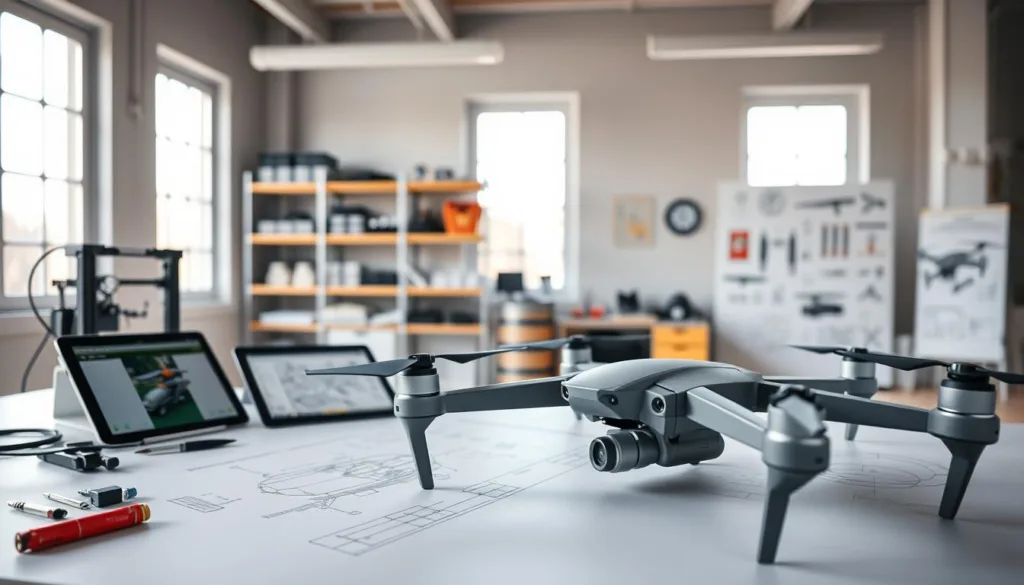
Systems like SIMNET provide everything developers need. You can design and optimize cutting-edge UAV systems in one integrated environment. This accelerates the entire development cycle dramatically.
Airframe Design and Performance Prediction
The Designer Pane is a brilliant starting point. Input your target performance criteria, and it generates a baseline model with just a few clicks. You can then refine everything from simple multicopters to complex VTOL configurations.
As you tweak your design, instant prediction tools give you critical feedback. You’ll see estimated flight time, maximum range, speed, and payload capacity update in real time. This eliminates costly guesswork during the design phase.
CAD Export and Trade Study Tools
Trade study features are invaluable for deep analysis. Visualize how changing one component, like a motor or battery, affects all aspects of performance at once. The virtual wind tunnel lets you examine aerodynamics in detail.
You can visualize streamlines and pressure fields around your custom airframe. Once your design is optimized, CAD export bridges the gap to the physical world. Export your creation as STEP or STL files for manufacturing or 3D printing.
This integrated approach lets you test dozens of configurations virtually. It saves significant time and money before you ever build a physical prototype.
Simulation-Driven Pilot Training and Exercises
Today’s most effective training platforms offer more than just flight practice. They provide a complete curriculum for mastery. These simulator systems turn virtual practice into a structured educational journey.
Self-Guided Training Modules
Self-paced modules give you the freedom to learn on your schedule. You can repeat lessons until each skill feels natural. This simulator approach builds deep confidence before tackling harder content.
Platforms like SIMNET host vast libraries of web-based exercises. They range from basic control to advanced autonomous flight. You progress at a pace that suits your learning style.
Structured Course Content for All Levels
Structured courses ensure no one is left behind or bored. A true beginner starts with fundamentals. Experienced pilots jump into complex scenarios that test their skills.
Educational tools like the Zephyr simulator integrate FAA rules into training. They warn you about airspace violations during practice. This builds regulatory awareness alongside piloting skills.
Instructors benefit from classroom management features. They can track student progress and verify completion. Custom content development lets organizations tailor training to their exact needs.
FPV Drone Simulators for Racing and Skill Development
The world of First-Person View racing demands reflexes and precision that can be honed perfectly in the virtual realm. Specialized fpv drone simulators are built for this intense style of flying.
Their physics models are tuned for lightning-fast response. This creates the ideal training ground for competitive performance.
Features of DRL SIM 3.0 and VelociDrone
DRL SIM 3.0 stands out for its meticulous development. Over 5,000 bench tests captured real data on thrust and torque.
This created over 260,000 unique craft combinations. The features include precise aerodynamics with unsteady drag modeling.
Advanced physics account for yaw behavior and moment of inertia. Pilots can customize and optimize their virtual craft in a digital garage.
VelociDrone offers an advanced physics engine for a realistic experience. It allows deep adjustment of parts and flight characteristics.
Both platforms provide a true competitive experience. Real-time multiplayer lets you race on recreations of actual championship courses.
Comparing FPV Freerider and Other Options
For newcomers, FPV Freerider and FPV Air 2 are accessible entry points. They use a basic physics engine that captures essential drone behavior.
This approach avoids overwhelming new pilots with complexity. The simple user interface and light system requirements are key features.
FPV Air 2 even includes a multiplayer mode for social practice. These fpv drone simulators are perfect for learning fundamentals.
Advanced replay systems in premium simulators help you analyze every race. You can review your line choices to shave milliseconds off your time.
The variety means you can choose a simulator that matches your computer and racing goals perfectly.
Free and Accessible Drone Simulator Options
The best part about learning to fly is that you can start for free with accessible online tools. These simulator options remove financial barriers, letting anyone explore virtual piloting.
Browser-Based Platforms and Online Demos
You don’t need to install software to begin. A web-based platform like Crazy Games Drone Simulator runs right in your browser.
This offers the ultimate in accessibility. You can start practicing within seconds, with no downloads or complex setup required.
Trial Versions for Beginners
Many programs offer free versions to test. ORQA FPV Skydive is a plug-and-play simulator compatible with a keyboard or gamepad.
This is perfect for a beginner exploring FPV flying. Tiny Whoop GO focuses on Tiny Whoop drones, offering free single-player and multiplayer modes.
The Real Drone Simulator is another interesting option. It’s in active development and free for users willing to provide feedback.
These free tools let you discover your interest before investing. While a premium simulator has more features, these provide excellent foundational value.
Simulator Integration for Developers, Operators, and Educators
The real value for businesses and schools lies in how seamlessly a simulator can connect with their existing tools. Advanced platforms now offer deep integration features that serve specialized professional needs.
This goes far beyond basic pilot practice. It allows entire organizations to embed virtual training into their core workflows.
Custom Digital Twins and Client-Specific Simulations
One powerful feature is the creation of custom digital twins. Developers can build exact virtual replicas of their specific aircraft and flight control system.
This provides clients with a turnkey training solution. It matches the real platform’s performance perfectly.
Commercial operators connect their ground control software directly to the simulator. They can plan and rehearse complex missions in a safe, virtual space.
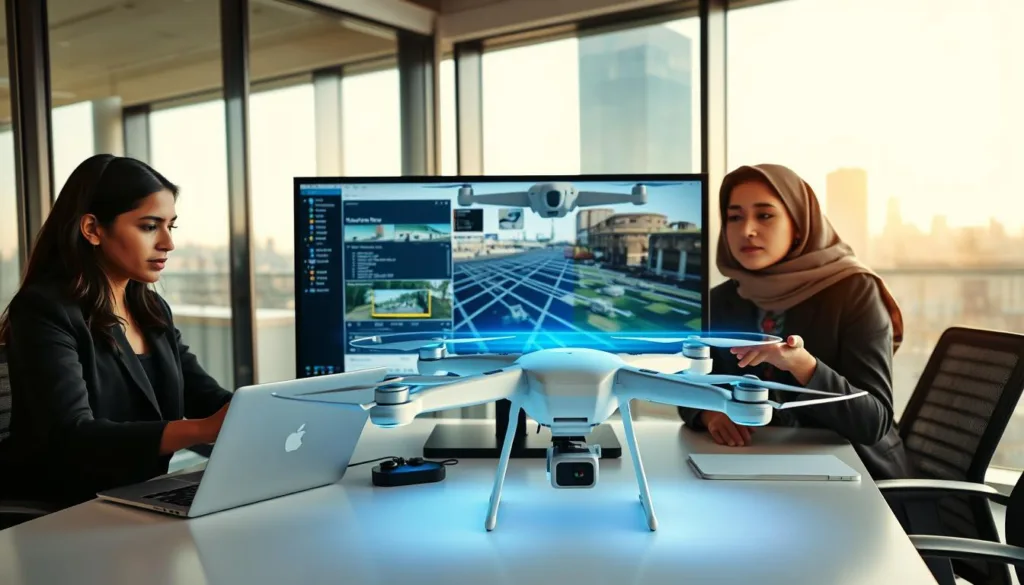
This integration is crucial for rehearsing advanced procedures. It includes missions like beyond visual line of sight (BVLOS) routing.
Learning Management System and Course Integration
For educators and training providers, linking the simulator to a Learning Management System (LMS) is a game-changer. It transforms the tool into a complete educational platform.
Instructors can launch simulation exercises directly from their existing LMS. Student performance scores are recorded automatically for tracking.
Organizations can choose from catalogs of certified course content. They also have the option to create custom material tailored to their curriculum.
This integrated management approach provides valuable insights. It helps identify skill gaps and ensures all participants meet proficiency standards.
Realistic Flight Scenarios and Diverse Environments
Moving beyond basic flight practice, advanced simulators immerse you in specialized operational scenarios. This training prepares you for the specific challenges of professional work.
Simulating Diverse Drone Missions
Top platforms offer a wide variety of commercial mission types. You can practice public safety responses like documenting fires or car accidents.
Utility inspection scenarios teach you to survey power lines and towers safely. Maintaining the correct distance is crucial for both safety and data quality.
For cinematography, you can rehearse high-value shots and event coverage. This virtual practice eliminates risk when capturing complex aerial reveals.
Overcoming Environmental Challenges
The environment in these programs is incredibly diverse. Fly near coastal waters, through mountainous terrain, or even in a virtual balloon show.
You can practice navigating restricted areas, like airport zones, to understand airspace rules. Systems like SIMNET simulate terrain-following at low altitudes.
They also let you test return-to-home and fail-safe modes. This is vital for long-range flight planning and building pilot confidence.
Innovations in Simulator Software and Update Features
Developers are now treating their simulator software as living products, not one-time releases. This shift means your training tool keeps getting better long after you buy it.
Regular updates add fresh value and fix issues. They ensure your practice stays relevant as technology and rules change.
Regular System Updates and New Content
A strong system receives frequent updates. These keep the tool current with new aircraft types and flight regulations.
For example, VelociDrone rolls out new racing tracks based on community requests. Zephyr constantly expands its library of training modules.
This ongoing content expansion provides lasting value. You get new scenarios without buying entirely new software.
User Feedback and Continuous Improvement
Developers actively listen to pilots and instructors. This feedback helps them identify pain points and prioritize new features.
Cloud-based platforms have a clear advantage here. Improvements deploy automatically to all users.
“It’s also great to see new features constantly being added, making the platform better over time.”
This cycle of feedback and refinement creates a superior tool. Your virtual training simulator evolves alongside your skills.
Choosing the Right Simulator for Your Needs
Selecting the perfect virtual training tool is a personal decision. It hinges on your unique goals and technical setup. A thoughtful approach ensures you pick a platform that genuinely helps you improve.
Your flying ambitions should guide this choice. Recreational hobbyists have different needs than commercial operators. FPV racers require distinct features compared to aerial photography pilots.
Assessing Hardware and Software Compatibility
Your first step is checking system requirements. Verify the software runs on your computers before purchase. This prevents frustration and wasted money.
Also, confirm controller support. Using your actual radio transmitter builds perfect muscle memory. If you have older gear, some options are very forgiving.
For example, FPV Freerider is known for light system requirements. It runs smoothly on less powerful machines. FPV Air 2 offers an ultra-low graphics mode for older PCs.
Budget Considerations vs. Feature Sets
Balance your budget against the features you truly need. Free simulator programs provide excellent value for basic learning. They let you explore without financial risk.
Investing in a premium drone platform may be worthwhile for specific capabilities. These include classroom management tools or industry-specific training scenarios.
Always read the product page details and user reviews. This gives you realistic expectations. Consider the total cost, including any future content purchases.
An honest assessment of your skill level is key. Beginners benefit from structured lessons. Advanced pilots need challenging, precise flight models to test their needs.
Conclusion
Mastering the art of piloting begins with a smart investment in virtual practice. This technology has reshaped how we build essential skills in a safe, cost-effective space.
Whether you’re a hobbyist or a pro, there’s a perfect simulator for your goals. The time you spend practicing pays off when you fly a real drone.
Your muscle memory and decision-making transfer directly to actual flight. From free browser tools to advanced cloud platforms, access is open to everyone.
Continuous software updates keep your training fresh and valuable. This approach builds confidence far faster than real-world trial and error.
Use the knowledge from this guide to choose the right simulator. Consider your needs, hardware, and budget.
Then, start your journey. The hands-on experience you gain will make you a more capable pilot. The virtual skies are an excellent place to begin before taking your drones to new heights.
FAQ
What exactly are drone simulation applications?
These are specialized software programs that create a virtual flying environment. They let you practice piloting a quadcopter without any risk to real hardware. This technology is a game-changer for building muscle memory and confidence.
How do these platforms make learning safer and more cost-effective?
You can crash a virtual model a hundred times without a single repair bill. This risk-free setting is perfect for mastering complex maneuvers. It dramatically cuts down on training expenses and prevents damage to expensive equipment.
What key features should I look for in a top-tier simulator?
Prioritize realistic physics that mimic your actual aircraft’s behavior. An intuitive user interface and deep customization options are also crucial. Tools like Liftoff and DRL SIM excel in these areas, offering true-to-life performance.
Can these programs accurately simulate different weather and terrain?
Yes, advanced platforms include dynamic weather systems and high-detail 3D maps. You can practice in virtual wind, rain, or over mountainous landscapes. This prepares you for the unpredictable challenges of real-world flying.
Are there good free or trial versions for beginners?
A> Absolutely. Platforms like Uncrashed offer free trials, and some have browser-based demos. These are excellent for getting a feel for the controls before committing to a purchase. They provide a solid starting point for new pilots.
How do I choose the right training software for my needs?
First, check compatibility with your hardware, like a FrSky or Spektrum transmitter. Then, balance your budget with the feature set you require. A racing enthusiast might pick VelociDrone, while a hobbyist may start with a freemium option.
Can I use my own radio controller with these applications?
In most cases, yes. Many support popular USB-compatible transmitters from brands like Taranis and Futaba. This allows for a much more authentic and transferable learning experience compared to using a keyboard.
Do these tools help with First-Person View (FPV) racing skills?
They are essential for FPV training. Programs like DRL SIM 3.0 and VelociDrone are built specifically for racing, featuring lifelike tracks and physics. Regular practice can significantly improve your gate navigation and lap times.

