



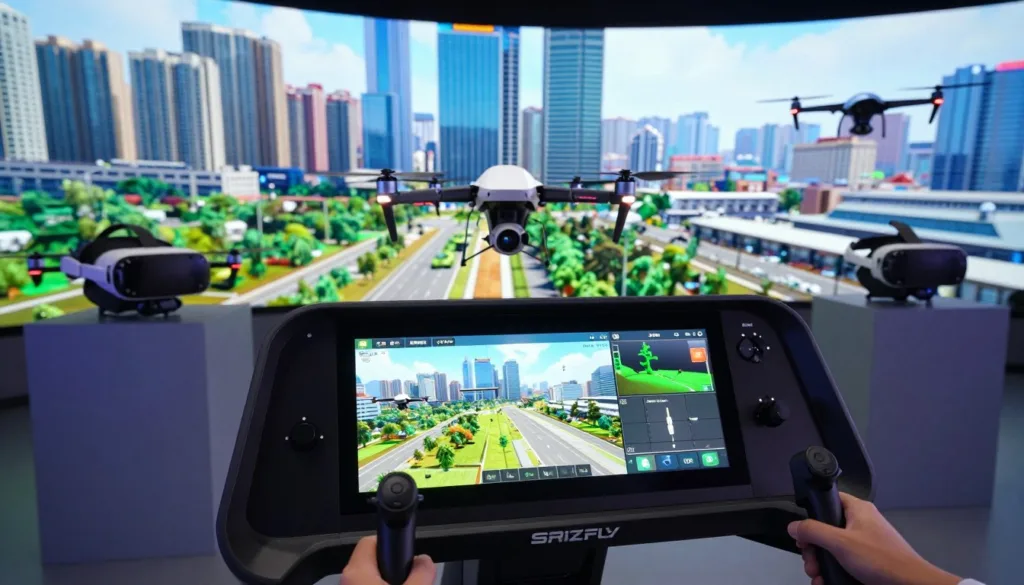
Have you ever dreamed of soaring through the clouds from the comfort of your living room? Virtual aviation is growing fast, giving fans a chance to master tricky moves without any danger.
Choosing a high-quality flight simulator helps you build real skills and confidence. The VTOL-SIM drone simulator provides an amazing way to start this exciting journey today.
This platform features stunning graphics that make every environment feel alive and vibrant. It offers a truly unique look at what modern technology can do for pilots.
Mastering a deep drone simulation requires both focus and a set of steady hands. You will quickly see that the controls react just like a real aircraft in the sky.
Key Takeaways
- Lifelike physics that mimic real-world flight conditions.
- High-definition graphics for a truly immersive experience.
- Advanced control settings for all skill levels.
- Safe environment to practice complex aerial maneuvers.
- Compatible with various hardware and controllers.
- Regular updates to enhance visual and flight performance.
What Makes VTOL-SIM Stand Out in Flight Simulation
The VTOL-SIM experience stands out in the world of flight simulation due to its focus on VTOL aircraft and realistic flight dynamics. According to the DJI Flight Simulator Enterprise Version, a realistic simulated flying experience is crucial for training, and VTOL-SIM excels in this aspect.
VTOL-SIM’s advanced simulation software is designed to provide pilots with a highly realistic and immersive experience. The software incorporates complex aerodynamic models that simulate the behavior of VTOL aircraft under various conditions, making it an invaluable tool for both training and recreational purposes.
One of the key features that differentiate VTOL-SIM from other flight simulators is its emphasis on realistic flight physics. The simulator takes into account various environmental factors such as wind resistance, air density, and weather conditions to create a truly realistic flying experience.
| Feature | VTOL-SIM | Other Simulators |
|---|---|---|
| Realistic Flight Dynamics | Highly Advanced | Limited |
| VTOL Aircraft Support | Comprehensive | Limited |
| Environmental Factors | Includes Wind, Air Density, Weather | Basic Weather Conditions |
VTOL-SIM’s commitment to realism extends to its diverse range of VTOL-capable aircraft, allowing users to experience the unique characteristics of different aircraft. This variety, combined with the simulator’s realistic flight dynamics, makes VTOL-SIM an ideal platform for pilots seeking to improve their skills or simply enjoy a realistic flying experience.
Experiencing Unparalleled Flight Physics and Realistic Controls
With its focus on realistic flight controls and drone simulator features, VTOL-SIM sets a new standard for VTOL aircraft simulation. The simulator is designed to provide an immersive experience, making it ideal for both enthusiasts and professionals.
The realism in VTOL-SIM is largely attributed to its advanced aerodynamic modeling, which ensures that the flight dynamics are as true to life as possible. This is crucial for training and practice, as it allows users to understand how different factors affect the aircraft’s performance.
Advanced Aerodynamic Modeling for True-to-Life Performance
VTOL-SIM’s advanced aerodynamic modeling takes into account various environmental and aircraft-specific factors to simulate realistic flight scenarios. This includes wind resistance, air density, and the unique characteristics of VTOL aircraft.
For instance, the Lift Hexa drone, as discussed in the PacyFire source, is known for its realistic flight characteristics and ease of use. VTOL-SIM captures this realism by incorporating detailed aerodynamic models that reflect the actual performance of such aircraft.
| Feature | Description | Benefit |
|---|---|---|
| Realistic Aerodynamics | Simulates true-to-life aerodynamic forces | Enhances training realism |
| Customizable Settings | Allows users to adjust simulation parameters | Improves flexibility and realism |
| Integration with Peripherals | Supports various flight controllers and accessories | Provides a more immersive experience |
Seamless Integration with Flight Controllers and Peripherals
VTOL-SIM’s ability to integrate seamlessly with a variety of flight controllers and peripherals further enhances its realism. Users can connect their preferred hardware to experience a more authentic simulation.
This integration not only improves the overall experience but also allows for more effective training, as users can practice with the same equipment they use in real-world scenarios.
By combining advanced aerodynamic modeling with seamless hardware integration, VTOL-SIM offers a comprehensive and realistic drone simulation experience that is hard to match.
Immersive Visual Graphics That Bring Your Flights to Life
VTOL-SIM’s photorealistic environments and detailed graphics elevate the drone simulation to new heights. The simulator is designed to provide an immersive experience, making every flight feel realistic and engaging. By incorporating stunning graphics, VTOL-SIM ensures that users can fully immerse themselves in the simulation.
The attention to detail in VTOL-SIM’s visual graphics is evident in its photorealistic environments and detailed terrain. These features are crucial for a realistic drone simulation experience, as they allow users to navigate through diverse landscapes that closely mimic real-world conditions.
Photorealistic Environments and Detailed Terrain
The environments in VTOL-SIM are crafted to provide a true-to-life experience. From lush forests to urban landscapes, every detail is meticulously rendered to create an immersive experience. The detailed terrain ensures that users can practice navigating through various types of landscapes, enhancing their skills in different scenarios.
According to the DJI Flight Simulator Enterprise Version, a life-like environment is crucial for realistic training. VTOL-SIM adheres to this principle by offering environments that are not only visually stunning but also highly realistic.
Dynamic Weather Systems and Time-of-Day Effects
VTOL-SIM further enhances the realism with its dynamic weather systems and time-of-day effects. Users can experience flying in various weather conditions, from clear skies to challenging storms, and at different times of the day. This variability adds a layer of complexity to the simulation, requiring users to adapt their flying skills to different conditions.
The combination of photorealistic environments, detailed terrain, and dynamic weather and lighting effects makes VTOL-SIM a comprehensive tool for drone simulation. It provides users with a realistic and engaging experience that can be used for both training and entertainment purposes.
Diverse Aircraft Fleet and Customization Possibilities
One of the standout features of VTOL-SIM is its diverse fleet of VTOL aircraft, offering users a wide range of options to suit their simulation preferences. The simulator caters to both enthusiasts and professionals by providing a variety of aircraft that are not only visually detailed but also accurately modeled for realistic flight dynamics.
Wide Selection of VTOL-Capable Aircraft
VTOL-SIM boasts an impressive collection of VTOL-capable aircraft, each with its unique characteristics and handling. From the agile Lift Hexa drone, appreciated by users for its features and potential for varied liveries, to other VTOL aircraft, the simulator ensures a rich and immersive experience. Users can explore different aircraft, understanding their strengths and weaknesses, and master their operation.
The community’s feedback, such as discussions around the PacyFire, indicates a strong interest in the features and future developments of the aircraft within VTOL-SIM. This feedback loop helps in shaping the simulator’s content, ensuring it meets the users’ expectations and provides a satisfying experience.
Extensive Loadout and Configuration Options
Beyond the variety of aircraft, VTOL-SIM also offers extensive loadout and configuration options, allowing users to tailor their aircraft to specific missions or personal preferences. This level of customization enhances the realism and replayability of the simulator, as users can experiment with different configurations to achieve optimal performance.
The customization options in VTOL-SIM are not limited to aesthetics; they also extend to the aircraft’s performance capabilities. Users can adjust various parameters to simulate real-world scenarios or to explore hypothetical situations, making VTOL-SIM a versatile tool for both training and entertainment.
- Choose from a variety of VTOL-capable aircraft.
- Customize loadouts and configurations to suit different scenarios.
- Experiment with different settings to enhance realism and performance.
Why VTOL-SIM Drone Simulator Is Perfect for Training
The VTOL-SIM drone simulator stands out as a premier tool for pilot training and skill development. Its comprehensive features and realistic simulation environment make it an ideal platform for both beginners and experienced pilots to hone their skills.
Professional Pilot Skill Development
VTOL-SIM is designed to aid in the development of professional piloting skills through its advanced simulation software. The simulator provides a realistic environment where pilots can practice and refine their techniques without the risk of damaging actual aircraft. This is particularly beneficial for flight training, as it allows pilots to experience a variety of scenarios and conditions that might be difficult to replicate in real-life training.
The simulator’s advanced aerodynamic modeling ensures that the flight dynamics are as realistic as possible, allowing pilots to develop the muscle memory and decision-making skills necessary for professional piloting. By utilizing VTOL-SIM, pilots can improve their proficiency in a controlled and safe environment.
Beginner-Friendly Tutorials and Progressive Learning
For new pilots, VTOL-SIM offers beginner-friendly tutorials that guide them through the basics of drone operation and flight techniques. The simulator’s progressive learning curve ensures that users can gradually build their skills, starting from simple maneuvers and advancing to more complex operations.
The tutorials are designed to be intuitive and easy to follow, making it simple for beginners to get started with drone flying. As users progress, they can take advantage of the simulator’s extensive customization options to tailor their training experience to their needs.
Real-World Application and Emergency Procedures
One of the key benefits of VTOL-SIM is its ability to simulate real-world scenarios and emergency procedures. Pilots can practice responding to a variety of situations, such as system failures or adverse weather conditions, in a safe and controlled environment.
This capability is crucial for pilot skill development, as it prepares pilots for the unexpected challenges they may face during actual flights. By practicing emergency procedures in VTOL-SIM, pilots can develop the confidence and competence needed to handle real-world emergencies effectively.
Some of the real-world scenarios that can be simulated include:
- System failures and malfunctions
- Adverse weather conditions
- Navigation through challenging environments
By incorporating these scenarios into their training, pilots can gain valuable experience and improve their overall performance. VTOL-SIM’s realistic simulation environment and comprehensive training features make it an invaluable tool for anyone looking to enhance their drone piloting skills.
Engaging Mission Scenarios and Gameplay Varieties
VTOL-SIM is not just about flying; it’s about the variety of experiences it offers through its mission scenarios and gameplay varieties. The simulator is designed to cater to a wide range of interests and skill levels, ensuring that every user finds something that suits their preferences.
The diversity in mission scenarios and gameplay modes is one of the key features that make VTOL-SIM stand out in the world of drone simulation. Whether you’re interested in combat, exploration, or simply enjoying the thrill of flight, VTOL-SIM has something for everyone.
Combat Operations and Tactical Engagements
For those who enjoy the thrill of combat, VTOL-SIM offers a range of combat operations and tactical engagements. These missions require strategy, quick thinking, and precise flying skills, making them both challenging and rewarding.
Tactical engagements in VTOL-SIM are designed to simulate real-world scenarios, providing an immersive experience that tests your abilities as a pilot.
Search and Rescue Challenges
On the other end of the spectrum, search and rescue missions offer a different kind of challenge. These scenarios require patience, attention to detail, and a calm flying style. VTOL-SIM’s search and rescue challenges are designed to be both engaging and thought-provoking.
Users have reported enjoying the Lift Hexa drone for sightseeing and exploring its capabilities, which also translates well to the focused attention required in search and rescue operations.
Free Flight and Exploration Mode
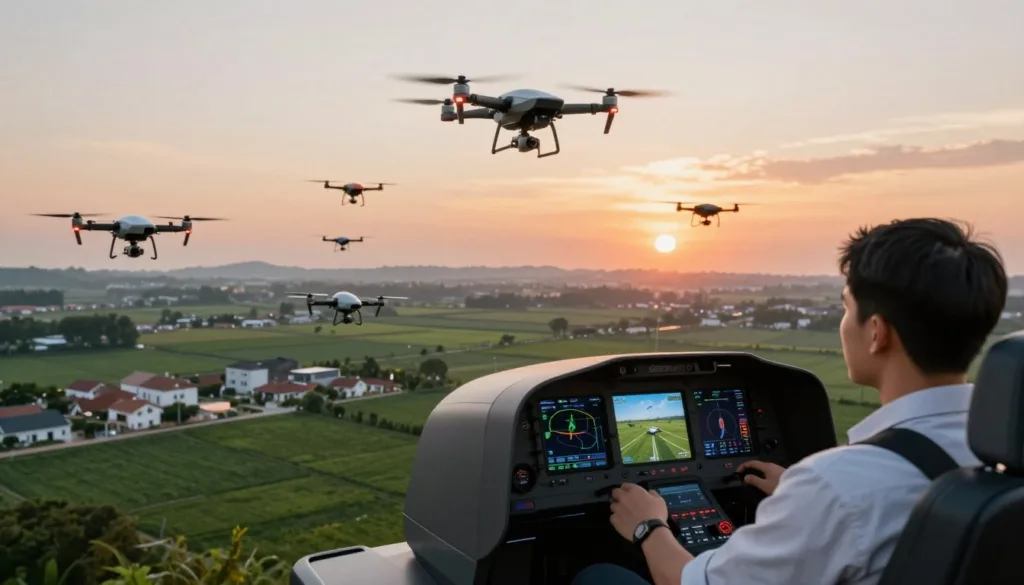
For those who prefer a more relaxed experience, VTOL-SIM’s free flight and exploration mode offer the perfect opportunity to enjoy the simulator without the pressure of a mission. You can explore detailed environments, test the limits of your drone, and simply enjoy the experience of flying.
This mode is particularly useful for beginners who are still getting used to the controls and want to practice their flying skills in a stress-free environment.
Overall, VTOL-SIM’s diverse mission scenarios and gameplay varieties ensure that the simulator remains engaging and challenging for users of all skill levels.
Technical Requirements and Hardware Setup
Ensuring your system meets the technical requirements is crucial for an optimal VTOL-SIM experience. To fully immerse yourself in the world of drone simulation, your hardware and software must be up to the task.
System Specifications for Optimal Performance
For VTOL-SIM to run smoothly, your system should meet the following specifications:
- Operating System: 64-bit Windows 10 or later
- Processor: Intel Core i5 or AMD equivalent
- RAM: 8 GB or more
- Graphics Card: NVIDIA GeForce GTX 1060 or AMD Radeon RX 580
- Storage: 20 GB available space
| Component | Minimum Requirement | Recommended |
|---|---|---|
| Operating System | 64-bit Windows 10 | 64-bit Windows 11 |
| Processor | Intel Core i5 | Intel Core i7 or AMD Ryzen 9 |
| RAM | 8 GB | 16 GB or more |
Virtual Reality Integration and Support
VTOL-SIM supports virtual reality (VR) for a more immersive experience. For VR, you’ll need a compatible headset and a powerful computer to handle the demands of VR rendering.
VR Headset Compatibility: Oculus Rift, HTC Vive, and Valve Index are supported.
Recommended Controllers and Peripherals
To get the most out of VTOL-SIM, using the right controllers and peripherals is essential. The simulator supports a variety of flight controllers and joysticks.
- Flight Controllers: Supports most USB-connected flight controllers
- Joysticks: Compatible with a range of joysticks, including those from Logitech and Thrustmaster
By ensuring your hardware meets these requirements and is properly set up, you’ll be able to enjoy VTOL-SIM to its fullest potential.
How VTOL-SIM Outperforms Other Flight Simulators
When it comes to drone simulation, VTOL-SIM stands out from the crowd with its unparalleled VTOL-focused mechanics. Unlike generic flight simulators, VTOL-SIM is designed with a specific focus on Vertical Takeoff and Landing (VTOL) aircraft, offering a more realistic and immersive experience for pilots.
The unique VTOL-focused mechanics in VTOL-SIM are a significant differentiator. These mechanics allow for a more accurate simulation of the challenges and nuances associated with VTOL flights, making it an invaluable tool for both training and recreational purposes.
VTOL-Focused Mechanics
VTOL-SIM’s advanced aerodynamic modeling and realistic controls provide pilots with an authentic flying experience. The simulator’s ability to accurately model the complex dynamics of VTOL aircraft sets it apart from more generic simulators that often lack the depth and realism required for serious training or enthusiast enjoyment.
Advantages Over Generic Flight Sims
One of the primary advantages of VTOL-SIM is its ability to offer a highly specialized simulation environment. This specialization allows for more realistic training scenarios and a more engaging experience for recreational users. Additionally, the simulator’s focus on VTOL aircraft means that users can explore the unique capabilities and challenges of these aircraft in a highly realistic setting.
Furthermore, discussions on platforms like PacyFire have favorably compared VTOL-SIM to other simulators, highlighting its unique features and the value it brings to both professional pilots and hobbyists.
Multiplayer Features and Community Engagement
VTOL-SIM takes the drone simulation experience to new heights with its robust multiplayer features and community engagement. The simulator is designed to provide a comprehensive and immersive experience, not just for solo players, but also for those who enjoy interacting with others in a shared virtual environment.
The inclusion of multiplayer capabilities significantly enhances the replay value of VTOL-SIM, offering players a chance to engage in various activities with others worldwide. This feature is particularly appealing to those who enjoy the social aspect of gaming and simulation.
Cooperative and Competitive Online Missions
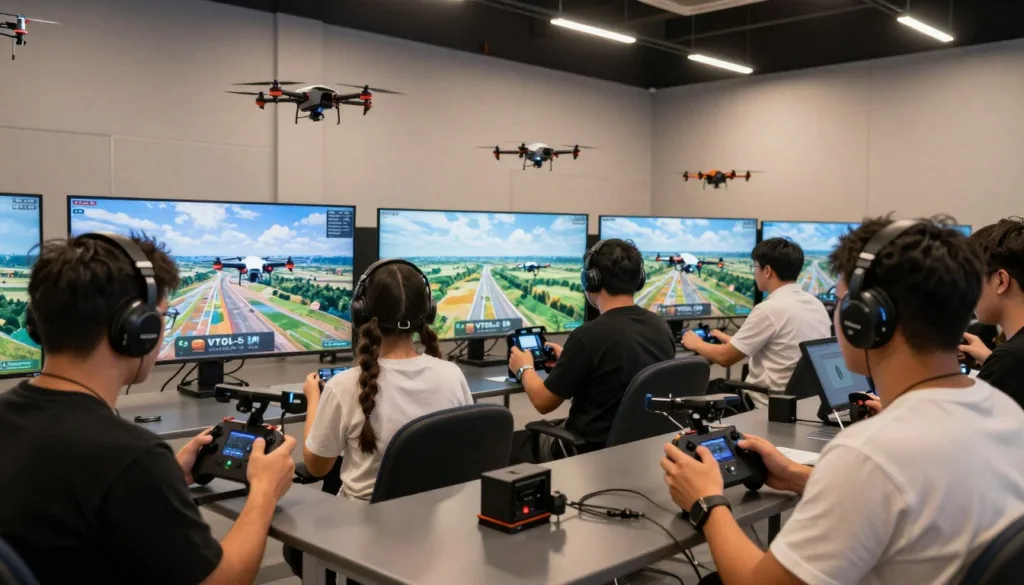
VTOL-SIM’s multiplayer mode is characterized by its support for both cooperative and competitive online missions. Players can team up to accomplish complex tasks or compete against each other in challenging scenarios, adding a new layer of excitement and realism to the simulation.
The cooperative missions allow players to work together, promoting teamwork and strategy. On the other hand, competitive missions pit players against each other, testing their skills and reflexes in a competitive environment.
| Mission Type | Description | Key Features |
|---|---|---|
| Cooperative | Players work together to achieve a common goal. | Teamwork, Strategic Planning |
| Competitive | Players compete against each other. | Skill-based Challenges, Leaderboards |
Active Community and Mod Support
The VTOL-SIM community is a vibrant and active one, with players creating and sharing their own content, including mods that can significantly alter or enhance the gameplay experience. The simulator’s support for modding is a testament to its flexibility and the creativity of its community.
Mods can range from simple tweaks to major overhauls, offering players a way to personalize their experience and extend the simulator’s replayability. The active community also contributes to a wealth of user-generated missions and scenarios, further enriching the gameplay.
By fostering an environment that encourages community participation and creativity, VTOL-SIM ensures that its platform remains dynamic and engaging for its users.
Your First Flight: Getting Started Guide
Embarking on your VTOL-SIM journey begins with a straightforward installation process that sets the stage for an immersive drone simulation experience. To get started, follow the steps outlined below to ensure a smooth setup.
Installation and Initial Setup Process
The installation of VTOL-SIM is designed to be user-friendly. Begin by downloading the software from the official website. Once downloaded, run the installer and follow the on-screen instructions to complete the installation.
Key Steps During Installation:
- Select the installation location on your computer.
- Choose any additional components or features you wish to install.
- Follow the prompts to finalize the installation.
After installation, launch VTOL-SIM and you’ll be greeted with an intuitive interface that guides you through the initial setup process.
Navigating the Tutorial System
VTOL-SIM features a comprehensive tutorial system designed to ease new users into the simulation. The tutorial covers the basics of drone operation, including takeoff, maneuvering, and landing. It’s recommended to complete the tutorial to gain a solid understanding of the controls and interface.
The tutorial system is structured to progressively introduce more complex maneuvers, ensuring that you become proficient in operating the drone in a variety of scenarios.
Understanding Core Controls and Interface
Familiarizing yourself with the controls and interface is crucial for an enjoyable and realistic experience. VTOL-SIM supports a variety of controllers and peripherals, allowing you to customize your setup according to your preferences.
Key Components of the Interface:
- Control Panel: Provides access to settings and configuration options.
- Flight Display: Shows critical flight information, including altitude, speed, and orientation.
- Mission Briefing: Outlines the objectives and parameters of your current mission or training exercise.
By following this guide, you’ll be well on your way to enjoying the rich and immersive experience that VTOL-SIM offers. Whether you’re a seasoned pilot or new to drone simulation, VTOL-SIM’s intuitive design and comprehensive tutorials ensure a rewarding experience.
Pro Tips for Maximizing Your VTOL-SIM Experience
Elevate your VTOL-SIM experience with these pro tips and advanced techniques. Whether you’re a seasoned pilot or just starting out, there’s always room to improve your skills and get the most out of this sophisticated drone simulator.
Advanced Flying Techniques and Maneuvers
Mastering advanced flying techniques is key to unlocking the full potential of VTOL-SIM. One of the most effective ways to improve is by practicing complex maneuvers such as sharp turns, dives, and ascents. VTOL-SIM’s realistic physics engine makes these maneuvers feel incredibly realistic, allowing you to develop skills that are directly transferable to real-world drone operations.
Users on the PacyFire discussion forum share their experiences and tips for mastering such maneuvers. For example, one user suggests starting with slower speeds and gradually increasing them as you become more comfortable with the controls. This gradual approach helps in building muscle memory and improving reaction times.
| Maneuver | Description | Tips for Mastery |
|---|---|---|
| Sharp Turns | Involves quickly changing direction while maintaining control. | Practice with different aircraft to understand their responsiveness. |
| Dives and Ascents | Rapidly gaining or losing altitude. | Focus on smooth transitions and maintaining orientation. |
Performance Optimization Settings
To get the best performance out of VTOL-SIM, adjusting the settings to match your hardware capabilities is essential. The simulator offers a range of graphics and performance options that can be tweaked to achieve a smooth and immersive experience. Adjusting settings such as resolution, shadow quality, and anti-aliasing can significantly impact performance.
For optimal performance, it’s recommended to start with the default settings and then adjust them based on your system’s specifications. Users have reported that turning off unnecessary graphics features can improve frame rates and overall stability.
- Lowering the resolution can improve performance on lower-end hardware.
- Disabling shadows can reduce graphical load.
- Using anti-aliasing techniques can enhance visual quality without a significant performance hit.
Making the Most of Practice Sessions
Effective practice is key to improving your VTOL-SIM skills. Setting specific goals for each practice session can help you stay focused and track your progress. Whether it’s mastering a new maneuver or improving your navigation skills, having clear objectives is crucial.
Another tip is to record your flights and review them afterwards. This allows you to analyze your performance, identify areas for improvement, and develop strategies for addressing these weaknesses.
By incorporating these pro tips into your VTOL-SIM practice routine, you’ll be able to maximize your experience and enjoy a more realistic and engaging drone simulation.
Conclusion
The VTOL-SIM drone simulator offers an unparalleled flight experience, combining realistic flight physics, immersive visual graphics, and diverse aircraft options.
As a premier drone simulation experience, VTOL-SIM stands out in the world of flight simulators. With its advanced aerodynamic modeling, seamless integration with flight controllers, and extensive customization possibilities, VTOL-SIM is perfect for both beginners and professional pilots.
The simulator’s diverse mission scenarios, multiplayer features, and active community further enhance the overall experience. By providing a realistic and engaging environment, VTOL-SIM is an ideal platform for training, skill development, and entertainment.
Whether you’re looking to improve your flying skills or simply enjoy the thrill of drone flight, VTOL-SIM is the ultimate choice for anyone seeking a top-notch flight simulator.
FAQ
What hardware do I need to run VTOL-SIM with the best possible performance?
To experience VTOL-SIM in all its glory, we recommend a PC equipped with at least an NVIDIA GeForce RTX 3060 or AMD Radeon RX 6700 graphics card. For those pushing for 4K resolution or high-refresh-rate VR, an Intel Core i7 or AMD Ryzen 7 processor paired with 32GB of RAM will ensure a smooth, low-latency flight experience.
Which flight controllers and peripherals work best with VTOL-SIM?
While you can use a standard gamepad, VTOL-SIM shines when paired with a full HOTAS (Hands-On Throttle-And-Stick) setup. We highly recommend the Thrustmaster T.16000M or the Logitech G X56 Rhino for precise control over your VTOL transitions and aerodynamic maneuvers.
Is VTOL-SIM compatible with Virtual Reality (VR) headsets?
Yes! VTOL-SIM offers robust integration with SteamVR. It is fully compatible with the Meta Quest 3, Valve Index, and HTC Vive Pro 2. Flying in VR allows you to naturally look around the photorealistic cockpit and use the Heads-Up Display (HUD) just like a professional pilot.
Can beginners learn to fly easily in VTOL-SIM, or is it only for pros?
VTOL-SIM is designed for everyone! We have included beginner-friendly tutorials that walk you through the basics of Vertical Take-Off and Landing. The simulator uses advanced fly-by-wire technology to help stabilize the aircraft, making it accessible for newcomers while still offering deep complexity for veteran pilots.
What kind of missions can I expect to find in the simulator?
The variety is extensive. You can engage in high-stakes Combat Operations, perform life-saving Search and Rescue missions in the Cessna 208 Caravan (VTOL variant), or simply enjoy Free Flight mode to explore our detailed terrain and photorealistic cities at your own pace.
How does the dynamic weather system affect flight dynamics?
Our Advanced Aerodynamic Modeling reacts in real-time to the environment. If you are flying through a storm, you will feel the turbulence and see the impact of wind shear on your flight controls. The dynamic weather and time-of-day effects aren’t just visual; they actively change how you manage your aircraft’s lift and stability.
Does VTOL-SIM support community-created content or mods?
Absolutely. We believe in community engagement, which is why VTOL-SIM features full Steam Workshop support. Users can download custom aircraft skins, new mission maps, and even unique VTOL-capable aircraft designed by other enthusiasts in the community.
Can I fly with my friends in an online environment?
Yes, VTOL-SIM features a comprehensive multiplayer mode. You can join forces in cooperative online missions, such as tactical transport operations, or test your skills against others in competitive dogfighting arenas.
How realistic are the emergency procedures in the training module?
We have worked closely with aviation experts to simulate real-world emergency protocols. You can practice engine-out procedures, electrical failures, and emergency landings in high-pressure scenarios, making VTOL-SIM an excellent tool for professional pilot skill development.
What customization options are available for my aircraft?
You have full control over your Extensive Loadout options. Before each mission, you can customize your fuel levels, sensor pods, and weapon systems. This allows you to tailor your VTOL aircraft specifically for the task at hand, whether it’s a long-range reconnaissance flight or a heavy-lift transport mission.

