



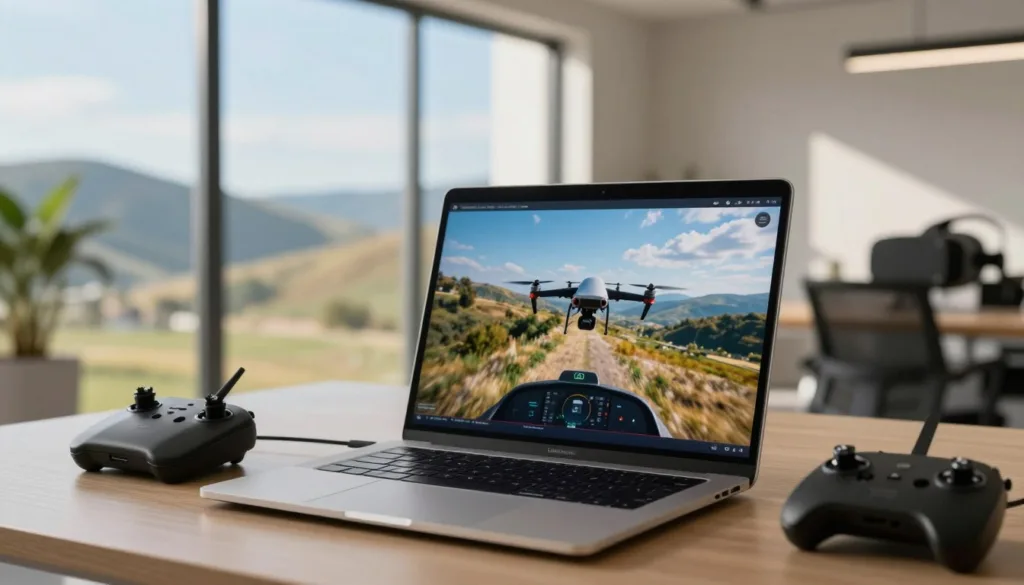
A Linux FPV simulator gives pilots a safe way to build flight skills before launching a real drone. It removes the risk to an aircraft, nearby people, and property. With the right platform, drone flight practice can feel close to outdoor flying.
Realistic drone physics help beginners learn throttle, yaw, pitch, and roll with confidence. Experienced pilots can test new moves without costly crashes. Racers can also repeat difficult tracks and work toward faster lap times through focused FPV training.
Whether you use Ubuntu or another Linux distribution, a capable Ubuntu drone simulator can support steady practice at home. Tools such as the SRIZFLY drone simulator also show how virtual training can make flight sessions more useful, controlled, and repeatable.
Key Takeaways
- A Linux drone simulator supports safe FPV practice without risking a real aircraft.
- Realistic drone physics can improve control, timing, and confidence.
- Beginners can learn core flight skills in a controlled setting.
- Experienced pilots can practice new maneuvers with less risk.
- Racers can use repeated sessions to improve lap times.
Choosing the Best linux drone simulator for Realistic Flight
A strong simulator gives pilots a safe place to build control, timing, and recovery skills. A realistic Linux drone simulator should feel close to real flight while running smoothly on your computer. SRIZFLY can support structured practice for pilots who want clear drills and repeatable training.
Start by matching the simulator to your goals. Basic control, freestyle, racing, and emergency recovery each require different flight settings. The right Linux drone training software lets you repeat hard moves without damaging a drone or putting people, property, or wildlife at risk.
Why Realistic Drone Simulation Matters for Safe Flight Practice
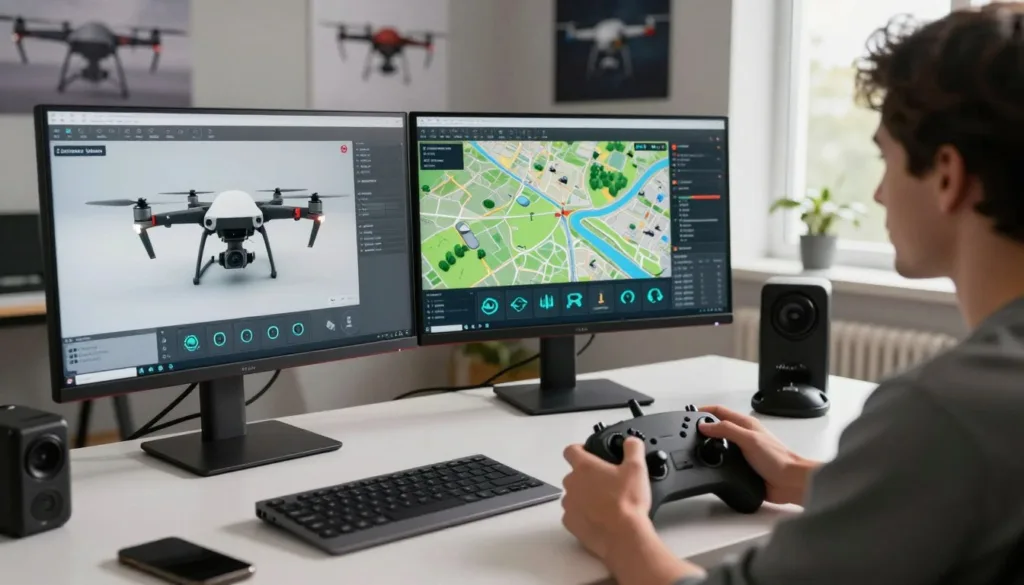
Real flight time can be costly. A crash may damage motors, propellers, batteries, or the frame. A simulator removes much of that risk. Pilots can practice throttle control, turns, climbs, dives, and landings in a controlled setting.
Repetition builds better reactions. A pilot can reset after a mistake and try the same move again. This method works well for recovery drills, such as correcting a roll, catching a falling quadcopter, or finding a safe landing path.
Simulation supports new pilots through each stage of training. Beginners can learn smooth stick movement. More advanced users can train for gates, tight turns, power loops, and rapid direction changes. These drills help develop safe drone skills before outdoor flights begin.
Linux Compatibility, Hardware Requirements, and Controller Support
Linux users should check system support before choosing a simulator. Review the supported distribution, processor, graphics card, memory, and display settings. Ubuntu users should confirm that the software runs well on their release before starting regular Ubuntu FPV practice.
A steady frame rate matters during fast flight. Stutters can affect timing and make controls feel less natural. A dedicated graphics card is useful for detailed environments. A modern integrated chip may handle basic scenes at lower settings.
Controller support is just as important as graphics performance. Keyboard controls can help with menus, but they do not match the feel of a radio transmitter. Look for drone simulator controller support for USB radios, gamepads, and common FPV transmitters.
- Use a radio with adjustable gimbals for a more natural stick feel.
- Set the correct channel order before each practice session.
- Match throttle and yaw settings to the pilot’s real drone.
- Check calibration before running timed drills.
Features That Improve Real-World Skill Transfer
Useful training features should mirror the demands of outdoor flying. Adjustable wind, camera angle, rates, and battery behavior can make practice more realistic. A simulator should let pilots change settings as their control improves.
Look for free flight areas, race tracks, freestyle zones, and obstacle courses. These spaces support different types of practice. Replay tools can show missed gates, late turns, and poor recovery choices.
| Feature | Training value | Best use |
|---|---|---|
| Adjustable rates | Builds control at different stick responses | Beginner and freestyle practice |
| Wind settings | Tests stability and correction speed | Outdoor flight preparation |
| Race tracks | Improves timing and line choice | FPV racing drills |
| Reset and replay tools | Speeds up focused repetition | Recovery and maneuver training |
Training feels more useful when the simulator matches the pilot’s real setup. Use similar rates, camera tilt, and control layout when possible. Short sessions with one clear goal can improve focus and help each practice flight produce a measurable skill gain.
Top Linux FPV Drone Simulator Options for Racing and Freestyle
Linux pilots have several ways to build FPV skills without risking a real quadcopter. The best choice depends on gamepad support, Linux compatibility, flight physics, and access to racing or freestyle maps. The options below cover free practice, competitive racing, and creative flight.
FPV SkyDive for free Linux flight practice
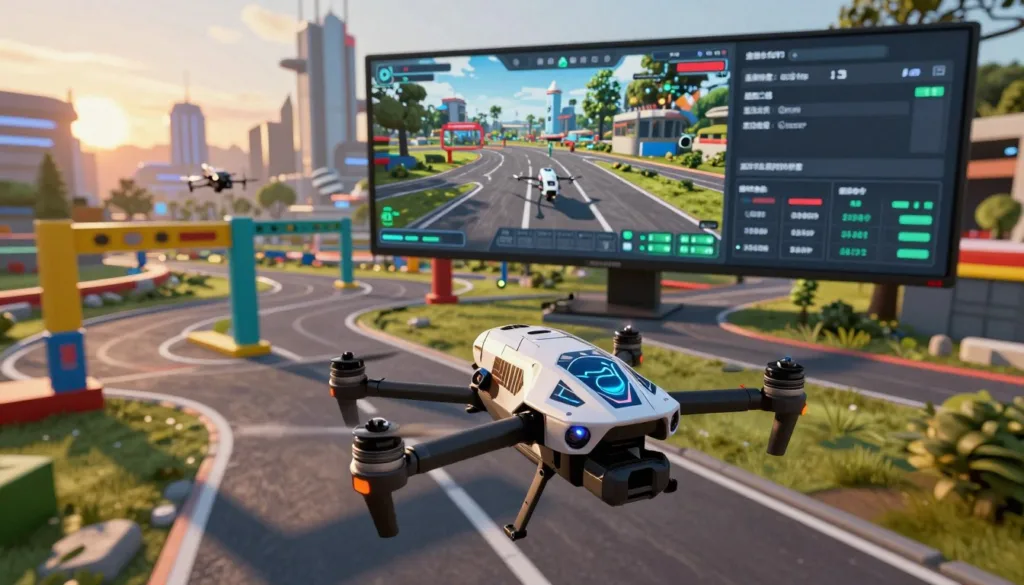
FPV SkyDive Linux is the clearest free drone simulator option for many pilots. It is available through Steam for Linux and Steam Deck, along with Windows and Mac. The simulator has been used by more than 1 million people worldwide.
Its main strength is variety. Pilots can practice single-player races, freestyle moves, and multiplayer sessions. New users can learn throttle control, turns, flips, and basic recovery without buying spare motors or propellers.
FPV SkyDive works well for a first step into virtual flight. A USB radio controller can provide a more natural feel than a keyboard or standard gamepad. Users should check controller mapping before a practice session.
VelociDrone for realistic Linux drone racing
VelociDrone Linux is known for its focus on racing practice. It offers detailed tracks, quick resets, and a large range of quadcopter setups. These tools help pilots repeat the same gate sequence until their line becomes smoother.
Linux support can depend on the installation method, hardware, and compatibility tools. Pilots should review current Steam or developer details before buying. A supported controller, steady frame rate, and low input delay matter more than advanced graphics.
VelociDrone suits pilots who want structured race training. It can help improve gate entry, braking, corner speed, and lap consistency. Freestyle pilots may prefer a simulator with larger maps and more open spaces.
Other simulator alternatives for Linux users
Some Linux users test Windows-focused simulators through Steam Proton or another compatibility layer. Liftoff, Uncrashed, and DRL Simulator are known FPV titles worth checking. Their Linux performance may vary by graphics card, driver, and Proton version.
A compatibility layer can require extra setup. Updates may change controller behavior or visual performance. Pilots should test a short session before using a simulator as their main training tool.
- Liftoff offers race tracks, open areas, and a polished training experience.
- Uncrashed focuses on smooth freestyle flight and large environments.
- DRL Simulator supports race-style practice inspired by competitive drone events.
How to select a simulator by flying goal
The right Linux FPV drone racing simulator should match the skill a pilot wants to build. Racing practice needs accurate gates, fast resets, and stable frame rates. Freestyle practice needs open maps, responsive controls, and room for creative lines.
| Flying goal | Useful simulator traits | Strong starting point |
|---|---|---|
| First FPV practice | Simple controls, free access, and easy controller setup | FPV SkyDive Linux |
| Competitive racing | Detailed tracks, quick resets, and precise physics | VelociDrone Linux |
| Freestyle training | Open maps, smooth movement, and varied obstacles | A Linux freestyle drone simulator with broad practice areas |
| Low-cost testing | Free entry, basic hardware needs, and flexible practice modes | A free drone simulator such as FPV SkyDive |
Before choosing, confirm Linux support, controller compatibility, and system requirements. A simulator that runs smoothly will support better practice than one with frequent lag or input problems.
Conclusion
Choosing the best Linux drone simulator depends on your goals, hardware, and preferred flight style. For most Linux users, FPV SkyDive is the most clearly documented free option. Its listed Steam support includes Linux and Steam Deck, making it a practical choice for accessible Linux FPV flight training.
FPV SkyDive offers more than basic flight practice. Pilots can build skills through beginner lessons, drone racing practice, freestyle sessions, challenges, and multiplayer features. Controller support and a track editor also add useful ways to train, test routes, and create custom flight sessions.
This range of tools makes FPV SkyDive a strong realistic drone simulator software choice for new and experienced pilots. It can also serve as an FPV simulator for Ubuntu users who want structured practice before flying a real quadcopter. The supplied product information reports that more than 1 million pilots have used the simulator worldwide.
For Linux pilots who want free access, varied training modes, and room to improve, FPV SkyDive is a clear starting point. It supports safe skill building while helping users prepare for racing, freestyle, and everyday FPV control.
FAQ
What is the best Linux drone simulator for realistic flight?
FPV SkyDive is the most clearly documented free Linux drone simulator. It is available through Steam for Linux and Steam Deck, along with Windows and Mac. The simulator supports FPV racing, freestyle flight, challenges, multiplayer sessions, controller input, and track creation.
Why use a Linux drone simulator for FPV practice?
A Linux drone simulator lets pilots practice FPV flight without risking a real aircraft, nearby people, or property. It also allows repeated training without damaging a drone. This makes simulation useful for beginners, experienced pilots, and racers.
Can beginners learn basic drone control with a simulator?
Yes. Beginners can use a simulator to learn throttle control, turning, orientation, braking, and landing. Virtual practice helps new pilots build confidence before flying a real FPV drone.
Can experienced pilots practice freestyle maneuvers in Linux?
Yes. Experienced pilots can repeat rolls, flips, dives, split-S turns, and other freestyle maneuvers in a safe virtual setting. Simulation helps pilots refine timing and recovery skills without risking their aircraft or surroundings.
Is FPV SkyDive free on Linux?
Yes. FPV SkyDive is identified as a free Linux FPV simulator through Steam. It also supports Steam Deck, Windows, and Mac, giving pilots several ways to access the same style of virtual flight practice.
Does FPV SkyDive support racing and freestyle flight?
Yes. FPV SkyDive includes both FPV racing and freestyle scenarios. Pilots can practice fast lines, work on lap times, explore open flight areas, and prepare for more demanding real-world sessions.
Does FPV SkyDive offer multiplayer features?
Yes. FPV SkyDive supports single-player and multiplayer flight. Multiplayer practice can help pilots become more comfortable with racing against others and flying in a shared virtual environment.
Does FPV SkyDive work with a flight controller?
FPV SkyDive supports controller input, which can make the training experience closer to real FPV flying. Using a compatible controller helps pilots practice stick movement, throttle control, and coordinated turns.
Does FPV SkyDive include a track editor?
Yes. The simulator includes a track editor. This feature allows pilots to create or adjust courses for racing practice, line selection, obstacle navigation, and repeated lap drills.
How many people have used FPV SkyDive?
The supplied product information states that more than 1 million people have used FPV SkyDive worldwide. Its broad user base includes pilots interested in beginner training, racing, freestyle, and multiplayer flight.
Is VelociDrone available for Linux drone racing?
VelociDrone is a well-known option for realistic drone racing practice, but pilots should confirm its current Linux availability and installation requirements before choosing it. Support can depend on the distribution, storefront, and hardware setup.
What hardware is needed for a Linux FPV drone simulator?
Most pilots need a Linux computer, a compatible controller, and enough graphics performance to run the simulator smoothly. A gamepad may work, but an FPV radio controller often provides more realistic stick movement and throttle control.
What Linux distribution works best with a drone simulator?
The best choice depends on the simulator and its distribution support. Pilots should check the current Steam or developer requirements for Linux compatibility, graphics drivers, processor needs, and controller support before installation.
Can a drone simulator improve real-world flight skills?
A simulator can improve control habits, reaction time, throttle management, racing lines, and recovery practice. It cannot replace outdoor flight experience, but it provides a useful way to repeat difficult exercises before taking a real drone into the air.
Can simulation help pilots recover from crashes?
Yes. Pilots can practice correcting dives, recovering from unusual angles, managing throttle after mistakes, and reorienting during fast flight. Repeating these drills can make real-world recovery actions more familiar.
Which simulator is best for FPV racing practice?
FPV SkyDive is a strong free Linux option for racing practice because it supports FPV racing, multiplayer sessions, controller input, and track editing. Racers can use it to repeat courses and work on smoother lines and faster lap times.
Which simulator is best for FPV freestyle practice?
FPV SkyDive is also suitable for freestyle practice. Its virtual environments allow pilots to repeat creative maneuvers, test flight lines, and work on recovery skills without risking a real drone or nearby property.
Is a Linux drone simulator useful for competitive pilots?
Yes. Competitive pilots can use simulation to study racing lines, improve consistency, practice tight turns, and repeat sections of a track. These drills can support better lap times and more controlled race performance.
What should pilots look for in a Linux FPV simulator?
Look for Linux or Steam Deck compatibility, realistic flight controls, controller support, racing and freestyle modes, multiplayer features, challenges, and options for repeated practice. A track editor can also add long-term value for pilots focused on racing.