



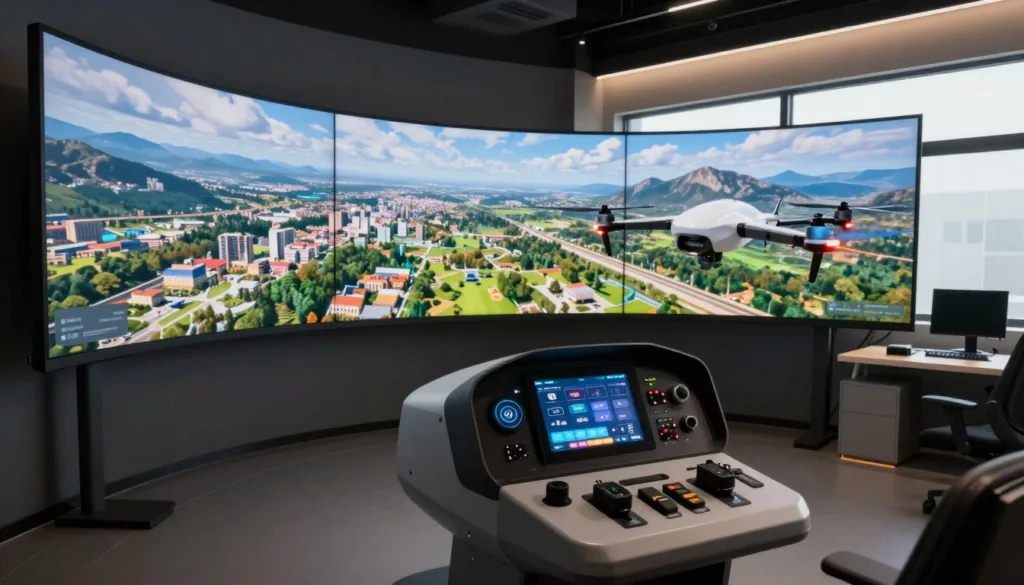
SRIZFLY may be worth a look if you want realistic drone flight training before flying outdoors. Start by checking whether its aircraft models, controllers, weather settings, and exercises match the flights you plan to make.
A customizable drone simulator should offer more than basic takeoffs. It should let you repeat a route, handle a problem, and review each attempt. That makes virtual drone practice useful for experienced pilots and for anyone seeking a drone simulator for beginners.
SIMNET’s published features show what a broad training platform can include. Its web platform supports drone design, manual and autonomous flight, ready-to-use courses, and custom lessons. Pilots can use a USB transmitter, gamepad, or keyboard, or simulate flights with ArduPilot and a ground control station. These are SIMNET features, not claims about SRIZFLY.
The sections ahead explain which features matter, how to test them, and where simulation fits in a real training plan.
Key Takeaways
- Check aircraft and controller support before choosing a simulator.
- Look for weather settings that reflect your planned flights.
- Repeat routes and practice responses to flight problems.
- Review each attempt before taking your skills outdoors.
- Confirm product features rather than assuming platforms work alike.
How a Customizable Drone Simulator Supports Realistic Flight Training
Realistic practice starts with the right aircraft model. A multicopter flight simulator should respond differently from a fixed-wing drone or a VTOL aircraft. Those differences shape what pilots must learn before they fly outdoors.
Practice With Aircraft Models That Reflect Real Flight Behavior
A multicopter can hover near a subject and make small moves to adjust its view. A fixed-wing aircraft must keep moving to stay aloft, so fixed wing drone training calls for different turns and landing approaches. VTOL simulation adds another task: managing the switch between hover and forward flight.
SIMNET supports models of multicopters, fixed-wing aircraft, and VTOL designs such as tilt-rotor and tailsitter aircraft. Its design tools predict flight time, range, and speed. Developers can compare design changes and inspect airflow in a virtual wind tunnel.
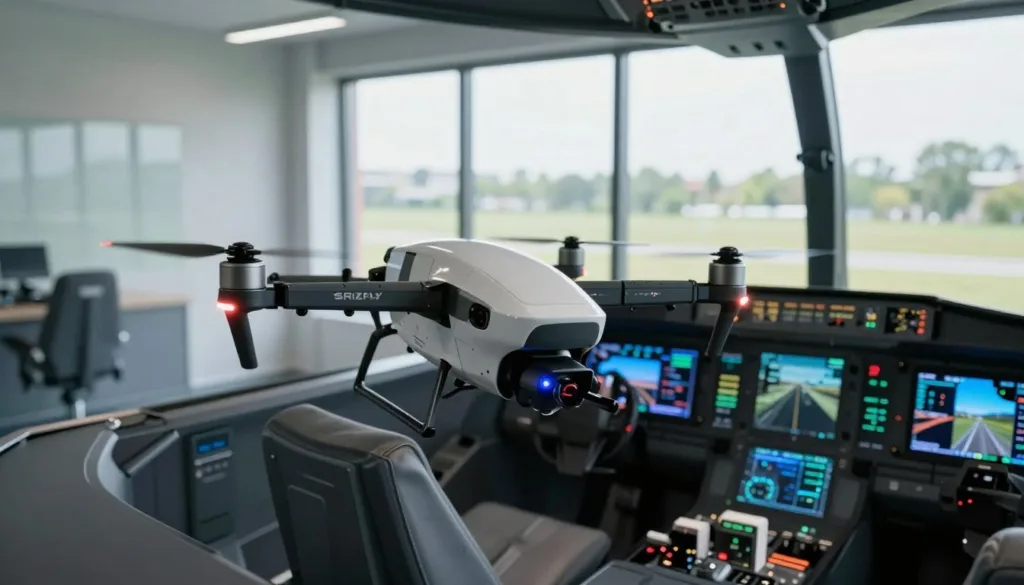
For an operator, a close match to the aircraft they use matters most. SIMNET offers digital models and custom models built around a specific drone and mission area. In digital twin drone training, pilots should check more than the aircraft’s appearance. Its weight, controls, flight modes, and response to wind all affect the value of practice.
Build Skills Without Putting Equipment at Risk
Virtual flights let beginners repeat takeoffs, turns, and landings without risking an airframe. They can slow down, spot a rough control input, and try the maneuver again. Experienced pilots can use the same approach to maintain pilot proficiency.
SIMNET offers self-guided practice and courses from beginner to advanced UAS piloting. Its structured programs pair flight theory with scored exercises and unusual mission scenarios. Pilots can rehearse a failure in simulation rather than create a dangerous test outdoors.
Simulation keeps equipment safe during practice, but it cannot replace a flight check. Pilots still need to confirm their skills on the real aircraft in suitable conditions.
Customize Drone Controls, Weather, and Virtual Environments
Flight practice is more useful when the setup feels familiar. A drone controller simulator can help you test your controls and aircraft settings in virtual flight environments before you fly outdoors.
Match the Simulator to Your Aircraft and Controller
Start with the controller you plan to use in the field. SIMNET lists a USB transmitter, gamepad, and keyboard as options for manual flight. USB transmitter drone simulation may make stick movements and switch positions feel more familiar, while a keyboard may be enough for a first trial.
Check controller support before you pay for access or plan a class. If aircraft design matters to your work, SIMNET lets you build multicopter, fixed-wing, and VTOL models from components. Its designer can also create baseline multicopter and fixed-wing designs from performance goals.
Students and developers can download design and performance reports, then export STEP or STL files for CAD work or 3D printing. Pilots who only want flight practice may prefer a simpler setup.
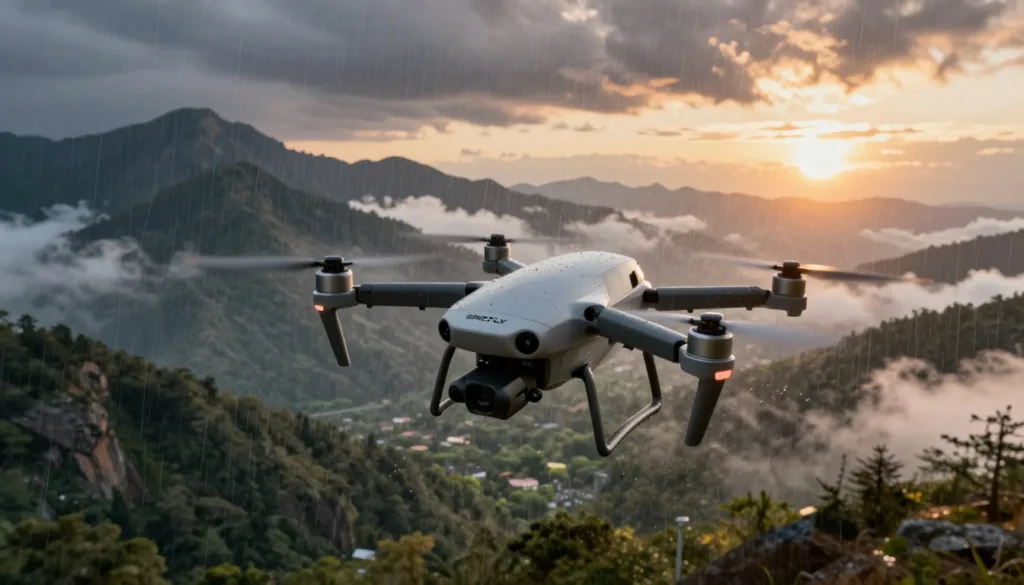
Rehearse Flights in Realistic Locations and Conditions
SIMNET advertises worldwide 3D terrain and virtual versions of flight sites. Its operator tools can use digital twins of mission areas and run scenarios with changing weather or equipment failures. Drone weather simulation gives you a way to test a route under different conditions.
Practice a route with safe clearance from nearby terrain. Then change the conditions and watch for points where you need more time or a different path. Before using a virtual site to plan a real flight, check it against current obstacles and conditions.
Real Drone Simulator lists planned maps for Monastery Ruins west of Pécs, St. Stephen Mine east of Pécs, and Gamerland in Budapest. Its site includes videos of the maps, but labels them as part of a future update. Check the current release before planning practice around them.
Use Drone Flight Simulation to Plan Missions and Review Performance
An autonomous drone flight simulator turns a flight plan into a repeatable test. With SIMNET, operators can run web-based ArduPilot simulations and connect a ground control station. That makes drone mission rehearsal useful for checking routes before an aircraft leaves the ground.
Operators can practice beyond-visual-line-of-sight routes, weather changes, and terrain following simulation. They can also train for return-to-home actions, flight mode changes, and failsafe testing. Before relying on a rehearsal, confirm that the simulator supports your aircraft model, flight control software, and ground control tools.
SIMNET users report working with PX4, QGroundControl, and Mission Planner. During a run, its state pane shows vehicle and component status. Operators can record the flight and export a CSV file for flight data analysis in other tools.
After each run, compare the planned route with the recorded path. Look for a control input, mode change, or unexpected state that changed the result. Then repeat the exercise with one change at a time, so its effect is easier to track.
Training providers can use SIMNET exercises with a learning management system to launch tasks and record scores. SIMNET also offers its own system for tracking pilot and team progress. Cale Griffith, chief pilot at AIRmarket Inc., says his team uses the platform to test flight plans, procedures, and failsafe settings before real flights.
A virtual run cannot confirm current airspace status or reveal every new obstacle. In the United States, check applicable FAA rules and airspace requirements before launch. Inspect the aircraft and site, confirm weather and permissions, and complete all required preflight checks.
Conclusion
To choose a drone simulator, start with a task you expect to fly. Bring your controller, select the closest aircraft model, and rehearse a route or failure response. Change the weather or location to see how well the setup supports realistic drone practice.
A drone pilot training plan works best when you can learn from each run. Check whether you can inspect vehicle states, save a recording, and review flight data. If you are considering SRIZFLY, confirm these features in current product materials or a hands-on demo. Compare what you find with documented SIMNET options rather than assuming the tools are the same.
For web-based customizable flight simulation, read the privacy notice before you create an account or share training data. The supplied notice separates necessary cookies from functional, performance, analytics, advertising, and unclassified cookies. It says third-party cookies require consent and warns that opting out of some cookies may affect browsing.
Schedule a demo or start a trial, then fly the same mission twice. Record what changed and what you learned. Take that lesson into a careful real-world flight.
FAQ
What should I check before choosing SRIZFLY for flight practice?
Confirm that its current version supports your aircraft, controller, flight modes, and training goals. In a demo, try a route you plan to fly, change the conditions, and check whether you can review the result. Do not assume it has a feature until you have verified it.
What is a digital twin in drone training?
A digital twin is a virtual model of an aircraft or mission area. It can make practice more relevant when it reflects the drone’s controls, weight, and flight response. SIMNET says operators can use digital models or request custom models of their aircraft and mission areas.
Can one simulator prepare pilots for multicopter, fixed-wing, and VTOL flights?
Only if it models how each type of aircraft flies. A multicopter can hover, while a fixed-wing drone must keep moving. A VTOL aircraft also changes flight modes. SIMNET supports designs for all three types, but pilots should test how closely any model matches their own aircraft.
Which controllers can pilots use in a drone simulator?
Controller options vary by platform. SIMNET lists a USB transmitter, gamepad, and keyboard for manual flight. If you use a transmitter in the field, test it in the simulator before buying a subscription or setting up a class.
Can a simulator help rehearse autonomous drone missions?
Yes, if it works with your flight control and ground control software. SIMNET documents ArduPilot software-in-the-loop simulation and a direct ground control station connection. Check compatibility with your aircraft and tools before using a virtual run to guide a real mission.
How can pilots practice failsafe and return-to-home procedures?
Set up a repeatable route, trigger the available failure or mode-change scenario, and watch how the aircraft responds. Repeat the run after changing one setting. SIMNET says its operator tools support failsafe rehearsals, but a virtual result does not replace testing and safety checks on the real aircraft.
What flight data should I review after a simulation?
Compare the planned route with the path flown. Look for unexpected mode changes, vehicle states, and control inputs that affected the outcome. SIMNET offers a vehicle-state pane, simulation recordings, and CSV exports for further analysis.
Can virtual terrain replace an on-site inspection?
No. A virtual location can help you plan a route and spot decisions that need more thought. It may not show new obstacles, current weather, or changes to the site. Inspect the location and aircraft before every real flight, and check applicable FAA rules and airspace requirements at faa.gov/uas.
Should I review privacy settings before using a web-based simulator?
Yes. Read the platform’s privacy notice before you create an account or upload flight and training data. Check what information is stored, who can access it, and whether you can control optional cookies.