


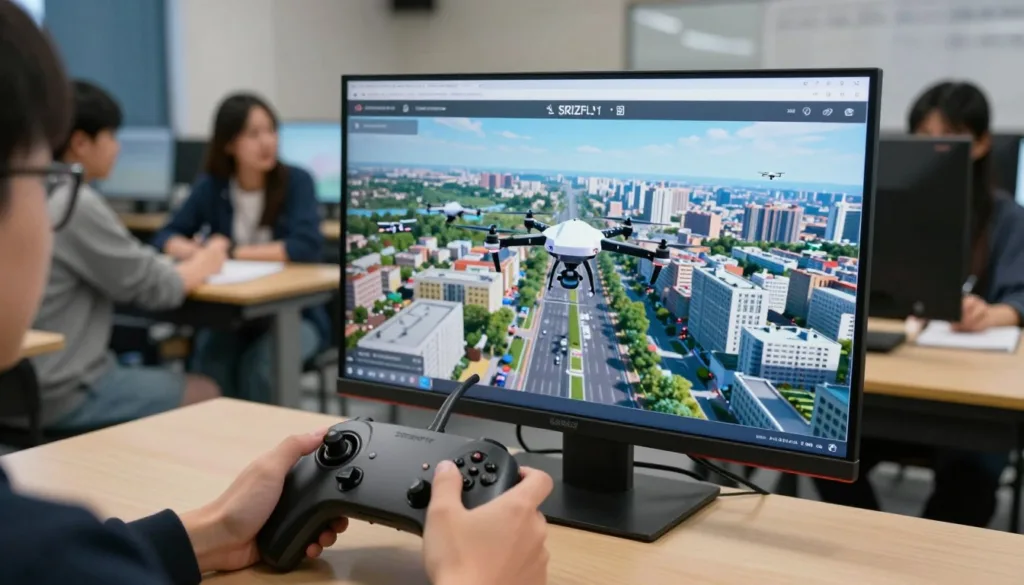
Vocational schools need more than flight time to prepare students for drone-related work. SRIZFLY vocational school drone simulation software, known as SESP-U1, combines flight practice, basic instruction, and workplace-based exercises in one training system.
As a drone simulator for education, SESP-U1 supports UAV simulation training for fields such as industrial inspection, aerial mapping, agriculture, search and rescue, and firefighting. SRIZFLY also describes it as part of DJI’s enterprise ecosystem. Its partnership with JD Logistics Education brought simulation exercises for logistics principles and operations.
Key Takeaways
- SESP-U1 combines flight practice with basic drone knowledge.
- Workplace scenarios connect lessons to job skills.
- Listed training areas include mapping, inspection, agriculture, and emergency response.
- JD Logistics Education partnered with SRIZFLY on logistics simulation training.
- The system is drone pilot training software for schools preparing students for UAV work.
How SRIZFLY vocational school drone simulation software supports hands-on UAV training
SRIZFLY gives students a place to build flight skills before taking a real drone into the air. With drone flight simulation for students, beginners can learn basic controls, practice steady movement, and gain confidence at their own pace.
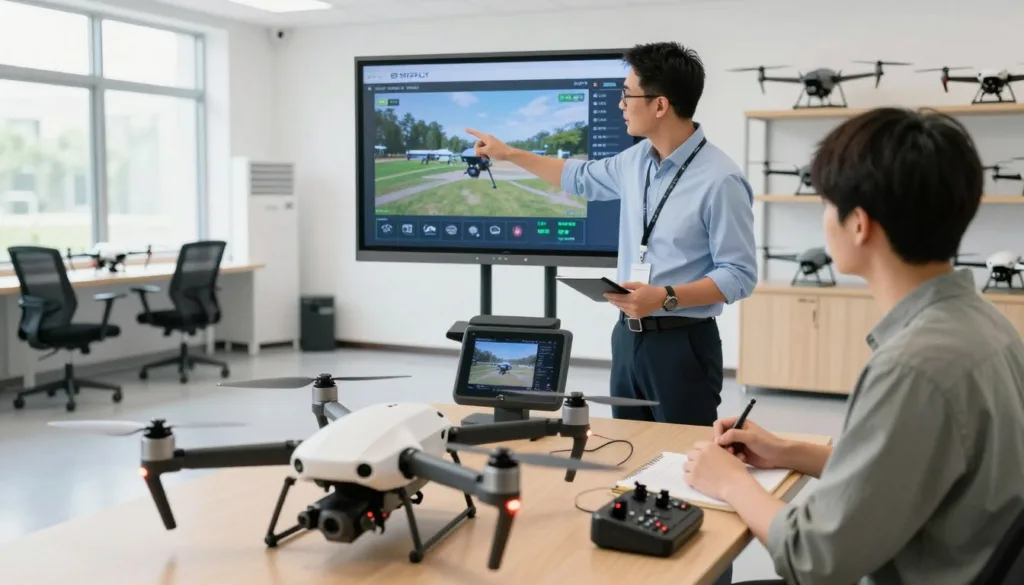
Students can choose free flight to explore without set goals or follow step-by-step training modules. These guided lessons support hands-on UAV training by helping learners practice core skills in a clear, low-pressure setting.
For UAV mission planning practice, students can work through simulated tasks that reflect common operational challenges. Realistic drone training scenarios let classes explore how flight choices affect a mission, without putting aircraft or people at risk.
This range of practice helps vocational schools prepare students for field work. Instructors can introduce flight skills in the simulator and build toward outdoor exercises as students become more capable.
Choosing and using SRIZFLY drone simulation software at a vocational school
Start by checking the SRIZFLY drone simulator requirements. The SESP-U1 download page lists the product as Windows drone training software for Windows 10 or higher. Its download file is 7.7 GB, so plan for enough storage and time to install it.
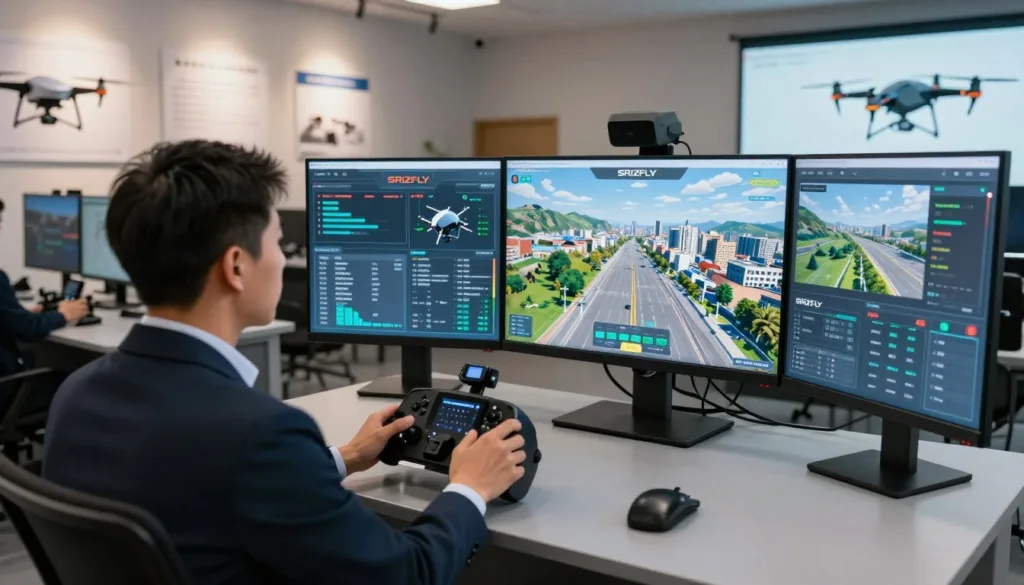
Before class, review the RC and keyboard control instructions. These details help instructors select drone simulator controllers that match their lesson goals and student experience. The page also offers a brochure, a technical datasheet, and license activation information.
A vocational UAV training setup can begin with the trial version, which includes basic flight practice functions. Instructors can use those sessions to introduce controls and build student confidence. For commercial partnership opportunities, the download page directs schools to contact SRIZFLY.
Conclusion
SRIZFLY SESP-U1 gives vocational schools a way to pair classroom lessons with practical UAV flight training. Its modules, mission scenarios, weather settings, and simulated equipment behavior support vocational drone education across fields such as agriculture, mapping, inspection, logistics, and emergency response.
With guided practice, students can build career-ready drone skills before working with real aircraft. The trial version supports basic flight practice, while the full version uses an activation code for one computer at a time.
Before setting up a training lab, schools can check the PC requirements, supported drone models, and controller options. This helps instructors decide whether the enterprise UAV simulation software fits their courses and equipment.
For schools ready to plan the next step, SRIZFLY can provide product details and information about commercial partnerships. A well-planned simulator program can help prepare students for the demands of professional UAV work.