



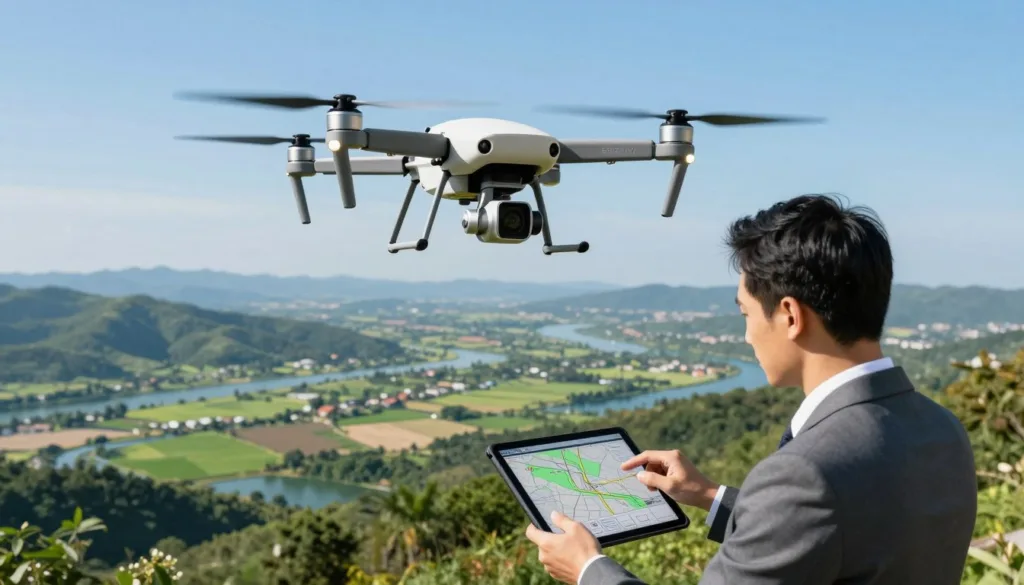
Modern technology has changed how we capture data from the sky. At SRIZFLY, we believe that mastering aerial operations should be both accessible and affordable for every professional.
New tools allow you to learn complex flight paths without risking expensive equipment. By using a high-quality mapping simulation, you gain the confidence needed to succeed in real-world environments.
We provide the foundation you need to excel in geomatics. Our platform helps you practice drone surveying safely before you ever take off. With SRIZFLY, you can master the art of flying Drones while building a career in this growing industry.
Key Takeaways
- SRIZFLY offers a risk-free environment to master aerial data collection.
- Virtual practice significantly reduces the learning curve for new pilots.
- Modern drone surveying requires both technical skill and precise software knowledge.
- Using a professional mapping simulation protects your hardware investment.
- Our training solutions prepare you for real-world field operations efficiently.
The Role of Drone Surveying and Mapping Simulation in Modern Geomatics
The landscape of professional surveying is shifting rapidly as digital twins and virtual environments become the new standard. In the field of geomatics, the ability to capture precise spatial data is paramount for infrastructure and urban planning. By utilizing advanced software, professionals can now replicate complex environments to refine their workflows before deploying hardware in the field.
Why Simulation is Essential for New Pilots
For those entering the industry, mastering the nuances of drone surveying requires more than just flight time. You must understand how to manage flight paths to ensure high-quality photogrammetry results. Simulators provide a controlled space where you can practice capturing overlapping imagery without the pressure of real-world variables.
This hands-on approach allows you to experiment with different camera angles and flight altitudes. By learning these fundamentals in a virtual setting, you build the confidence needed to handle real-world missions with precision. Innovation in training is the key to developing highly skilled operators who can deliver accurate data every time.
Reducing Operational Risks and Equipment Costs
Traditional training methods often involve expensive hardware and the inherent risk of accidental damage. By integrating simulators into your training program, you significantly improve efficiency while protecting your investment. You can practice emergency procedures and complex maneuvers without the fear of crashing a high-end aircraft.
“The integration of virtual environments into professional training is not just a convenience; it is a fundamental shift in how we ensure safety and operational excellence in the field.”
The following table highlights the clear advantages of adopting a simulation-first approach for your enterprise:
| Feature | Traditional Training | Simulation-Based Training |
|---|---|---|
| Equipment Risk | High (Potential Crashes) | Zero (Virtual Environment) |
| Operational Cost | High (Fuel, Travel, Wear) | Low (Software Subscription) |
| Weather Dependency | High (Limited by Conditions) | None (Any Weather Possible) |
| Learning Speed | Moderate | Accelerated |
Ultimately, the move toward virtual drones allows companies to scale their operations while maintaining strict safety standards. By reducing logistical challenges, you can focus on what matters most: delivering high-quality mapping results to your clients. Embracing this technology ensures that your team remains at the forefront of modern industry standards.
Getting Started with SRIZFLY Software
You can unlock the full potential of professional geomatics by properly configuring your SRIZFLY environment. A smooth setup ensures that your hardware handles complex data processing without interruption. We prioritize your success by providing a clear path to getting your simulation environment ready for action.
System Requirements and Installation
Before you begin, verify that your computer meets the recommended specifications for high-fidelity rendering. High-performance mapping simulation requires a dedicated graphics card and sufficient RAM to maintain frame rates during flight. You should ensure your drivers are updated to the latest versions to avoid compatibility issues.
Follow these steps to complete your installation:
- Download the latest installer from the official portal.
- Run the executable file and follow the on-screen prompts.
- Activate your license key to unlock all professional features.
- Restart your system to finalize the integration of simulation drivers.
Navigating the User Interface
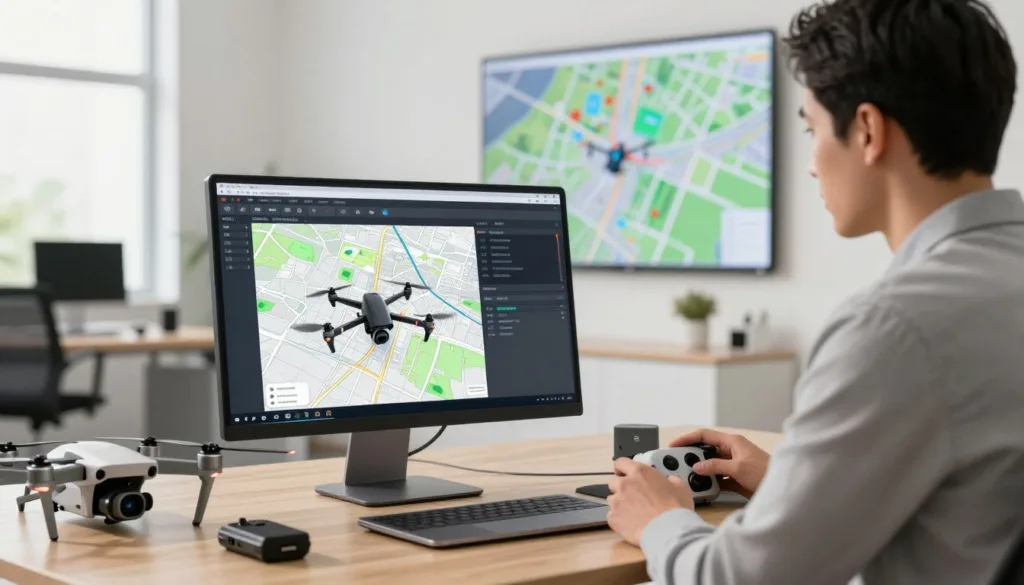
Once installed, you will find a clean and intuitive dashboard designed for efficiency. The interface organizes essential tools for Drones into logical categories, allowing you to focus on your mission objectives. You can easily access flight controls, sensor settings, and environmental variables from the main navigation bar.
We recommend spending a few minutes exploring the sidebar menus. These menus house the advanced configuration options that define your virtual flight parameters. Familiarity with this layout will significantly speed up your workflow as you transition to more complex projects.
Setting Your First Virtual Project
Creating your first project is the best way to understand the power of SRIZFLY. You will start by selecting a geographic region and defining the scope of your survey area. This process mirrors the real-world planning required for professional geomatics operations.
“The key to successful aerial data collection lies in the precision of your initial flight plan.”
After selecting your location, you will configure the mission parameters, such as altitude and flight path density. Once these settings are locked in, you can launch your Drones into the virtual sky. This hands-on approach builds the confidence you need to handle real-world challenges with ease.
Mastering Flight Planning for Photogrammetry
Achieving high-quality results in mapping simulation starts with a well-structured flight plan. Precise flight planning acts as the backbone for successful photogrammetry and the creation of detailed 3D models. By carefully preparing your mission, you ensure that your aerial imagery captures every necessary detail for your final output.
Defining Area of Interest and Flight Boundaries
The first step involves clearly defining your area of interest within the software. You must draw precise boundaries to ensure the drone covers the entire target site without wasting battery life on unnecessary terrain. We recommend adding a small buffer zone around your perimeter to guarantee that the edges of your site are fully reconstructed.
Establishing these boundaries correctly prevents gaps in your data. A well-defined polygon allows the software to calculate the most efficient path for your drone. This systematic approach saves time and ensures that your final 3D models are complete and accurate.
Adjusting Overlap and Sidelap Parameters
To generate high-quality aerial imagery, you must configure the correct overlap and sidelap settings. These parameters determine how much each photo shares with the next, which is vital for the software to stitch images together. If your overlap is too low, the software will struggle to align the images, leading to holes in your map.
We suggest following these standard guidelines for most mapping projects:
- Front Overlap: Set between 75% and 80% for consistent alignment.
- Side Overlap: Maintain at least 70% to ensure high-quality 3D reconstruction.
- Flight Altitude: Adjust based on your required Ground Sampling Distance (GSD).
Optimizing Camera Settings for Data Accuracy
Your camera settings directly influence the clarity and precision of your data. You should prioritize a fast shutter speed to minimize motion blur, especially when flying at higher speeds. Additionally, keeping your ISO low helps reduce digital noise, which is essential for producing sharp, professional-grade results.
Always verify your GSD settings before launching your virtual mission. A lower GSD value provides higher resolution, but it requires more images and longer processing times. By balancing these technical factors, you ensure that your photogrammetry project meets the highest standards of accuracy and reliability.
Executing Virtual Missions and Data Collection
Virtual missions provide a unique opportunity to refine your data collection techniques without any physical risk. By utilizing advanced simulators, you can bridge the gap between theoretical knowledge and practical expertise. This controlled environment allows you to test your flight planning strategies repeatedly until you achieve perfect results.
Simulating Real-World Weather Conditions
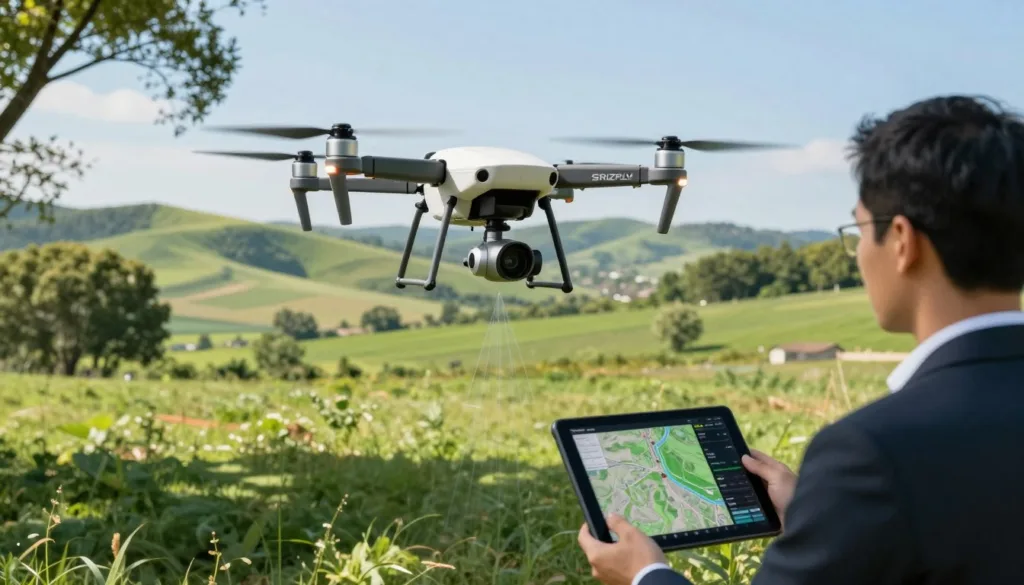
Environmental factors often dictate the success of a drone survey. Our software replicates complex atmospheric conditions to help you understand how wind speed and light intensity impact your aerial imagery.
- Adjust wind gusts to test stability.
- Modify sun angles to observe shadow patterns.
- Simulate overcast days to evaluate sensor performance.
Learning to adapt to these variables ensures that your efficiency remains high regardless of the weather. You will gain the confidence needed to make informed decisions when you eventually face unpredictable conditions in the field.
Managing Battery Life and Flight Time
Effective mission management requires a deep understanding of power consumption. You must balance the need for high-resolution imagery with the physical limitations of your drone battery.
| Mission Type | Battery Usage | Flight Strategy |
|---|---|---|
| Mapping | High | Grid Pattern |
| Inspection | Medium | Manual Hover |
| Surveying | High | Optimized Path |
By monitoring your energy levels during virtual missions, you learn to optimize your flight paths. This practice prevents unexpected landings and ensures that every battery charge is used to its full potential.
Handling Emergency Procedures in a Virtual Environment
Prioritizing safety is the hallmark of a professional pilot. Simulators allow you to practice critical response protocols for scenarios that are too dangerous to replicate in real life.
You can simulate motor failures, signal loss, or sudden obstacle detection. Mastering these emergency procedures in a virtual space builds the muscle memory required to react calmly and effectively during an actual flight. Your success depends on your ability to handle the unexpected with precision and care.
Processing Simulated Data into 3D Models
Bridging the gap between simulated aerial imagery and high-fidelity 3D models requires a structured processing approach. Once you complete your virtual missions, the raw data you collect serves as the foundation for your final deliverables. We guide you through the essential steps to ensure your simulated results translate into actionable insights.
Exporting Raw Imagery from the Simulator
The first step involves extracting the high-resolution photos captured during your flight. SRIZFLY allows you to export these images with embedded metadata, which is vital for accurate photogrammetry processing. Ensure you select the correct coordinate system during the export phase to maintain spatial integrity.
Organize your files into a dedicated project folder before starting the next phase. This simple habit prevents data loss and keeps your workflow efficient. Proper file management is a hallmark of a professional drone operator.
Importing Data into Photogrammetry Software
After exporting your files, you will import them into professional software such as Pix4D or Agisoft Metashape. These tools use the metadata from your aerial imagery to align photos and reconstruct the environment. The software identifies common points across multiple images to build a precise digital twin.
During this stage, you may need to adjust settings based on your initial flight planning parameters. If your overlap was sufficient, the software will generate a dense point cloud with high accuracy. This process validates the quality of your data collection efforts in the virtual environment.
Analyzing Point Clouds and Orthomosaics
Once the processing is complete, you must inspect the resulting 3D models for errors or gaps. A high-quality point cloud should clearly define the geometry of your surveyed area. You can use measurement tools to verify distances and ensure the output meets your project requirements.
Finally, generate an orthomosaic to visualize the terrain from a top-down perspective. This map provides a clear, distortion-free view of the site, which is perfect for client presentations. By mastering these analysis techniques, you ensure that your 3D models are ready for real-world application.
Best Practices for Transitioning from Simulation to Field Work
Bridging the gap between digital training and real-world drone surveying is a critical step for every pilot. While your simulator provides a safe space to learn, the physical environment introduces variables that require a disciplined mindset. We focus on helping you apply your expertise to ensure your professional success in the field.
Validating Simulated Results Against Real-World Surveys
Accuracy remains the cornerstone of professional mapping. You should compare your simulated outputs with actual ground control points to verify precision. This validation process ensures that your 3D models meet the strict requirements of your clients.
By analyzing the discrepancies between your virtual missions and physical data collection, you refine your technique. Consistent verification builds the trust necessary to deploy your drones in high-stakes environments. Always prioritize data integrity to maintain a competitive edge.
Developing Standard Operating Procedures
Safety is the most important factor when you move from the screen to the sky. You must establish clear standard operating procedures that cover every phase of your flight. These protocols should address pre-flight checks, emergency responses, and data management strategies.
A well-documented workflow minimizes human error and protects your equipment. When you follow a consistent routine, you ensure that your aerial imagery is captured under optimal conditions. This structured approach allows you to scale your operations while maintaining a high level of safety.
Scaling Your Skills for Complex Terrain
Real-world environments often present challenges that simulators cannot fully replicate. You will encounter varying wind patterns, signal interference, and complex topography that demand quick thinking. We encourage you to start with simple sites before moving to more difficult terrain.
As you gain confidence, you can tackle larger projects with greater efficiency. Remember that your training in virtual environments provides the foundation for solving these real-world problems. With practice, you will master the art of professional drone surveying in any landscape.
Conclusion
The path to professional excellence in drone surveying starts with the right digital foundation. SRIZFLY provides the industry-leading simulation technology necessary to drive innovation and efficiency in your daily operations.
By mastering these virtual tools, you position yourself as a leader in the rapidly evolving field of geomatics. You gain the confidence to handle complex projects while minimizing real-world risks.
We invite you to experience the superiority of our platform firsthand with our 10-day free trial. This risk-free opportunity allows you to test our advanced features and see the immediate impact on your workflow.
Start your journey today to discover why our simulators represent the best solution for your professional needs. Your success in the field begins with the precision you build in our virtual environment.

