



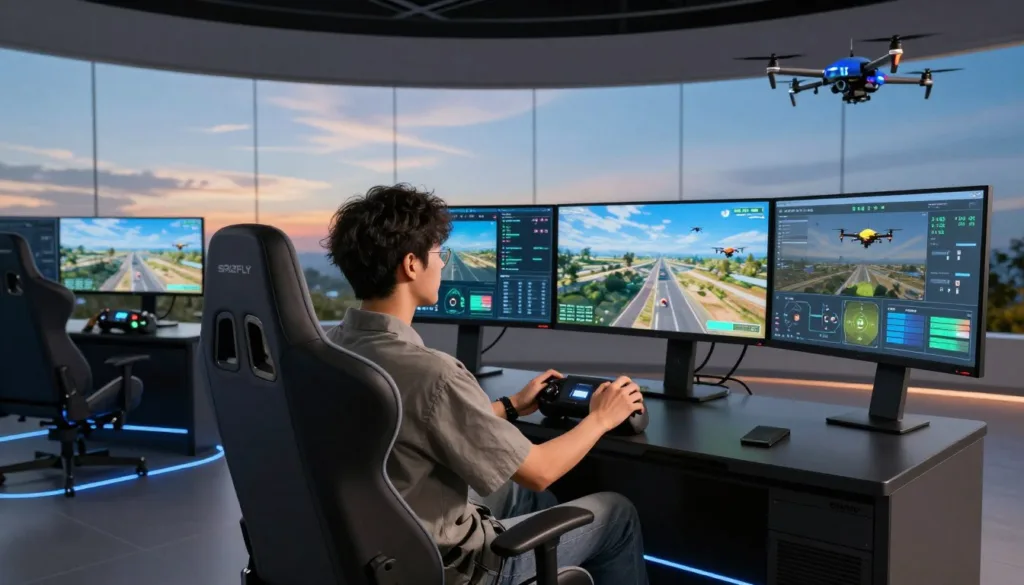
Entering the world of FPV can feel overwhelming for any beginner drone pilot. You want to master the controls without the fear of crashing your expensive gear. This is where a high-quality flight simulator becomes your best friend.
The SRIZFLY SIM offers a safe, risk-free environment to build your drone skills before you ever head outdoors. With an impressive 84% positive rating from over 1,600 users, this software is the gold standard for effective drone training.
Starting your FPV journey with the right tools ensures long-term success and confidence. By using this drone simulator, you gain the muscle memory needed to fly with precision. Discover why so many pilots trust SRIZFLY SIM to launch their aerial adventures today.
Key Takeaways
- Build essential flight confidence in a risk-free virtual environment.
- Master complex maneuvers without the cost of hardware repairs.
- Benefit from a platform trusted by over 1,600 verified users.
- Accelerate your learning curve with realistic physics and controls.
- Prepare for real-world flying by practicing in diverse weather conditions.
Getting Started with SRIZFLY SIM
You can transform your computer into a professional flight school with the SRIZFLY SIM. This powerful tool provides a safe space for every beginner drone pilot to learn the ropes without the risk of crashing expensive gear. By focusing on muscle memory and reaction times, you will build the confidence needed for real-world flight.
Setting Up Your Hardware and Controller
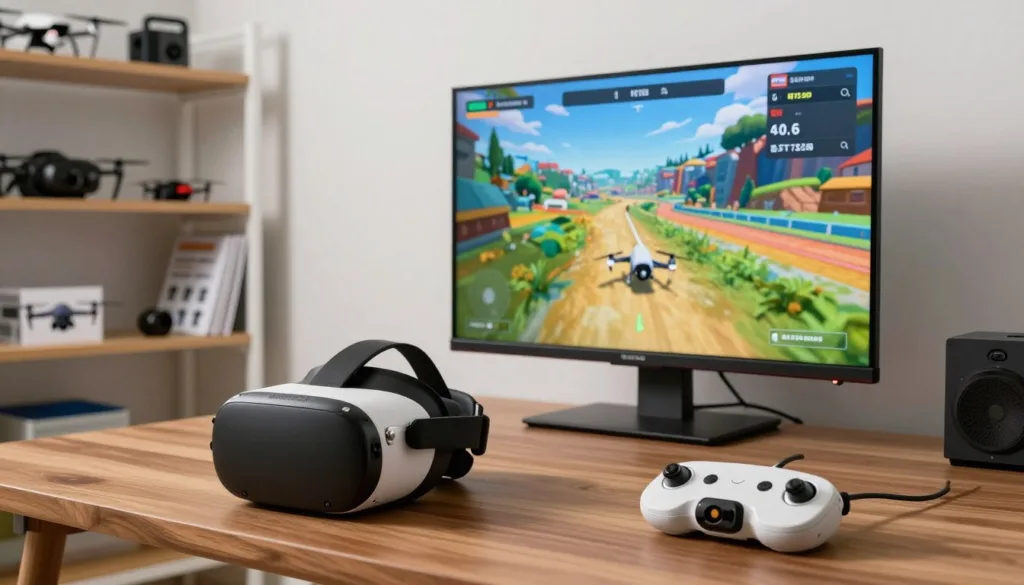
To begin your journey, ensure your computer meets the minimum technical requirements. You will need at least an Intel Core i5 processor and 8GB of RAM to run the software smoothly on Windows. These specs ensure that the virtual environment remains responsive and lag-free during intense maneuvers.
Connecting your hardware is a straightforward process designed for maximum compatibility. The drone simulator supports standard gamepads, but for the best experience, we recommend using a dedicated RC transmitter. The software features native integration with popular devices, including the ORQA FPV.Ctrl, as well as standard controllers from major gaming consoles.
Navigating the User Interface
Once you launch the SRIZFLY SIM, you will find a clean and intuitive dashboard. The main menu allows you to select your drone model, choose a flying location, and access your profile statistics. This flight simulator is built to keep you focused on your training rather than getting lost in complex menus.
Take a moment to explore the different tabs available in the main hub. You can easily switch between training modes, race tracks, and free-flight areas. Keeping your setup organized helps you maintain a consistent routine for your daily drone practice.
Adjusting Sensitivity and Flight Settings
Fine-tuning your simulator settings is essential for a realistic experience. You should adjust the stick sensitivity to match the feel of your physical drone. Most pilots find that starting with lower rates helps them maintain better control while they are still learning the basics.
Do not be afraid to experiment with the advanced flight parameters provided in the settings menu. You can modify gravity, wind resistance, and camera angles to suit your personal preferences. Customizing these variables allows you to simulate various conditions, ensuring you are prepared for any situation you might encounter in the real world.
Mastering Flight Techniques in SRIZFLY SIM
Mastering the skies starts with precise control and a solid grasp of flight mechanics in a safe, virtual environment. By utilizing the advanced engine within the simulator, you can replicate the exact weight and momentum of real-world hardware. This level of detail is essential for anyone looking to transition from a novice to a skilled pilot.
Whether you are interested in high-speed FPV racing or creative freestyle drone flying, consistent drone practice is the key to success. The platform provides a comprehensive flight school designed to build your confidence through structured lessons. These modules help you understand how your inputs translate into movement, ensuring you develop the muscle memory needed for complex aerial maneuvers.
Practicing Basic Maneuvers and Hovering
Before attempting high-speed turns, you must master the art of steady hovering. This foundational skill is the cornerstone of all drone navigation. Spend time in the simulator keeping your craft perfectly still against the virtual horizon to refine your stick sensitivity.
Once you feel comfortable, begin practicing slow, controlled movements in all directions. Focus on maintaining a consistent altitude while performing smooth yaw and pitch adjustments. This disciplined approach to drone training will pay off when you eventually move to more aggressive flight styles.
Simulating Real-World Weather Conditions
The simulator allows you to test your abilities across diverse maps, including the challenging Monastery Ruins and the industrial St. Stephen Mine. These environments offer unique obstacles that force you to adapt your drone skills to changing conditions. You can even adjust wind settings to see how your craft reacts to external forces.
Learning to compensate for wind drift is a critical part of mastering drone physics. By pushing your limits in these varied settings, you prepare yourself for the unpredictable nature of outdoor flying. The following table highlights how different environments impact your training focus:
| Environment | Primary Focus | Difficulty Level |
|---|---|---|
| Open Field | Basic Hovering | Beginner |
| Monastery Ruins | Precision Navigation | Intermediate |
| St. Stephen Mine | High-Speed Maneuvers | Advanced |
Tips for Avoiding Common Beginner Crashes
Crashes are a natural part of the learning process, but you can minimize them by understanding your drone’s momentum. Always anticipate your stops by counter-steering slightly before reaching your target point. This technique prevents the “overshoot” that often leads to collisions in tight spaces.
Furthermore, keep your eyes on the horizon rather than just the drone itself. This perspective shift helps you maintain better spatial awareness during fast-paced FPV racing. Remember that patience is your greatest asset; take your time to master each maneuver before increasing your speed.
Conclusion
Consistent practice remains the most effective way to build the muscle memory needed for high-speed flight. Using a professional flight simulator allows you to refine your control inputs without the risk of damaging expensive equipment. This safe environment provides the perfect foundation for every aspiring pilot.
SRIZFLY SIM acts as a bridge between your desk and the open sky. You gain the confidence required to handle complex maneuvers through realistic virtual flight scenarios. This tool prepares you for the intensity of competitive FPV racing by mimicking real-world physics with precision.
Your FPV journey starts the moment you take control of the sticks. Download the software today to sharpen your reflexes and join a growing community of dedicated enthusiasts. Experience the thrill of flight and push your boundaries in a controlled digital space.
FAQ
What are the minimum system requirements to run the SRIZFLY SIM effectively?
To ensure a smooth experience without latency, Windows users should have a computer equipped with at least an Intel Core i5 processor and 8GB of RAM. Having these specifications allows the software to render complex environments like the St. Stephen Mine while maintaining the high frame rates necessary for precise FPV racing practice.
Which controllers can I use with the SRIZFLY drone simulator?
The software offers extensive hardware support. You can connect standard gamepads such as the PlayStation DualSense or Xbox Wireless Controller. For a more authentic experience, the simulator features native integration for specialized hardware like the ORQA FPV.Ctrl and various RC transmitters via USB, allowing you to practice with the same gimbals you use in the field.
Is SRIZFLY SIM suitable for someone who has never flown a drone before?
Absolutely. It is designed as the premier gateway for beginners. The simulator includes a dedicated flight school that teaches everything from basic hovering to advanced Acro mode maneuvers. With an 84% positive rating from over 1,600 reviews, it is widely recognized as a safe, risk-free environment to build muscle memory before investing in expensive physical hardware.
How realistic is the flight physics engine in this simulator?
The SRIZFLY SIM utilizes a sophisticated physics engine that accurately replicates real-world weight, momentum, and aerodynamics. This ensures that when you practice freestyle drone tricks or navigate tight racing lines, the drone reacts exactly as it would in real life, making the transition to outdoor flying seamless.
What kind of environments and maps are available for practice?
Pilots can explore a variety of high-fidelity maps designed to test different skill sets. Current and upcoming locations include the technical Monastery Ruins and the sprawling St. Stephen Mine. These maps provide diverse terrain, from open spaces for high-speed turns to intricate structures perfect for cinematic FPV training.
Can I practice flying in different weather conditions?
Yes, the simulator allows you to adjust environmental variables to simulate real-world weather conditions. Practicing in virtual wind or varying light levels helps you prepare for the unpredictable nature of outdoor flight, ensuring you remain a confident pilot regardless of the climate.
Does the simulator help with learning FPV racing and freestyle maneuvers?
Yes, the platform is optimized for both disciplines. You can master freestyle tricks like power loops and juicy flicks without the fear of breaking a carbon fiber frame. Additionally, the software helps you refine FPV racing lines, allowing you to shave seconds off your laps by mastering the simulator’s precise physics engine and Betaflight-style control feel.
Why should I choose SRIZFLY SIM over other drone simulators?
A: SRIZFLY SIM stands out due to its balance of accessibility and professional-grade realism. With a massive community of over 1,600 English-speaking reviewers confirming its effectiveness, the simulator provides a proven path to success. Its native support for brands like ORQA and its low barrier to entry for Intel-based PCs make it the most versatile tool for aspiring pilots.