



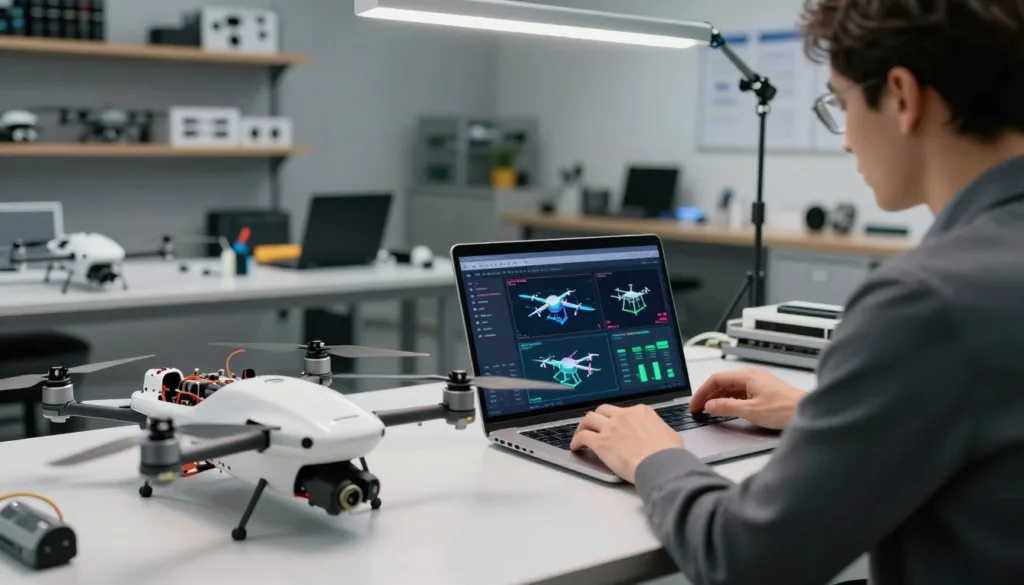
UAV assembly software helps teams shape and test a drone before they build it. SIMNET is a cloud-native platform for drone design, analysis, flight simulation, and pilot training. Its web-based interface lets users explore designs and test aircraft in virtual flight.
Drone design software and specialized engineering tools can help teams review structures, aerodynamics, electronics, controls, and product data. UAV simulation software makes it easier to examine a design before investing in hardware. Still, virtual tests complement physical testing; they do not replace it. SIMNET offers free live demos and a free trial.
Key Takeaways
- Explore drone designs through a web-based platform.
- Test simulated aircraft before building a prototype.
- Use drone adjustment software to refine designs and controls.
- Combine simulation with specialized tools for drone engineering.
- Virtual testing supports, but does not replace, physical tests.
- Try SIMNET with a free live demo or trial.
What UAV Assembly, Adjustment, and Simulation Software Does
UAV assembly and simulation software links vehicle configuration, engineering analysis, and virtual flight. It helps teams study how design choices affect a drone before they build a prototype. In a connected UAV development workflow, engineers can move from a digital layout to flight tests in a simulated environment.
Connect drone design, analysis, and flight simulation
SIMNET supports system-level design, analysis, and flight simulation, and can work alongside conventional CAD software. Engineers can compare drone configurations, run trade studies, and predict performance in real time. This approach brings UAV design and simulation into one process, so a change to the airframe or controls can be assessed in context.
Validate virtual designs before building physical prototypes
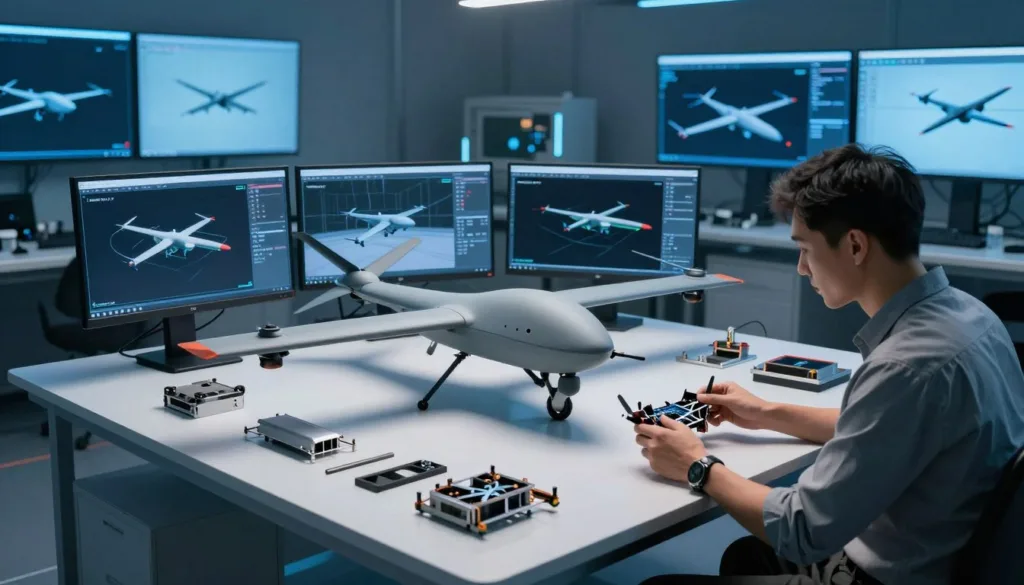
Virtual tools can model airflow with CFD and virtual wind tunnel analysis. Teams can examine airframe behavior, flight-control response, and expected performance across different configurations. This drone performance analysis helps reveal design issues early. Virtual drone testing can guide revisions before teams spend time and materials on physical builds.
Support engineering teams from concept through production
Engineers can use shared models and results to compare options from early concepts to production planning. They can adjust a design, review its predicted behavior, and carry useful findings into later development tasks. This keeps design decisions connected to analysis and simulation throughout the UAV development workflow.
How UAV Assembly Software Supports Digital Drone Design
UAV assembly software helps teams shape an aircraft before they build it. SIMNET supports digital drone design for several vehicle types, letting engineers explore layouts and component choices in a virtual model.
Build multicopter, fixed-wing, and VTOL configurations
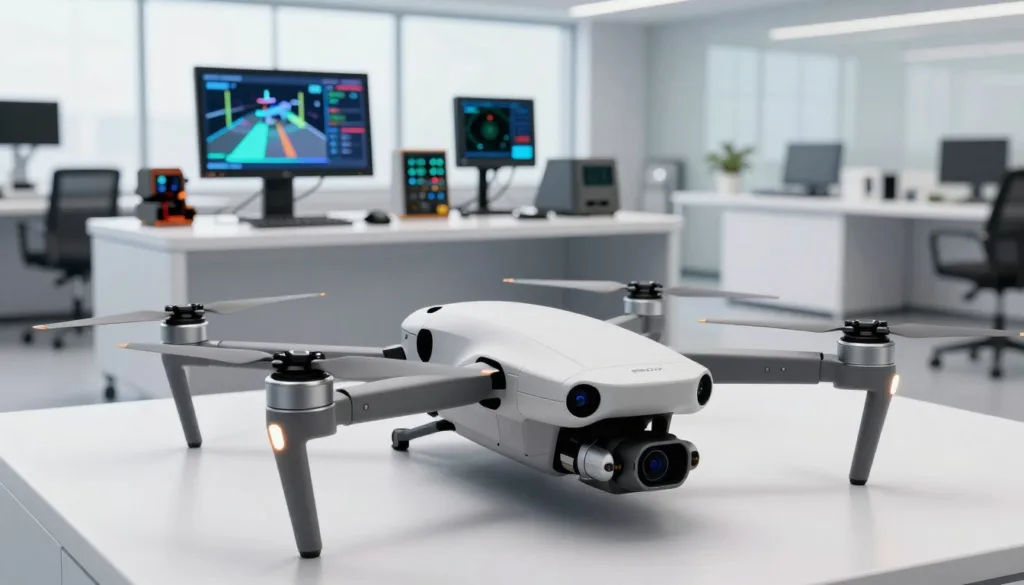
Teams can use multicopter design software to arrange rotors and frame parts. For fixed-wing UAV design, they can model aircraft structures and key components. VTOL design software supports lift and forward-flight layouts, including tilt-rotor, tilt-wing, and tailsitter configurations.
Select components from parametric libraries or recreate existing designs
A parametric component library lets users select and place parts as they build an aircraft. Teams can adjust designs to fit project needs or recreate an existing vehicle for virtual analysis. This approach helps compare configurations while keeping the model organized.
Export design specifications and CAD files for downstream work
After assembly, teams can prepare design specifications and CAD files for later engineering tasks. UAV CAD export helps carry model details into downstream design and production workflows, reducing the need to rebuild the same geometry in another tool.
Key Design and Analysis Tools for UAV Assemblies
Analysis tools help engineers test an unmanned aircraft before building it. They can reveal weak parts, excess weight, poor airflow, heat risks, and signal conflicts. Together, these checks make design changes easier to assess.
Evaluate structural strength, stiffness, and opportunities to reduce weight
UAV structural analysis can cover airframes, brackets, housings, and other parts. Engineers use it to check how components respond to operational loads, such as vibration, impact, and motor forces.
Altair HyperMesh supports finite element model preparation and meshing. Altair OptiStruct can assess strength and stiffness, as well as guide design optimization. These tools can help teams pursue drone lightweighting without overlooking performance under load.
Altair SimSolid analyzes full CAD assemblies without traditional meshing, which can suit designs that change often. Siemens Simcenter tools support structural simulation, with Simcenter 3D used for structural work.
Analyze airflow, aerodynamics, thermal behavior, and power systems
Drone CFD software helps teams study airflow around propellers, wings, and the airframe. These results can inform aerodynamic choices and show how a design may affect cooling or flight efficiency.
UAV thermal simulation can help locate hot spots near batteries, motors, and electronics. Engineers can use those findings to review cooling paths and component placement. Power system analysis can further assess how electrical loads and heat interact during operation.
Assess antennas, wireless connectivity, and electromagnetic compatibility
Antenna placement affects wireless range and link quality. Engineers can review the airframe, nearby components, and antenna position to reduce signal blockage and interference.
Drone electromagnetic compatibility checks whether onboard electronics can operate together without harmful interference. Assessing antennas, wiring, and power electronics as part of the assembly can help teams spot integration risks before flight tests.
| Analysis area | What engineers assess | Example tools or methods |
|---|---|---|
| Structure | Strength, stiffness, loads, and weight reduction | Altair HyperMesh, Altair OptiStruct, Altair SimSolid, Siemens Simcenter 3D |
| Airflow and heat | Aerodynamics, cooling paths, and component temperatures | Drone CFD software and UAV thermal simulation |
| Electrical integration | Antenna placement, wireless links, and interference risks | Drone electromagnetic compatibility assessment |
Adjusting UAV Designs and Flight Controls Before Prototyping
Small design changes can affect how a UAV flies and performs. Virtual tools help engineering teams compare options and tune controls before building a physical prototype.
Use trade studies to compare the effects of design changes
SIMNET’s Trade Study pane shows how design changes may affect performance. Teams can compare drone trade studies, such as shifts in weight or configuration, to guide UAV design optimization before making physical changes.
Refine control logic and parameters through virtual testing
Virtual testing lets engineers adjust control logic and flight parameters in a simulated setting. This drone flight-control tuning can reveal handling issues early and help teams assess how a change may affect stability and response.
Review predicted flight time, range, speed, and handling
SIMNET performance-analysis tools support UAV performance prediction for flight time, range, and speed. The Wind Tunnel pane displays airflow streamlines, force vectors, and pressure fields, helping teams examine how geometry may affect flight behavior.
UAV Flight Simulation for Design Validation
A UAV flight simulator lets teams check aircraft behavior before a physical test. SIMNET supports manual and autonomous flight for different aircraft, with a global 3D terrain model for virtual flights in locations around the world.
Simulate manual and autonomous flights in virtual environments
Pilots can use a USB transmitter, gamepad, or keyboard for manual control. For autonomous drone simulation, teams can test flight plans in a virtual setting and review vehicle and component states in SIMNET’s state pane. Meta Quest headsets support an immersive virtual reality view.
Test missions across terrain, weather, and failure scenarios
A drone mission rehearsal can help teams assess routes over varied terrain and prepare for changing conditions or system faults. SIMNET’s global terrain model lets users explore flight locations around the world. Recorded simulations can be downloaded as CSV files for review with third-party analysis tools.
Connect simulation workflows with flight controllers and ground control software
SIMNET supports ArduPilot Software-in-the-Loop, linking virtual flight with a ground control station. This flight-controller simulation workflow gives teams a way to test flight code and control settings before moving to hardware tests.
Choosing Between SITL, HITL, and Cloud-Based Simulation
Each simulation method answers a different engineering question. PX4 SITL simulation is useful for fast software checks, while UAV HITL testing adds real flight hardware. Visual and headless tools can run on local computers or in the cloud.
Use Software-in-the-Loop to test flight code on a computer
In PX4 SITL simulation, the flight stack runs on a computer and controls a modeled vehicle. PX4 and the simulator can run on one machine or on separate computers on the same network. This setup lets teams test code changes before a real flight, even before they own a drone.
QGroundControl can connect to the simulated aircraft. Pilots can use a USB joystick or gamepad, or control the vehicle with onscreen virtual thumbsticks.
Use Hardware-in-the-Loop to test with a real flight controller
UAV HITL testing connects a real flight controller to a simulated vehicle. The controller runs its flight code and sends commands, while the simulator models the aircraft’s response. This approach can reveal hardware and timing issues that a software-only test may miss.
Compare visual simulation environments with fast, headless testing
A visual simulator helps teams inspect flight paths, terrain, and mission behavior. Cloud-based drone simulation can give distributed teams access to shared test setups and computing resources. For repeated code checks, headless flight simulation runs without a 3D display and can complete many tests with less computing overhead.
| Approach | What it tests | Best fit |
|---|---|---|
| PX4 SITL simulation | Flight code with a modeled vehicle | Early development and repeatable software checks |
| UAV HITL testing | Flight code on a real controller with a simulated vehicle | Hardware, timing, and controller integration |
| Visual simulation | Flight behavior in a rendered environment | Mission review and operator practice |
| Headless flight simulation | Automated tests without a visual display | Fast, repeated checks at scale |
From Virtual Assembly to Production and Flight Testing
Moving from a virtual design to a flying aircraft takes clear records and careful checks. In a UAV digital engineering workflow, design files and simulation data help teams plan each step, while physical tests confirm how the aircraft behaves in the real world.
Export design models and reports for engineering and manufacturing workflows
SIMNET can generate downloadable drone design reports and export STEP and STL files. Engineers can use these files for CAD work, while manufacturing teams can use them to prepare models for tasks such as 3D printing. These outputs support downstream work, but they do not prove a design is ready for production.
Use simulation results to focus physical prototyping and test flights
Simulation can help teams spot risks and decide which parts need closer review. During UAV prototype testing, engineers can compare real flight results with predicted performance, inspect hardware, and check how components respond under load. Test flights remain essential because real conditions may differ from virtual ones.
Track design revisions and simulation data across engineering teams
Keep design versions, test records, and simulation results linked as work progresses. Strong product lifecycle management for drones helps teams see what changed, why it changed, and which results apply to each version. This shared record makes it easier for engineering and manufacturing teams to work from current information.
How to Choose UAV Assembly and Simulation Software
Start UAV software selection by naming the aircraft type and the questions your team needs to answer. A multicopter, fixed-wing aircraft, and VTOL may need different design and test features. Match the software to the project stage, from early layout to flight testing.
Match tools to vehicle type, engineering needs, and project stage
Check that the software supports your specific vehicle and key tasks. SIMNET supports multicopter, fixed-wing, and VTOL design and analysis, plus manual and autonomous flight simulation. PX4 lists vehicle support by simulator: Gazebo supports quad, VTOL, plane, and rover setups. SIH supports quad, hex, plane, tailsitter, standard VTOL, and rover setups.
Check support for CAD, flight stacks, ground control stations, and data export
Review CAD import and export, flight controller links, and ground control station support. Confirm PX4 and ArduPilot compatibility for the exact hardware and workflow you plan to use. Check whether the system can export useful models, logs, and reports. These details help drone engineering tools fit into existing design and test processes.
Compare analysis capabilities, collaboration features, training, and implementation support
Compare structural, aerodynamic, and power analysis with simulation depth. Ask how teams share models, manage revisions, and review test data. A suitable UAV simulation platform should support the work your team does today and offer clear training and setup help.
| Selection area | What to verify | Why it matters |
|---|---|---|
| Vehicle support | Aircraft type, configuration, and simulator model | Confirms the tool can represent the design you need to test |
| Workflow fit | CAD exchange, PX4 or ArduPilot links, and ground control station support | Reduces gaps between design, simulation, and flight testing |
| Team readiness | Analysis tools, revision control, training, and implementation help | Helps engineers adopt the software and use results across the project |
Conclusion
UAV assembly software connects digital design with engineering analysis, flight simulation, and production workflows. Used together, these tools help teams spot issues early and make better choices before building a physical drone.
For drone simulation and analysis, SIMNET offers cloud-based design, performance review, flight simulation, and training. Altair and Siemens provide specialized engineering tools, while PX4 supports flight-stack development. The right mix depends on your vehicle, analysis needs, CAD and flight-stack compatibility, and data-management plan.
Strong UAV design validation can reduce avoidable prototype work and support safer testing. Compare drone development software against your project needs, then schedule a SIMNET demo or trial. Contact TrueInsight to discuss Altair or Siemens options and implementation support.
FAQ
What does UAV assembly and simulation software do?
It connects digital drone design with engineering analysis and virtual flight testing. SIMNET is a cloud-native platform for drone design, performance analysis, flight simulation, and pilot training. Teams can use it with conventional CAD and specialized engineering tools.
Can I test a UAV design before building a physical prototype?
Yes. Virtual design and simulation let teams examine a UAV configuration and predicted performance before committing to hardware. These results help guide prototype decisions, but they do not replace physical testing or test flights.
What types of aircraft can I design and simulate in SIMNET?
SIMNET supports multicopters, fixed-wing aircraft, and VTOL configurations. Documented VTOL examples include tilt-rotor, tilt-wing, and tailsitter designs.
Can I build a drone from components or recreate an existing design?
SIMNET includes a parametric component library. Users can select and place components to build a design, or recreate an existing aircraft configuration for analysis and simulation.
How can engineering software assess UAV structures?
Structural tools can help evaluate airframes, brackets, housings, and other parts under operational loads. Altair HyperMesh supports finite element model preparation and meshing, while Altair OptiStruct supports structural analysis and optimization for goals such as lower weight and improved stiffness. Altair SimSolid analyzes full CAD assemblies without traditional meshing. Siemens Simcenter tools also support structural simulation, including structural work in Simcenter 3D.
Can UAV software analyze aerodynamics and compare design changes?
SIMNET’s Trade Study pane helps compare how configuration changes affect predicted flight time, range, and speed. Its Wind Tunnel pane visualizes aerodynamic streamlines, force vectors, and pressure fields. CFD and other specialized engineering tools can provide further analysis, depending on the project and software selected.
Can SIMNET simulate manual and autonomous drone flights?
Yes. SIMNET supports manual and autonomous flight simulation in a web-based environment with global 3D terrain. Manual control can use a USB transmitter, gamepad, or keyboard. Meta Quest headsets can also be used for virtual reality simulation, and a state pane displays vehicle and component states during a simulation.
Can SIMNET connect to a flight stack or ground control station?
SIMNET supports ArduPilot Software-in-the-Loop simulation and a direct connection to a ground control station. Simulation recordings can be downloaded as CSV files for analysis with third-party tools. Check compatibility with the specific flight stack and ground control station used by your team.
What is PX4 SITL, and how does it work?
In PX4 Software-in-the-Loop (SITL), the PX4 flight stack runs on a computer and controls a modeled vehicle. The simulator and PX4 can run on the same computer or on separate computers on the same network. QGroundControl can connect to the simulated aircraft and provide control through a USB joystick, gamepad, or onscreen virtual thumbsticks.
How does Software-in-the-Loop differ from Hardware-in-the-Loop?
SITL runs flight software on a computer with a simulated vehicle. Hardware-in-the-Loop (HITL) uses a real flight controller in the simulation setup. The right approach depends on what the team needs to test and which hardware and software the chosen platform supports.
Can simulation test weather, failures, or different terrain?
SIMNET provides global 3D terrain for virtual flights, but teams should confirm whether a platform supports the specific weather conditions or failure scenarios they need to evaluate. PX4 lists supported vehicle types by simulator; for example, Gazebo supports quad, VTOL, plane, and rover configurations, while SIH supports quad, hex, plane, tailsitter, standard VTOL, and rover configurations.
What files and reports can SIMNET export?
SIMNET can generate downloadable design and performance reports and export STEP and STL files for CAD modeling and 3D printing. These outputs support downstream engineering and manufacturing work, but do not prove that a design is production-ready.
How should teams choose UAV assembly and simulation software?
Start with the aircraft type and the questions the team needs to answer. Compare support for multicopter, fixed-wing, and VTOL designs, along with the required structural or aerodynamic analysis, CAD tools, flight stack, ground control station, and data exports. Also consider collaboration, training, and implementation needs.
Does SIMNET offer a demo or free trial?
Yes. SIMNET offers free live demos and a free trial. Teams considering Altair or Siemens tools can contact TrueInsight to discuss software options and implementation support.