



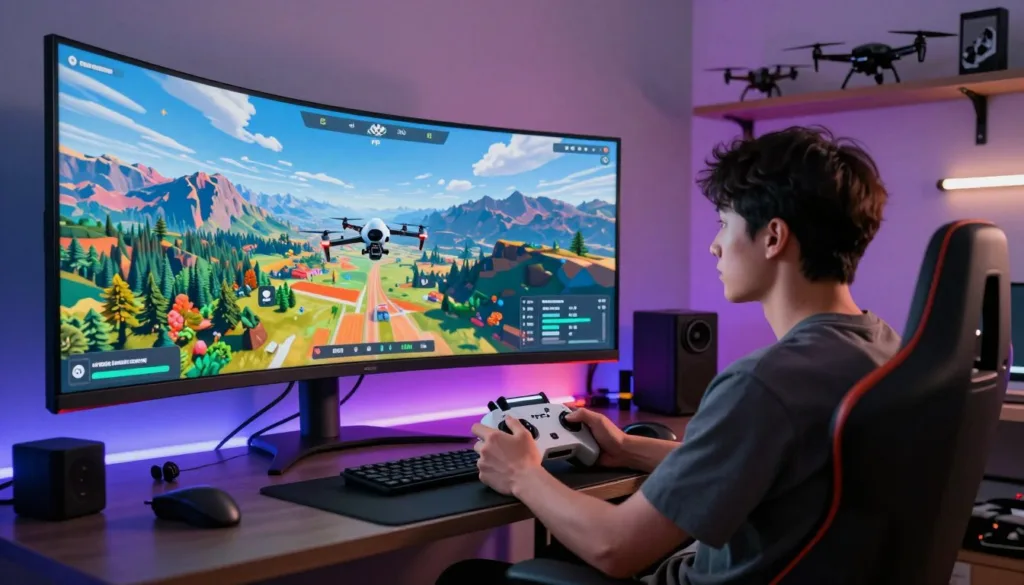
Welcome to the thrilling world of FPV simulation. You can now experience the adrenaline rush of flight from the comfort of your home. This technology lets you practice without the risk of damaging expensive equipment.
A high-quality simulator setup unlocks endless possibilities. It is perfect for beginners learning the basics. Experienced pilots also use it to perfect their racing and freestyle techniques.
This guide explores the best simulator options available today. We help you choose the perfect platform for your skill level and goals. Whether you love high-speed racing or creative freestyle flying, there is a tool for you.
We cover everything from free, beginner-friendly programs to professional-grade software. Understanding what makes a great FPV simulator is key. It helps you invest wisely and maximize your training effectiveness.
Get ready to see how simulation has revolutionized pilot training. Mastering advanced FPV skills is now more accessible than ever before.
Key Takeaways
- FPV simulators provide a safe and cost-effective way to practice flying.
- These tools are valuable for both new pilots and experienced experts.
- A wide range of software exists, from free options to professional programs.
- You can practice racing through complex courses or creative freestyle maneuvers.
- Choosing the right simulator helps you train more effectively and reach your goals faster.
- Modern simulation technology has made advanced pilot training highly accessible.
Introduction to the World of Drone Sim PCs
First-person view flight simulation has become an essential tool for aerial enthusiasts worldwide. The popularity of these virtual training platforms has exploded in recent years. They completely transform how people learn and practice their flying skills.
Modern platforms offer incredibly realistic physics engines. These systems accurately replicate the sensation of controlling an actual FPV drone. You can experience various environments from the safety of your home.
These tools serve pilots at every experience level. Complete beginners can take their first virtual flight with zero risk. World-champion competitors use them to maintain their sharp edge. The technology has advanced dramatically with high-quality graphics and precise controller integration.
Investing in a proper setup means you can practice daily. Weather conditions and time restrictions no longer limit your training. The global FPV community has fully embraced simulation as essential. Many competitive leagues now host virtual racing events.
Understanding the available platforms helps you make informed decisions. Today’s technology bridges the gap between virtual practice and real-world performance. The right choice will best support your entire flying journey.
Understanding the Drone Sim PC: Definition and Benefits
Specialized computer systems designed for flight simulation provide unprecedented training opportunities. These platforms bridge the gap between virtual practice and real-world performance.
The technology creates a safe environment for developing aerial abilities. Users can push their limits without financial risk or equipment damage.
What Makes a Drone Sim PC Unique?
These systems stand out through their realistic physics and controller integration. They connect directly with actual radio transmitters used for real flight.
This creates muscle memory that transfers seamlessly to outdoor flying. The experience feels authentic rather than like a typical video game.
| Feature | Traditional Gaming | Flight Simulation | Real-World Benefit |
|---|---|---|---|
| Controller Feel | Gamepad Input | Actual Radio Hardware | Direct Skill Transfer |
| Crash Consequences | Game Over Screen | Instant Reset | Risk-Free Learning |
| Practice Environment | Fixed Levels | Customizable Settings | Personalized Training |
| Skill Development | Entertainment Focus | Progressive Learning | Measurable Improvement |
Benefits for FPV Pilots and Enthusiasts
Pilots gain confidence through repeated practice in various conditions. They can experiment with different flying styles and quad configurations.
Enthusiasts in restricted areas enjoy year-round access to their hobby. The instant reset feature accelerates skill progression dramatically.
Combining virtual training with actual flights produces the fastest improvement. This approach has revolutionized how people master FPV techniques.
Why a Drone Sim PC is a Must-Have for Modern Pilots
For anyone serious about mastering flight, integrating a virtual training tool into their routine is no longer a question of ‘if’ but ‘which one’. Modern FPV pilots view these platforms as essential, core components of their training. They offer practice scenarios that are impossible or too risky to attempt with physical gear.
The financial logic is powerful. A single significant crash with a real quadcopter can mean hundreds of dollars in repairs. In contrast, you can crash a virtual model an unlimited number of times. This risk-free environment is priceless for learning.
Pilots can safely push their limits, practicing complex tricks and dangerous maneuvers. This builds muscle memory and confidence before ever taking the risk outdoors. For racers, the advantage is clear. They can memorize intricate track layouts and perfect their racing lines from home.
Weather and time of day become irrelevant. Your practice schedule remains consistent, rain or shine. It’s no surprise that the world’s best FPV drone competitors use these tools regularly. They maintain sharp skills during off-seasons and prepare for specific events.
Newcomers gain foundational skills in a stress-free setting. This builds the confidence needed for a smooth transition to real-world flying. These platforms also serve as perfect labs for testing different flying styles without consequence. This versatility makes them invaluable for every pilot’s journey.
Core Features of Top Drone Sim PCs for Immersive Flight
What separates mediocre flight simulators from truly immersive training tools comes down to a few key elements. These features create the bridge between virtual practice and real-world performance.
Realistic Flight Physics and Graphics
Advanced physics engines make virtual quadcopters handle like their real counterparts. They simulate air resistance, momentum, and propeller wash with impressive accuracy.
High frame rates and minimal input lag ensure responsive control. Many pilots prioritize physics accuracy over visual fidelity for effective training.
| Feature Category | Basic Simulators | Advanced Platforms | Training Impact |
|---|---|---|---|
| Physics Accuracy | Simplified Models | Real-time Calculations | Direct Skill Transfer |
| Graphics Quality | Basic Environments | Detailed Scenes | Enhanced Immersion |
| Controller Support | Limited Protocols | Wide Compatibility | Muscle Memory Development |
| Customization Options | Fixed Settings | Adjustable Parameters | Personalized Training |
Seamless Controller Integration
The best platforms support various radio transmitter protocols. This allows pilots to use their actual equipment during virtual sessions.
Proper integration builds muscle memory that transfers directly to outdoor flying. Customizable settings let you match specific quadcopter configurations.
These core features work together to create a realistic flying experience. They help pilots develop skills efficiently while minimizing real-world risks.
Comparing Popular FPV Drone Simulators
When exploring the world of aerial simulation software, three major players consistently rise to the top. Each platform brings unique strengths to virtual flight training.
Liftoff, VelociDrone, and DRL Sim: A Quick Overview
Liftoff stands out with its massive customization options. Pilots can tweak every aspect of their virtual quadcopter. The platform also features extensive track-building tools.
VelociDrone earns its reputation as the physics king. MultiGP chose it as their official racing platform. The flight modeling feels incredibly accurate and realistic.
The Drone Racing League Sim brings professional courses to your screen. You can fly the same tracks seen in televised competitions. DCL – The Game offers both arcade and realistic modes.
Freestyle vs. Racing Models
Racing-focused platforms emphasize precision flying through gates. Leaderboards and time trials drive competitive experiences. These tools are perfect for competition preparation.
Freestyle-oriented software provides open environments for creativity. Speed matters less than artistic expression in these sandbox modes. Many pilots use multiple platforms for different training needs.
The best choice depends on your primary flying interests and goals. Some platforms excel at both disciplines while others specialize.
Exploring Free and Budget-Friendly Simulator Options
Free simulator software opens the door to FPV flying for anyone curious about the hobby. Not everyone wants to invest money before discovering whether this type of simulation suits their interests. These zero-cost platforms serve as perfect entry points for complete beginners.
Budget-friendly options remove the financial barrier to entry. They allow newcomers to develop basic flying skills without commitment. This approach helps people determine if they want to pursue FPV seriously.
ORQA FPV.SkyDive
ORQA FPV.SkyDive stands out as an excellent free-to-play option available on Steam. Created by the well-known FPV goggle manufacturer ORQA, this platform doesn’t compromise on quality. It offers realistic flight physics and multiple game modes without any cost.
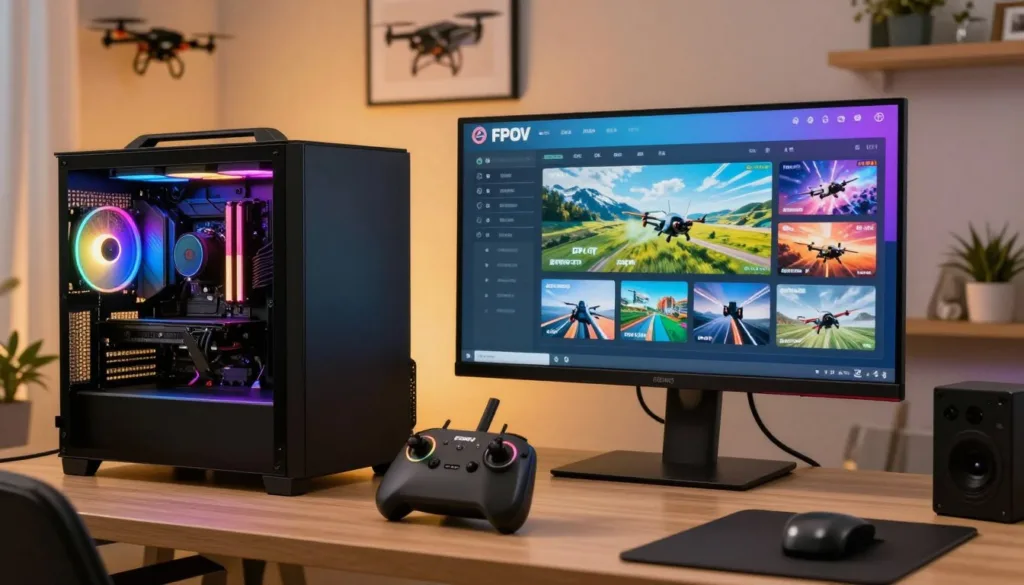
The simulator serves as a gateway into the world of FPV aircraft. It includes racing, freestyle, flight school, and even track-building features. This is an impressive feature set considering its free price tag.
Tiny Whoop GO
The Tiny Whoop GO simulator specializes in micro drone flying. It provides a focused training environment for pilots interested in indoor racing. These small quads require different control techniques compared to larger racing models.
Tiny Whoop enthusiasts particularly benefit from dedicated micro drone simulation. The platform helps master the unique handling characteristics of these compact aircraft. Both free options run on modest hardware specifications.
You don’t need an expensive gaming computer to start your FPV journey. While paid simulators generally offer more content, free options provide more than enough functionality for beginners to build confidence and skills.
In-Depth Review: ORQA FPV.SkyDive Simulator
With overwhelmingly positive reviews on Steam, ORQA FPV.SkyDive proves that quality simulation doesn’t require financial investment. This free-to-play game has earned an impressive 84% approval rating from over 1,500 users. Recent feedback maintains this high standard with 81% positive ratings.
The platform’s cross-compatibility stands out as a major advantage. It runs smoothly on PC, Mac, and Linux systems. This accessibility ensures pilots can practice regardless of their operating system. The variety of maps offers diverse environments for different training scenarios.
Beginners will appreciate the structured Flight School mode. It guides users through fundamental flying skills progressively. The Track Builder feature empowers the community to create custom racing courses. This constantly expands available content beyond the base version.
Multiplayer functionality adds competitive elements through global leaderboards. You can race against other pilots in real-time sessions. The minimal system requirements make this simulator accessible to users with older hardware. Native controller support eliminates compatibility issues.
The growing FPV community around this platform enhances the overall experience. It creates opportunities for social learning and friendly competition. ORQA FPV.SkyDive delivers exceptional value while remaining completely free on Steam.
Mastering Drone Racing with VelociDrone
When precision and realism matter most for competitive preparation, VelociDrone emerges as the undisputed leader in racing simulation technology. MultiGP’s official endorsement confirms its status as the gold standard for serious competitors.
The platform’s physics engine receives consistent praise for accurately replicating real-world flight characteristics. This makes virtual practice directly transferable to actual drone racing competitions.
Advanced Track Editing and Community Influence
VelociDrone features over 40 diverse sceneries and tens of thousands of community-created tracks. The advanced track editor represents a revolutionary approach to content creation.
Community-driven development ensures content evolves based on what pilots actually want to fly. This system gives users complete control over which tracks become officially verified.
Real-Time Multiplayer Racing Dynamics
Real-time multiplayer creates intense competitive experiences where pilots face live opponents. This tests skills under pressure just like real racing league events.
The Nemesis mode offers unique training by allowing racing against recorded ghost flights from top performers. Support for various quad classes means pilots can practice with virtual setups matching their real equipment.
The combination of superior physics, extensive content, and active multiplayer makes VelociDrone the preferred training platform. Serious competitors consistently choose it for their racing preparation.
Freestyle Flying: Highlights from Liftoff and Uncrashed
Creative expression takes flight in the world of freestyle flying. This artistic approach focuses on fluid movements and personal style rather than speed. Pilots use virtual environments to develop their signature maneuvers safely.
Liftoff stands out with its exceptional customization options. You can build virtual aircraft that match your real-world setups perfectly. The realistic physics ensure your practice sessions translate accurately to outdoor flying.
Open environments with interesting obstacles inspire creative exploration. These spaces allow pilots to develop unique flying styles without pressure. The track-building tools let you create custom areas for specific trick practice.
| Feature | Liftoff | Uncrashed | Freestyle Benefit |
|---|---|---|---|
| Physics Model | Realistic Simulation | Arcade-Style | Skill Transfer vs. Creative Freedom |
| Customization | Extensive Quad Building | Visual Focus | Hardware Matching vs. Aesthetic Appeal |
| Environment Design | Community-Created Content | Stunning Visuals | Practice Variety vs. Immersive Experience |
| Learning Curve | Progressive Challenge | Forgiving Mistakes | Skill Development vs. Experimentation |
Uncrashed offers a visually stunning experience for creative pilots. Its slightly arcade-style physics encourage experimentation without harsh penalties. This approach helps build confidence for complex maneuvers.
Both platforms provide sandbox modes for repeated trick practice. You can master power loops, rolls, and inverted flying safely. These tools create the perfect playground for artistic expression.
Freestyle-focused aircraft have unique tuning characteristics. The simulators accommodate these variations through adjustable settings. This ensures your virtual practice matches real-world performance expectations.
Performance and Hardware Requirements for an Optimal Experience
Getting the most out of your virtual flight training depends heavily on proper hardware setup and configuration. The right combination of computer specifications and controller settings creates a seamless fpv experience that feels authentic.
Matching your system to the software’s demands ensures smooth performance. This directly impacts how well the flight physics translate to your practice sessions.
Recommended PC Specs and Settings
Most modern flight simulation software runs well on modest hardware. Systems with Intel Core i5 processors and 8GB RAM represent the minimum starting point.
For the best experience, consider upgrading to a GTX 970 or better graphics card. This eliminates performance stuttering and improves visual quality dramatically.
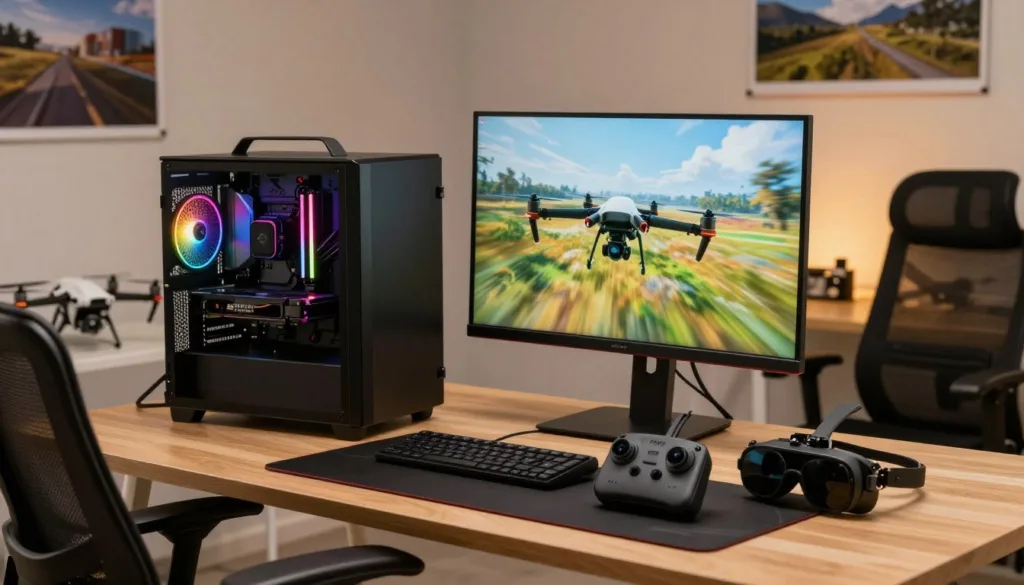
Frame rate consistency matters more than maximum graphics settings. Maintaining stable 60+ FPS creates smoother flight physics than high-quality visuals at choppy rates.
Strategic adjustment of graphics settings helps maximize performance. Focus on retaining important visual elements like gates and obstacles while optimizing for fluid motion.
Tips for Calibrating Your Radio Controller
Proper radio controller calibration is absolutely critical for effective training. Even slight miscalibration can create artificial difficulty and build incorrect muscle memory.
Most platforms include calibration wizards that guide you through centering sticks and setting endpoints. Always test your controller setup with gentle hovering before attempting complex maneuvers.
Many experienced pilots recommend using your actual fpv radio transmitter rather than game controllers. This builds authentic muscle memory for the specific controller you’ll use with real drones.
The right hardware settings and calibrated equipment transform your virtual practice. They ensure your skills transfer accurately to outdoor flying with real fpv aircraft.
Global Communities and Competitive Drone Racing Leagues
What began as informal gatherings of enthusiasts has blossomed into structured leagues with televised events and substantial prizes. The drone racing league phenomenon has created professional circuits that captivate audiences worldwide.
These organizations provide accessible pathways for pilots at every skill level. MultiGP represents the grassroots side, organizing local events that serve as perfect entry points.
Insights from Drone Racing League Events
The official drone racing league simulator brings professional tracks directly to your home. You can experience the same challenging courses flown by elite competitors in actual events.
Competitive circuits increasingly use virtual platforms for qualification rounds. This allows pilots from anywhere to compete for spots in physical competitions. The crossover between virtual and real-world racing continues to grow.
The global FPV community extends far beyond professional leagues. Online forums and multiplayer lobbies create social connections that motivate improvement. Many competitors maintain active simulator practice between physical events.
Freestyle racing communities also thrive within these platforms. They host judged competitions where participants submit their best trick runs for recognition. This racing league ecosystem creates endless opportunities for growth and connection.
Diverse Simulator Modes: Racing, Freestyle, and Training
Whether you’re drawn to speed or creativity, today’s virtual training tools accommodate both interests. Modern platforms like ORQA FPV.SkyDive include multiple distinct game modes within a single application. This versatility ensures every pilot finds their perfect practice environment.
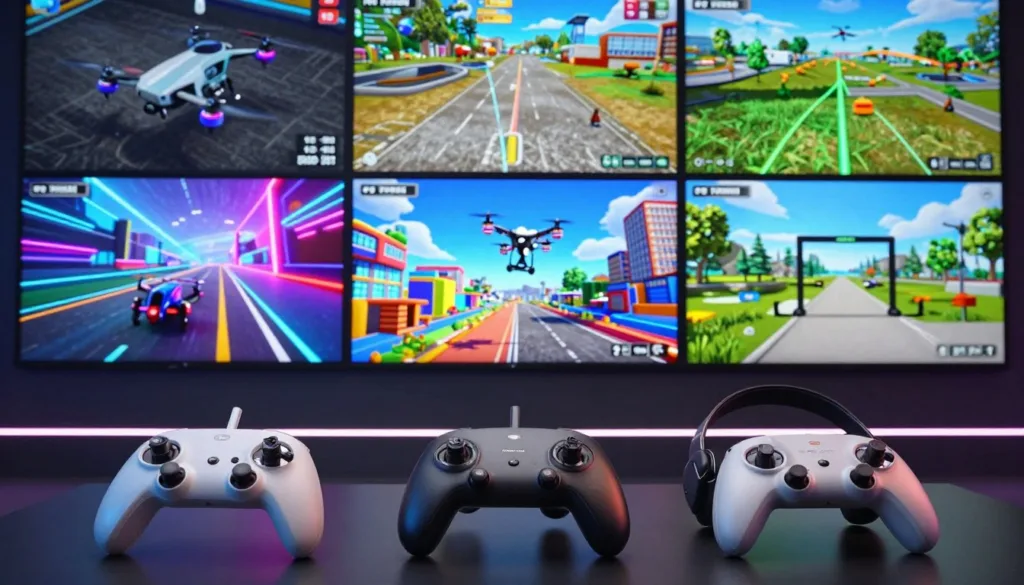
Racing modes challenge your precision and consistency through timed gate navigation. You’ll develop the muscle memory needed for competitive events while avoiding penalty obstacles. These high-speed sessions build the reflexes essential for real-world drone racing.
Freestyle options provide open sandboxes for artistic expression. Without time pressure, you can practice flowing lines and complex trick sequences. This creative flying helps develop your personal style in a risk-free setting.
Structured training modes offer progressive learning paths for skill development. Flight School environments teach fundamentals before advancing to advanced maneuvers. This systematic approach accelerates your progression from beginner to expert pilot.
Many simulator platforms now support a racing freestyle hybrid discipline. This emerging style combines gate navigation with artistic tricks during course runs. You can also practice with virtual equipment matching real micro drones or full-size quads.
Global leaderboards and time trials add competitive motivation to your practice sessions. These features encourage continuous refinement of your fpv techniques. The diverse modes available ensure your virtual training remains engaging and effective.
Improving Flight Skills Through Simulation Techniques
Transform your virtual flying sessions into powerful skill-building exercises with targeted practice techniques. Simply spending time in the air isn’t enough to develop true FPV mastery.
Effective improvement requires intentional practice with specific goals. Quality platforms like ORQA FPV.SkyDive include Flight School modes that guide you through structured progression.
Practice Modes and Skill Challenges
Different practice approaches yield dramatically different results. Focused drills targeting specific weaknesses accelerate improvement more than unstructured flying.
| Practice Method | Beginner Focus | Advanced Application | Skill Development Impact |
|---|---|---|---|
| Structured Drills | Hovering & Orientation | Gate Sequence Repetition | Foundation Building |
| Video Review | Identifying Basic Errors | Analyzing Racing Lines | Mistake Correction |
| Progressive Difficulty | Simple Courses | Technical Sections | Gradual Challenge Increase |
| Achievement Systems | Basic Maneuvers | Complex Trick Chains | Motivational Milestones |
Recording your sessions provides valuable feedback for identifying areas needing improvement. Review footage to spot inefficient lines or unsmooth flight patterns.
Gradually increasing difficulty ensures you challenge your current skill level without frustration. Master easier tracks before progressing to complex courses.
Consistent practice builds reliable abilities that transfer remarkably well to real aircraft. The core reflexes and control inputs developed in simulation create a solid foundation for outdoor flying.
Enhancing Realism: Physics, Custom Settings, and Controller Integration
Authentic aerial training demands more than just visually appealing environments—it requires precise physics modeling and seamless hardware integration. The most immersive platforms invest heavily in creating realistic flight dynamics that mirror real-world behavior.
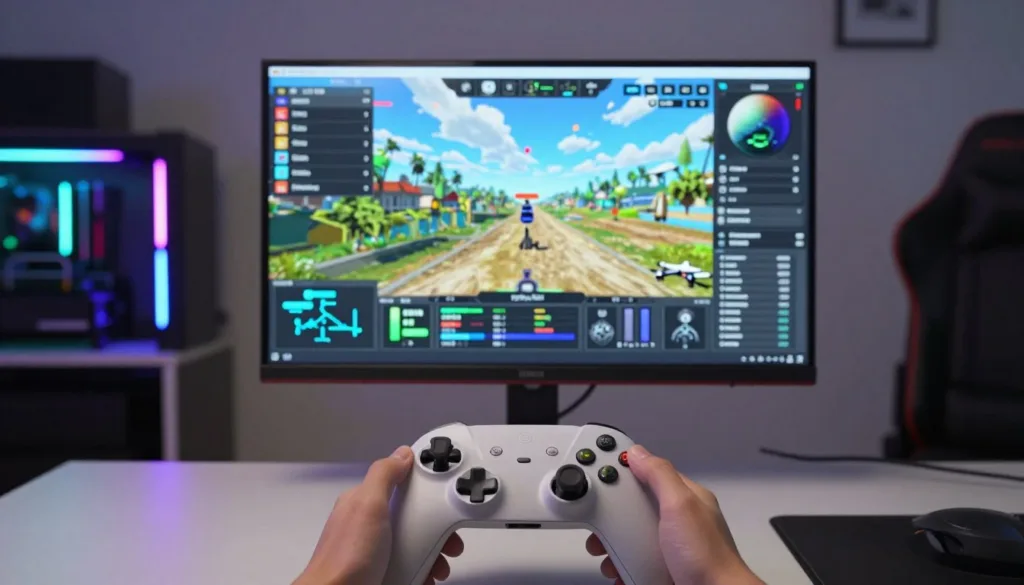
VelociDrone stands out as the industry leader in physics accuracy. Its meticulous attention to aerodynamics, momentum, and propwash effects creates an unparalleled training experience. This level of realism separates professional-grade tools from basic arcade-style alternatives.
Optimizing Graphics and Flight Settings
Finding the right balance between visual quality and performance is crucial for effective training. Smooth frame rates consistently prove more important than maximum graphics fidelity for developing proper flight skills.
Custom settings allow pilots to fine-tune their virtual aircraft to match real-world configurations exactly. Adjusting rates, expo curves, and PID values ensures your simulation practice translates directly to outdoor flying.
Proper radio controller integration builds essential muscle memory. Using your actual FPV transmitter during virtual sessions creates seamless skill transfer. Careful calibration ensures stick movements match precisely between simulation and reality.
The combination of realistic physics, optimized settings, and proper controller setup creates the most authentic training experience possible. This approach maximizes the value of every virtual practice session.
Drone Sim PC Buying Guide: Choosing the Right Platform
Navigating the landscape of available aerial training platforms requires careful consideration of your personal goals. The variety of fpv simulators means there’s something for every type of enthusiast.
Begin with your budget and commitment level. Free options like ORQA FPV.SkyDive provide excellent starting points. They let you test the waters before financial investment.
Key Considerations for Every Pilot
Your flying style dramatically influences which simulator suits you best. Racing enthusiasts often prefer VelociDrone for its competitive features. Freestyle fans typically choose Liftoff or Uncrashed for creative expression.
Platform compatibility matters significantly. Mac and Linux users have fewer choices. VelociDrone and ORQA FPV.SkyDive offer excellent cross-platform support.
Tiny Whoop enthusiasts need specialized platforms. Not all software accurately models micro aircraft physics. Ensure your chosen tool supports indoor flying characteristics.
Consider community size and multiplayer activity. Active player bases enhance the social aspect. They provide motivation through competition and shared learning.
Many experienced pilots eventually own multiple platforms. They use different tools for specific training purposes. This approach maximizes their overall flying experience.
Always check recent user reviews before purchasing. Regular updates can significantly improve different version releases. Watch gameplay videos to understand current software quality.
Conclusion
Modern aerial training platforms have transformed risk-free practice into an essential component of skill development. The FPV simulation world now offers tools perfect for every pilot’s journey.
Whether you’re starting out or maintaining competitive edge, there’s a platform suited to your needs. Free options provide solid foundations while premium tools deliver professional-grade training.
The investment in quality simulation pays for itself through saved repair costs and accelerated learning. As technology advances, the gap between virtual and real-world flying continues to narrow.
Take time to evaluate your goals and try different platforms. The skills you develop through consistent practice translate directly to real drone performance.
Choose a simulator that motivates regular use and enhances your overall experience. Your dedication to virtual training will build the confidence needed for successful outdoor drone flights.
The right FPV platform becomes your personal training partner, accelerating progress while eliminating risk. Embrace these powerful tools to master aerial skills safely and efficiently.
FAQ
What is the best FPV drone simulator for beginners?
For those new to the hobby, Liftoff is a fantastic starting point. It offers a gentle learning curve with forgiving physics, great tutorials, and a friendly community. It’s perfect for getting comfortable with the basics of flying before moving to more advanced options.
Can I use my real radio controller with these simulators?
A> Absolutely! Most modern simulators support seamless controller integration. You can typically connect your radio via a USB cable. This is one of the biggest benefits, as it lets you build muscle memory with the exact same equipment you’ll use for real-world flying.
Are there any good free FPV simulators available?
A> Yes, there are some excellent free options. ORQA FPV.SkyDive is a great choice that offers realistic physics. Another popular one is Tiny Whoop GO, which is perfect for practicing with micro drones. These are wonderful ways to try out the experience without any cost.
What’s the difference between a racing and a freestyle simulator?
A> Racing sims like VelociDrone focus on speed, precision, and navigating complex tracks. Freestyle sims, such as those found in Liftoff, emphasize creative tricks, smooth maneuvers, and exploring open maps. Many pilots enjoy both styles for a well-rounded skill set.
Do I need a powerful computer to run these programs smoothly?
A> While you can run many sims on modest hardware, a better PC will provide a more immersive experience with higher graphics settings and smoother performance. For the best results, a dedicated graphics card and a good processor are recommended.
How can a simulator help me improve my real-world flying skills?
A> Practice makes perfect! Using a simulator allows you to crash without breaking anything, letting you experiment and push your limits safely. You can master complex maneuvers, improve your reaction time, and build confidence that directly translates to flying your actual FPV quad.
Which simulator has the best multiplayer experience for racing?
A> VelociDrone is widely praised for its real-time multiplayer racing dynamics. It has a strong, active community and is often used for official online events, making it a top pick if you want to compete against other pilots from around the world.

