



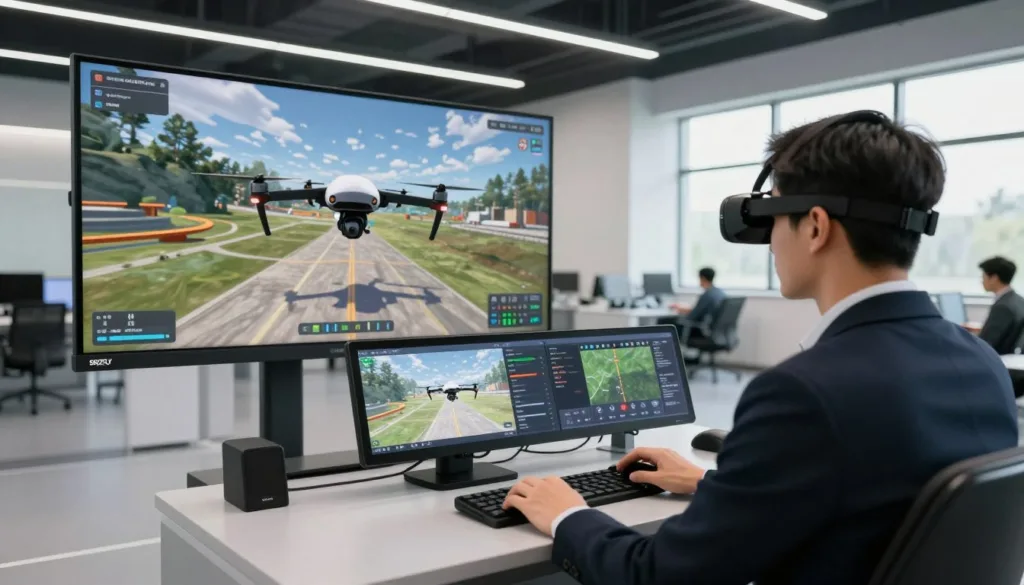
Welcome to your complete guide to mastering flight skills in a completely safe virtual space. Imagine practicing complex maneuvers without the fear of a costly crash or being grounded by bad weather. This is the power of modern training software.
Whether you are just starting your journey into FPV flying or are a seasoned pilot looking to sharpen your techniques, a high-quality platform provides the perfect risk-free environment. You can learn and improve at your own pace, building essential muscle memory for real-world scenarios.
This guide will explore the top options available today. We help you find the perfect fit for your goals and budget. You will learn about realistic flight physics, immersive environments, and controller compatibility.
Investing time in this kind of training pays off. You save money on repairs, gain confidence, and develop skills that translate directly to flying your actual craft. We cover everything from free programs to premium versions designed for racing and freestyle.
Key Takeaways
- Practice flying without the risk of damaging expensive equipment.
- Build muscle memory for complex maneuvers in a safe, virtual world.
- Train anytime, regardless of weather conditions or location.
- Ideal for both beginners and experienced pilots aiming to refine FPV skills.
- Choose from various platforms that match your specific training needs and budget.
- Develop real-world flying confidence before your first actual flight.
Introduction to Our Drone Simulator EXE Roundup
The landscape of pilot training has been transformed by innovative software solutions. These platforms offer remarkable opportunities for developing aerial abilities without real-world risks.
Overview of Drone Simulation Benefits
Virtual training has completely changed how enthusiasts approach skill development. Instead of costly trial-and-error methods, you can practice safely from home. This approach builds essential muscle memory for real flights.
The advantages extend well beyond basic control practice. You’ll test complex maneuvers and emergency procedures. Many platforms even let you compete with other pilots globally.
Quality programs like OrqaFPV.SkyDive demonstrate real value. With 84% positive reviews from over 1,500 users, the community clearly benefits. Even research tools like Microsoft’s AirSim serve important training purposes.
What to Expect in This Product Roundup
Our comprehensive guide examines multiple flight training options. We cover everything from free platforms to professional-grade tools. Each review includes detailed feature breakdowns.
You’ll learn about physics accuracy, environment variety, and controller compatibility. We also share real user experiences and ratings. This helps you find the perfect match for your goals.
Whether you’re training for racing, freestyle, or autonomous development, we’ve got you covered. By the end, you’ll know exactly which platform suits your needs and budget.
Unpacking Drone Simulator EXE: Key Features & Benefits
What truly separates exceptional flight training platforms from basic ones comes down to their core technical capabilities. These elements work together to create an experience that feels authentic and builds real skills.
Realistic Flight Physics and Immersive 3D Environments
The foundation of any quality training software lies in its flight physics engine. This determines how accurately the virtual aircraft responds to your inputs. Top platforms use optimized physics models that replicate real-world behavior with remarkable precision.
Immersive 3D environments significantly impact your training effectiveness. Quality programs offer various maps ranging from open fields to urban landscapes. These diverse settings challenge your navigation and spatial awareness skills.
You’ll appreciate the ability to fly different aircraft types within the same platform. This includes tiny micro craft perfect for indoor practice and full-sized FPV racing models. Each demands different reflexes and control precision.
Customizable Settings and Controller Integration
Flexible settings empower you to tailor the experience to match your real equipment. Adjusting parameters like input rates ensures your training remains relevant. You can gradually increase difficulty as your skills improve.
Controller integration is critical for effective practice. The best platforms offer seamless compatibility with popular transmitters. This includes PlayStation and Xbox gamepads plus professional FPV controllers.
Advanced calibration tools let you fine-tune controller response curves. This ensures the virtual experience translates directly to real-world muscle memory. The combination of realistic physics and flexible settings creates a comprehensive training platform.
Additional features like procedural track generation provide unlimited practice scenarios. Multiple flight modes including self-leveling and acro let you progressively develop advanced techniques.
Exploring Advanced Simulation Modes and Flight Dynamics
The real power of modern flight training software lies in its diverse game modes that cater to different flying styles and goals. These specialized options transform basic practice into targeted skill development.
FPV and Freestyle Flight Modes
First-person view (FPV) mode delivers an immersive experience that mimics real racing conditions. This perspective builds spatial awareness and quick reflexes essential for competitive flying.
Freestyle options provide creative freedom in sandbox environments. You can practice complex maneuvers without pressure. Platforms like OrqaFPV.SkyDive offer dedicated spaces for tricks and creative expression.
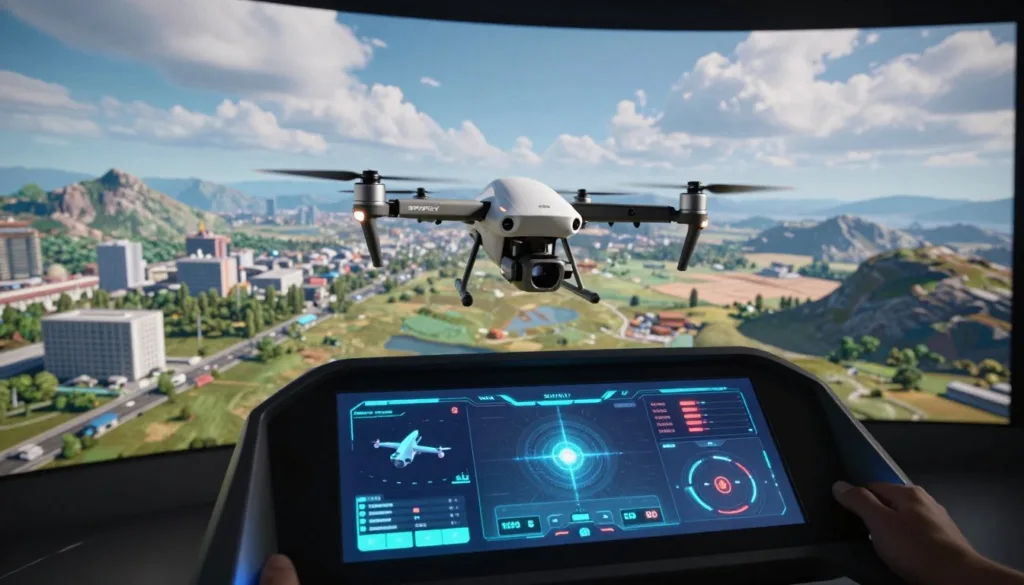
These modes support various controller configurations including mode 1 through 4. This flexibility ensures your training matches your real equipment setup perfectly.
Racing, Sandbox, and Flight School Options
Racing mode develops precision flying with timing systems and competitive elements. You’ll master high-speed navigation through challenging courses.
Flight School provides structured learning paths for beginners. Progressive challenges guide you from basic controls to advanced techniques. This builds confidence systematically.
Sandbox environments encourage experimentation without limits. Track Builder features let you design custom courses and share them with the community. These diverse options keep training engaging and effective.
In-Depth Product Reviews and Comparative Analysis
Community feedback and detailed feature analysis provide the clearest picture of which platform best suits your needs. Real user experiences reveal how software performs in daily training scenarios.
User Ratings and Curator Insights
OrqaFPV.SkyDive demonstrates strong community approval with 84% positive ratings from over 1,500 users. Recent reviews maintain an 82% positive trend, showing ongoing development and relevance.
Four experienced curators have evaluated this product, adding professional perspectives. Their insights help understand performance for specific use cases like racing versus freestyle practice.
Pros and Cons of Top Simulator Versions
Many platforms offer both free demo and paid full versions. FPV Freerider’s trial includes one scenery with basic quad setup. This lets you test compatibility before purchasing.
The full version provides precise control over input rates, camera settings, and physics. FPV Freerider Recharged offers enhanced graphics and additional options as a premium alternative.
| Feature | Demo Version | Full Version | Recharged Version |
|---|---|---|---|
| Scenery Variety | 1 basic map | Multiple environments | Enhanced detailed maps |
| Customization Options | Limited settings | Full physics control | Advanced customization |
| Aircraft Selection | Basic quad only | Multiple models | Expanded aircraft library |
| Price Point | Free | Moderate cost | Premium pricing |
Your choice should balance skill level, training goals, and budget. Beginners often thrive with free options while serious competitors benefit from premium features.
Enhancing Pilot Skills Through Drone Simulation Training
The journey from novice to skilled operator accelerates dramatically with risk-free practice environments. Virtual training platforms remove traditional barriers that once limited how quickly pilots could advance their abilities.
These tools create the perfect space for developing essential competencies without real-world risks. You can push your boundaries knowing mistakes have zero consequences.
Developing Safety and Precision in Drone Flying
Building safety awareness becomes natural when you can practice emergency procedures repeatedly. Platforms like OrqaFPV.SkyDive let you master complex maneuvers through races and challenges.
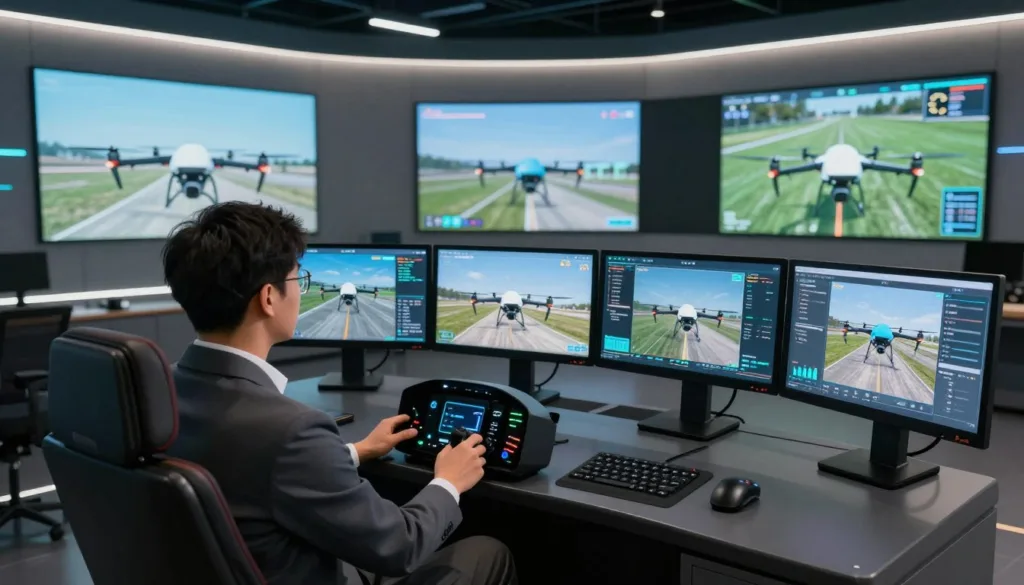
Precision flying skills develop faster through focused sessions. You can repeat difficult moves hundreds of times without weather restrictions. FPV Freerider exemplifies this freedom—fly regardless of rain, wind, or snow.
The financial advantage is significant. Virtual crashes cost nothing compared to real equipment repairs. This encourages experimentation that builds true mastery.
Multi-player modes add competitive pressure that sharpens your reflexes. You’ll observe other pilots’ techniques and challenge yourself to improve continuously.
By transitioning from virtual to actual FPV flying, you carry developed muscle memory and situational awareness. This foundation would normally require extensive real-world practice.
Setup Guide: Calibrating Your Hardware and Software
Calibration isn’t just technical preparation—it’s the bridge between virtual practice and actual flying competence. Proper setup ensures your training translates directly to real-world skills.
Step-by-Step Controller Calibration
Modern platforms have dramatically simplified the calibration process. FPV Freerider’s 2021 update completely reworked the input system. Users no longer need complicated endpoint adjustments for popular transmitters.
The calibration wizard guides you through moving all sticks through their full range. You then fine-tune rates and expo curves to match your preferences. This builds muscle memory that transfers to actual flying.
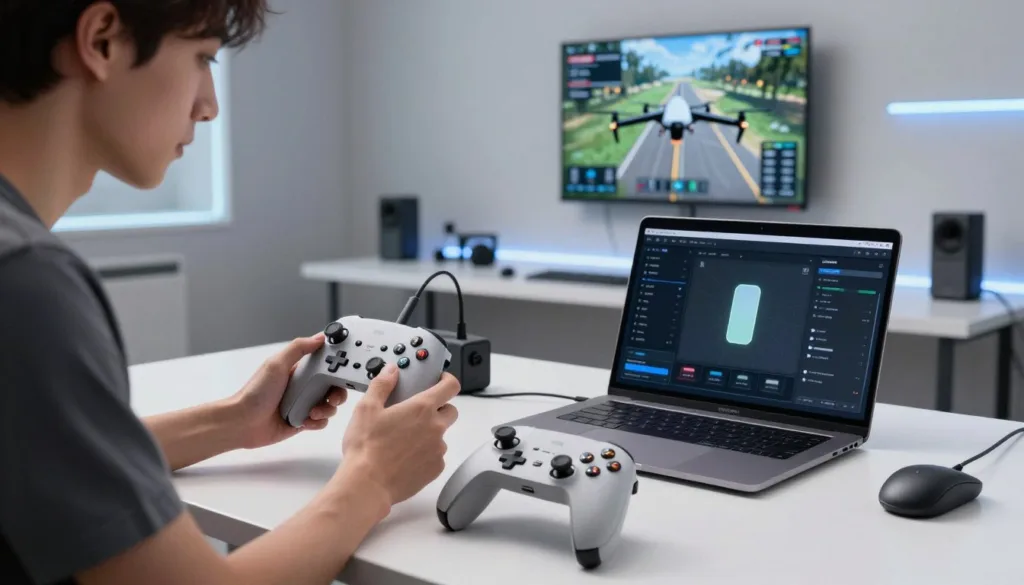
Optimizing Simulator Settings on Windows
Windows users should verify their system meets minimum requirements first. Most platforms run smoothly on Windows 7, 8, or 10 (64-bit) systems. You’ll need an Intel Core i5 processor and 8GB RAM for optimal performance.
Graphics quality settings balance visual fidelity with smooth frame rates. Configure DirectX 11 properly and ensure sufficient system resources. These adjustments prevent frustration and ensure consistent performance.
| Controller Type | Popular Models | Calibration Complexity |
|---|---|---|
| Professional FPV Transmitters | FrSKY Taranis, Spektrum, Radiomaster | Simple (post-2021 updates) |
| Consumer Drone Controllers | DJI FPV, Eachine, Turnigy | Easy plug-and-play |
| Gaming Peripherals | Xbox, PlayStation, Logitech | Automatic detection |
Cross-platform compatibility means you’re not locked into Windows. Many quality training tools run equally well on Mac and Linux systems. Always test the free demo version to confirm compatibility with your specific hardware.
Community Feedback and Real User Experiences
When selecting virtual flight training software, nothing speaks louder than authentic feedback from fellow enthusiasts. The collective voice of users provides invaluable insights into what truly works in practice.
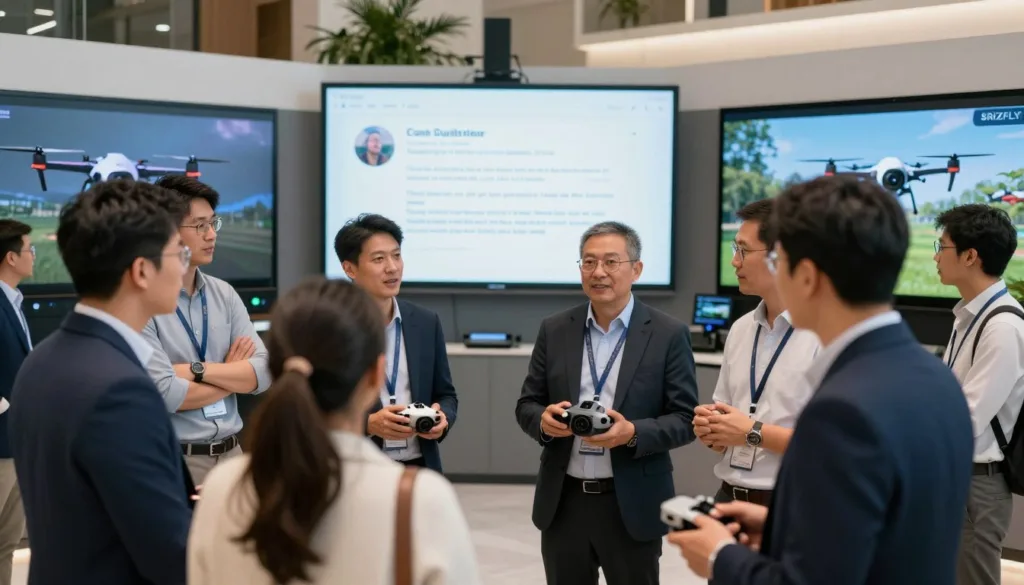
Active platforms thrive on user engagement and shared learning. This collaborative environment transforms individual practice into collective growth.
Curated Reviews and Testimonials
The strength of a platform’s community directly impacts your learning journey. OrqaFPV.SkyDive demonstrates this with 84% positive ratings from over 1,531 users.
Recent reviews maintain an 82% positive trend, showing consistent satisfaction. This community of FPV enthusiasts competes in online game modes and shares techniques.
Four experienced curators provide professional insights beyond simple star ratings. Their analysis covers different use cases and skill levels.
User testimonials frequently highlight accelerated real-world skill development. Many pilots report saving money on equipment while gaining confidence.
The platform’s latest version enhances multiplayer features, keeping the experience fresh. Each version update reflects user feedback from the active fpv community.
Community hubs become essential resources for troubleshooting and optimization. Engaging with fellow fpv enthusiasts transforms solo practice into social learning.
Future Trends in Drone Simulation and Autonomous Flight
As we peer into the future of aerial training, the boundaries between virtual practice and real-world autonomous systems continue to blur. The evolution over recent years has been remarkable, transforming basic tools into sophisticated learning environments.
Innovations in AI and Flight Automation
Artificial intelligence represents the cutting edge of development. Platforms now incorporate machine learning that enables aircraft to learn optimal paths through reinforcement.
Microsoft’s journey from AirSim in 2017 to the upcoming Project AirSim shows this progression. The new platform will combine advanced physics with enterprise-level AI capabilities for serious aerospace applications.
What’s Next for Drone Training Platforms
Future systems will serve both recreational FPV enthusiasts and professional developers. The democratization of technology means innovations once limited to labs are now accessible to everyone.
Expect more virtual reality integration and realistic battery modeling. API-driven platforms will enable scripted scenarios and AI coaching that identifies technique weaknesses.
As commercial delivery becomes reality, training will focus on urban navigation and safety procedures. These advancements prepare both human operators and autonomous systems for real-world operations.
Conclusion
The path to becoming a skilled aerial operator begins with smart practice choices that build confidence safely. Virtual training platforms offer incredible value by developing real-world abilities without equipment risks.
Throughout our exploration, we’ve seen how realistic physics, diverse maps, and seamless controller integration create effective learning environments. The variety of options available means there’s a perfect fit for every pilot‘s needs and budget.
When selecting your training tool, consider Windows compatibility, transmitter support, and available game modes. Proper settings calibration ensures your practice translates directly to real-world flying.
Whether you download a free version or invest in premium features, the important step is starting your FPV journey. Every session builds essential skills that make you a more capable operator.
The right choice combines engaging content with practical benefits that keep you practicing consistently. Your investment in quality training pays dividends in confidence and capability.
FAQ
What is the main advantage of using a flight training program?
The biggest benefit is learning to fly without the risk of damaging your expensive equipment. You can practice maneuvers, build muscle memory, and gain confidence in a safe, virtual world before ever taking a real quadcopter outside.
Can I use my own transmitter with these programs?
Absolutely! Most modern training software supports a wide variety of popular radio controllers. You can typically connect via USB for a seamless experience, making the transition to real-world flying much smoother.
Are there different types of environments to practice in?
A>Yes, you’ll find a huge selection of maps and locations. These range from open sandbox areas for freestyle tricks to intricate racing gates and realistic cityscapes, all designed to test and improve your skills.
How realistic is the physics engine in these applications?
The top-tier options feature highly advanced physics that accurately mimic real-world flight dynamics. This includes factors like wind, gravity, and how the aircraft responds to your inputs, providing an authentic training experience.
What if I’m a complete beginner?
No problem! Many platforms include a dedicated Flight School or tutorial mode. These guided lessons start with the absolute basics and progressively introduce more complex techniques, making them perfect for new pilots.
Is there a community where I can share my progress?
Definitely. There are active online communities for most major software. Here, you can get tips, share videos of your flights, download custom content, and even compete with other pilots from around the globe.

