



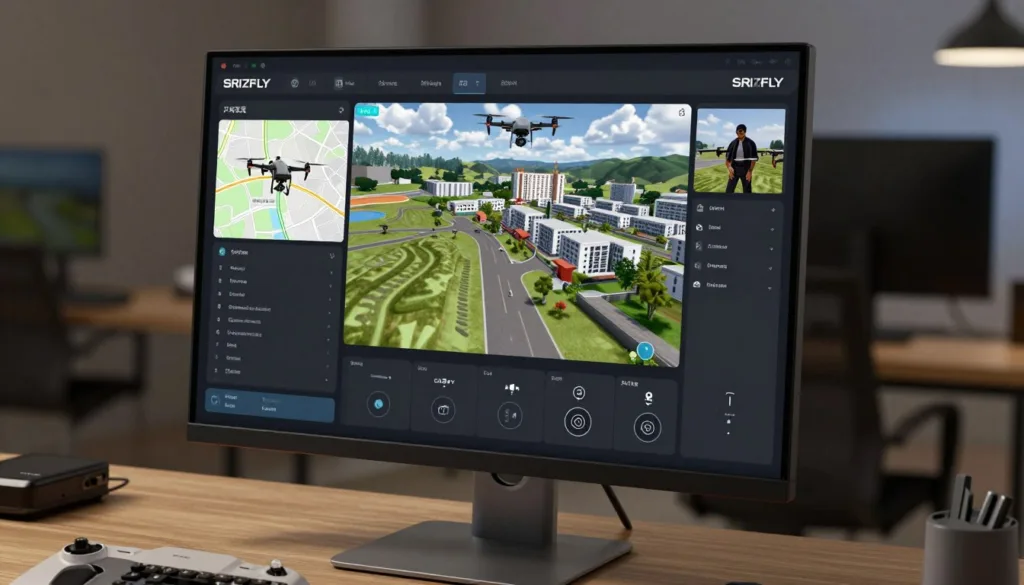
Welcome to your complete guide on mastering the skies from the safety of your computer. Modern technology offers incredible tools for learning complex skills. This is especially true for operating remote-controlled flying devices.
These versatile tools are now essential for creating detailed digital replicas of our world. Specialized programs process captured visuals to build accurate 3D representations. This process, known as photogrammetry, has been transformed over the last decade.
What was once difficult and expensive is now accessible and cost-effective. Practicing in a virtual setting allows you to hone your techniques without risk. You can master flight patterns and data collection before a real mission.
This guide will walk you through the fundamentals. We will explore how to plan your first virtual project. Get ready to bridge the gap between theory and hands-on experience.
Key Takeaways
- Virtual training platforms provide a safe, risk-free environment to develop essential piloting skills.
- Photogrammetry technology converts multiple pictures into precise 3D models and maps.
- Simulation software is invaluable for both beginners and experienced professionals.
- Advancements in this field have made aerial data collection more affordable for various industries.
- Mastering techniques in a simulated world builds confidence for real-world applications.
- This guide provides a clear path from basic concepts to planning your first mission.
Understanding Drone Aerial Photography Simulation
Before taking to the skies, modern professionals can hone their craft in a completely safe, virtual world. This technology is a game-changer for training and skill development.
What Is Drone Aerial Photography Simulation?
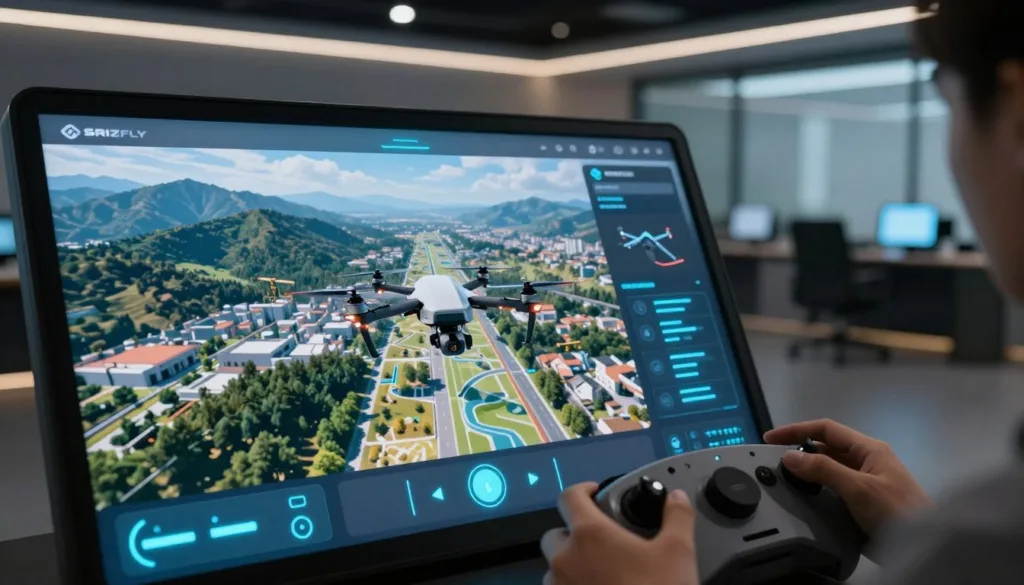
Think of it as a highly advanced video game designed for serious learning. This software creates a digital twin of the real world. Pilots use realistic controllers to operate a virtual device.
The core components are impressive. You get authentic flight physics and changing weather. The virtual camera controls mirror those on actual equipment.
This setup allows you to practice capturing images for creating 3D models. It’s a full workflow practice without any real-world risk.
How Simulation Enhances Training and Practice
The benefits for learning are immense. You get unlimited practice time. There are no weather delays or concerns about damaging expensive gear.
You can repeat challenging scenarios until you master them. The software provides immediate feedback on your flight patterns. It also assesses the quality of the images you capture.
This approach accelerates the learning curve dramatically. Mistakes become valuable lessons, not costly errors. Skills developed in the virtual environment transfer directly to real-world projects.
It helps people truly understand the science of photogrammetry by seeing how overlapping pictures become accurate models.
The Science Behind Aerial Photogrammetry and Drone Mapping
At its core, the magic of creating detailed 3D maps from the sky relies on a precise scientific method. This technique allows us to make accurate measurements from pictures.
Principles of Photogrammetry
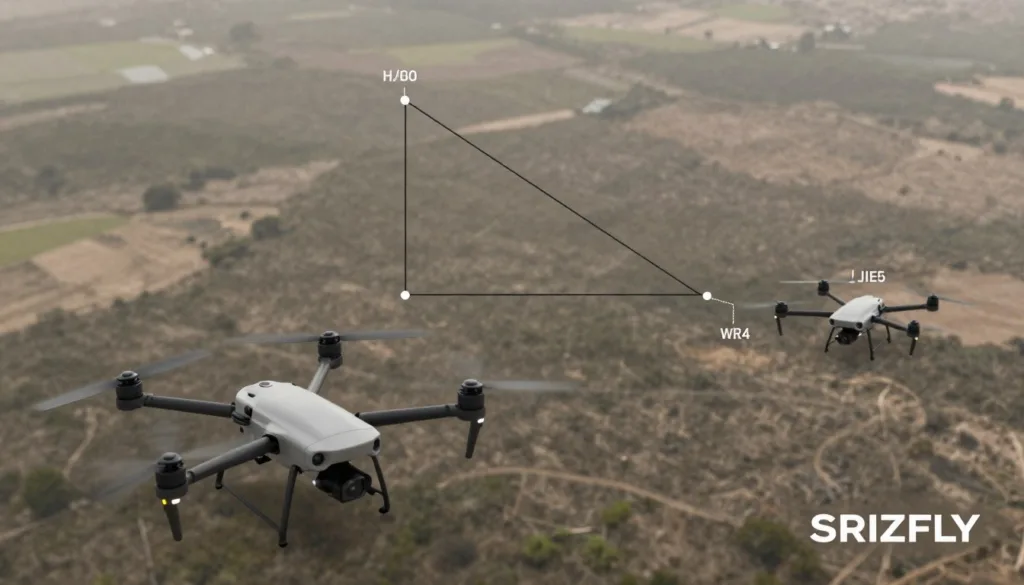
Think of it like your own vision. You see an object from two slightly different angles with your two eyes. Your brain uses this difference to understand depth and distance.
Photogrammetry works the same way but with photos. Software analyzes images of a subject captured from various positions. It uses the different perspectives to triangulate the exact location of points in space.
The more overlapping photos you have from different angles, the more accurate the resulting 3D data becomes.
This process plots individual points with X, Y, and Z coordinates. These points form the foundational cloud for any digital reconstruction.
From Aerial Images to 3D Models
Once the software calculates millions of these points, the real building begins. It connects them using geometric shapes like triangles. This creates a mesh that represents the object’s surface.
Critical to this is the metadata embedded in each photo. GPS coordinates and camera data are stored automatically. This information gives the software the precise context it needs to create models with real-world scale and accuracy.
Understanding this science helps operators capture better data from the start. It turns a collection of images into a precise, measurable digital asset.
Essential Equipment and Software for Drone Photogrammetry
The right tools transform raw potential into professional results. Your equipment choices directly impact the quality of your final models and maps.
Selecting compatible hardware and processing programs ensures smooth workflows. This foundation supports everything from basic projects to complex mapping missions.
Camera, Sensors, and Drone Hardware
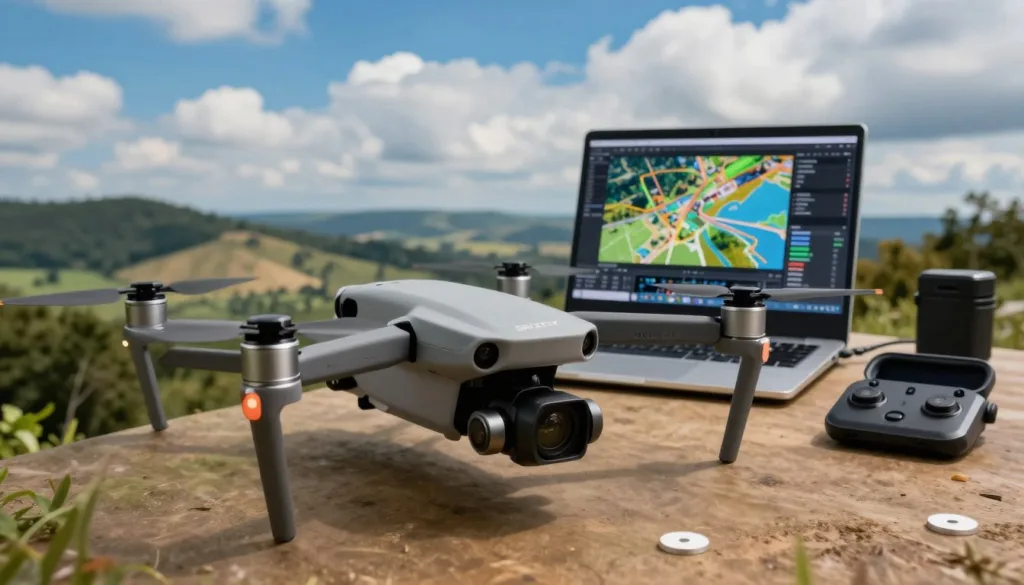
Modern flying platforms function as airborne scanners. They capture detailed imagery of large areas like construction sites.
Key selection criteria include high-resolution cameras for clear pictures. You also need stable flight performance and extended battery life.
GPS accuracy ensures precise geotagging of each image. Payload capacity determines what specialized sensors you can carry.
Popular models range from the accessible DJI Mini 3 Pro to professional systems like the WingtraOne Gen II. This advanced platform covers vast areas with multiple camera options.
Overview of Leading Photogrammetry Software
Your processing software turns captured images into accurate 3D data. Different platforms suit various needs and budgets.
DroneDeploy offers a user-friendly interface with cloud-based processing. It’s great for those starting their mapping journey.
Agisoft Metashape provides powerful 3D reconstruction for larger datasets. It handles detailed texture mapping effectively.
Choosing software that integrates well with your hardware significantly improves project efficiency.
Pix4Dmapper delivers survey-grade results with support for multispectral imagery. It represents the high-end of processing technology.
The continuous integration of advanced sensors enhances data precision. This makes photogrammetry more reliable across industries.
Techniques for Capturing High-Quality Aerial Images
Great results start with smart capture techniques. The quality of your final 3D model depends entirely on the data you collect during your flight. Mastering a few key methods will dramatically improve your project outcomes.
Optimal Flight Paths and Overlap
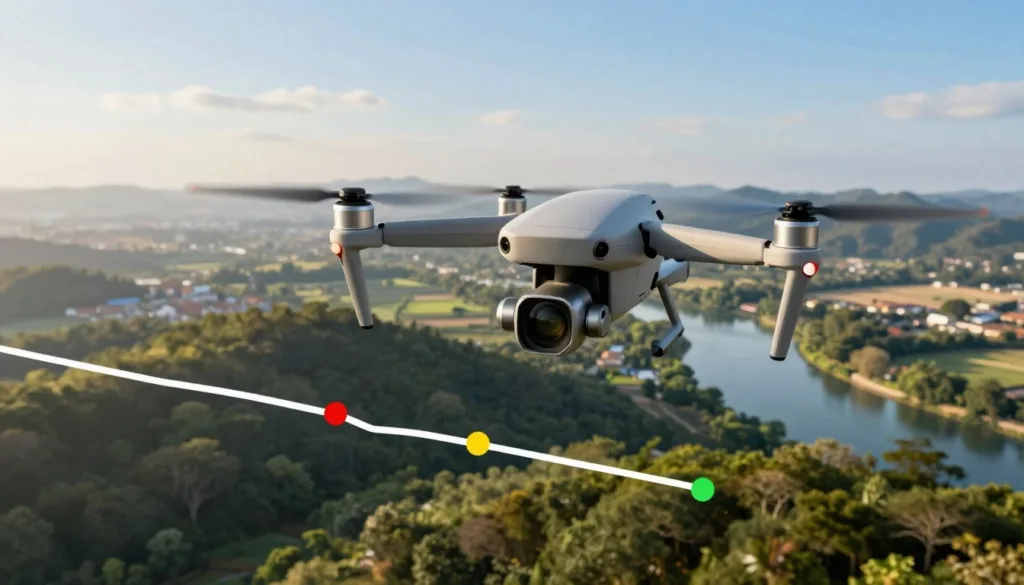
Planning your route is the first critical step. Automated flight apps like DroneDeploy and Pix4Dcapture make this easy. They help you create systematic paths that ensure complete coverage.
The secret to accurate 3D reconstruction lies in image overlap. Your pictures must share common points for the software to work.
For best results, aim for 60-70% overlap on straight-down photos. Use 70-80% overlap for angled shots.
This redundancy allows the photogrammetry process to track features across multiple images. It builds the geometric relationships needed for precision.
Capturing Different Angles and Altitudes
Varying your perspective is essential for a complete model. Start by capturing straight-down images from about 150-200 feet. This provides a solid top-down baseline.
Next, orbit your subject at different heights. Use a high altitude with a 30-degree camera angle for broad context. A middle altitude with a 45-degree angle captures detailed side features.
Finally, fly lower with a steep 70-degree angle. This captures intricate textures and details. Adjust your flight radius at each level to keep the subject framed perfectly.
This comprehensive approach to collecting imagery ensures your final model has excellent detail and accuracy from every viewpoint.
Planning Effective Drone Simulation Missions
Proper preparation separates amateur attempts from professional-grade results. A systematic approach to mission planning ensures your virtual training translates directly to real-world success.
This process builds crucial habits that become second nature. You’ll learn to think through every aspect before execution.
Setting a Project Scope and Objectives
Begin by clearly defining what you want to achieve. Determine the specific area to be mapped and the required detail level.
Your project goals guide equipment choices and flight patterns. Consider the final use of your data when setting parameters.
Evaluate location suitability carefully. Check for airspace restrictions and potential obstacles. Good lighting conditions are essential for quality image capture.
A clearly defined scope ensures every aspect of your mission aligns with desired outcomes.
Pre-Flight Safety Checks and Equipment Setup
Thorough equipment preparation is non-negotiable. Charge all batteries and update your firmware regularly.
Calibrate sensors and inspect your gear for any physical damage. Verify GPS signal strength before each session.
Pre-program your flight path using mapping software. Set precise waypoints and configure optimal overlap ratios. This virtual practice builds confidence for actual operations.
These careful steps create reliable workflows. They significantly improve mission success rates across various site conditions.
Best Practices for Creating Accurate 3D Models>
Achieving professional-grade results requires attention to two critical factors during data collection. Proper planning ensures your final product meets high standards of precision.
Ensuring Image Overlap and Multiple Perspectives
Structure from Motion (SfM) technology powers modern photogrammetry software. This process stitches pictures together by identifying shared features across multiple frames.
Your flight pattern must guarantee sufficient overlap between consecutive shots. Aim for at least 60% overlap on straight-down photos. For angled perspectives, increase this to 70-80%.
This redundancy allows the software to accurately compute precise 3D coordinates for model reconstruction.
Capture your subject from various angles and altitudes. This geometric diversity provides the software with comprehensive data. It enables accurate measurements and detailed texture mapping.
Adjusting Camera Settings for Precision
Always use your camera’s highest resolution setting. Detailed images are essential for precise measurements in professional applications.
Each photo contains valuable metadata including GPS coordinates and camera information. This embedded data helps the software position images correctly during the reconstruction process.
Experiment with exposure settings and focus modes to optimize image quality. Virtual training platforms let you test different configurations safely. You can immediately see how settings affect your final model’s accuracy.
Leveraging Simulation for Enhanced Drone Flight Training
Interactive learning systems provide a safe space to master complex maneuvers without the pressure of expensive equipment. These platforms revolutionize skill development by offering unlimited practice opportunities.
Interactive Learning and Virtual Mission Planning
Virtual environments let trainees practice essential movements like takeoff, hovering, and landing. You can control altitude, pitch, yaw, and roll in risk-free settings. This builds muscle memory for precise positioning.
Special flight modes become second nature through repeated practice. GPS-assisted hover maintains stable positioning for consistent imaging. Waypoint navigation enables systematic area coverage.
Automatic takeoff and landing sequences minimize risks during challenging operations. Real-time feedback on battery life and sensor status develops crucial situational awareness.
Regular virtual practice accelerates skill development dramatically. Operators gain hundreds of hours of experience that would be costly with actual equipment. This training directly transfers to real-world mapping projects.
Virtual mission planning replicates professional workflows, teaching systematic approaches to data collection.
The cost and time savings make this approach accessible to more people. Confidence grows with each successful virtual mission. Soon, complex photogrammetry projects feel manageable and routine.
Drone Aerial Photography Simulation in Construction and Surveying>
The construction and surveying sectors are experiencing a technological revolution. Virtual training platforms are now essential for preparing professionals for complex site work.
These tools build the skills needed for accurate data collection in demanding environments.
Applications in Site Monitoring and 3D Mapping
In the construction industry, regular aerial updates are crucial. Project managers use detailed maps to track progress across large sites.
This technology helps identify issues early. It also allows for easy inspection of hard-to-reach areas.
The accuracy of the resulting 3D models is a game-changer. Teams can calculate precise distance, area, and volume measurements directly from the digital data.
This is vital for earthwork and stockpile management.
For land surveying, the benefits are equally impressive. Creating up-to-date views of a landscape is faster and more cost-effective.
Professionals generate essential deliverables like bare earth models and true orthomosaics. These provide a precise representation of the terrain.
Mastering these techniques in a simulated environment reduces errors and improves data quality in real projects.
Virtual practice allows operators to plan flight paths around obstacles. They can optimize their workflows for maximum efficiency on active job sites.
This leads to better project outcomes, reduced costs, and improved safety through accurate documentation.
Regulatory and Safety Considerations for Drone Operations
Navigating the rules of the sky is just as crucial as mastering flight controls for any commercial mapping project. Understanding these requirements protects you, your equipment, and the public. It also ensures the legality and quality of your collected data.
FAA Guidelines and Part 107 Requirements
In the United States, almost all mapping work falls under commercial operation rules. The FAA’s Part 107 outlines these regulations. Key requirements include obtaining a Remote Pilot Certificate by passing a knowledge test.
You must register any drone weighing over 0.55 pounds. Operators must maintain visual line-of-sight with their device at all times. Flights are generally restricted to daylight hours or civil twilight.
Adherence to a 400-foot altitude limit and yielding to manned aircraft are non-negotiable safety rules.
There are also strict rules about flying over people who are not directly involved in your operation. Familiarizing yourself with these rules is essential before any flight.
Best Practices for Legal and Safe Flight Operations
Beyond the basic rules, smart habits keep operations smooth. Always check for local airspace restrictions using apps like LAANC. This is vital near airports and other sensitive areas.
Plan your flight path to avoid congested zones and other aircraft. Be aware of your surroundings throughout the entire flight time. These best practices, practiced in a virtual setting, build the awareness needed for real-world success.
Advanced Strategies for Optimized Aerial Data Processing>
Efficient workflow management separates basic image processing from professional-grade 3D reconstruction. The transformation of raw data into actionable intelligence requires careful planning and execution.
Streamlining Data Import and 3D Reconstruction
Begin by systematically organizing your captured files. Import all images into your chosen software platform with proper naming conventions. This initial step ensures smooth processing and prevents errors later in the workflow.
The reconstruction process relies on Structure from Motion technology. This advanced technique analyzes overlapping pictures to identify shared features. It then computes precise three-dimensional coordinates for each point.
For large datasets, consider cloud-based processing options. These services handle intensive computational tasks efficiently. They prevent overwhelming your local hardware resources while maintaining quality.
Proper organization from the start prevents processing bottlenecks and ensures consistent results across projects.
Different software platforms offer varying capabilities for this work. User-friendly options like DroneDeploy suit straightforward projects. More powerful solutions handle complex datasets with survey-grade precision.
Quality control practices validate your final outputs against known measurements. Adjust processing parameters to improve detail across different terrain types. Ensure your digital surface models meet project specifications for accuracy and coverage width.
Conclusion
The journey from novice to professional operator requires building confidence through systematic skill development. This guide has walked you through the complete workflow, from understanding the science behind photogrammetry to planning effective missions and processing precise data.
Virtual training platforms offer incredible value for mastering complex techniques without real-world risks. The skills you develop translate directly to professional applications in surveying and construction industries. Starting with simulation allows you to build competence gradually before moving to actual equipment.
The field of aerial mapping continues to grow, offering exciting career opportunities for skilled operators. Your next steps should include exploring training platforms, pursuing certification, and applying these techniques to real project scenarios. With dedication and practice, you can create accurate models that meet professional standards for any terrain.
FAQ
What is the main purpose of using simulation software for training?
The main purpose is to provide a safe, cost-effective virtual environment where pilots can practice flight maneuvers, camera operation, and mission planning without the risks and expenses associated with real-world flights. It helps build confidence and skill before heading out to a project site.
How does photogrammetry work to create 3D models from pictures?
Photogrammetry is the science of making measurements from photographs. By capturing a series of overlapping images of an object or terrain from different angles, specialized software can identify common points in each photo. It then triangulates these points to calculate precise 3D positions, stitching everything together to form a detailed digital surface model or map.
What kind of hardware is most important for capturing good data?
While the unmanned aircraft itself is crucial, the camera and its sensor are paramount. A high-resolution camera with a consistent intervalometer and a good GPS unit for accurate location metadata are essential. The quality of your initial images directly impacts the accuracy of your final models and maps.
Why is image overlap so critical in the mapping process?
Overlap is vital because it gives the software enough common reference points to accurately align photos and reconstruct the scene. For mapping, experts typically recommend a high percentage of overlap both along the flight path and between adjacent passes. This ensures no gaps in data and leads to a more complete and reliable model.
Are there specific FAA rules I should know before I start a project?
Absolutely. In the United States, commercial operations generally require a Remote Pilot Certificate under the FAA’s Part 107 rules. This involves passing a knowledge test. Key guidelines include flying within visual line of sight, adhering to altitude limits, avoiding flying over people, and always checking airspace restrictions before you launch.
Can this technology be used for construction site progress monitoring?
Yes, it’s an excellent application! By regularly capturing imagery and creating 3D models of a construction site, project managers can track progress, measure stockpile volumes, verify grading work, and create accurate as-built documentation. This provides valuable data for keeping the project on schedule and within budget.
What is the best way to ensure the accuracy of my final measurements?
To ensure precision, use ground control points (GCPs). These are physical markers with known coordinates placed throughout the survey area. By including these points in your processing software, you can correct any minor errors in the model’s scale and positioning, significantly boosting the overall quality and reliability of your measurements.

