



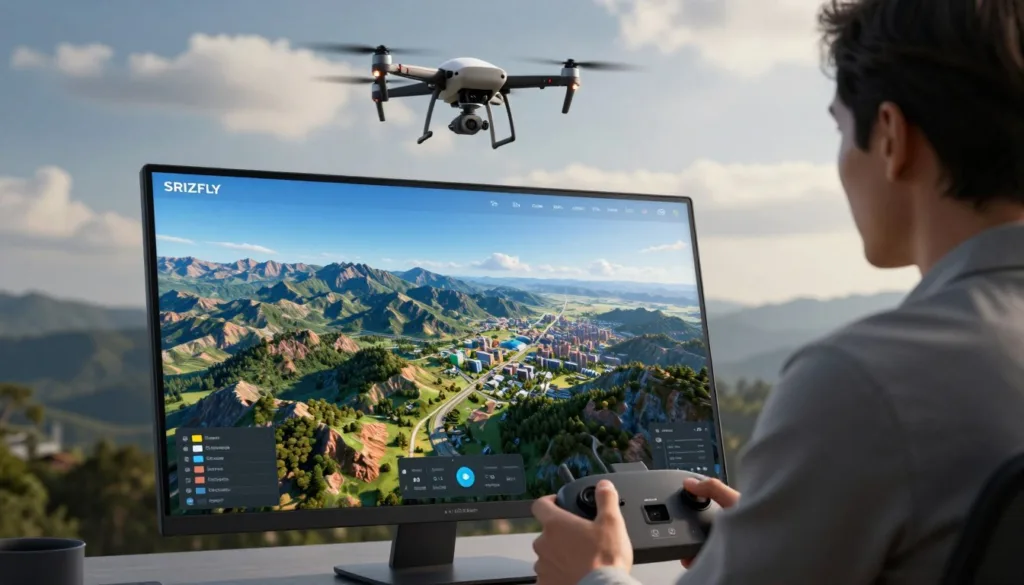
Welcome to our 2026 guide that compares eight leading platforms for practical field work. We tested each tool for speed, accuracy, pricing, and workflow to give you a clear view of performance.
Our team aims to help enterprises and training centers pick the right option. We used real missions and metrics to evaluate ease of use, mission planning, and data output quality. This hands-on testing shows how each choice can affect safety and efficiency.
We are committed to helping you make an informed investment. Your success drives our recommendations—whether you run inspections, mapping projects, or training programs. Try SRIZFLY’s 10-day free trial to see improvements in workflow and cost control.
Key Takeaways
- We compare 8 top platforms on speed, accuracy, price, and workflow.
- Hands-on tests reveal real gains in safety and efficiency.
- Our analysis helps match solutions to enterprise or education needs.
- SRIZFLY offers a risk-free 10-day trial to validate results.
- Choose based on mission type, cost, and data quality.
Understanding Drone Aerial Photography Simulation Software
Photogrammetry has moved from labs into everyday field work, reshaping how teams capture and process spatial data.
We define drone photogrammetry as the science of turning imagery into georeferenced 3D models, dense point clouds, and orthomosaic maps for professional use. These maps and models enable repeatable measurement and analysis.
Your choice between cloud and desktop platforms depends on team needs and internet reliability. Cloud processing speeds up delivery when connectivity is strong. Desktop tools give you control when bandwidth or security is limited.
“All photogrammetry tools follow a standard pipeline: image capture, alignment, dense reconstruction, and export of deliverables.”
Understanding this pipeline helps you align capture strategy with site conditions and data requirements. That alignment reduces rework and improves final processing quality.
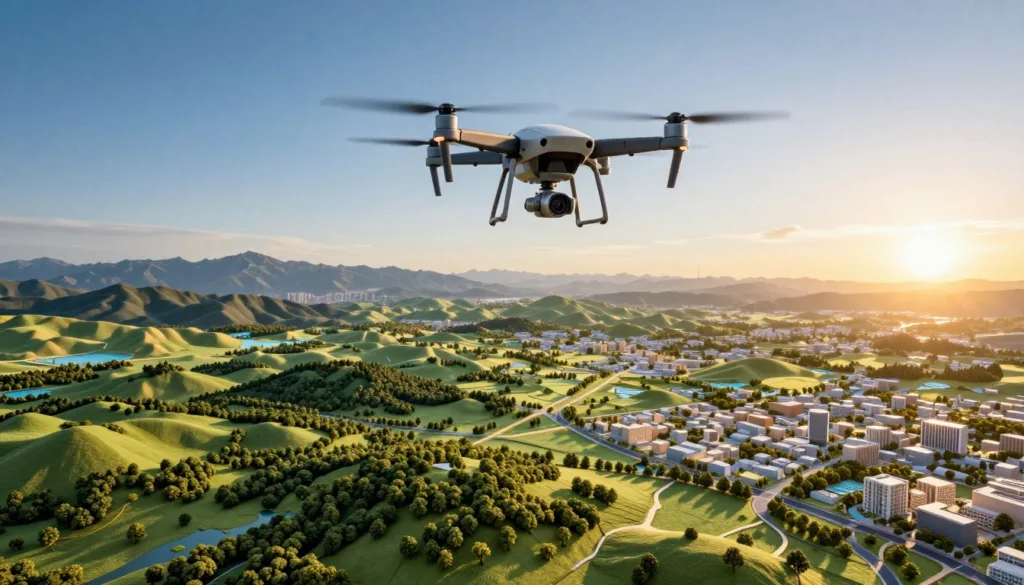
| Workflow | Strength | Best for |
|---|---|---|
| Cloud processing | Fast turnarounds, scalable | Field teams with good internet |
| Desktop processing | Full control, offline use | Secure or high-resolution projects |
| Hybrid platforms | Flexible balance | Mixed-site operations |
We recommend testing both approaches to find the right range of tools for your mapping programs. Your success depends on matching platform capabilities to mission goals and data processing needs.
How Photogrammetry Pipelines Transform Aerial Imagery
From image capture to orthomosaic export, the processing chain dictates final map quality and model accuracy. We focus on the two core stages that make or break deliverables: locating common points and building a clean surface from them.
Feature Matching
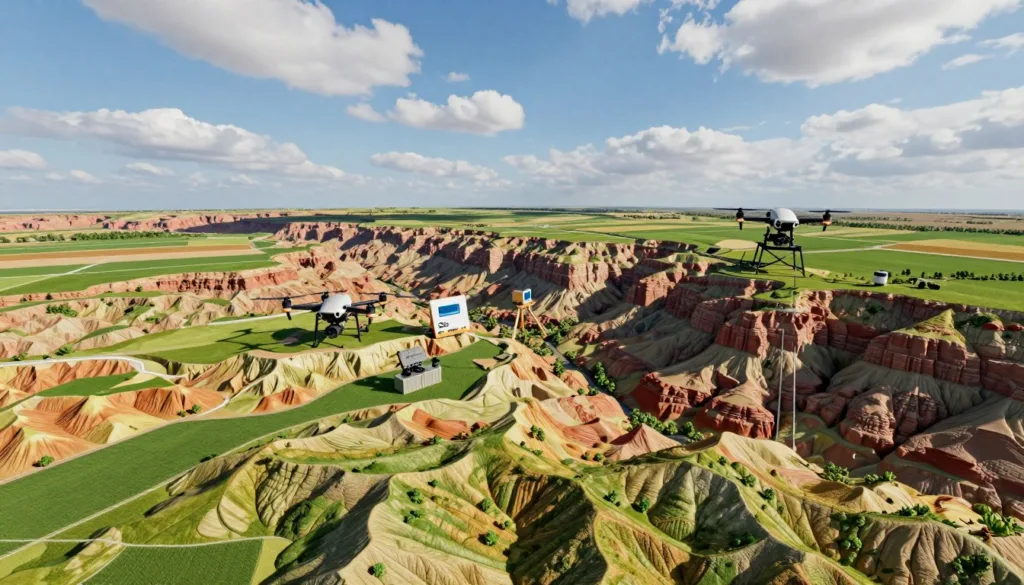
Feature matching finds identical points across overlapping images. The pipeline uses structure-from-motion to estimate camera positions and build a sparse point cloud.
High overlap—typically 70–80% front and 60–70% side—ensures the system sees the same features from multiple angles. That redundancy boosts tie point quality and final accuracy.
Surface Mesh Generation
Once points are tied, triangulation converts them into a dense point cloud and then into a surface mesh. The mesh defines geometry for elevation models and textured maps.
Cloud-based processing needs a steady internet connection; desktop tools handle heavy processing locally and give more control over parameters and ground control points.
| Pipeline Step | Role | Impact on Deliverables |
|---|---|---|
| Feature detection | Finds repeatable points in images | Improves camera pose and tie points |
| Triangulation | Converts points into 3D positions | Determines mesh geometry and elevation |
| Dense reconstruction | Builds high-density point clouds | Enables detailed models and orthomosaic quality |
| Georeferencing | Applies ground control and coordinates | Secures absolute accuracy for maps |
Good imagery, consistent overlap, and careful ground control are non-negotiable. Manage these elements and your final models, maps, and elevation products will meet professional standards.
Top Tier Platforms for Rapid Documentation
Fast-turnaround platforms now let teams capture and deliver site models in a single shift.
SkyeBrowse stands out because it ingests continuous video instead of individual stills. You upload a clip to the cloud and get georeferenced models and orthomosaics back in minutes. That workflow removes manual grid planning and cuts time to usable results.
DroneDeploy is the enterprise leader for integration. It supports fleet management and connects to Procore and Autodesk, making repeatable site tracking simple. Plans start at $329/month, which is cost-effective for large construction and project teams.
These rapid documentation tools are vital for public safety and insurance teams that need final results before clearing a site. Automated mission planning further ensures the capture meets quality needs without complex manual setup.
In short: cloud processing and targeted integrations turn raw data into actionable maps and models faster. That saves time on processing and lets your team focus on project decisions.
- Video-based uploads speed model turnaround.
- Enterprise integrations streamline construction workflows.
- Automated planning reduces human error and mission time.
Professional Desktop Solutions for Surveying
Professional desktop platforms remain the backbone for survey-grade mapping and detailed site analysis. They give you direct control over parameters, GCPs, and final deliverables.
Pix4D Mapper
Pix4D Mapper delivers sub-centimeter accuracy with well-placed ground control points. It is a common choice for licensed land surveyors who need audit trails and certified outputs.
Expect 2–8 hours of processing on dedicated GPU workstations for large projects.
Agisoft Metashape
Agisoft Metashape meets research-grade reconstruction needs and supports a Python API for headless batch processing. It produces precise orthomosaic and elevation products when overlap and image quality are managed.
RealityCapture
RealityCapture excels at speed on large datasets and uses a pay-per-input model for reconstructed images. It pairs well with ground-level captures or LiDAR point clouds for complex site models.
- Recommendation: Choose Pix4D Mapper for survey compliance and absolute accuracy.
- Recommendation: Use Agisoft Metashape for automated batch workflows and research projects.
- Recommendation: Select RealityCapture for fast reconstruction on huge datasets.
All three desktop tools require a high-performance GPU to shorten processing time and improve dense point cloud and surface mesh generation.
Open Source Alternatives for Budget Operations
For budget-focused teams, community-driven mapping platforms deliver strong value when paired with local compute. These options drop subscription costs and keep you in full control of your data pipeline.
OpenDroneMap and Meshroom are fully free and open-source. They require Linux familiarity and beefy local hardware. Expect longer processing runs than cloud services, but you keep raw data and results on-premises.
WebODM Capabilities
WebODM provides a browser-based interface on top of OpenDroneMap. It simplifies job management for teams running their own servers.
Technically proficient users benefit most: set parameters, tune processing, and scale with added GPUs. Nonprofits and research groups often find this trade-off worthwhile.
| Tool | Strength | Best for |
|---|---|---|
| OpenDroneMap | No cost; full data control | Budget operations with Linux skills |
| WebODM | Browser UI; simpler job management | Teams hosting local servers |
| Meshroom | Strong reconstruction; free | Desktop research and testing |
Recommendation: Choose these tools if you can invest in local compute and staff time. They offer a cost-effective path to produce reliable maps and models without recurring fees.
Comparing Processing Speeds Across Leading Tools
Turnaround time varies widely across platforms and shapes how teams schedule site visits.
SkyeBrowse leads the pack: cloud processing returns 3D models in under 15 minutes for typical missions. That speed removes long waits and lets you review results while still on site.
DroneDeploy is the fastest photo-based cloud option we tested, usually delivering orthomosaic outputs in 30–90 minutes for a standard site. For quick mapping jobs this is often sufficient.
Desktop platforms like Pix4D and Agisoft take longer—expect 2–8 hours depending on dataset size. Your GPU and system RAM strongly affect those times.
Choose by operational bottleneck: if time on scene is limited, prioritize fast cloud platforms. If you need sub-centimeter accuracy and parameter control, accept longer desktop processing for better results.
Key takeaways:
- Cloud tools speed turnaround for rapid decisions.
- Photo-based cloud pipelines balance time and quality.
- Desktop tools require more time but deliver finer control and accuracy.
Achieving Sub-Centimeter Accuracy with Ground Control
Precision mapping at survey-grade requires more than dense imagery—it needs real-world control and strict workflows.
Integrating surveyed ground control points calibrates your imagery to real coordinates. Pix4D and Agisoft reach sub-centimeter accuracy when GCPs are used with RTK/PPK-equipped platforms.
RTK and PPK hardware reduce positional error at capture. That improves the numerical accuracy of the final model and lowers the need for heavy manual corrections during processing.
SkyeBrowse offers a tiered accuracy system that can meet forensic and engineering standards without field-placed ground control points. Still, strict mission planning—consistent overlap and stable flight lines—remains essential for reliable triangulation.
- For boundary surveys: pair professional desktop tools with physical ground control for absolute positional certainty.
- For rapid documentation: consider cloud tiers that reduce field work but verify results against control points when required.
We recommend testing your pipeline on a small site first. Validate results against surveyed points and then scale the approach across projects to ensure consistent accuracy and confidence.
Evaluating Cost Models for Your Business
Cost decisions shape how teams scale mapping operations and control long-term expenses. We review subscription, per-model, and perpetual options so you can match spend to project volume and accuracy needs.
Subscription models suit teams that want predictable monthly billing and cloud features. For example, DroneDeploy starts at $329/month for enterprise tiers with integrations and fast cloud processing.
Subscription Models
Subscriptions include updates and cloud processing. They work well when users run steady monthly missions and need tight integrations for construction or site monitoring.
“For irregular use, pay-as-you-go credits often cut costs compared with full subscriptions.”
Perpetual Licensing
Perpetual licenses fit high-volume operations. Pix4D and Agisoft offer one-time licenses around $3,490–$3,499. That upfront cost pays off if you process models frequently and need desktop control for survey-grade accuracy.
| Model | Best for | Typical cost |
|---|---|---|
| Subscription | Regular users needing cloud features | $329/month (entry example) |
| Per-model credits | Infrequent mapping jobs | $99 per model (example) |
| Perpetual license | High-volume desktop processing | $3,490–$3,499 one-time |
We recommend you map expected project frequency and processing volume. That way you pick the platform and tools that deliver the right features without overspending.
Essential Hardware Requirements for Local Processing
Processing high-volume mission data on site requires more than a standard office PC.
We recommend a powerful workstation with a dedicated CUDA-capable Nvidia GPU. GPU acceleration cuts dense point cloud time dramatically and speeds final elevation and mesh rendering.
Your local pipeline also needs ample RAM and fast storage. Use 64–128 GB RAM for large mapping jobs and NVMe SSDs to move gigabytes of imagery without delays.
Even offline—without an internet connection—your machine must render complex surface meshes and orthomosaics reliably. Slow hardware leads to crashes, stalled processing, and missed deadlines.
“Verify specific hardware requirements for your chosen software before committing to large-scale local compute investments.”
We advise testing a sample mission on your target desktop setup. That test confirms memory, GPU, and storage choices and prevents costly surprises when you scale.
Selecting the Right Software for Your Specific Use Case
Match platform strengths to your project goals to avoid costly rework and vendor lock-in.
Start by naming your main constraint: speed, survey-grade accuracy, or enterprise integration. If rapid turnaround matters, choose cloud-first platforms that deliver models fast on site.
For construction progress and tight integrations, pick a mapping solution that links to Procore or Autodesk. That keeps schedules, models, and orthomosaics tied to project management tools.
For topographic surveys and sub-centimeter results, we recommend Pix4D and Agisoft Metashape. Use ground control points and RTK workflows to secure absolute accuracy.
SkyeBrowse fits public safety and quick incident documentation. For large-scale reconstruction or mixed LiDAR inputs, RealityCapture handles memory and alignment better than many desktop tools.
Verify sensor support and avoid vendor lock-in: confirm the platform accepts your hardware and data formats. Try available trials—like the 30-day Agisoft Metashape professional test—to confirm fit before you buy.
Our approach: align features to use-case, test with real data, then scale the platform across similar sites to save time and reduce risk.
Best Practices for Mission Planning and Data Capture
Success in field mapping starts before takeoff—with clear templates, basemaps, and overlap settings. Good planning reduces flight time and improves the final model and orthomosaic quality.
Optimizing Image Overlap
We recommend a frontlap of 75–85% and a sidelap of 65–75% for most mapping missions. That overlap ensures robust feature matching and lowers gaps in dense reconstruction.
Use terrain-following flight modes to keep the sensor at a constant AGL over varied elevation. This maintains consistent ground sampling distance and improves point density across slopes.
Pre-load basemaps and digital terrain models before you go offline. Doing so lets the unit execute the mission reliably in remote areas and prevents aborted flights due to lost connectivity.
Create repeatable mission templates in your ground control tools. Templates produce consistent data for change detection in construction, environmental monitoring, and volume measurements.
Place ground control points thoughtfully: distribute them around site edges and across internal areas. Proper ground control point placement is critical for survey-grade accuracy, especially on large or complex projects.
“Plan missions with overlap, terrain-following, and control points to cut reshoots and save processing time.”
- Maintain 75–85% frontlap and 65–75% sidelap.
- Enable terrain-following to preserve AGL and elevation consistency.
- Pre-load basemaps and DTMs for offline execution.
- Use repeatable templates for longitudinal project comparison.
- Place ground control points to secure survey-grade accuracy.
Conclusion
We close this guide by focusing on practical steps to turn mapping tools into repeatable field results.
We explored options that trade speed, accuracy, and cost. Choose Agisoft Metashape for research and desktop precision, or SkyeBrowse when rapid results on site matter.
Prioritize your mission needs: overlap, control points, and consistent capture drive final accuracy. Test a small project first to validate your processing pipeline and data outputs.
Use our insights to tighten workflows, cut rework, and improve training. SRIZFLY offers a 10-day free trial so you can validate improvements in efficiency and safety before committing.
FAQ
What is SRIZFLY’s trial for drone aerial photography simulation software?
We offer a 10-day free trial of SRIZFLY simulators so teams can evaluate features, flight training modules, and mission planning tools risk-free. The trial includes a representative set of scenarios for tower inspection, mapping, and emergency response to demonstrate efficiency and safety gains.
How does an aerial imagery simulation platform help my team train?
Our platform recreates real-world conditions so pilots build skills without putting equipment at risk. You can practice sensor setup, mission planning, and emergency procedures. This reduces on-site training time and improves operational readiness across enterprises and schools.
What are the main stages in a photogrammetry pipeline?
A typical pipeline includes image alignment, feature matching, dense point cloud creation, surface mesh generation, and texture mapping to produce orthomosaics and 3D models. Each stage affects final accuracy and model quality.
What is feature matching and why does it matter?
Feature matching finds common points across images so the system can estimate camera positions. Accurate matches lead to better point clouds, tighter models, and more reliable measurements for construction and surveying tasks.
How is a surface mesh generated from point clouds?
After dense point cloud creation, algorithms convert points into a continuous surface mesh. The mesh is textured with image data to form realistic models used for volume calculations, inspection, and visualization.
Which platforms are best for rapid site documentation?
Top-tier platforms prioritize speed and ease-of-use for quick orthomosaic and model generation. Look for solutions that offer cloud processing, automated workflows, and easy export to CAD and GIS formats for fast project delivery.
What desktop solutions are recommended for professional surveying?
Leading desktop tools include Pix4Dmapper, Agisoft Metashape, and RealityCapture. They provide advanced controls for georeferencing, dense reconstruction, and export of deliverables for construction and engineering projects.
How does Pix4Dmapper compare for mapping projects?
Pix4Dmapper excels at automated workflows, robust orthomosaic generation, and integration with GIS. It supports precise volume calculations and delivers reliable outputs for site monitoring and topographic surveys.
What makes Agisoft Metashape suitable for photogrammetry?
Agisoft Metashape offers flexible processing options, accurate ground control handling, and high-quality dense clouds and meshes. It’s favored for research, cultural heritage, and projects demanding fine detail.
When should I use RealityCapture?
RealityCapture is ideal when you need very fast processing and high-detail models. It handles large datasets efficiently and is often chosen for complex mapping tasks and 3D reconstruction projects.
Are there open source alternatives for mapping operations on a budget?
Yes—WebODM provides core photogrammetry capabilities, orthomosaics, and DSM outputs. It’s cost-effective for small teams and supports local processing without recurring cloud fees.
How do processing speeds vary across tools?
Processing speed depends on algorithm efficiency, CPU/GPU resources, and dataset size. Cloud platforms can scale resources for faster turnarounds, while desktop tools’ speed improves with stronger GPUs and more RAM.
How can I achieve sub-centimeter accuracy with ground control?
Use well-distributed ground control points (GCPs) surveyed with RTK or total station equipment. Ensure good image overlap, variable perspectives, and precise GCP placement to reduce systematic errors and reach sub-centimeter results.
What cost models should I evaluate for mapping tools?
Consider subscription models for predictable recurring costs and cloud services, or perpetual licensing for one-time investment. Factor in processing fees, storage, training, and support to determine total cost of ownership.
When is subscription better than perpetual licensing?
Choose subscription if you need frequent updates, cloud processing, and scalable access for multiple users. Perpetual licensing fits teams that prefer local processing and one-time capital expenditure.
What hardware do I need for local photogrammetry processing?
For efficient local processing, prioritize a modern multi-core CPU, a high-memory GPU (NVIDIA recommended), 32+ GB RAM, and fast NVMe storage. Good cooling and a stable power supply improve long processing runs.
How do I select the right tool for my specific use case?
Match tool strengths to your needs: choose cloud-first platforms for fast deliveries, desktop solutions for control and local processing, and WebODM for budget constraints. Evaluate accuracy, workflow integration, and output formats.
What are best practices for mission planning and data capture?
Plan for 70–80% forward overlap and 60–70% side overlap, fly consistent altitude, use calibrated cameras, and collect GCPs when high accuracy is required. Well-planned missions reduce rework and improve final map quality.
How does optimizing image overlap improve mapping results?
Proper overlap ensures robust feature matching and gap-free reconstruction. Higher overlap improves model completeness and accuracy but increases data volume and processing time—balance based on project needs.

