



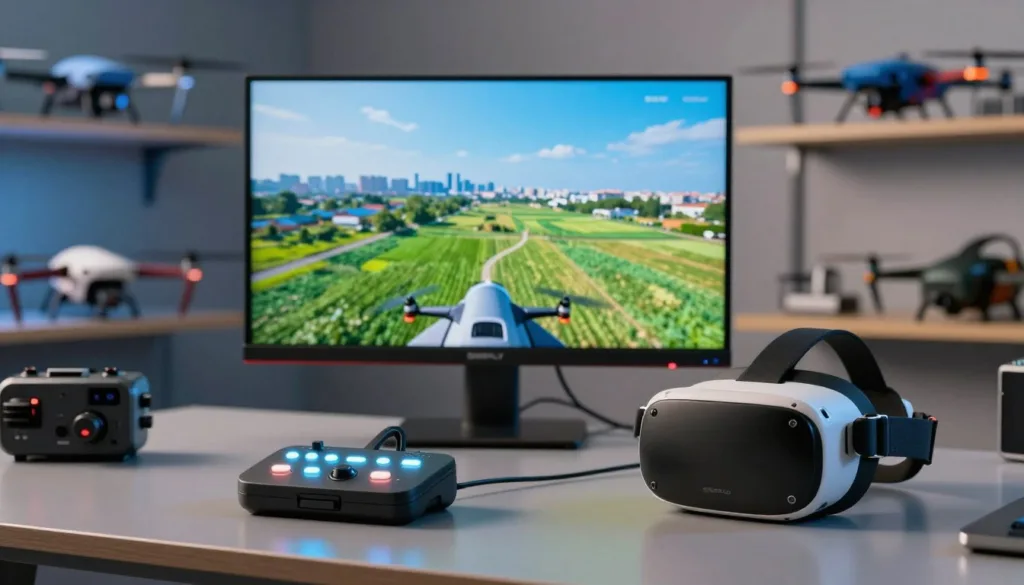
Choosing the top drone sim gives pilots a safe way to build skill before flying a real quadcopter. A simulator helps beginners learn orientation, throttle control, turns, and smooth stick movement without risking costly equipment.
The best drone flight simulator can also support serious drone flight training. Experienced pilots use virtual courses to test racing lines, freestyle tricks, and fast emergency reactions. These sessions help improve control while reducing crashes, repairs, and downtime.
Modern drone practice software offers more than basic controls. A strong FPV drone simulator can match different aircraft styles, flight settings, and controller layouts. The SRIZFLY drone simulator, for example, gives pilots a focused space to repeat drills and build confidence before taking off outdoors.
Each simulator has a different feel, price, and learning curve. The right choice depends on your goals, controller, computer, and flying style. The following guide compares leading options for beginners, FPV racers, freestyle pilots, and anyone seeking safer practice.
Key Takeaways
- A drone simulator helps pilots practice without risking a physical aircraft.
- Beginners can improve orientation, throttle control, and stick coordination.
- FPV pilots can rehearse racing lines, freestyle moves, and emergency responses.
- Controller support and realistic physics affect the training experience.
- The best option depends on skill level, hardware, budget, and flying goals.
top drone sim options for FPV practice and pilot training
The right simulator can build skill before a real quadcopter leaves the ground. Each platform offers a different mix of flight feel, graphics, controls, and training tools. These options suit new pilots, freestyle flyers, and racers who want focused FPV practice at home.
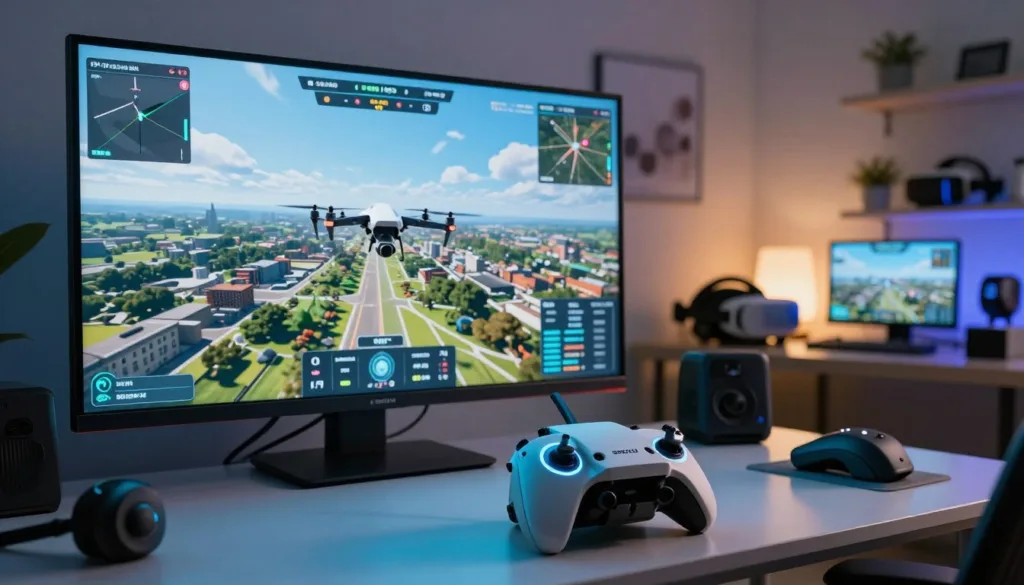
A simulator works best with a radio-style controller. This setup helps develop finger memory and makes the move to outdoor flying feel more natural. Start with basic drills, set short sessions, and increase the pace as control improves.
FPV Freerider for beginners and affordable flight practice
FPV Freerider is a practical starting point for new pilots. Its simple design keeps attention on the core skills of FPV flight. Users can practice orientation, throttle control, coordinated turns, and smooth landings without risking a physical drone.
As a beginner drone simulator, it offers a low-cost way to learn the view and control demands of a quadcopter. Several hours of steady practice can make the first outdoor session less stressful. Pilots can repeat the same maneuver until their hands respond without much thought.
- Build throttle control with low, steady passes.
- Practice turns from different viewing angles.
- Use short sessions to improve focus and control.
FPV Freerider suits pilots who want quick setup and clear training value. It may not offer the depth of larger platforms, yet its focused approach helps beginners form solid habits.
Liftoff Drone Simulator for customizable FPV flight
Liftoff Drone Simulator gives pilots more room to shape their training. Users can select different environments, adjust flight settings, and explore freestyle or racing layouts. The game-like presentation keeps practice engaging during longer sessions.
Its flexible flight options make it useful for pilots who want to test different frames and setups. You can work on fast turns, gaps, dives, and recovery drills in a controlled space. The simulator supports skill building without the cost of broken props or damaged electronics.
Pilots who use Betaflight rates can tune the controls to match a familiar feel. Matching rates may help the transition between simulator sessions and a real quad. Small changes can affect roll speed, pitch response, and overall comfort.
Velocidrone for racing, custom tracks, and advanced pilots
Velocidrone is built for serious FPV practice and competitive flying. Its responsive physics suit pilots who want tight gates, rapid lines, and precise throttle work. Many racers use it to sharpen speed before entering real events.
This drone racing simulator supports custom drone tracks, which adds variety to each session. Pilots can repeat difficult sections, test new lines, and work on lap consistency. The demanding flight model rewards calm inputs and careful planning.
Velocidrone fits experienced users who need detailed control over their training. It can support racing drills, freestyle work, and setup testing. With the right controller and Betaflight rates, the platform becomes a focused tool for refining race-ready habits.
Best drone flight simulators by platform, features, and flying style
Simulator choice depends on your flying goals, computer, and controller. A racer needs fast gates and smooth response. A freestyle pilot needs open space for flips and rolls. New pilots may prefer guided lessons that build skill without the cost of damaged parts.
FPV.SkyDive for free racing and freestyle practice
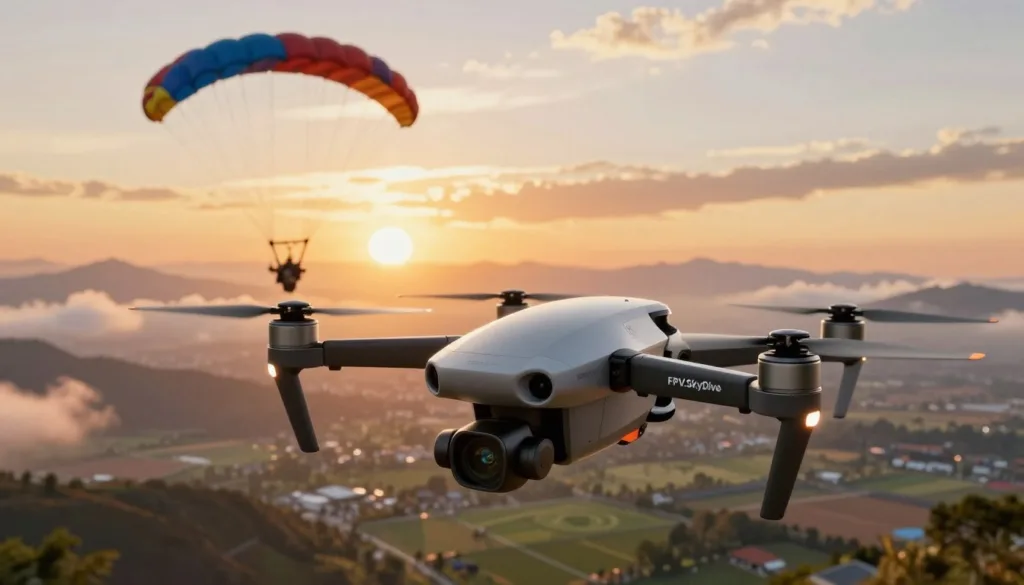
FPV.SkyDive is a free to play option for pilots who want quick access to racing and freestyle flight. It supports single-player sessions and multiplayer flying. This makes it useful for solo drills, friendly races, and online competition.
Racing mode centers on high-speed FPV competition. Pilots can work on clean turns, tight lines, and fast gate passes. Repeated laps provide focused FPV racing practice without the risk of breaking a real quadcopter.
Freestyle mode offers a wide space for movement and control. It suits pilots who want to practice rolls, flips, dives, and smooth lines. As an FPV freestyle simulator, it gives users room to test new moves at their own pace.
Contest events add a competitive layer with global events and leaderboards. Flight school mode offers interactive skill practice for newer pilots. The track builder lets users design custom routes, which creates fresh drills for both racing and freestyle sessions.
Choosing a simulator for FPV racing, freestyle, or safer beginner training
Start with the style of flying you want to improve. A racing simulator should provide accurate gates, tight courses, and stable frame rates. These details help pilots build timing and line choice before flying at a real event.
Freestyle pilots should look for open maps, varied terrain, and flexible camera settings. A wide practice area supports long lines and creative tricks. It should feel easy to reset the quad after a mistake.
Beginners may benefit from guided tasks and gradual challenges. A flight school mode can teach throttle control, turns, braking, and landing skills in clear steps. This type of training can reduce stress during the first hours with a real transmitter.
- Racing: Choose gates, lap timers, leaderboards, and custom tracks.
- Freestyle: Look for open maps, trick-friendly physics, and quick resets.
- Beginner training: Select lessons, adjustable assists, and simple controls.
Platform support deserves attention before purchase or installation. A drone simulator for Mac may need different graphics support than a Windows title. A drone simulator for Linux may depend on distribution settings, drivers, or a compatibility tool. Check current system requirements and controller support before setting up a practice rig.
Simulator physics, controller compatibility, and hardware expectations
Realistic physics can make simulator time more valuable. Important details include throttle response, weight, momentum, air control, camera angle, and recovery after a crash. A simulator does not need to feel difficult at every moment. It needs to respond in a steady and predictable way.
Transmitter compatibility is just as important as graphics quality. Many pilots learn best with the same radio used for real flights. A USB cable, wireless adapter, or supported game controller may connect the transmitter to the computer.
Review the control mapping before each session. Check throttle direction, arm controls, flight mode switches, and stick sensitivity. Small errors in setup can make a capable simulator feel unresponsive.
Hardware needs vary by map size and visual detail. A modern laptop may handle basic practice with reduced graphics settings. High frame rates matter during fast racing, so close unused apps and lower effects when needed.
Use short sessions to build control. Practice hovering, wide turns, and clean landings before moving to gates or advanced tricks. This approach lets the simulator support steady progress across racing, freestyle, and beginner training.
Conclusion
The top drone sim depends on your goals, budget, and flying style. This top drone sim comparison shows clear strengths across each platform. FPV Freerider supports affordable drone pilot practice, while Liftoff adds adjustable parts, Betaflight-style rates, community tracks, and multiplayer racing.
Velocidrone suits advanced pilots who want detailed tuning, custom tracks, online leaderboards, and competitive features. FPV.SkyDive offers free virtual drone flight with racing, freestyle, flight school, contests, and track building on PC, Mac, and Linux.
For the safest drone training, choose a simulator that works with your controller and matches your aircraft setup. Beginners may prefer simple controls and guided lessons. Experienced pilots may need realistic physics, manual tuning, and online events.
The SRIZFLY simulator is another strong choice for structured training and repeatable practice. Whether you need the best FPV simulator for racing or a safe way to build flight skills, simulator time can improve control before you fly a real drone.
FAQ
What is the top drone sim for beginners?
FPV Freerider is a practical starting point for beginners. It helps new pilots practice orientation, throttle control, coordinated turns, and stick coordination before flying a real quadcopter.
How does a drone flight simulator help new pilots?
A drone flight simulator provides a controlled way to build muscle memory. Pilots can practice throttle management, turns, line control, and emergency reactions without risking a physical drone.
Is FPV Freerider a good simulator for learning FPV flight?
Yes. FPV Freerider offers a low-cost way to learn basic FPV controls. Several hours of practice can help beginners understand the camera view and control demands of FPV flight.
What is the best drone sim for customizable FPV practice?
Liftoff is a strong option for pilots who want more customization. It includes adjustable drone components, Betaflight-style rates, community tracks, and multiplayer racing.
Which drone simulator is best for advanced racing practice?
Velocidrone is designed for advanced FPV practice. It offers detailed tuning options, custom tracks, competitive features, and online leaderboards for pilots who want structured racing practice.
Is FPV.SkyDive a free drone racing simulator?
Yes. FPV.SkyDive is a free-to-play drone racing and freestyle simulator. It supports single-player and multiplayer flying on PC, Mac, and Linux.
What modes are available in FPV.SkyDive?
FPV.SkyDive includes racing, freestyle, contest events, flight school, and a track builder. Racing focuses on high-speed competition, while freestyle provides an open space for practicing tricks and movements.
Can FPV.SkyDive help beginners learn drone controls?
Yes. Its Flight School mode offers interactive skill practice for new pilots. Beginners can use it to work on control inputs before moving to more demanding racing or freestyle sessions.
Which drone simulator is best for freestyle practice?
FPV.SkyDive and Liftoff are useful choices for freestyle practice. FPV.SkyDive offers a freestyle sandbox, while Liftoff provides adjustable equipment, community tracks, and multiplayer features.
Which simulator is best for FPV racing?
The best choice depends on the pilot’s experience and goals. Liftoff supports multiplayer racing and community tracks, Velocidrone adds advanced tuning and leaderboards, and FPV.SkyDive offers free racing and contest events.
What should beginners practice in a drone simulator?
Beginners should start with FPV orientation, throttle control, coordinated turns, and smooth stick movements. They should also practice stopping, recovering from mistakes, and maintaining control through turns.
Can a simulator replace real drone flight training?
A simulator cannot fully replace outdoor practice. It can build control skills and reduce early mistakes, but pilots still need to learn real-world factors such as wind, battery limits, obstacles, and local flight rules.
Do drone simulators support real flight controllers?
Many drone simulators are designed to work with compatible game controllers or radio transmitters. Compatibility can vary by simulator, operating system, and controller model, so pilots should check the software requirements before buying hardware.
What computer platforms support FPV.SkyDive?
FPV.SkyDive supports PC, Mac, and Linux. This makes it a flexible option for pilots who want a free-to-play simulator across different desktop platforms.
What is the difference between a drone simulator and a drone racing game?
A drone simulator focuses on flight control, physics, and pilot training. A drone racing game may place more emphasis on competition and entertainment, while a simulator usually gives pilots tools to practice realistic throttle, turning, and orientation skills.
Can experienced pilots use a drone flight simulator?
Yes. Experienced pilots can use simulators to practice racing lines, freestyle tricks, custom tracks, advanced rates, and emergency reactions. Virtual practice also lowers the risk of damaging a physical drone during skill development.