



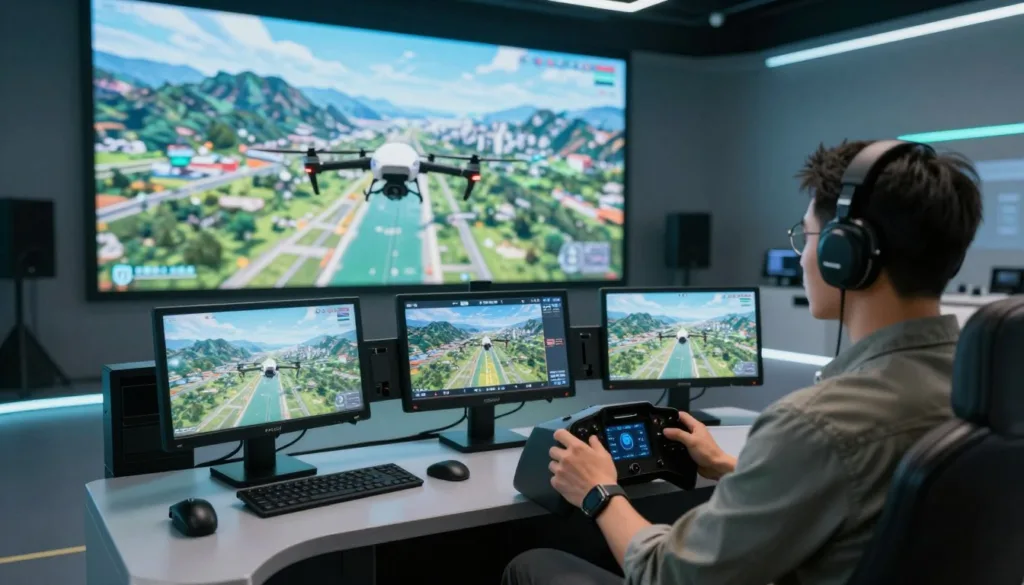
An AI drone simulator can help new pilots build control skills before they fly outdoors. AIDroneSim is a realistic FPV drone simulator with customizable drones and large, dynamic environments. It gives pilots room to practice turns, manage speed, and learn how a quadcopter responds.
AIDroneSim is listed on Steam for $14.99. Its developer says the simulator has supported pilots working toward their goals for more than two years, with updates shaped by community feedback. For drone pilot training, that mix of realistic flight and flexible settings can make FPV flight practice more focused and accessible.
Key Takeaways
- AIDroneSim is a realistic FPV drone simulator.
- Customizable drones let pilots adjust their practice.
- Dynamic environments offer varied places to fly.
- The developer says community feedback has shaped the simulator.
- AIDroneSim is listed on Steam for $14.99.
How an AI Drone Simulator Helps You Build FPV Flying Skills
AIDroneSim is a hardcore FPV flight simulator built for pilots who want to practice before flying outdoors. It lets you test handling, adjust controls, and learn how your drone responds in a virtual setting.
Practice realistic flight physics before flying outdoors
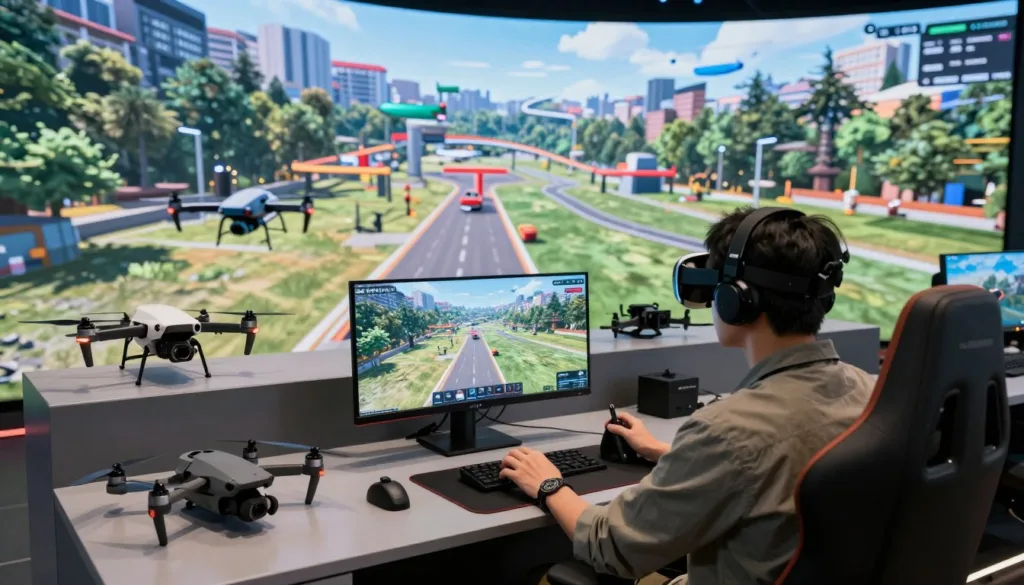
Realistic drone physics help make practice feel closer to flying a real quad. AIDroneSim offers default settings designed to deliver realistic results across different drones. Pilots can import a drone blackbox file to create a virtual copy of their own craft. The developer says the simulator uses that data to reproduce the drone closely.
Progress from beginner settings to advanced precision control
Beginner drone practice can start with the simulator’s default settings. As pilots gain experience, they can adjust advanced precision settings to suit their preferred balance and handling. This gives experienced users a way to explore advanced FPV control without changing the setup of a real drone.
Use dynamic environments to sharpen awareness and decision-making
AIDroneSim includes more than 18 maps with active elements such as cars, trains, planes, and animals. These dynamic drone environments give pilots varied surroundings to navigate. They can practice tracking movement and responding to changing conditions, though simulator time does not guarantee safe outdoor flight.
| Training feature | What pilots can practice |
|---|---|
| Blackbox import | Build a virtual copy of a personal drone using its flight data. |
| Default settings | Explore realistic handling across different drone setups. |
| Precision settings | Adjust the balance to support advanced FPV control. |
| Active map elements | Build awareness around moving cars, trains, planes, and animals. |
AI Drone Simulator Features for Custom Training and Realism
AIDroneSim features let pilots shape practice around their own goals. Import blackbox logs with drone blackbox import, or choose from hundreds of community-made drones to tune a customizable FPV drone. You can share or download community maps and tracks for fresh practice.
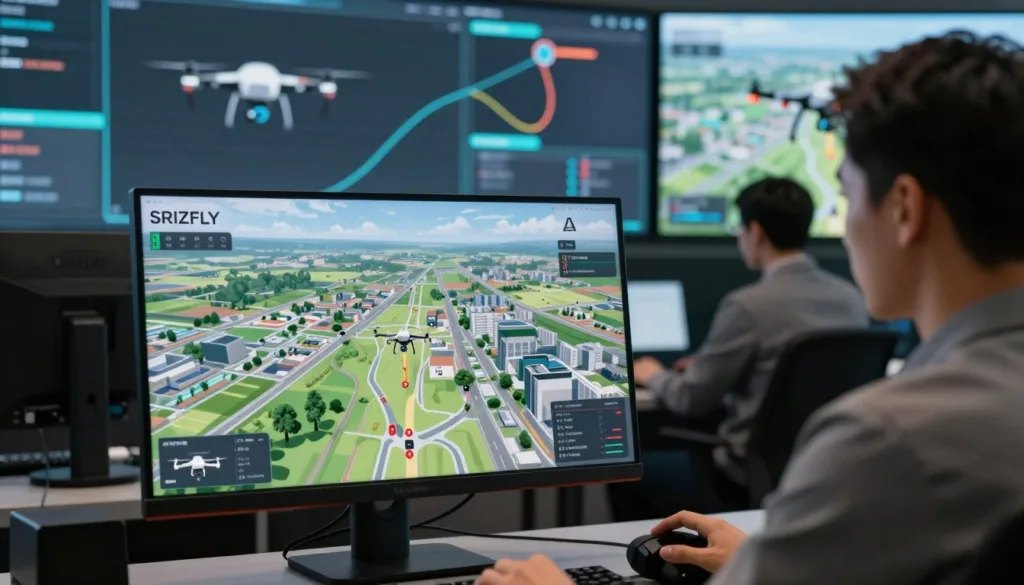
The in-game editor lets you recreate familiar flying spots or build new ones with hundreds of objects. Add PNG images or 3D models to shape a scene, or import Unreal Engine maps. Community-made FPV simulator tracks offer more places to work on turns, gates, and control.
Community members have suggested adding an image when creating a quad from blackbox logs and building a drift-car track with AI cars. These are requests, not confirmed features. Check the current product listing for available tools before purchase.
The listed computer needs vary by operating system and graphics setup:
| Platform | Listed configuration | Storage |
|---|---|---|
| Windows, lower configuration | Windows 7, 64-bit; Intel Core i3-8100 or AMD Ryzen 3 2200G; 4 GB RAM; AMD RX 570 or Nvidia GTX 1050; DirectX 11 | 21 GB |
| Windows, higher configuration | Windows 10; AMD Ryzen 5 3600XT or Intel Core i5-9600K; 8 GB RAM; Nvidia GTX 1650 Super or AMD RX 5500-XT; DirectX 11 | 21 GB |
| macOS, lower configuration | macOS Mojave 10.14.6; Intel Core i5; 4 GB RAM; Radeon Pro 450 | 21 GB |
| macOS, higher configuration | Latest macOS; Intel Core i7 or Apple M1; AMD Radeon Pro 5000M with 8 GB graphics | 21 GB |
Steam’s listing notes that its client has supported Windows 10 and later since January 1, 2024. Confirm current macOS availability before buying, since community users have asked when that version will be released.
Conclusion
An AI drone simulator can help you build FPV control, practice precision, and sharpen decisions in changing environments. AIDroneSim adds more than 18 maps, an in-game editor, blackbox import, community drones and tracks, and Unreal Engine map import.
In this AIDroneSim review, the Steam listing shows 206 user reviews, with 83% marked positive and an overall Very Positive rating. The Steam FPV simulator is listed at $14.99, though prices and availability can change.
Check the drone simulator system requirements before buying. The listing includes Windows and macOS requirements, but those details alone do not confirm that the macOS release is available. Check the current listing for platform status.
Simulator practice can build useful skills, but it does not by itself qualify anyone for real-world drone operations. Review local rules and gain supervised flight experience before flying outdoors.
FAQ
What is AIDroneSim?
AIDroneSim is a realistic FPV drone simulator from Diophante Studio. It offers customizable drones, dynamic environments, community content, and tools for creating custom maps. It is listed on Steam for $14.99.
Is AIDroneSim an AI drone simulator?
AIDroneSim is described as a realistic FPV simulator. The available product information does not specify AI-powered flight training, so it is best understood as a drone simulator for practicing flight skills in virtual environments.
Can I use my own drone settings in AIDroneSim?
Yes. You can import a drone blackbox file to create a virtual copy of your drone. The simulator uses the imported data with its physics model to reproduce the drone’s behavior. Default settings and advanced precision controls are also available.
What can I practice in AIDroneSim?
You can practice FPV control, handling, and awareness across more than 18 maps. Some environments include moving or active elements, such as cars, trains, planes, and animals. These offer varied settings for virtual flight practice, but they do not guarantee safe outdoor flying.
Can I download drones, maps, or tracks from the community?
Yes. AIDroneSim supports downloading hundreds of community-created drones, as well as shared maps and tracks. You can also import blackbox files to customize your virtual drone.
Can I build a custom map in AIDroneSim?
Yes. The in-game editor lets you recreate flying locations or build custom spots with hundreds of objects. It also supports PNG images, 3D models, and Unreal Engine maps.
What are the PC system requirements for AIDroneSim?
The Steam listing gives a minimum Windows configuration of a 64-bit system, Windows 7, an Intel Core i3-8100 or AMD Ryzen 3 2200G processor, 4 GB of RAM, an AMD RX 570 or Nvidia GTX 1050 graphics card, DirectX 11, and 21 GB of storage. Its second Windows configuration lists Windows 10, an AMD Ryzen 5 3600XT or Intel Core i5-9600K processor, 8 GB of RAM, an Nvidia GTX 1650 Super or AMD RX 5500-XT graphics card, DirectX 11, and 21 GB of storage.
Is AIDroneSim available for macOS?
The Steam listing includes macOS requirements: macOS Mojave 10.14.6, an Intel Core i5 processor, 4 GB of RAM, Radeon Pro 450 graphics, and 21 GB of storage. A second configuration lists the latest macOS, an Intel Core i7 or Apple M1 processor, AMD Radeon Pro 5000M 8 GB graphics, and 21 GB of storage. Because a community post asks about the macOS release date, confirm current availability on Steam before purchasing.
How well reviewed is AIDroneSim on Steam?
The Steam listing reports 206 user reviews, with 83% marked positive and an overall rating of Very Positive. Review counts and ratings can change over time.
Does simulator practice qualify me to fly a drone outdoors?
No. AIDroneSim can provide a place to practice virtual FPV flying, but the available sources do not show independent safety results or say that simulator practice qualifies someone for real-world operations. Learn and follow the rules that apply to your drone and location.