



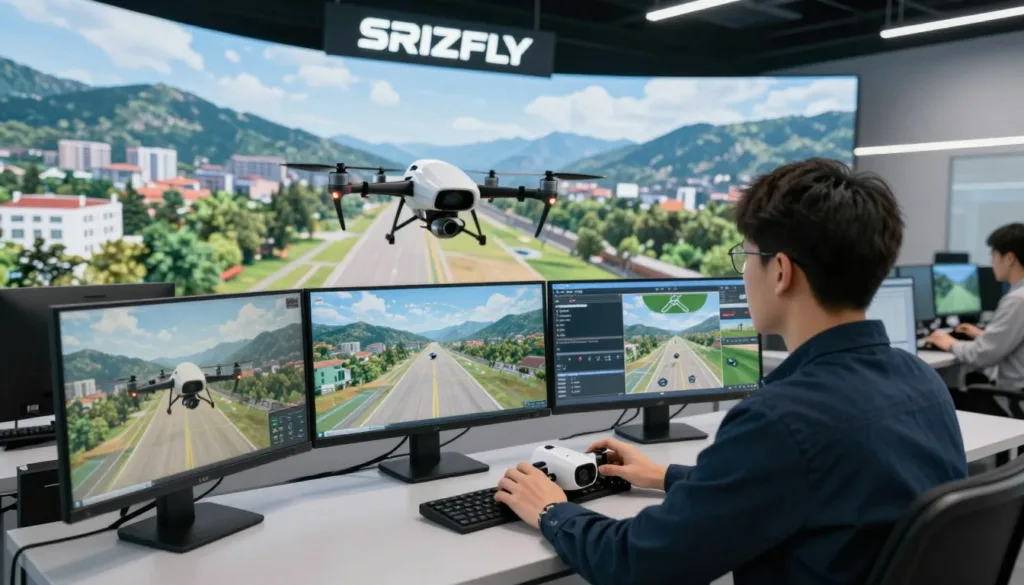
Learning to fly a drone takes practice, but early mistakes can be costly. The SRIZFLY AI drone simulator offers a virtual space to build control skills before taking a real aircraft outdoors.
With realistic drone simulation, beginners and experienced pilots can rehearse basic flight, explore mission scenarios, and improve their responses in a low-risk setting. Virtual drone practice can help reduce the chance of damaging expensive equipment while learning.
Simulation is a useful part of drone flight training, but it cannot replace safe, responsible flying in the real world. Pilots still need to follow local rules and practice with care.
Key Takeaways
- Practice drone controls in a virtual setting before flying outdoors.
- Rehearse basic flight and mission scenarios with less risk to equipment.
- Use simulation to support, not replace, safe real-world practice.
- Build confidence through repeatable virtual flight sessions.
- Follow local drone rules whenever you fly a real aircraft.
Why Realistic Drone Flight Simulation Matters
Learning to fly a physical drone can feel stressful when every mistake risks damage. A realistic drone flight simulation lets new pilots try the controls without risking expensive hardware.
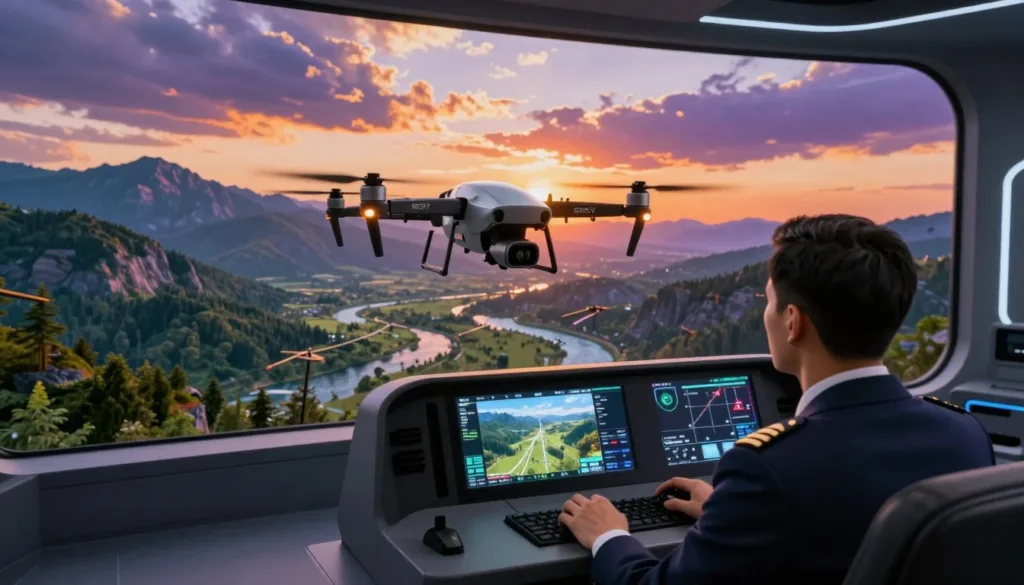
With a drone training simulator, pilots can repeat a maneuver after a crash and build muscle memory at their own pace. This safe drone practice can help grow confidence, though virtual skills do not guarantee success in real flight.
Virtual sessions avoid battery use, motor wear, replacement parts, and repair costs. They can reduce the need to travel or set up at a field, and practice does not depend on outdoor weather. For many pilots, this makes simulation a practical form of cost-effective flight training.
What Is the SRIZFLY ai drone simulator?
The SRIZFLY flight simulator, listed as SESP-U1 SRIZFLY Flight Simulator and AROVER in DJI’s Enterprise Ecosystem Solution Catalogue, is a virtual training platform for drone pilots. It uses detailed models and flight control simulation to create a realistic practice experience.
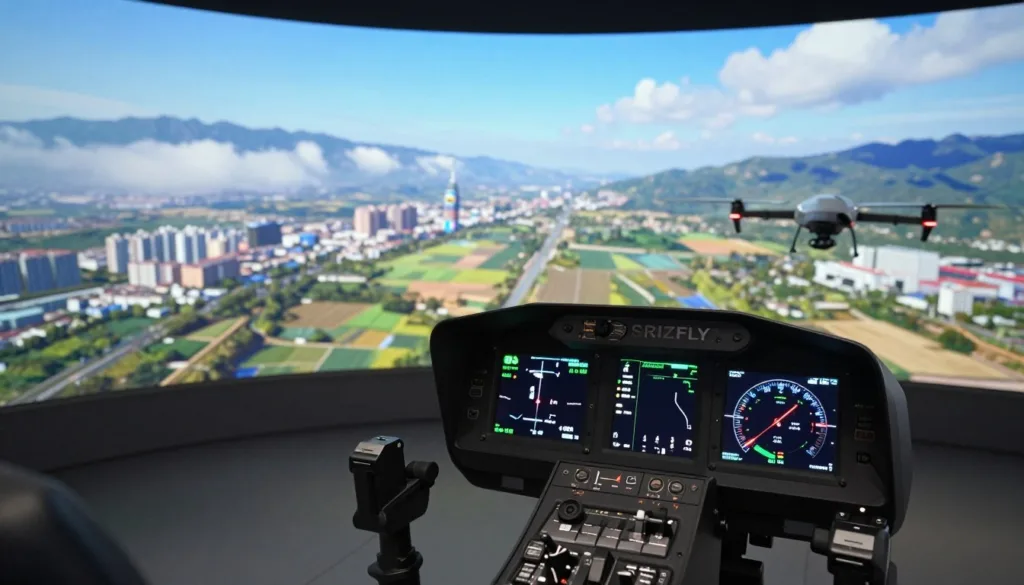
This UAV simulation software combines basic lessons with guided practice and job-based exercises. Pilots can build skills and rehearse missions before flying a real aircraft. Its cloud-native design supports training for beginners, professionals, educators, developers, and public safety teams.
For organizations, SRIZFLY can support enterprise drone training across different skill levels. Teams can use a shared virtual setting to practice procedures and prepare for field work.
Key Features for Beginner and Professional Pilots
SRIZFLY simulator features support new pilots and experienced operators. Beginners can practice basic movements, while skilled pilots can prepare for demanding flight tasks.
Realistic flight physics, modeled sensors, and changing conditions help make each session useful. This approach to AI drone training gives pilots a safe space to build control, judgment, and confidence.
For drone pilot skill development, practice can include inspection, search and rescue, emergency response, and FPV racing. Mission rehearsal software lets pilots review job-related flight plans before attempting them in the field.
SRIZFLY runs through a web browser on a cloud-native platform, so practice may not require a dedicated local installation. The company has described a free basic version and a 10-day full-version trial; check current access and terms before signing up.
Getting Started with SRIZFLY
SRIZFLY setup can be simple: create an account, choose a drone model, and open a lesson. As a browser-based drone simulator, SRIZFLY lets you start in a web browser without a complex software installation.
For hands-on practice, connect a remote controller by USB or Bluetooth if your device is supported. Check SRIZFLY’s current setup guide before connecting, since device support and steps may vary.
New pilots can look for a free basic version or a 10-day full-version trial. Service options can change, so review the current details before choosing. Cloud drone training may let you keep progress across devices; confirm this feature is available on your account.
Start with basic controls, such as takeoff, hovering, and gentle turns. As your control improves, move on to more challenging lessons. This gradual path makes beginner drone training easier to follow.
Realistic Flight Physics, Sensors, and Weather
SRIZFLY uses a drone flight physics simulator to model how an aircraft responds to control inputs, wind, and gravity. This gives pilots a chance to practice steady turns, climbs, and landings in a virtual setting before flying a real drone.
Drone sensor modeling helps recreate how onboard systems respond during flight. Pilots can learn to manage controls while using these simulated cues, building familiarity with the virtual aircraft.
With virtual weather training, users can practice in changing conditions and adjust their inputs as needed. This realistic UAV simulation offers a useful way to rehearse flight decisions without exposing a physical aircraft to the same risks.
DJI Compatibility and Flight Hardware
SRIZFLY DJI compatibility lets pilots practice with familiar DJI aircraft and controller layouts. The DJI drone simulator supports models across the DJI Mavic Phantom Matrice families, helping users build skills in a virtual setting.
For drone controller training, a remote may connect by USB or Bluetooth, depending on the hardware. Support can vary by controller, drone, and computer setup, so check SRIZFLY’s current compatibility details before you buy or start a session.
Essential Drone Piloting Skills to Practice
SRIZFLY gives pilots a safe place to build drone piloting skills before taking a real aircraft outdoors. Start with the basic controls: throttle adjusts altitude, yaw turns the nose, pitch tilts the drone forward or backward, and roll tilts it from side to side.
Use drone hovering practice to hold a steady position, move in a straight line, and stop over a chosen point. Repeat each drill at a calm pace. This flight control training can help build coordination and muscle memory for real flights.
Once the basics feel steady, try drone navigation techniques such as orbits and figure-eights. More advanced simulator drills can include power loops and flights through narrow gaps, with each move practiced at a controlled speed.
Specialized Mission Training with SRIZFLY
SRIZFLY lets pilots practice job-related flights in a virtual setting. During power line inspection training, they can work on steady approaches near wires, poles, and towers without putting real equipment at risk during early practice.
Infrastructure checks and site surveys call for careful routes and clear visual awareness. This kind of industrial drone training gives crews a way to rehearse tasks before they move to a real site.
A search and rescue drone simulator can help pilots practice navigation and scan areas in emergency scenarios. They can build awareness of obstacles and changing conditions, with options to rehearse night flights and thermal imaging when available.
Use each exercise as a drone mission rehearsal, not as a replacement for hands-on instruction or required credentials. Real operations still call for qualified pilots, approved procedures, and practice in the field.
FPV Racing and Advanced Flight Maneuvers
SRIZFLY gives pilots a place to explore FPV racing before risking a real drone. In the FPV racing simulator, you can test high-speed turns and tricky flight lines at your own pace.
Use drone racing practice to work on timing and smooth control. Try figure-eights, orbits, power loops, and narrow-gap runs. Repeat each drill until your movements feel steady.
SRIZFLY uses realistic physics, including momentum and gravity. That can make virtual flight training feel more grounded as you learn advanced drone maneuvers. You can practice stunts and recover from mistakes without risking crash damage to a physical drone.
From Virtual Practice to Real-World Flight
SRIZFLY helps connect flight theory with hands-on piloting. In the simulator, you can learn the controls, repeat basic moves, and rehearse a mission before taking a drone outdoors. This simulator-to-flight training can build drone flight readiness at a steady pace.
Practice with realistic flight physics and sensor models can make virtual sessions more useful. Review the feedback after each flight to spot habits that need work, such as uneven turns or poor control of altitude.
For real-world drone practice, start with simple maneuvers in a suitable open area. Follow local rules, check your aircraft, and stay aware of people and obstacles nearby. These steps build drone safety skills, but virtual practice cannot match every condition in the field or replace careful preparation.
Conclusion
The SRIZFLY AI drone simulator gives pilots a place to build skills before flying outdoors. Its browser-based platform supports virtual practice, modeled flight physics, and sensor training. This drone simulation software can help new pilots learn basic controls and give experienced users room to refine their approach.
Pilots can use drone training practice to rehearse work scenarios, including inspections and search and rescue tasks. They can also prepare for FPV maneuvers. This step-by-step approach supports safer drone piloting, though virtual training does not replace real-world experience or sound judgment.
SRIZFLY reports support for many DJI models, including Mavic, Phantom, and Matrice platforms. Device support can change, so check the current compatibility details before you begin.
Review SRIZFLY’s current plans and supported hardware, then start with basic virtual flight practice. As your control improves, move on to more complex missions and maneuvers.
FAQ
What is the SRIZFLY AI drone simulator?
SRIZFLY is a virtual UAV training tool that uses flight simulation technology to help pilots practice before flying a physical drone. It offers basic instruction and job-scenario exercises in a realistic virtual environment.
How can a drone flight simulator help beginners?
Beginners can learn core controls, practice hovering and landing, and repeat maneuvers after a virtual crash. This lets them build confidence and coordination without risking damage to an expensive aircraft during early practice.
Does SRIZFLY replace real-world drone flight training?
No. Simulation can help pilots prepare, rehearse missions, and practice control inputs, but it cannot reproduce every real-world condition. Pilots still need to follow safety rules and build experience with a physical drone in an appropriate setting.
What features does the SRIZFLY drone simulator offer?
Source materials describe realistic flight simulation, modeled sensors, practice in varied conditions, feedback, basic flight instruction, and job-scenario exercises. The platform is also described as cloud-native and accessible through a web browser.
How do I get started with SRIZFLY?
The described setup includes creating an account, choosing a drone model, and starting a lesson. You may be able to connect a remote controller through USB or Bluetooth, but check SRIZFLY’s current setup instructions and device support first. Begin with basic controls before trying harder exercises.
Is there a free version or trial of SRIZFLY?
The supplied material mentions a free basic version and a 10-day trial of the full version. Plans and trial terms may change, so check SRIZFLY’s current offerings before signing up.
Does SRIZFLY simulate real flight physics, sensors, and weather?
The source materials describe fine modeling, flight-control simulation, realistic physics, and sensor models. They also say pilots can practice under different simulated conditions, including wind and weather. No technical accuracy measurements or specific sensor specifications are provided.
Which DJI drones and controllers work with SRIZFLY?
The supplied information describes support for many DJI models, including the Mavic, Phantom, and Matrice platforms. Controller and connection support can vary, so confirm compatibility for your specific drone, controller, operating system, and connection method with SRIZFLY.
Which basic drone controls and maneuvers can I practice?
Pilots can practice throttle, yaw, pitch, and roll. Useful beginner drills include holding a steady hover, flying in a straight line, stopping with control, and landing. Repeating these exercises may help build coordination and muscle memory.
Can SRIZFLY help pilots rehearse inspection and emergency missions?
The training materials describe job-scenario practice for power line inspections, infrastructure monitoring, and industrial surveys. They also mention search and rescue and emergency-response scenarios. Simulation can support mission rehearsal, but it does not by itself qualify a pilot for operational work.
Can I use SRIZFLY to practice FPV racing and advanced maneuvers?
The supplied material describes FPV racing practice, high-speed turns, difficult flight lines, and stunts. It also lists orbits, figure-eights, power loops, and narrow-gap drills. Virtual practice lets pilots repeat these maneuvers without exposing a physical drone to crash damage, but no race-performance results are provided.
Can I practice thermal imaging or night flights in SRIZFLY?
The source material mentions thermal imaging and night flight as advanced techniques that pilots can practice. Check SRIZFLY’s current scenarios and features to confirm which exercises are available.
Does SRIZFLY save training progress across devices?
The supplied material says the platform can retain progress across devices. Check the current service details to confirm whether this feature is available with your account and setup.
What should I do after practicing in a drone simulator?
Start with basic maneuvers using a physical drone in a suitable setting. Follow applicable safety requirements, check your aircraft and surroundings, and progress at a careful pace. Virtual practice supports preparation, but real flights still require sound judgment and responsible piloting.