



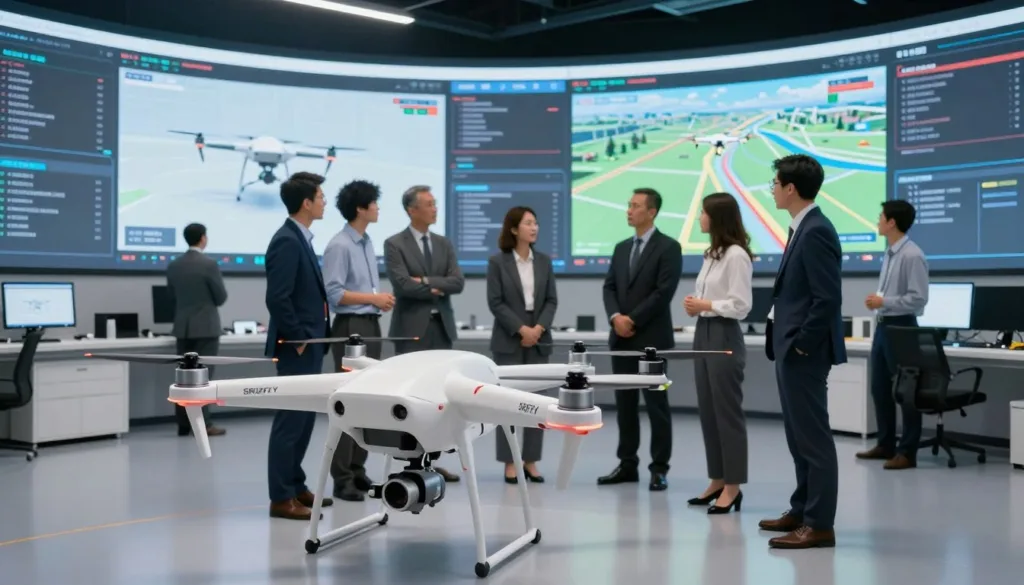
Enterprise-grade drone simulation helps pilots and teams prepare before a live mission. A drone flight simulator can provide a safe place to practice aircraft handling, review procedures, and build skills for safer drone operations.
Zephyr, powered by Little Arms Studios, offers aircraft-specific flight physics, varied training scenarios, and tools to track progress. Little Arms Studios reported that more than 50 enterprise customers and drone professionals took part in Zephyr beta trials in 2016. These features show how simulation can support enterprise drone training without replacing hands-on flight experience.
Key Takeaways
- Simulation lets pilots practice before live missions.
- Aircraft-specific physics can help prepare teams for flight.
- Zephyr includes varied scenarios and progress-tracking tools.
- Little Arms Studios reported more than 50 beta participants in 2016.
What Enterprise-Grade Drone Simulation Means
An enterprise simulator gives pilots a safe place to build flight skills before they operate a physical aircraft. A drone pilot training simulator can guide learners through structured modules, from basic controls to mission tasks. This practice supports Professional drone operations across different skill levels and work settings.
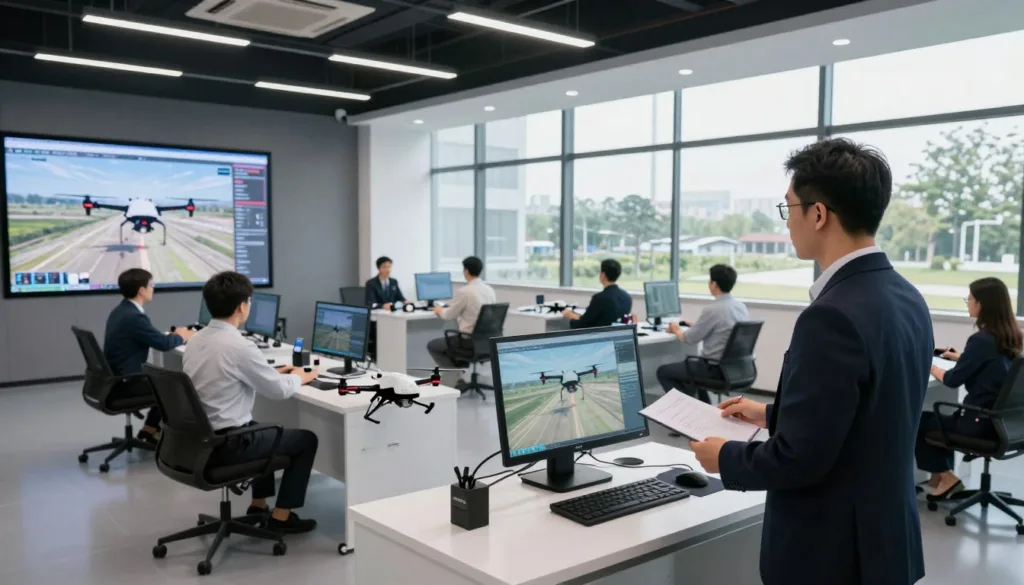
How flight simulation supports professional drone operations
Zephyr offers scenarios for varied operator levels and industries. In a simulator, pilots can repeat tasks, learn procedures, and gain confidence without using a field aircraft. This sUAS simulation can help teams prepare for the demands of real missions.
How realistic flight physics prepare pilots for aircraft handling
Aircraft do not all respond in the same way. Zephyr says each sUAS platform has a unique physics profile designed to reflect its handling. realistic drone flight physics can help pilots learn how a specific aircraft responds to control inputs. Zephyr’s 2016 announcement listed an updated drone physics model, usability changes, visual updates, and expanded controller support among its beta-driven improvements.
| Simulator feature | Training value |
|---|---|
| Structured flight modules | Build skills through guided practice before field work. |
| Aircraft-specific physics | Learn how different platforms handle control inputs. |
| Multi-industry scenarios | Practice tasks suited to varied roles and experience levels. |
| Controller support | Train with supported controls in a virtual setting. |
Why Organizations Use Drone Simulators Before Flight
Simulation gives teams a place to learn procedures before they take an aircraft into the field. With Zephyr, crews can rehearse common tasks and spot gaps in their skills before live flight.
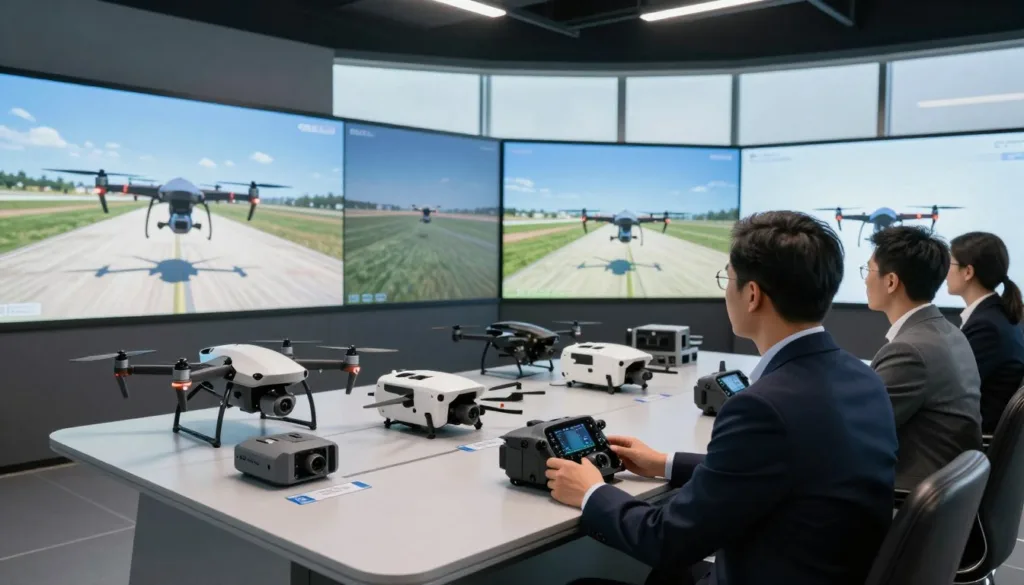
Practice without risking aircraft or payloads
Drone training without risk lets pilots practice controls, routes, and responses without putting an aircraft or payload in harm’s way. Clemson University’s Dr. Joe Burgett has described using Zephyr to teach operational fundamentals without risking an aircraft. This makes virtual flight practice a useful first step for new pilots and teams learning unfamiliar procedures.
Train without battery, weather, or aircraft-availability constraints
Simulator sessions do not depend on charged batteries, clear skies, or an available aircraft. Pilots can practice at a time and place that fits the team’s schedule. This flexibility can help organizations reduce drone training costs while saving aircraft for field work.
Build flight skills before operating in the field
Repeated practice can strengthen control, judgment, and confidence. These habits support drone pilot skill development before a pilot takes on real mission demands. Simulation should prepare pilots for hands-on flight, not replace required live practice.
| Training need | Simulator practice | Live flight |
|---|---|---|
| Aircraft and payload safety | Practice without exposing equipment to flight risks | Requires care to protect aircraft and payloads |
| Scheduling | Practice without battery or weather limits | Depends on aircraft access and suitable conditions |
| Skill building | Repeat key maneuvers before field work | Apply skills in real operating conditions |
Training Scenarios for Complex Missions
Complex missions call for more than basic flight skills. Zephyr includes scenarios that let pilots practice key tasks in a virtual setting before they face them in the field.
Search and rescue fundamentals
Search and rescue drone training helps pilots practice scanning an area, managing the aircraft, and responding to changing mission needs. These skills can support teams preparing for disaster relief and other urgent operations.
Obstacle courses and adverse weather, including snowfall
A drone obstacle course gives pilots a place to work on control and precision around hazards. Zephyr lists an Obstacle Course scenario, along with Weather and Snowfall options.
With adverse weather simulation, pilots can build experience in conditions that may be difficult to arrange in live training. Snowfall practice can help them understand how reduced visibility may affect flight decisions.
Industry applications in inspection, public safety, and cinematography
Drone simulation can serve teams with varied goals, from bridge, powerline, and telecom tower inspections to aerial cinematography. In its 2016 beta, Zephyr included commercial users, first responders, aviation schools, colleges, and universities.
Little Arms Studios developed Zephyr for public safety and disaster relief agencies, aviation schools, and enterprises with industry-specific needs. For agencies, public safety drone training can help crews rehearse coordinated flight tasks before field operations.
How Learning Management Systems Improve Pilot Training
A learning management system gives instructors a clear way to set goals and review practice. Zephyr’s web portal, described by Little Arms Studios in a 2016 interview, let instructors assign modules and track student progress.
Assign modules and track progress
A Drone training management system can organize lessons by skill and help instructors see who is ready for the next task. With pilot progress tracking, they can spot gaps early and offer focused practice.
Use flight metrics to guide instruction
Little Arms Studios said instructors could review more than 10 flight metrics for each student. Flight competency reports can turn those measures into useful feedback, showing where a trainee meets goals and where more practice may help.
Support practice for multiple students
Students could practice on separate computers while others flew physical drones. This approach supports scalable drone training, keeps learners active, and lets instructors balance simulator work with live flight time.
| Training need | Learning system support | Value for instructors |
|---|---|---|
| Lesson planning | Assign modules to students | Keep practice tied to clear learning goals |
| Skill review | Track progress and review flight metrics | Identify strengths and areas for more work |
| Class capacity | Allow computer-based practice alongside live flights | Keep more students engaged during aircraft use |
Matching Simulation Training to Enterprise Drone Fleets
Enterprise drone fleet training works best when simulator aircraft and controller setups match the equipment crews use in the field. Zephyr describes distinct physics profiles for its sUAS platforms, and its 2016 announcement noted expanded controller support. Check that a simulator supports the aircraft and controls your team plans to train with.
Account for aircraft-specific flight physics and controller support
Flight feel can vary across aircraft, so one practice profile may not prepare pilots for every model. A Matrice 400 simulation can help crews build familiarity with that platform, while controller support should reflect the setup used on actual missions.
Prepare for missions involving enterprise aircraft
Matrice 350 RTK training can focus on mission needs tied to its up to 55-minute flight time, IP55 rating, O3 Enterprise transmission, and six-directional sensing and positioning. These features matter in planning, but do not assume every simulator models them.
A Mavic 3 Enterprise simulator can support practice with the aircraft’s mechanical shutter, 56x zoom camera, and optional RTK module for centimeter-level precision. The Mavic 3T is a separate model listed by DJI for work such as firefighting, search and rescue, inspection, and night operations.
Consider payloads and applications
Match exercises to the sensors and tasks crews handle. The Zenmuse H20N pairs starlight sensors with thermal cameras and a laser rangefinder. The Zenmuse P1 supports photogrammetry, while the Zenmuse L2 combines LiDAR, an IMU, and an RGB mapping camera.
Other workflows call for different tools: the Mavic 3M pairs an RGB camera with multispectral imaging for crop analysis. Use these real equipment examples to guide training goals, while checking which aircraft and payloads the chosen simulator actually supports.
Connecting Simulation Practice to Real-World Operations
Simulation can help crews rehearse the steps that shape a field mission. Teams can practice planning, clear communication, and safe procedures before they launch an aircraft.
Rehearse mission planning, teamwork, and operational procedures
Use Drone mission planning exercises to set goals, assign crew roles, and review risks. Pilots can practice checklists and handoffs, while observers learn when to share updates or flag a concern.
These routines build habits that support drone operations management in the field. Training can cover launch checks, lost-link responses, and how to record mission details for later review.
Relate training goals to tools such as FlightHub 2, DJI Terra, and automated dock operations
Teams can connect practice goals to the tools they use on real jobs. FlightHub 2 is DJI’s cloud-based platform for mission planning, fleet supervision, real-time awareness, and data management.
DJI Terra supports photogrammetry, LiDAR, and multispectral reconstruction. A DJI Terra workflow can guide training on how crews prepare collected data for mapping and review.
For automated missions, DJI says its Dock houses a Matrice 30 that can land, recharge, and take off for missions programmed in FlightHub 2. Teams can rehearse the related checks and coordination steps, with the Dock designed for day-and-night use in varied weather.
Choosing an Enterprise Drone Simulation Platform
A careful Enterprise drone simulator evaluation starts with your fleet and training goals. Compare aircraft-specific flight physics, controller support, and how well each platform fits your curriculum. Check whether its drone simulation scenarios match the missions pilots will face.
Assess scenario variety, physics realism, and curriculum fit
Look for scenarios that build skills in stages, from basic flight to mission tasks. Ask how the simulator models aircraft handling and whether it supports the controllers your teams use. A broad scenario library matters most when it serves clear learning goals.
Evaluate instructor tools, progress reporting, and support
Review whether instructors can assign modules, track student progress, and examine flight metrics. Useful instructor reporting tools can help staff spot skill gaps and guide practice. Check what technical support and training resources the provider offers.
Little Arms Studios said feedback from more than 50 enterprise customers and drone professionals during Zephyr’s beta informed updates to its physics model, usability, visuals, and controller support. In a 2016 interview, the company said it had no public demo at that time and that organizations could request a no-cost, risk-free trial license. Availability may have changed.
Test the simulator with a trial or pilot training program
Use a drone simulator trial to test the platform with real instructors and learners. Set a short pilot program with specific goals, such as checking controller setup, lesson fit, and progress reports. Confirm current demo and trial options directly with the provider before making a purchase decision.
Examples of Drone Simulation in Education and Workforce Training
Simulators give students a way to practice core skills before they fly a real aircraft. In UAS education, this can help instructors serve more learners while keeping practice focused and safe.
Expand practice beyond one-on-one instruction
Students can repeat basic flight tasks in a simulator at their own pace. This reduces the need for an instructor to guide every practice session, which may free up time for coaching and field work. For schools and employers, drone workforce training can reach more learners with the equipment and staff on hand.
What Clemson’s reported use of Zephyr shows
Dr. Joe Burgett of Clemson University described Zephyr as a cornerstone of his UAS courses. He said students used it to practice operational fundamentals without risking an aircraft. Burgett reported that students could complete much of their flight training without one-on-one instruction, which allowed him to enroll more students.
Burgett said the simulator helped Clemson offer an online section of a class that had traditionally met in person. He reported that Zephyr was approved by APSA for the BPERP exam. He also said Clemson’s industry advisory board supported using the simulator to prepare students for APSA flight proficiency certification. These are Burgett’s reports, not independent test results.
Support preparation for flight proficiency
Simulation can help learners repeat procedures, build control habits, and prepare for assessed flight tasks. In the Clemson University drone course, Burgett said this practice supported flight proficiency preparation before students moved to aircraft-based training.
Simulation complements hands-on instruction; students still need to apply their skills in real flight conditions. A blended plan can pair simulator practice with instructor feedback and supervised flights.
| Training need | How simulation can help | Reported Clemson example |
|---|---|---|
| More practice time | Students can repeat core tasks without using an aircraft for each session. | Burgett said students completed much of their flight training without one-on-one instruction. |
| Broader course access | Remote practice can support course formats beyond in-person classes. | Burgett reported that Zephyr enabled an online section of a traditionally in-person class. |
| Flight proficiency preparation | Practice can reinforce operational fundamentals before supervised flight. | Burgett reported APSA approval for the BPERP exam and advisory board support for certification preparation. |
Conclusion
Safer drone flight training starts with a clear view of your missions. Define the work your team does, list the aircraft and payloads it uses, and choose practice scenarios that reflect real tasks. This helps build drone pilot readiness before crews take on field operations.
Before choosing an enterprise drone simulation program, compare flight physics, curriculum options, instructor reports, and fleet compatibility. A simulator should fit your aircraft and training goals, whether pilots prepare for inspection, mapping, public safety, or other enterprise drone operations.
If a provider offers a trial or pilot program, use it to test the fit. Review learner progress and instructor feedback before expanding the program. Contact a simulator provider to discuss your fleet, missions, and training goals.
FAQ
What is enterprise-grade drone simulation?
It is a training environment where pilots and teams practice flight skills and complete structured lessons before operating physical aircraft. A professional simulator can help prepare crews for mission tasks, but it does not replace every hands-on flight requirement.
How does Zephyr prepare pilots for aircraft handling?
Zephyr, a drone-training simulator powered by Little Arms Studios, says each sUAS platform has its own physics profile to reflect how that aircraft handles. Match the simulator’s aircraft and controller setup to your fleet, and confirm compatibility with the provider.
Can drone simulation help prevent damage to aircraft and payloads?
Simulation lets pilots rehearse skills and procedures without risking a physical aircraft or its payloads. Clemson University’s Dr. Joe Burgett said he used Zephyr to teach operational fundamentals without risking an aircraft.
Can pilots practice without batteries, good weather, or an available drone?
Zephyr says users can practice without charging drone batteries, risking hardware, or depending on the weather. That can make training available in more settings and at more times, though pilots still need appropriate live-flight practice.
What training scenarios does Zephyr offer?
Zephyr lists Search and Rescue Fundamentals, Obstacle Course, Weather, and Snowfall scenarios. The company has also described the simulator as serving different operator levels and industry settings, including public safety and disaster relief.
How can drone simulation support inspection and public safety teams?
Teams can use scenario-based practice to build skills relevant to their work before a live mission. Little Arms Studios said Zephyr’s beta included commercial users in cinematography, bridge, powerline, and telecom tower inspection, as well as first responders and aviation schools.
How can instructors track student progress in Zephyr?
Little Arms Studios described a learning management system that lets instructors assign modules and monitor progress through a web portal. In a 2016 interview, the company said instructors could review more than 10 flight metrics per student and see competency information.
Can students train on a simulator while others use physical drones?
Little Arms Studios said Zephyr students could practice at the same time on separate computers while other students used physical drones. This can help instructors manage training time and observe whether students are meeting learning objectives.
What should an organization check when matching a simulator to its drone fleet?
Check aircraft-specific flight physics, controller support, scenario options, and fit with your training curriculum. Zephyr’s 2016 beta updates included an updated drone physics model and expanded controller support, based on feedback from more than 50 enterprise customers and drone professionals.
Can a simulator prepare pilots for DJI Matrice and Mavic aircraft?
Training plans can reference aircraft such as the DJI Matrice 400, Matrice 350 RTK, and Mavic 3 Enterprise. Their capabilities differ: for example, DJI lists a 6 kg payload capacity for the Matrice 400 and up to 55 minutes of flight time for the Matrice 350 RTK. Confirm whether a simulator supports the specific aircraft and controller; do not assume that every model is available.
How do drone payloads affect training plans?
Payloads shape the skills and workflows a team needs to practice. Examples include the Zenmuse H20N for thermal and low-light work, the Zenmuse P1 for photogrammetry, the Zenmuse L2 for LiDAR mapping, and the Mavic 3M’s multispectral camera for crop analysis. These are real equipment examples, not a claim that they are supported in Zephyr.
How can simulator exercises connect to real mission operations?
Teams can build practice around planning, coordination, and data workflows they use in the field. DJI describes FlightHub 2 as a cloud-based platform for mission planning, fleet supervision, situational awareness, and data management. DJI Terra supports photogrammetry, LiDAR, and multispectral reconstruction.
What role can automated drone docks play in mission training?
DJI says its Dock houses a Matrice 30 for landing, recharging, takeoff, and missions programmed in FlightHub 2. Teams can include dock-related procedures in their training plans, but these operational tools should not be presented as features of Zephyr.
What did Clemson University report about using Zephyr in UAS courses?
Dr. Joe Burgett called Zephyr a cornerstone of his UAS courses. He said students could complete much of their flight training without one-on-one instruction, which allowed him to enroll more students, and that the simulator helped support an online section of a traditionally in-person class.
Was Zephyr approved for APSA flight proficiency preparation?
Burgett reported that Zephyr was approved by APSA for the BPERP exam and said Clemson’s industry advisory board supported its use in preparing students for APSA flight proficiency certification. These statements reflect Burgett’s account, not independent test results.
How should an organization evaluate an enterprise drone simulator?
Compare aircraft-specific physics, scenario variety, controller support, curriculum fit, and instructor reporting. Little Arms Studios said feedback from more than 50 enterprise customers and drone professionals informed Zephyr updates to its physics model, usability, visuals, and controller support.
Does Zephyr currently offer a demo or trial license?
In a 2016 interview, Little Arms Studios said there was no public demo at that time and that organizations could request a no-cost, risk-free trial license. That information is historical, so check directly with the provider for current demo and trial availability.