



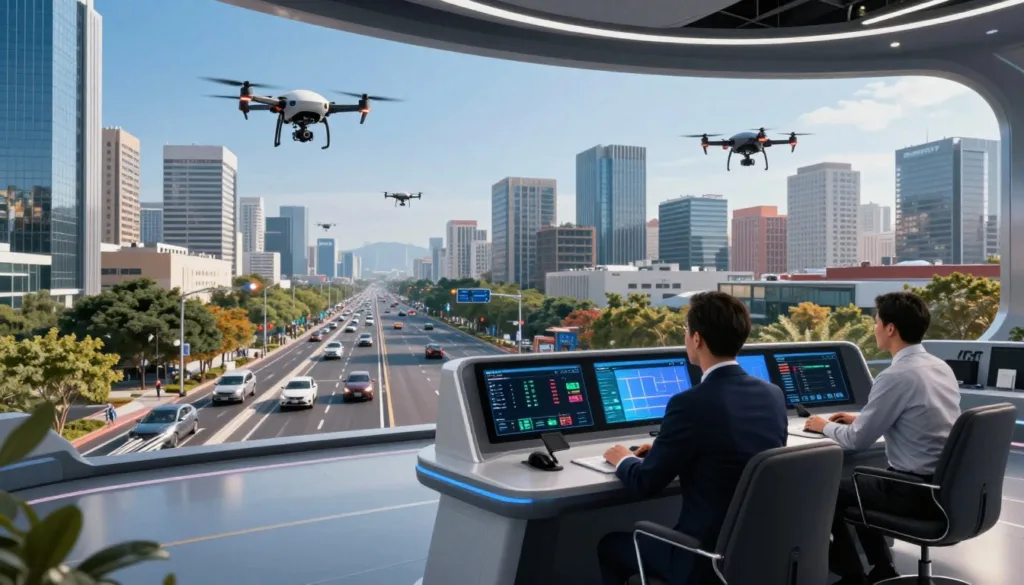
As drones take on more work in cities, teams need safe ways to plan and test flights. A drone traffic management simulator lets them explore busy airspace without putting aircraft or people at risk.
U-TRAFMAN supports UTM simulation with hundreds of UAVs in urban settings, helping teams study UAV airspace coordination. Other tools serve different needs: SkyTrakx supports UTM scenario testing, while SRIZFLY offers drone operations training for mission planning and aircraft tracking.
Key Takeaways
- Simulators help teams test drone traffic plans before live flights.
- U-TRAFMAN can model hundreds of UAVs in an urban area.
- SkyTrakx supports the simulation and verification of UTM scenarios.
- SRIZFLY helps users practice mission planning and aircraft tracking.
- These tools support safer, more organized drone operations.
What Is a Traffic Management Drone Simulator?
A traffic management drone simulator creates a digital airspace where teams can test aircraft behavior, traffic plans, and management services. It gives developers a way to examine how UAV traffic management software handles planned flights before they move to real aircraft.
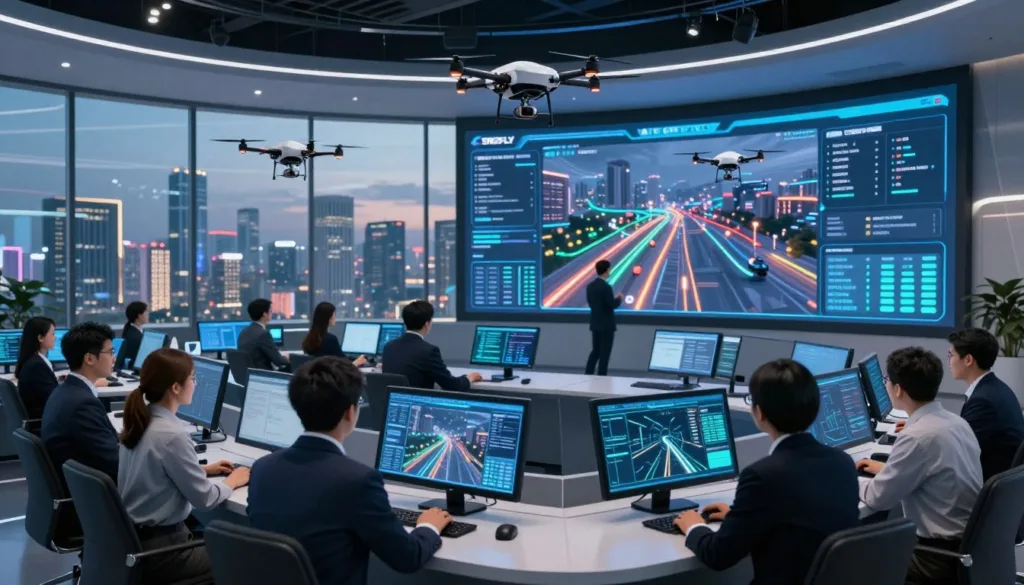
How drone traffic management simulation supports safer operations
Teams can use drone simulation training to rehearse flight tasks, check airspace limits, and review no-fly zones. U-TRAFMAN supports the development of tools and services for unmanned traffic management. SkyTrakx can simulate and verify scenarios that use operation volumes, which define where and when an aircraft plans to fly.
How simulation differs from live flight testing
Virtual airspace testing lets teams explore traffic plans without putting physical aircraft in the air. They can repeat scenarios, adjust routes, and observe how services respond. This practice supports safer drone operations while helping teams spot issues before a live test.
How UTM Simulators Model Urban Airspace
Urban drone simulation lets teams study how aircraft share crowded city airspace. A useful model can track many flights, show how vehicles move, and test how routes interact.
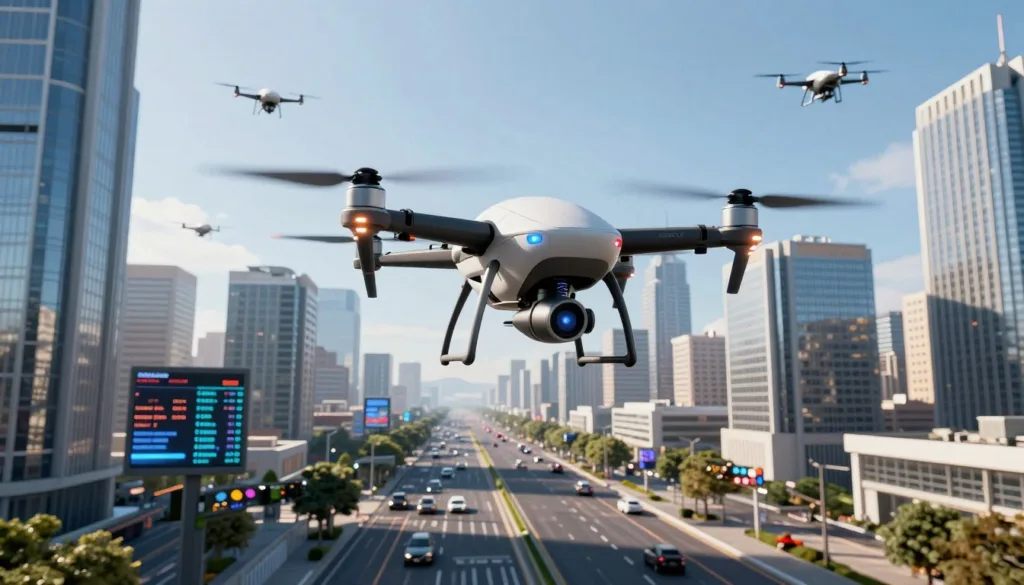
Simulating large numbers of UAVs in dynamic environments
U-TRAFMAN can simulate hundreds of UAVs in an urban area. It uses Gazebo’s physics engine to model aircraft behavior, helping teams examine multi-UAV scenarios as traffic grows and routes cross.
Dynamic airspace modeling can include maps, weather, lighting, and moving obstacles in some simulation tools. These features are described for SRIZFLY; they should not be assumed to belong to U-TRAFMAN or SkyTrakx.
Representing different aircraft and flight behaviors
SkyTrakx supports heterogeneous aircraft simulation in Gazebo. Its models include the Hector Quadrotor and a ROSplane fixed-wing aircraft. In one described landing scenario, quadrotors pass a runway before the ROSplane aircraft descends.
Core Capabilities for Drone Traffic Management
A useful simulator lets teams test flight software, service connections, and data flows in one setting. U-TRAFMAN supports changes to UAV control systems and helps teams assess whether traffic tools fit their needs.
Testing autonomous control software and UTM services
Teams can modify or extend autonomous UAV control software, then test it alongside UTM services. This gives developers a way to explore service behavior before using it in live operations.
Exchanging information between aircraft and services
Aircraft and services share information through topics. U-TRAFMAN services can run on ROS-compatible platforms, which supports ROS traffic management experiments. SkyTrakx APIs let teams create, edit, and reason about operation volumes while testing UTM protocols.
Storing and analyzing simulation data for debugging
Teams can save simulation records and review them after a run. Simulation data analysis can help reveal where messages, routes, or service responses went wrong, making it easier to debug and refine a test setup.
Operation Volumes for Airspace Planning and Deconfliction
Safe traffic planning starts with a clear picture of where each drone intends to fly and when. SkyTrakx lets users create and manage operation volumes to show that planned use of the airspace.
Understanding four-dimensional airspace and time blocks
An operation volume is a series of airspace regions linked to increasing time points. Together, the regions and time blocks form four-dimensional airspace: a way to describe both location and timing. This gives an airspace manager a clear view of when a drone plans to use each area.
Using aircraft intent to plan routes and coordinate traffic
Aircraft intent helps teams plan routes before a flight begins. During drone route planning, operators can compare intended paths and spot possible overlaps. Sharing these plans supports strategic deconfliction, while SkyTrakx provides tools to create, adjust, and assess operation volumes.
Multi-Drone Coordination and Conflict Management
Safe multi-drone coordination depends on clear rules for sharing airspace. In the SkyTrakx protocol, each aircraft agent requests an operation volume from an airspace manager before entering it.
How aircraft request and receive airspace reservations
The manager checks the request against recorded volumes. It grants access when the requested space and time do not overlap with other reservations. Agents must stay within their approved volumes.
Coordinating routes through an airspace manager
Agents can release parts of a volume they no longer need, freeing that space for other flights. They can report a violation if an aircraft leaves its approved area. These steps help the manager track operation volume reservations and limit drone traffic conflicts.
Testing safe separation and response to conflicts
In the protocol’s safety model, current contracts stay separate when agents follow their declared volumes. The paper states that an aircraft can receive an approved, rescheduled volume over time if the other agents’ final regions remain separate from it. Simulations can test these rules under changing traffic demands.
Using ROS and Gazebo for Realistic Drone Simulations
ROS and Gazebo let teams test flight behavior and traffic services in one virtual setting. U-TRAFMAN uses Gazebo’s physics engine to model UAVs in changing urban scenes.
Modeling UAV behavior with a physics engine
Gazebo drone simulation can represent aircraft movement as conditions change. This UAV physics modeling helps teams examine how different vehicles respond to routes and nearby traffic. SkyTrakx builds on CyPhyHouse, a ROS- and Gazebo-based framework, with configurable UTM scenarios. Its examples include the Hector Quadrotor and the ROSplane aircraft model.
Building and testing ROS-compatible UTM services
U-TRAFMAN’s services can run on platforms that support ROS, making it easier to test traffic rules with simulated aircraft. SkyTrakx supports the evaluation of varied scenarios, and its framework can carry protocols from simulation to hardware implementations. This gives teams a practical way to test service behavior before using it with real vehicles.
Reachability Analysis for Safer Operation Volumes
Aircraft do not follow a perfectly exact path. Reachability analysis estimates where a vehicle may travel over time, helping airspace managers plan safe limits and spot possible violations.
Estimating the space an aircraft may occupy over time
SkyTrakx uses DryVR to turn flight simulation traces into DryVR reach tubes. These tubes estimate the states an aircraft could reach during a set time horizon.
For a waypoint task, the Hector Quadrotor model heads toward (0, 0, 2.5). Its estimated path can help define an operation volume or flag a possible boundary breach.
Generating operation volumes for quadcopters and fixed-wing aircraft
Quadcopter operation volumes can be based on the Hector Quadrotor model. Fixed-wing UAV simulation uses the ROSplane model, whose North-East-Down position data must be converted for the airspace manager.
During a loiter, a fixed-wing aircraft may change altitude. Its reserved volume needs enough vertical space to cover that variation.
Balancing conservative and aggressive volume strategies
A conservative strategy covers the full reach tube for the entire time horizon with one bounding rectangle. It gives a wider safety margin, though it can reserve more airspace.
An aggressive strategy uses smaller regions over shorter time intervals. This can free more airspace for other aircraft, but depends on close tracking of the planned path.
Verifying UTM Protocol Safety and Liveness
Protocol checks help show whether drone traffic rules support safe, orderly flights. SkyTrakx examines both the limits on aircraft movement and the steps needed to reach a planned destination.
Checking whether aircraft follow declared operation volumes
Safety analysis assumes each participating aircraft stays within its declared operation volume. Under that assumption, SkyTrakx aims to keep active aircraft contracts pairwise disjoint. This supports operation volume compliance by helping prevent overlapping reservations.
Using formal verification tools to assess protocol properties
UTM protocol verification covers liveness, too: an aircraft should be able to reach the final region of its proposed volume. This depends on assumptions about other agents’ regions and destinations. SkyTrakx combines Dafny verification with Dione formal methods. Dione can automatically prove a local invariant for the airspace manager. The tools do not directly model continuous time or communication delays for the other proofs.
| Property | What it checks | Key condition |
|---|---|---|
| Safety | Active aircraft contracts remain pairwise disjoint. | Aircraft follow their declared operation volumes. |
| Liveness | An aircraft can reach its proposed final region. | Other agents’ regions and destinations meet the stated assumptions. |
| Formal analysis | Dione proves a local airspace manager invariant. | Continuous time and communication delays are not directly supported for the other proofs. |
Evaluating Simulator Performance and Airspace Workload
Good UTM performance evaluation tracks both response delays and the effort needed to manage traffic. SkyTrakx tests these measures across scenarios with different numbers of agents and ways to generate operation volumes.
Measuring workload as traffic grows
The reported airspace manager workload rises in a linear pattern as agents are added. This gives teams a way to study drone traffic scaling before moving tests to live operations. The experiments use the Hector Quadrotor model with its default waypoint-following controller.
Comparing volume strategies
In the reported comparison, the aggressive strategy runs 1.5 to 3 times faster than the conservative strategy. That speed comes with 2 to 5 times more airspace manager workload. Comparing conservative and aggressive strategies helps teams weigh faster processing against added management demands.
Preparing Drone Teams for Real-World Operations
Drone team training gives crews a safe place to practice each phase of a flight. A mission planning simulation can help teams build steady habits before they operate in busy airspace.
Rehearsing mission planning and airspace checks
Crews can review no-fly zones, permits, and other registered flight activity before takeoff. Airspace restriction checks help teams spot conflicts and confirm that a planned route fits current conditions.
Practicing route changes and responses to unexpected events
In simulation, pilots can rehearse route changes, emergency landings, and responses to system failures. They can track aircraft, notice route deviations, and practice reacting to alerts near restricted zones or other airspace users.
Reviewing simulation logs to improve procedures
A simulation log review helps teams study decisions and identify steps that need more practice. U-TRAFMAN can store simulation data for later analysis and debugging. Teams can use those records to guide incident reviews, logbook updates, maintenance records, and battery planning.
Getting Started With U-TRAFMAN and Related Tools
U-TRAFMAN offers a starting point for teams exploring drone traffic management simulation. Its documentation explains how to set up the simulator and where to find project details.
Following the installation documentation
Use the U-TRAFMAN installation guide to follow the setup steps and prepare the tools. The simulator was developed by the Navigation Systems team in the High-Performance Networks and Architectures group at the University of Castilla-La Mancha.
Exploring contributions, licensing, and citation
The U-TRAFMAN GitHub repository is the place to report bugs, suggest features through an issue, or contribute code with a pull request. The project uses the GNU GPL v3 license. Its suggested citation names the simulator, the University of Castilla-La Mancha in Spain, and the year 2023.
| Project detail | Information |
|---|---|
| Documentation | Installation steps are provided in the U-TRAFMAN installation guide. |
| Project contacts | Rafael Casado, Aurelio Bermúdez, and Jesús Jover. |
| Contributions | Report bugs or propose features with an issue; submit code through a pull request. |
| License | GNU GPL v3. |
| Suggested citation | “U-TRAFMAN: Unmanned Traffic Management Simulator, University of Castilla-La Mancha (Spain), 2023.” |
| Repository | U-TRAFMAN GitHub: https://github.com/I3A-NavSys/utrafman_sim |
Conclusion
A traffic management drone simulator lets teams test busy urban airspace without putting aircraft at risk. U-TRAFMAN can model hundreds of UAVs and support work on flight control software and ROS-compatible UTM services.
SkyTrakx uses operation volumes to show where and when aircraft plan to fly. This supports UTM safety testing, including checks of reachability, coordination protocols, and airspace manager workload.
Its evaluation found that workload rose in step with the number of aircraft. It also showed a trade-off: aggressive volume strategies can support faster operations, while conservative strategies may ease coordination demands.
Together, these tools make drone airspace simulation useful for studying UAV coordination before real flights. Teams can use the results to refine plans, test responses, and build safer operations.
FAQ
What is a traffic management drone simulator?
It is a digital environment for testing how unmanned aerial vehicles (UAVs), aircraft, and traffic management services behave together. U-TRAFMAN supports Urban Air Mobility research and dynamic simulations of hundreds of UAVs in an urban area.
How can UTM simulation support safer drone operations?
Teams can test traffic coordination, aircraft behavior, and airspace management services before using physical aircraft. This lets them study scenarios and identify issues in a controlled virtual environment.
How does simulation differ from live flight testing?
Simulation lets teams repeat tests without flying real aircraft for each trial. Tools such as U-TRAFMAN and SkyTrakx help researchers evaluate UTM services and coordination protocols in software.
How do UTM simulators model busy urban airspace?
U-TRAFMAN can simulate hundreds of UAVs in a changing urban setting and uses Gazebo’s physics engine to model UAV behavior. SkyTrakx supports configurable UTM scenarios with different air vehicles.
Can a drone traffic simulator model different aircraft?
Yes. SkyTrakx includes examples using a Hector Quadrotor and a ROSplane fixed-wing aircraft model in Gazebo. Its scenarios can examine how different aircraft share airspace, including a landing sequence involving quadrotors and a fixed-wing aircraft.
What software can teams test with U-TRAFMAN?
U-TRAFMAN supports modifying, replacing, or extending UAV control systems. Teams can also develop and test UTM services and frameworks, then assess whether they are feasible for their intended use.
How do aircraft and UTM services exchange information in U-TRAFMAN?
Aircraft and services can exchange information through topics. U-TRAFMAN services can run on platforms compatible with ROS, while SkyTrakx provides APIs for creating and working with operation volumes.
What are operation volumes in drone traffic management?
An operation volume is a planned use of airspace over time. SkyTrakx represents one as a sequence of airspace regions paired with increasing time points, creating a four-dimensional description of an aircraft’s intent.
How do operation volumes help coordinate drone routes?
Aircraft can share their intended use of airspace with an airspace manager. The manager can compare proposed operation volumes to support route planning and strategic deconfliction before aircraft enter the planned regions.
How does SkyTrakx manage airspace reservations?
In its coordination protocol, aircraft agents request operation volumes from an airspace manager. The manager checks whether a requested volume conflicts with recorded volumes before granting access. Agents are expected to follow approved volumes, release unused portions, and report violations.
How does reachability analysis help define operation volumes?
SkyTrakx uses DryVR to calculate reach tubes from simulation traces. These estimates describe the states an aircraft may reach over time and can help create operation volumes or monitor for possible violations.
What is the difference between conservative and aggressive operation-volume strategies?
A conservative strategy can cover a reach tube across the full time horizon with a bounding rectangle. An aggressive strategy can use smaller regions over shorter periods. In the paper’s comparison, the aggressive strategy was 1.5 to 3 times faster but increased airspace manager workload by 2 to 5 times.
How does SkyTrakx assess protocol safety and liveness?
Its safety analysis assumes agents follow their declared operation volumes and aims to keep active aircraft contracts pairwise disjoint. Liveness analysis considers whether an agent can eventually reach its final region, subject to assumptions about other agents’ destinations and regions.
Which tools does SkyTrakx use for formal verification?
SkyTrakx integrates Dione and Dafny to help verify protocol properties. The paper reports that Dione can automatically prove a local invariant for the airspace manager, while noting limits in proving results involving continuous time or communication delays.
How does airspace manager workload change as drone traffic grows?
In the SkyTrakx paper’s evaluation, airspace manager workload grew linearly with the number of agents. The experiments used the Hector Quadrotor model with its default waypoint-following controller.
Can a drone simulator help teams practice missions and emergencies?
The SRIZFLY source describes virtual practice for mission planning, airspace restriction checks, no-fly zone reviews, route changes, and emergency responses. It also describes aircraft tracking and post-flight tasks, but these features should not be assumed to be U-TRAFMAN capabilities.
Can simulation data help improve drone procedures?
U-TRAFMAN can store simulation data for later analysis and debugging. Reviewing those records can help teams investigate system behavior and refine software or procedures.
How do I get started with U-TRAFMAN?
Follow the installation guide in the U-TRAFMAN documentation. The project welcomes bug reports and feature proposals through GitHub issues, and code contributions through pull requests.
What license and citation does U-TRAFMAN use?
U-TRAFMAN is licensed under GNU GPL v3. Its suggested citation is “U-TRAFMAN: Unmanned Traffic Management Simulator, University of Castilla-La Mancha (Spain), 2023.” The project repository is https://github.com/I3A-NavSys/utrafman_sim.