



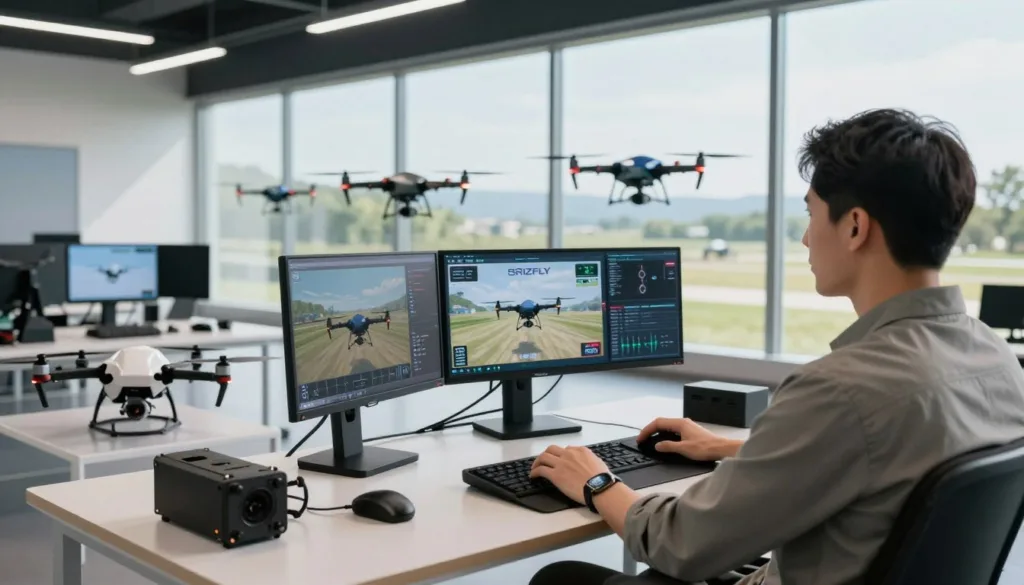
Drone professional training simulation software gives pilots a virtual space to practice flight skills and operating steps before taking off. For teams exploring this approach, SRIZFLY is a useful starting point for learning about simulator-based training.
A drone flight simulator can help pilots build confidence while practicing in a controlled setting. Options vary: Zephyr offers sUAS flight practice and training scenarios, while SIMNET combines flight simulation, pilot training, and drone design tools in a web-based platform. The right UAS training software depends on the skills and tasks a program needs to teach.
Key Takeaways
- Simulation offers a virtual setting for flight practice.
- Professional drone pilot training can include operational procedures.
- Zephyr provides sUAS practice and training scenarios.
- SIMNET brings simulation, training, and design tools together online.
- Compare software based on your training goals.
What Is Drone Professional Training Simulation Software?
Drone training software recreates flight and work conditions in a digital setting. Pilots can practice controls, routes, and procedures without taking a physical aircraft into the air. This UAS flight simulation helps build skill before a real mission.
Some platforms model specific aircraft. Zephyr’s product information describes a distinct physics profile for each sUAS platform. SIMNET supports manual and autonomous flight across different aircraft, with virtual versions of locations around the world. Its web-based platform includes courses and exercises.
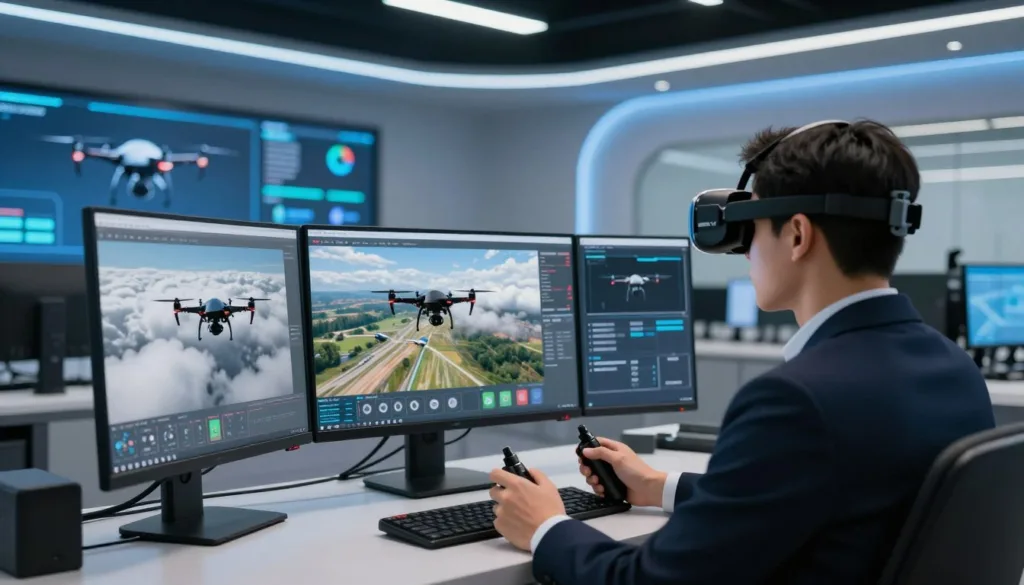
FPV simulators offer another way to practice. They let pilots repeat maneuvers in a crash-proof setting, whatever the weather. A drone pilot simulator can help new users learn basic control, while virtual drone training can support practice for more advanced tasks.
Drone Professional Training Simulation Software
Professional drone software serves different training goals. A drone simulation software choice may focus on flight basics, complex missions, aircraft design, or racing. The right fit depends on the skills pilots need to build.
Zephyr, powered by Little Arms Studios, combines simulated flight with scenarios for several industries. Its range of skill levels can support new pilots and experienced operators who need practice in varied work settings.
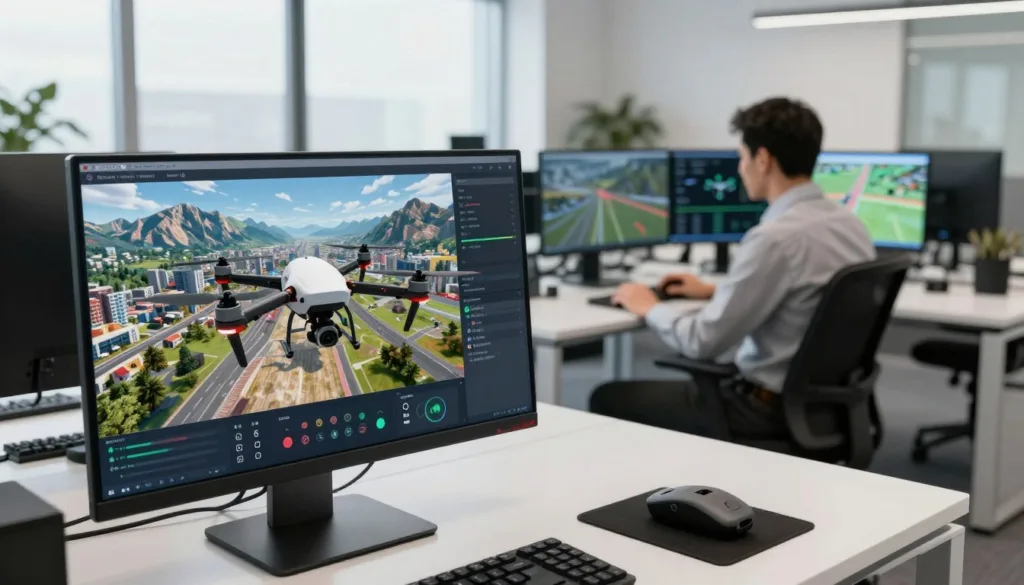
SIMNET is a cloud-native drone training platform for developers, operators, educators, and students. Its web interface links drone design and analysis with flight simulation and pilot training. Users can practice manual flight or run ArduPilot software-in-the-loop simulations, including a direct connection to a ground control station.
FPV tools serve a narrower purpose. Liftoff, VelociDrone, TRYP FPV, and Uncrashed focus on first-person-view flight, with options for training, racing, freestyle, and immersive practice. A professional UAS simulator should match the pilot’s role, aircraft, and training needs.
Essential Features for Professional Drone Pilot Training
Strong drone simulator features let pilots practice with tools that match real work. Zephyr models the unique physics of each sUAS platform, while SIMNET supports realistic drone flight physics through manual control with a USB transmitter, gamepad, or keyboard.
SIMNET includes ArduPilot SITL, a worldwide 3D terrain model, and virtual reality support for Meta Quest headsets. Pilots can review recorded flights, export CSV data, and monitor vehicle and component readings in real time. Connecting ground control software supports mission rehearsal.
A radio controller can help build muscle memory that carries over to real flights. Compatible EdgeTX radios connect by USB and can be calibrated in the simulator settings. SIMNET’s training catalog includes web courses and exercises for beginner to advanced pilots.
For teams, an LMS supports drone pilot proficiency tracking by recording individual and group progress. These records help instructors spot skill gaps and plan practice around clear training goals.
Simulation Scenarios That Build Operational Skills
Drone mission simulation gives pilots a safe place to practice tasks before a real flight. Zephyr offers search and rescue fundamentals, obstacle courses, weather, and snowfall scenarios. These conditions help crews build sound habits in varied settings.
Search and rescue drone training can teach crews to scan an area, spot targets, and plan safer routes. SIMNET uses digital twins of aircraft and flight locations for mission rehearsal, helping teams prepare for the work ahead.
With BVLOS simulation, pilots can rehearse routes, failsafe steps, terrain following, and flights in changing weather or failure scenarios. Simulation records can support SORA assessments and help show regulators how a team prepares for operations.
FPV practice builds control skills in racing and freestyle settings. TRYP FPV includes moving targets such as race cars and skiers. VelociDrone lets pilots create race tracks and edit maps for custom practice.
Benefits of Drone Simulator Training for Pilots and Organizations
Simulator practice supports safe drone pilot training without putting a real aircraft at risk. Pilots can repeat takeoffs, landings, and other tasks without waiting for batteries to charge or for clear weather. Zephyr says its simulator lets users train at a time and place that suits them.
For schools, simulation can expand access to training. Dr. Joe Burgett of Clemson University has described Zephyr as a key part of the university’s UAS courses. He said students could learn core skills without risking an aircraft, and much of the practice could take place without one-on-one instruction. That flexibility helped support an online version of a course that had usually been taught in person.
Virtual labs can help organizations reduce drone training costs by cutting the need for physical hardware during early practice. SIMNET describes virtual testing as a way to limit prototyping time and expense, while giving operators a controlled space to build skills. Its education program has served more than 3,000 students worldwide.
Remote drone training gives learners a way to practice from different locations. Schools and teams can use virtual flight labs to teach hands-on skills while reducing equipment wear and avoiding the risks of early practice with a real drone.
Professional Use Cases for Drone Simulation Software
For commercial teams, SIMNET supports mission planning, flight rehearsals, and failsafe tests before crews launch real aircraft. Operators can practice standard procedures and track pilot progress. This makes simulation a practical part of commercial drone training and day-to-day safety work.
Cale Griffith, chief pilot at AIRmarket Inc., said the company’s pilots refine their skills with SIMNET before flying a real drone. Training providers can use its courses and custom exercises for drone operator training. The simulator can connect with existing learning management systems, so instructors can record and review student scores.
Schools can use drone simulation for education through virtual design-build-fly projects and piloting exercises. Licensing options support both individual student devices and shared access on school computers. Zephyr has been used in UAS courses at Clemson University, where students worked toward flight proficiency certification through the Association for Public Safety Aviation.
Simulation tools serve aircraft developers, too. Teams can design, analyze, and test multicopters, fixed-wing aircraft, and vertical takeoff and landing (VTOL) designs in a virtual setting. These tests help developers assess performance and refine a design before building or flying a physical aircraft.
How to Choose a Drone Training Simulator
The best drone training simulator should match the aircraft, mission, and skills your team needs to practice. Check its flight physics, training plan, scenarios, hardware needs, controller support, and tools for reports or learning management.
For sUAS teams, Zephyr focuses on platform-specific flight physics and varied mission scenarios. SIMNET offers web-based training, global terrain, custom digital twins, flight recording, CSV exports, and learning management tools. Confirm that the software supports your aircraft, controller, ground control software, and training goals.
A drone simulator comparison should account for the type of FPV practice you need. Liftoff suits beginners with tutorials and broad content. VelociDrone focuses on racing, with realistic physics and modest PC needs. TRYP FPV supports cinematic and freestyle flying in large environments, though it needs stronger hardware. Uncrashed offers immersive freestyle practice across more than 19 maps.
Desktop prices listed for Liftoff and VelociDrone start at $19.99. TRYP FPV and Uncrashed start at $14.99. FPV SkyDive is free, with paid extra content. Liftoff: Micro Drones is made for Tiny Whoops and indoor flight.
For an FPV simulator for professionals, test control feel before you commit. A keyboard or gaming controller may lack the precision of a radio controller, which can limit practice that transfers to real flights.
Integrating Simulation Into a Drone Training Program
Build a drone training curriculum around the aircraft, mission, and pilot’s skill level. Start with core controls, then add tasks that match field work. SIMNET offers a training catalog, custom exercises, and digital twins for specific aircraft and locations.
Use simulation-based pilot training to link lessons with measurable practice. An organization can connect exercises to its current learning system and track scores, or use SIMNET’s drone training LMS. Its workflow can pair theory with auto-graded flight tasks and difficult mission scenarios. Instructors can review progress for each pilot and team.
Educators can choose existing design and piloting projects or request content that fits a course. Student or institutional licenses can support classroom use. Zephyr’s work with Clemson University shows how simulator practice can reinforce course fundamentals and ease the need for constant one-on-one instruction.
For FPV practice, connect an EdgeTX radio to a computer by USB and select USB Joystick mode. Assign throttle, yaw, pitch, and roll, then calibrate the controller in the simulator before flight exercises begin.
Conclusion
The right drone professional training software depends on what pilots need to learn. Choose a platform for sUAS fundamentals, mission rehearsal, drone design, classroom use, or FPV racing and freestyle.
Tools vary in their strengths. Zephyr offers platform-specific flight physics and training scenarios, while SIMNET includes web-based courses, global terrain, digital twins, learning tracking, and design tools. FPV simulators also differ in flight physics, settings, and controller support.
Good drone flight practice should match real training goals and equipment. Check system needs and documented features before choosing, so the simulator can support UAS pilot readiness.
Compare options such as SRIZFLY and ask about a trial or product demonstration. SIMNET offers a free trial and live demonstrations, which can help teams judge the fit before they commit.