



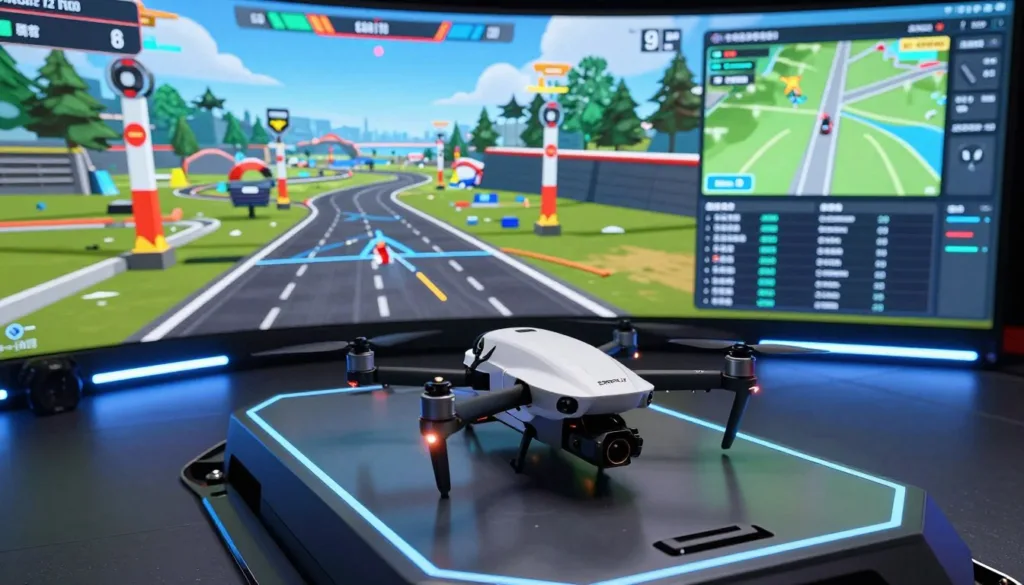
Welcome to the exciting world of aerial piloting! If you are a novice looking to learn how to fly, you are in the right place. Controlling a quadcopter is a thrilling experience that anyone can master with enough time and dedication.
Practice is vital to your success in this hobby. A quality FPV drone simulator helps you hone skills without risking your aircraft or surroundings. This software lets you explore virtual environments safely while building muscle memory.
You can also try a racing program or freestyle modes to sharpen your reactions. These tools offer a safe way to learn cinematography and basic moves before heading outside. Start your journey today and become a pro pilot in no time!
Using these digital tools is the optimal way to advance. You can test different settings and see how they affect your craft. It is the perfect first step for every aspiring pilot in the United States.
Key Takeaways
- Practice in a virtual environment safely to build confidence.
- Avoid expensive crashes while learning basic maneuvers.
- Master racing and freestyle techniques without any risk.
- Improve cinematography skills through realistic digital scenarios.
- Hone piloting skills effectively before flying a real aircraft.
- Explore diverse virtual landscapes to test your abilities.
Why Every Beginner Should Start with a Drone Simulator
Entering the drone hobby is exciting, but the learning curve can be surprisingly steep for newcomers. Using a drone flight simulator allows you to practice in a controlled environment. You can push your limits without any physical consequences.
Modern software provides a realistic experience that mimics real-world physics. This makes the transition from the computer screen to the open sky much smoother. It is the ultimate sandbox for anyone looking to master the sticks.
Learn Without the Risk of Crashing Your Expensive Drone
The biggest fear for any new pilot is seeing their investment shatter on the pavement. A best drone simulator removes this anxiety entirely. You can fly at high speeds and navigate tight gaps without worrying about a repair bill.
Crashing is actually a vital part of the learning process. In a virtual world, a crash only costs you a few seconds to hit the reset button. This freedom encourages you to try difficult maneuvers that you would never attempt with a real aircraft.
To get the most out of an FPV simulator, it’s essential to use a proper radio controller. Unlike a gaming controller or keyboard, a radio helps build the muscle memory you’ll need when flying a real FPV drone.
Build Muscle Memory and Confidence Before Your First Real Flight
Flying a drone requires a unique coordination between your eyes and hands. Your brain needs to learn how small stick movements affect the drone’s orientation. An FPV simulator for beginners is the most efficient way to develop these reflexes.
Consistent practice helps you internalize how to react during emergencies. When a real gust of wind hits your drone, you won’t have to think about what to do. Your hands will simply move to the correct position instinctively.
| Feature | Simulator Training | Real-World Flight |
|---|---|---|
| Risk Level | Zero Risk | High Risk |
| Cost of Crash | $0.00 | $50 – $500+ |
| Weather Conditions | Fully Customizable | Unpredictable |
Save Money While Mastering the Basics
Investing in the best drone simulator is much cheaper than buying replacement parts. Propellers, motors, and camera gimbals are fragile and expensive to replace. A one-time purchase of software can save you hundreds of dollars in the long run.
Beyond hardware costs, you also save time. You don’t have to wait for parts to arrive in the mail after a bad wreck. You can spend those hours perfecting your flight paths and throttle control instead.
- Unlimited Flight Time: No waiting for batteries to charge.
- Skill Progression: Master hovering and basic turns quickly.
- Environment Variety: Fly in forests, stadiums, or parking garages instantly.
By the time you take your actual drone flight simulator skills to the field, you will feel like a veteran. Confidence is the best tool a pilot can have in their flight bag. Starting digital is simply the smartest move for your wallet and your gear.
Essential Features to Look for in Your First Simulator
Finding the best drone simulator requires understanding which features will truly help you improve your skills. You want a program that feels like the real thing, not just a video game. If the controls feel too easy, you might develop bad habits that lead to a crash later.
The most important factor is realistic physics. A high-quality FPV drone simulator must mimic gravity, wind, and momentum accurately. This ensures that every turn and flip you perform in the digital world translates to your real-life drone.
When choosing a simulator, look for features such as realistic physics, customizable drones, and a variety of environments and scenarios.
Another key element is drone customization. You should be able to tweak motor power, weight, and propeller types. This flexibility allows you to match the virtual aircraft to the specific model you plan to buy or build.
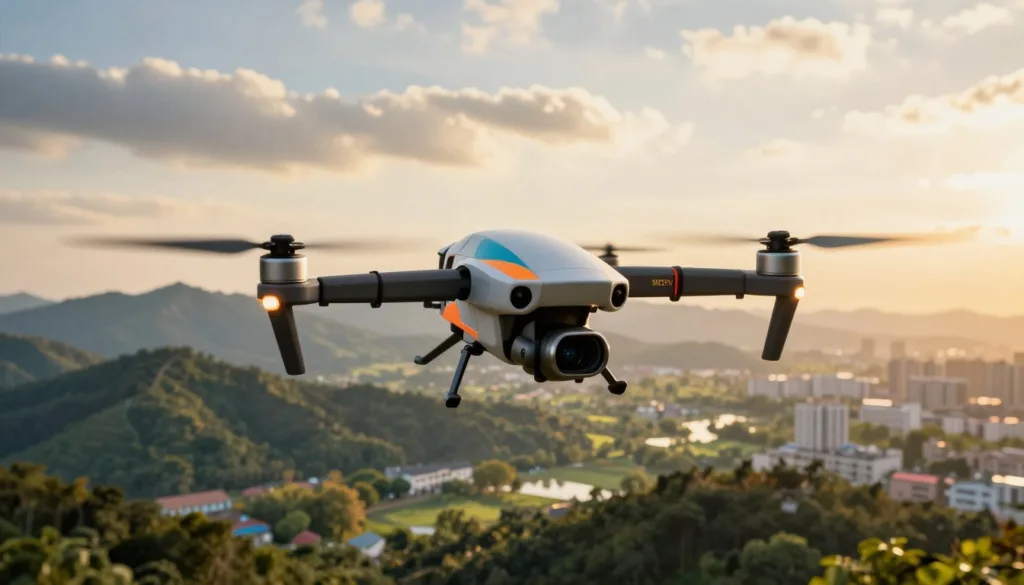
A great drone racing simulator also offers a wide range of environments. You need to practice in open fields, tight indoor spaces, and obstacle courses. This variety prepares you for different lighting conditions and signal interference you might face outdoors.
| Feature | Why It Matters | Beginner Benefit |
|---|---|---|
| Realistic Physics | Mimics real-world gravity | Prevents bad flying habits |
| Customization | Matches your specific drone | Better hardware familiarity |
| Map Variety | Provides different challenges | Improves spatial awareness |
| Radio Support | Uses real controllers | Builds precise muscle memory |
Check for controller compatibility as well. The best drone simulator allows you to plug in your actual radio transmitter via USB. This builds the exact muscle memory you need for your fingers and thumbs before you head to the field.
Top Drone Flight Simulator for Beginners Options to Try Today
Finding the perfect virtual environment can make or break your learning experience. You need a program that feels real and runs smoothly on your computer. Let’s explore the top-rated software that helps new pilots succeed without the stress.
Free Simulators Perfect for Getting Started
Starting your journey doesn’t have to cost a penny. FPV.SkyDive is an excellent choice for those who want to test the waters. It offers realistic physics and various environments like racing tracks and open fields.
Another great entry point is the trial version of Liftoff. While the full version is paid, the basic setups help you understand the core mechanics. These tools are the best drone simulator options for people on a tight budget.
Premium Simulators Worth the Investment
If you are serious about the hobby, spending a few dollars can unlock advanced features. Velocidrone is widely considered the most accurate FPV simulator for beginners. It allows you to customize your drone’s parts to match a real-life build.
FPV Freerider is another fantastic option that provides a smooth experience even on older computers. It focuses on the essentials of flight without unnecessary fluff. Investing in these programs ensures you get the most realistic training possible.
“Some popular FPV drone simulators for beginners include Liftoff, Velocidrone, and FPV Freerider.”
Simulators with the Best Controller Compatibility
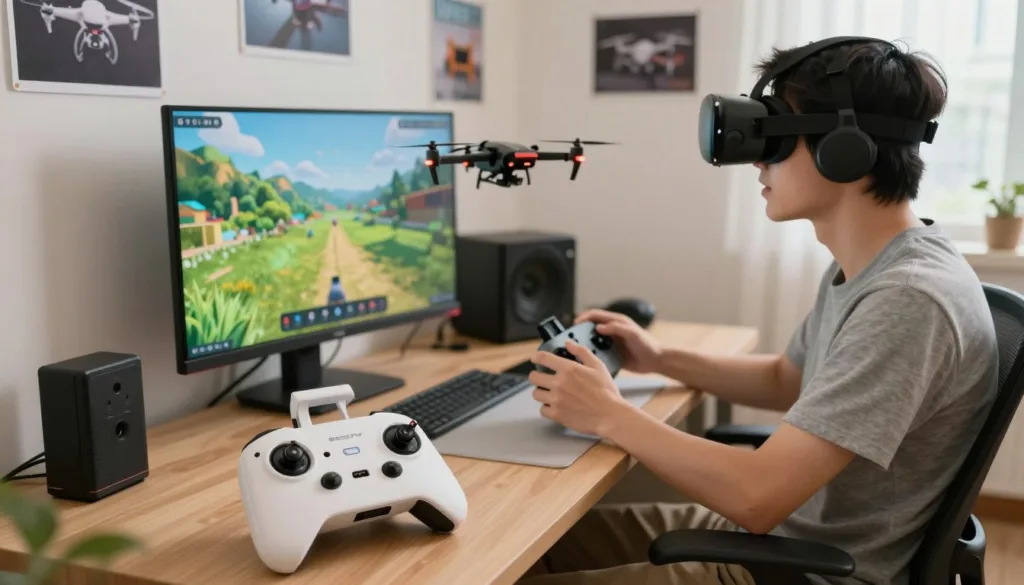
A drone flight simulator is only as good as the controller you use with it. Most top-tier programs support USB connections for real radio transmitters. This setup allows you to build muscle memory that transfers directly to the field.
Using a real radio with your best drone simulator makes a world of difference. You will feel more confident when you finally pick up your actual drone. High compatibility ensures your hardware works perfectly with the software every time.
Choosing the right FPV simulator for beginners depends on your goals and your computer’s power. Whether you want to race or just fly through trees, there is a drone flight simulator for you. Check out the comparison below to find your match.
| Simulator Name | Price Range | Key Benefit | Skill Level |
|---|---|---|---|
| FPV.SkyDive | Free | Easy to set up | Absolute Beginner |
| Velocidrone | Paid | Realistic physics | Beginner to Pro |
| FPV Freerider | Budget-Friendly | Low system requirements | Beginner |
| Liftoff | Paid | Great graphics | Intermediate |
Conclusion
Picking the right drone flight simulator for beginners changes your learning path. You gain skills without the fear of breaking your gear. Programs like Liftoff or DJI Virtual Flight provide realistic physics for new pilots. Finding the best drone simulator helps you save money on repairs.
Your choice depends on your goals. Some software focuses on cinematic shots. Others help you master high-speed racing. Using an FPV drone simulator helps you understand how manual flight feels before you head outside. This tool is the most effective way to become a skilled pilot.
To get the most out of an FPV drone simulator, use a proper radio controller and practice regularly. Connect a real transmitter like the RadioMaster TX16S to your computer. This setup mimics the actual flying experience perfectly. It ensures your skills transfer to the real world.
Start your journey today by downloading a top-rated drone flight simulator for beginners. Consistent training builds the muscle memory needed for real-world success. You will find the best drone simulator makes the learning process fun and safe. You will feel ready for the sky in no time.
FAQ
Why is it highly recommended for beginners to start their journey with a drone flight simulator?
Starting with a simulator is the most cost-effective and safest way to learn because it removes the fear of crashing your expensive drone. By practicing in a virtual environment, you can build essential muscle memory and gain confidence before your first real-world flight. This preparation ensures that when you finally take to the skies with a brand like DJI or a custom FPV quadcopter, you are already familiar with the controls.
Which free drone simulators are the best for those just getting started?
For pilots on a budget, FPV.SkyDive and Liftoff are excellent entry-level options available on platforms like Steam. These simulators provide a variety of scenarios, including racing and freestyle, allowing you to experience high-quality flight dynamics without an initial financial commitment.
What are the benefits of investing in a premium simulator like Velocidrone?
Premium options such as Velocidrone and FPV Freerider offer a more advanced experience with highly realistic physics and deep customization. These programs allow you to adjust your drone’s settings—much like you would in Betaflight—and offer a wider range of environments to sharpen your skills in cinematography and technical maneuvers.
Do I need a specific radio controller to use these simulators effectively?
While some simulators support gamepads, using a dedicated radio controller is vital for a true-to-life experience. Professionals often recommend using a RadioMaster TX16S or a TBS Tango 2 connected via a USB-C cable. Using the same controller for the simulator and your actual drone ensures that your stick feel and control precision translate perfectly to the real world.
Can I practice different flying styles, such as drone racing or cinematography, in a simulator?
Yes! Most modern simulators are designed to be versatile. You can practice high-speed drone racing through digital gates, perform technical freestyle tricks, or focus on smooth, cinematic shots. This variety helps you become a well-rounded pilot capable of handling different flight conditions and objectives.
What technical features should I prioritize when choosing my first simulator?
You should look for a simulator that offers low latency, customizable drones, and diverse environments. Realistic physics are the most important factor, as they ensure the virtual drone reacts exactly like a real aircraft. This accuracy is what makes simulators like FPV Freerider such an essential tool for mastering the basics of flight.

