



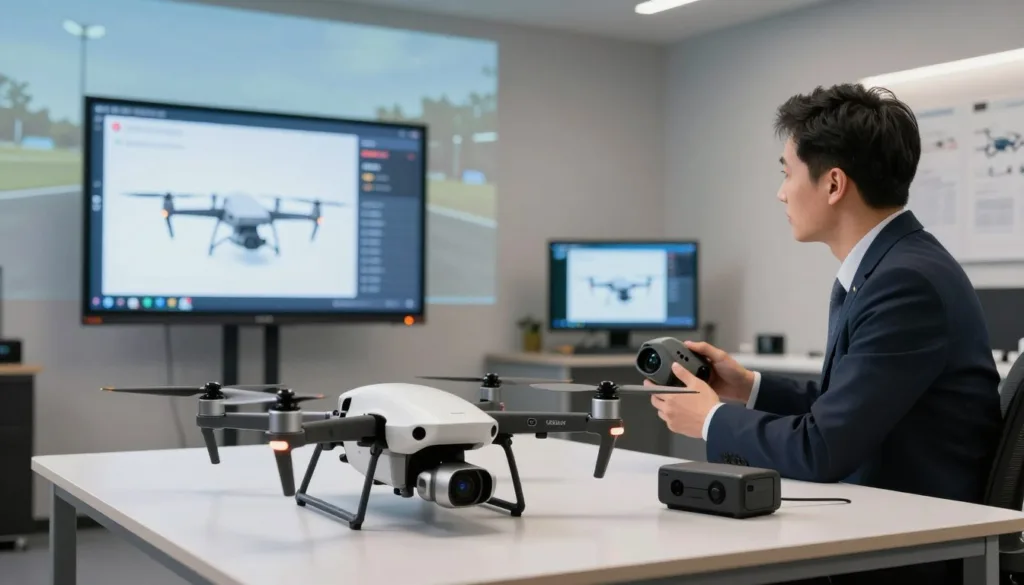
The world of aerial piloting is moving forward quickly. Modern SRIZFLY drone training helps pilots master the skies from their own homes. This platform uses a sophisticated tool to identify gear like controllers and goggles instantly.
It tracks batteries and propellers to ensure every detail is perfect for your next flight. This creates a comprehensive environment for everyone to learn. Aspiring flyers can now practice with their authentic equipment.
In the United States, the demand for unprecedented aerial simulation training is at an all-time high. Pilots want to feel the weight of their gear before they take off into the real world. This makes the experience feel very real and immersive for every user.
The system focuses on making professional-grade tools easy for everyone to use. It prepares you for any scenario without the risk of a crash or damage to expensive gear. You can build confidence and skill in a controlled setting.
Key Takeaways
- Immersive practice sessions using authentic flight gear.
- Real-time identification of various flight components.
- Bridging the gap between virtual and real flight scenarios.
- Secure learning environment suitable for all skill levels.
- High demand for sophisticated training solutions in the US.
- Professional-grade innovation for rapid skill development.
What is Drone Accessory Recognition Software for Flight Simulation
The SRIZFLY simulator utilizes cutting-edge software to identify and integrate various flight simulator accessories. This technology acts as an intelligent bridge between your physical gear and the digital sky. It uses accessory detection technology to track components in real-time.
At its core, this software uses advanced algorithms and computer vision to recognize hardware. When you plug in a controller or put on goggles, the system identifies the specific model. This creates a seamless connection that allows your physical movements to mirror perfectly in the virtual world.
The integration often involves sophisticated sensor data and accessory detection technology. This ensures that every dial, switch, and stick movement is captured with zero lag. Pilots get a high-fidelity experience that feels exactly like flying a real drone in the field.
Understanding SRIZFLY Simulator Platform
The SRIZFLY platform features a robust architecture designed for high performance. It provides a clean and intuitive user interface that helps pilots start training quickly. The software works across multiple operating systems, including Windows, macOS, and mobile platforms.
One of the standout features of SRIZFLY is its realistic physics engine. This engine calculates wind resistance, gravity, and momentum with extreme precision. You can practice in diverse environments, from tight indoor courses to vast open landscapes.
Customization is a major part of the SRIZFLY experience. Users can adjust weather conditions like rain, fog, or high winds to test their limits. The platform also offers progressive training modules that guide you from basic hovering to advanced racing maneuvers.
SRIZFLY aims to be accessible to everyone regardless of their technical skills. The setup process is automated, so you spend less time configuring and more time flying. It is the perfect tool for both recreational flyers and professional pilots looking to sharpen their edge.
How Accessory Recognition Enhances Training Realism
Using authentic flight simulator accessories is the best way to build genuine muscle memory. When the software recognizes your specific hardware, it maps every button to match your real-world setup. This means your fingers learn exactly where the “return to home” or “flip” switches are located.
Tactile feedback is something that a keyboard or touchscreen simply cannot provide. Feeling the tension in the gimbals of a Taranis X9D or the fit of DJI goggles makes the simulation feel alive. This physical connection reduces the learning curve when you transition to an actual flight mission.
The goal of any high-end simulation is to make the pilot forget they are in a virtual environment. By integrating real-world hardware through accessory detection technology, we achieve a level of presence that was previously impossible.
The software automatically configures response curves based on the recognized device. If you connect a professional-grade radio, the simulator adjusts its sensitivity to match that specific hardware. This eliminates the need for tedious manual calibration before every session.
| Feature | Standard Gamepad | SRIZFLY Recognized Accessory |
|---|---|---|
| Muscle Memory | Low | High |
| Button Mapping | Manual/Generic | Automatic/Specific |
| Control Precision | Moderate | Professional Grade |
| Immersion Level | Basic | Full Realism |
This personalized experience ensures that your training is relevant to your specific fleet. You are not just learning to fly “a drone”; you are learning to fly your drone. This level of detail is what sets the SRIZFLY simulator apart from basic flight games.
Core Features of Drone Accessory Recognition Software
The SRIZFLY platform stands out by offering advanced features that identify your hardware the moment you plug it in. This software serves as one of the most vital drone training tools available today. It ensures that every movement on your physical stick translates perfectly into the virtual world, maintaining high simulation accuracy.
Modern pilots need more than just a basic program to improve their skills. They require a system that understands their specific gear and adapts to it instantly. By automating the configuration process, SRIZFLY allows you to focus entirely on your flight maneuvers rather than troubleshooting settings.
Real-Time Accessory Detection and Tracking
The software uses intelligent protocols to monitor your connection constantly throughout every session. It supports a wide variety of connection types, including USB, Bluetooth, and various wireless transmission standards. This means the system recognizes your equipment the second it becomes active.
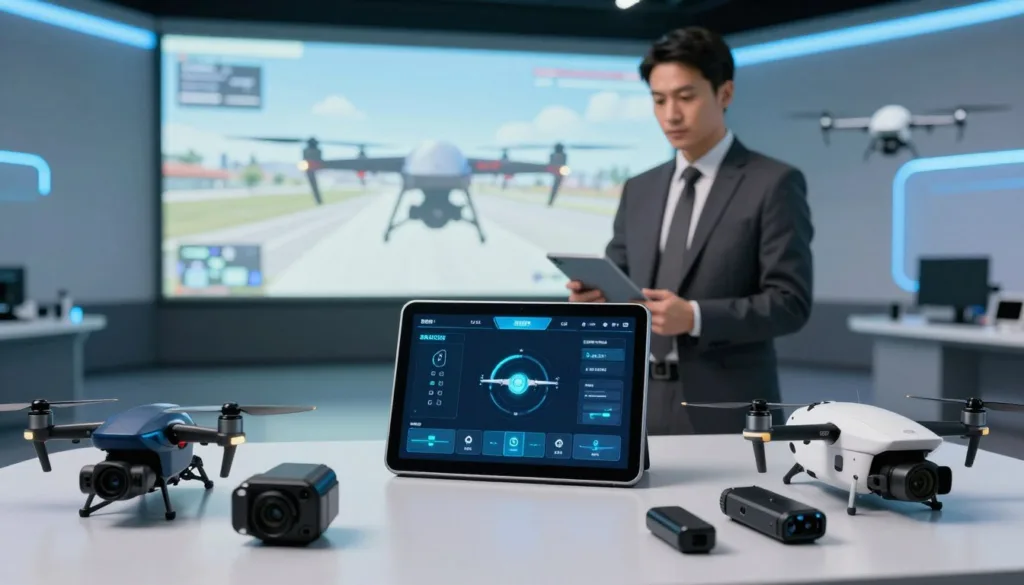
Real-time tracking goes beyond simple identification. The software actively monitors input lag and signal strength to ensure your controls remain responsive. If the system detects a drop in connection quality or a low battery level, it alerts you immediately.
Proactive monitoring prevents frustrating interruptions during critical training moments. This level of detail helps pilots maintain a consistent rhythm. It also builds trust in the digital environment, making it feel just like the real sky.
Supported Drone Accessories and Components
Compatibility is a major factor when choosing the right drone training tools for your home setup. SRIZFLY supports an extensive range of industry-standard hardware. This includes popular radio controllers like Radiomaster, TBS Crossfire, FrSky, and Spektrum.
“The bridge between physical hardware and virtual flight is where true pilot skills are forged.”
Beyond controllers, the software integrates seamlessly with high-end FPV goggles from brands like DJI, Fat Shark, and Skyzone. It recognizes different channel protocols and allows for deep customization of button mapping. Whether you fly in Mode 1 or Mode 2, the software adjusts to your preferred configuration automatically.
Detection Accuracy and Performance Metrics
Speed and precision define the technical excellence of the SRIZFLY recognition engine. The software typically identifies connected devices in less than two seconds. This rapid response time ensures that you can jump into the cockpit without wasting time on manual menus.
The system maintains a high level of simulation accuracy by keeping resource usage low. It is designed to run in the background without affecting your frame rates. Most users experience 60 FPS or higher even while the software performs complex diagnostic checks.
Diagnostic tools are also built-in to help you optimize your hardware. You can view detailed reports on latency and jitter to fine-tune your controller settings. This data-driven approach helps you achieve the most realistic flight experience possible.
| Feature | Performance Metric | User Benefit |
|---|---|---|
| Recognition Speed | Under 2 Seconds | Instant “Plug and Play” setup |
| Detection Accuracy | 99.5% Success Rate | Reliable hardware connection |
| Input Latency | Less than 5ms | Highly responsive flight feel |
| System Impact | Minimal (60+ FPS) | Smooth simulation accuracy |
Advantages for Simulation-Based Drone Training
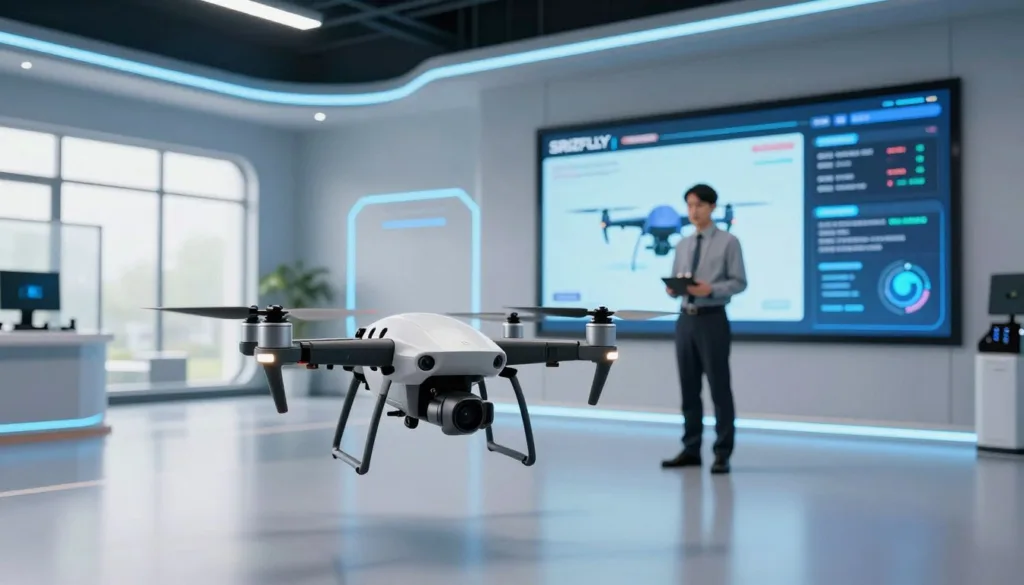
Maximizing your flight skills requires a training method that bridges the gap between digital practice and real-world execution. By using drone pilot training software like SRIZFLY, you create a hybrid learning environment that is both efficient and effective. This approach ensures that every minute spent behind the sticks translates into actual flying ability.
Modern pilots no longer have to choose between boring theory and risky outdoor flights. Engaging in virtual drone practice allows you to build a foundation of expertise before you ever power up a physical quadcopter. This methodology is becoming the standard for both hobbyists and commercial operators across the United States.
Improved Training Outcomes and Skill Development
One of the primary benefits of using accessory recognition is the development of authentic muscle memory. When the simulator recognizes your actual radio controller, the weight and tension of the gimbals feel exactly like they do at the airfield. This physical consistency is vital for mastering precise movements.
Pilots can focus on specific skills such as throttle control precision and orientation awareness. You can practice advanced maneuvers like power loops, Matty flips, and tight racing lines repeatedly. Because the software reacts to your specific hardware, your hands learn the exact movements needed for success.
Research shows that pilots using recognized accessories see a significant reduction in crash rates during their first real flights. They progress through certification levels faster than those using generic gamepads. This increased confidence allows for a smoother transition to actual flight missions.
Risk-Free Practice Environment
The drone pilot training software provides a safe space to fail without consequences. In the real world, a simple mistake can lead to a destroyed drone or a safety hazard for bystanders. In the SRIZFLY simulator, a crash is simply a reason to hit the reset button.
This environment allows you to test your limits in hazardous conditions. You can simulate high winds, low visibility, or even sudden equipment failures. Learning how to recover from a mid-air stall or a lost video signal is much safer when the stakes are purely digital.
Repetition is the key to mastery in any sport or technical skill. You can attempt a difficult gap or a complex trick hundreds of times in a single session. This level of virtual drone practice is impossible with physical drones due to battery limits and the constant need for repairs.
“Simulation allows us to push the boundaries of our gear and our skills without the fear of a thousand-dollar mistake.”
Cost Savings Compared to Physical Training
Training in a digital environment offers massive financial advantages for every pilot. When you factor in the cost of hardware, replacement parts, and batteries, simulation is incredibly affordable. Most pilots find that they save between 90% and 95% on training costs compared to traditional methods.
A beginner might spend thousands of dollars on entry-level drones and maintenance over their first year. In contrast, the SRIZFLY software and a compatible controller represent a one-time, low-cost investment. This allows you to log hundreds of flight hours for the price of a single set of propellers.
| Expense Category | Physical Training | SRIZFLY Simulation |
|---|---|---|
| Initial Hardware | $500 – $2,000 | $30 – $50 (Software) |
| Crash Repairs | $50 – $300 per incident | $0 (Instant Reset) |
| Battery Power | $20 – $100 per pack | Included in electricity |
| Training Method | Live Field Flight | virtual drone practice |
| Tool Used | Physical Aircraft | drone pilot training software |
Commercial pilots also benefit from these savings by logging required practice hours digitally. They can maintain their proficiency without putting wear and tear on expensive professional equipment. This makes the SRIZFLY simulator an essential tool for anyone serious about the drone industry.
How the Software Integrates with SRIZFLY Simulator
The bridge between your physical controller and the virtual sky starts with a successful software integration. This process ensures your hardware communicates perfectly with the digital environment. SRIZFLY makes this connection simple so you can focus on mastering your flight skills through a high-quality flight training simulation.
A seamless setup allows the software to mirror every movement of your joysticks in real-time. This accuracy is vital for building muscle memory that transfers to real-world flying. By following the right technical steps, you unlock the full power of drone controller recognition technology.
Technical Requirements and System Compatibility
Before you begin the installation, you must ensure your computer meets the necessary specifications. The SRIZFLY platform requires a modern system to handle high-resolution graphics and complex physics. A stable system prevents lag, which is essential for a realistic flight training simulation.
| Component | Minimum Requirement | Recommended Spec |
|---|---|---|
| Processor | Intel i5 / AMD Ryzen 5 | Intel i7 / AMD Ryzen 7 |
| Memory (RAM) | 8GB | 16GB |
| Graphics Card | 2GB Dedicated VRAM | 4GB+ Dedicated VRAM |
| Operating System | Windows 10 / macOS 10.15 | Windows 11 / macOS 12+ |
| Storage Space | 5GB Free Space | 10GB (for updates) |
Your hardware must also support specific connection types for drone controller recognition to function. Most pilots use a standard USB port for a direct, wired connection. If you prefer a wireless setup, ensure your machine has Bluetooth 4.0 or newer. A consistent internet connection is also required for software updates and cloud-based features.
Mobile users are not left out of the experience. The simulator supports modern iOS and Android tablets for those who prefer portable training. Check the compatibility matrix on the official website to see if your specific controller brand works natively or requires extra drivers.
Installation and Configuration Steps
Setting up your gear is a logical process that takes only a few minutes. Follow these steps to prepare your system for flight:
- Download: Get the latest SRIZFLY simulator installer from the official source.
- Install Plugins: Add any specific drone controller recognition modules required for your hardware brand.
- Connect: Plug your controller into a USB port or pair it via Bluetooth before launching the app.
- Calibrate: Use the in-app tool to set the center points and travel limits for your sticks.
- Map Buttons: Assign switches for flight modes, camera angles, and emergency resets.
- Test: Perform a short hover test to ensure all inputs respond correctly.
Calibration is the most important part of the configuration. It ensures the software understands the unique signals from your specific transmitter. Proper calibration eliminates input lag and makes the flight training simulation feel natural.
“The key to a successful simulation is ensuring the virtual drone reacts exactly like the one in your hands.”
If you encounter issues, check for common problems like “calibration drift” or unrecognized devices. Often, a simple driver update or a different USB cable solves these conflicts. You can create custom profiles for different accessories to switch between training scenarios quickly and easily.
Real-World Applications and Training Scenarios
Bridging the gap between virtual training and physical flight requires a platform that understands your hardware. The SRIZFLY simulator offers a versatile environment for every type of pilot. It transforms simple practice into a professional-grade experience.
This software serves diverse needs, from professional certification to weekend hobbyists. It is a valuable investment for the entire drone community. Users can switch between training for a career or just flying for fun.
Commercial Drone Pilot Certification Programs
Many aspiring professionals use this platform to earn their drone training certification. The software helps them meet FAA Part 107 requirements through structured modules. It focuses on the actual skills needed for daily commercial operations.
Students can practice pre-flight inspections and learn about airspace classifications. They also handle emergency procedures and advanced flight planning in a safe space. This preparation is vital before they take the actual certification exam.
Using recognized accessories means students train with their actual professional gear. They become familiar with specific controller layouts and gimbal controls. This is essential for tasks like surveying, inspection work, or agricultural monitoring.
Many flight schools now include the SRIZFLY simulator in their official curricula. It offers massive cost savings and scheduling flexibility for students. Pilots build competency before they ever step onto an outdoor flight field.
“The ability to simulate specific payloads and controller configurations significantly reduces the learning curve for new commercial pilots.”
Recreational Pilots and Skill Enhancement
Hobbyists often turn to the FPV simulator to sharpen their flying techniques. It provides a risk-free space to push the limits of their drones. Pilots can practice freestyle tricks without the fear of a costly crash.
Racing enthusiasts use the software to memorize gate sequences on complex tracks. They can optimize their racing lines to shave seconds off their lap times. The realism provided by accessory recognition makes the transition to real racing seamless.
Cinematic pilots also benefit from this advanced training environment. They practice smooth, professional movements to capture better aerial footage. This helps them master the art of storytelling through flight.
The community features keep users engaged through online competitions. Shared training scenarios and leaderboards motivate pilots to keep improving. Gamified learning makes the process of skill building much more enjoyable and rewarding.
Mastering these skills in a virtual setting ensures that every real-world flight is safer and more productive. Whether you are chasing a trophy or a paycheck, the right simulation tools make the difference.
| Training Scenario | Primary Target User | Key Software Benefit |
|---|---|---|
| Part 107 Preparation | Commercial Students | Drone training certification readiness |
| FPV Race Practice | Racing Hobbyists | High-speed FPV simulator physics |
| Infrastructure Inspection | Enterprise Pilots | Precise camera and gimbal control |
| Freestyle Maneuvers | Recreational Pilots | Zero-cost crash recovery |
Conclusion
Using drone accessory recognition software changes how pilots learn. It makes the SRIZFLY simulator feel like real flight. You can use your own gear in a safe digital space. This helps you build muscle memory without breaking expensive equipment. Professional pilots across the United States use these tools to stay sharp. This software helps pilots prepare for commercial drone pilot certification programs.
The SRIZFLY simulator bridges the gap between virtual practice and real-world missions. Future updates will bring haptic feedback and advanced motion tracking. This technology ensures your training stays current with the latest industry standards. It turns any home setup into a professional training hub for all skill levels. New features will include augmented reality elements to boost immersion.
Connect your hardware and see the drone accessory recognition software in action. Visit the official website to download the SRIZFLY simulator today. Join the community forums to share tips with other pilots. Subscribe to the newsletter for feature updates. Using drone accessory recognition software is a smart investment for long-term safety. Professional training becomes accessible to everyone through these digital tools.

