
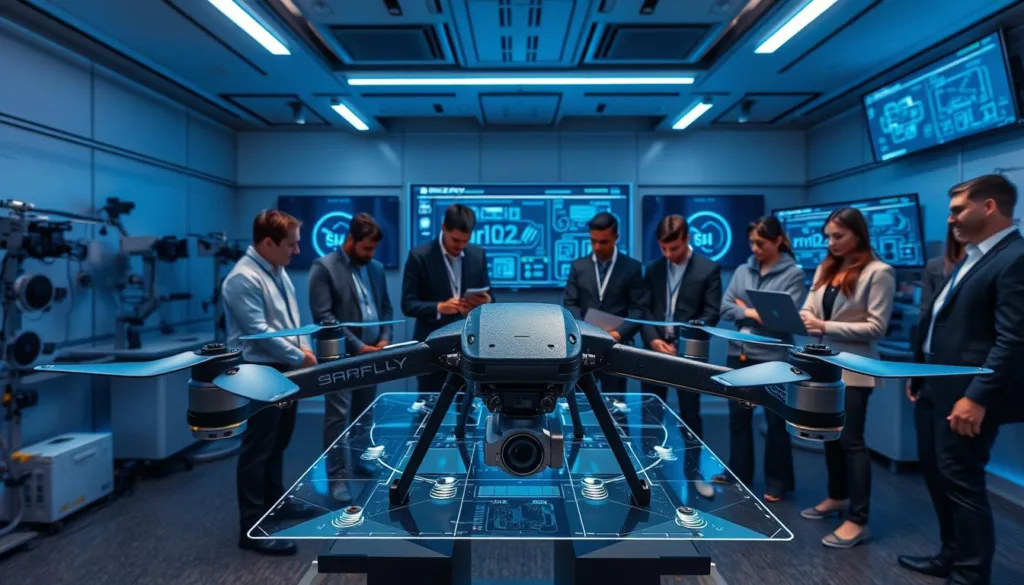
Welcome to the world of digital training platforms that transform how people learn technical skills. These innovative tools create safe virtual environments where you can practice without worrying about costly mistakes.
Imagine mastering complex procedures without the risk of damaging expensive equipment. This technology offers a breakthrough approach to skill development. It eliminates safety concerns while providing realistic learning experiences.
Whether you’re a professional operator, engineering student, or hobbyist, these platforms provide accessible pathways to expertise. You can develop confidence before working with physical systems.
The combination of realistic physics and comprehensive component libraries creates authentic learning scenarios. These experiences translate directly to real-world maintenance and troubleshooting situations.
Modern training solutions serve diverse audiences across the unmanned aerial vehicle industry. They help manufacturers test designs and educators deliver scalable programs effectively.
Key Takeaways
- Virtual training platforms eliminate financial risks associated with physical practice
- Realistic simulation environments build confidence before handling actual equipment
- These systems serve professionals, students, and hobbyists alike
- Advanced physics engines create authentic learning experiences
- Geographical and budget limitations no longer restrict skill development
- Simulation technology supports scalable education programs
- Practice leads to efficient and safe real-world application
Introduction to Drone Maintenance Simulation
Modern maintenance education leverages cutting-edge simulation technology for unparalleled learning experiences. These platforms create safe spaces where technicians can practice without worrying about costly errors.
Cloud-native solutions like SIMNET combine design, flight testing, and pilot instruction into one accessible web interface. This integration provides comprehensive training that prepares users for real-world challenges.
Overview of Virtual Training Benefits
Virtual practice eliminates equipment damage concerns while saving money on replacement parts. Learners can repeat complex procedures countless times until they achieve mastery.
This approach removes geographical and budget limitations that once restricted skill development. Web-based platforms democratize access to professional-grade tools used by leading manufacturers.
How Simulation Enhances Drone Skills
Immediate feedback on assembly mistakes turns errors into valuable learning opportunities. Users understand why specific configurations affect overall performance and flight characteristics.
Real-time testing under actual environmental conditions prepares technicians for variable weather and terrain challenges. This iterative approach allows rapid comparison of different maintenance techniques before physical implementation.
Understanding the Simulator Environment
Step into a digital realm where every detail of the real world is recreated for practical learning. The training platform’s environment mirrors actual geographical locations with remarkable accuracy. This allows you to practice in the exact settings where your equipment will operate.
Dynamic weather systems add another layer of realism to your training. Wind patterns, temperature changes, and precipitation affect how components perform. Understanding these conditions helps you make better configuration choices.
Virtual Flight and Realistic Conditions
The platform supports both manual control and automated mission scenarios. You can test how different setups behave across various flight modes. This flexibility provides comprehensive insight into operational performance.
Recording capabilities transform practice sessions into valuable learning tools. Export data for detailed analysis of your decisions and outcomes. This turns every simulation into an opportunity for improvement.
Virtual failure scenarios prepare you for real-world troubleshooting. You’ll develop problem-solving skills under pressure without risking actual equipment. The skills you gain transfer directly to field operations.
High-fidelity recreations of global locations mean you can train for specific environments. Whether preparing for urban missions or rural applications, the simulator environment provides relevant challenges. This ensures you’re ready for any operational conditions.
Getting Started with Your Simulator Setup
Before diving into hands-on virtual practice, establishing the right technical foundation ensures smooth and effective training sessions. Proper setup transforms your computer into a powerful learning environment.
Required Tools and System Requirements
Your computer needs adequate processing power for real-time physics calculations. A modern system handles 3D rendering and multiple component simulations simultaneously.
Hardware requirements include a high-quality display for clear visualization. Input devices like gamepads replicate the tactile experience of actual control systems.
Initial Software Installation Steps
Cloud-native platforms eliminate complex local installations. Users access full functionality through standard web browsers with automatic updates.
The software setup process is remarkably straightforward. Create an account, verify compatibility, and immediately access training tools.
Reliable internet connectivity ensures smooth real-time interaction. Proper bandwidth specifications support seamless loading of 3D models and terrain data.
Understanding the interface navigation during setup accelerates learning. Most platforms provide guided tutorials for essential functions and control schemes.
Drone assembly/disassembly simulator: A Key How-To Resource
The power of contemporary learning systems lies in their ability to combine multiple functionalities within a single, cohesive interface. These integrated platforms eliminate the need for separate software applications, creating a streamlined workflow from design to testing.
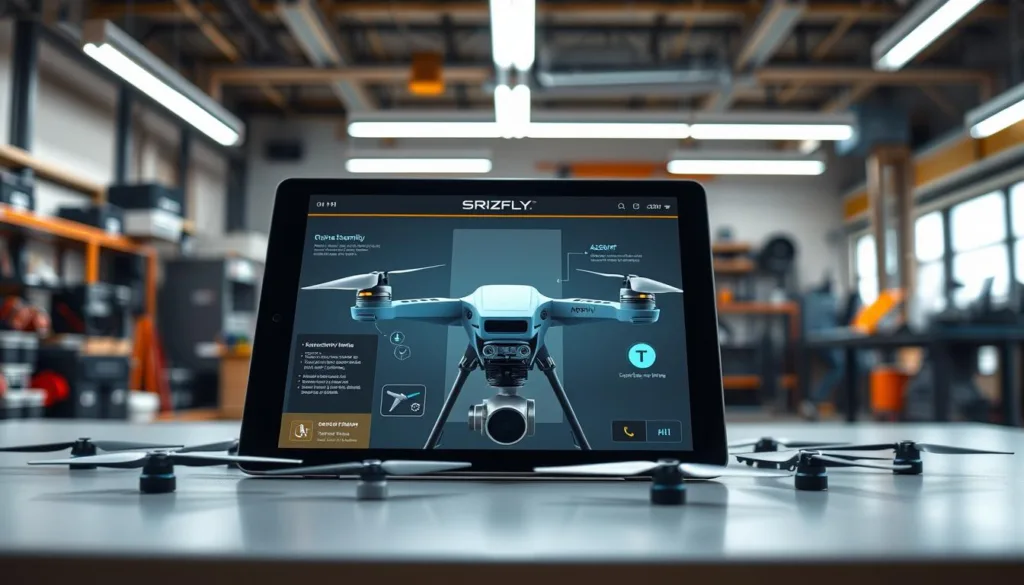
Modern training environments bring together essential tools that support the complete development lifecycle. Users can move seamlessly between different stages without losing data consistency.
Core Functionalities and Interface Overview
The fundamental capabilities of these platforms integrate three key areas: design creation, flight testing, and structured learning modules. This unified approach ensures that every aspect of unmanned aerial vehicle development receives proper attention.
Each component works together to provide comprehensive training experiences. The interface organizes these elements into clearly defined workspaces.
| Tool Pane | Primary Function | Key Benefits |
|---|---|---|
| State Monitor | Real-time component tracking | Immediate error detection |
| Design Workspace | Parametric component selection | Rapid configuration testing |
| Trade Study | Performance comparison | Data-driven decisions |
| Aerodynamic Analysis | Flight efficiency optimization | Stability improvement |
The interface design prioritizes intuitive navigation between different functional areas. Users can quickly access the specific tools they need for each learning phase.
“Integrated platforms transform abstract concepts into tangible learning experiences through visual feedback and immediate application.”
Real-time monitoring features provide continuous feedback during virtual procedures. This helps users identify configuration issues before they affect overall performance.
Custom content development allows organizations to adapt the platform to their specific needs. The system maintains workflow efficiency while supporting unique operational requirements.
Step-by-Step Guide to Assembling Your Drone Virtually
Virtual construction platforms revolutionize how enthusiasts approach custom aerial vehicle creation. These tools provide a safe space to experiment with different component combinations before physical building begins.
The journey starts with understanding your mission requirements. Consider payload capacity, flight duration, and operational range to guide your component selection.
Customizing Drone Components
Begin by exploring comprehensive parts databases. You’ll find motors, propellers, batteries, and frames with detailed specifications. Each component affects overall performance.
Advanced systems like MIT’s CSAIL platform perform automatic engineering calculations. They determine optimal rod lengths and motor angles for stability. The system analyzes torque and thrust to ensure your design will fly properly.
Customization goes beyond simple part selection. Adjust propeller pitch angles and motor mounting positions. Optimize battery placement for balanced weight distribution. Real-time feedback shows how each change impacts performance.
Virtual Assembly Techniques
The assembly process follows a logical workflow from specification to completion. Start with high-level requirements, then move to component selection and spatial arrangement.
Virtual techniques enable experimentation with unconventional designs. Try asymmetric rotor configurations or irregular airframe shapes. Systems automatically identify problematic configurations that could cause instability.
These platforms prepare you for complete physical construction. They include wiring routing, sensor positioning, and antenna placement details. This comprehensive approach builds confidence for real-world building.
Step-by-Step Guide to Disassembling Your Drone Safely
When maintenance or repair becomes necessary, having a clear disassembly strategy prevents costly mistakes and equipment damage. Virtual training prepares you for real-world scenarios where partial or complete breakdown is required.
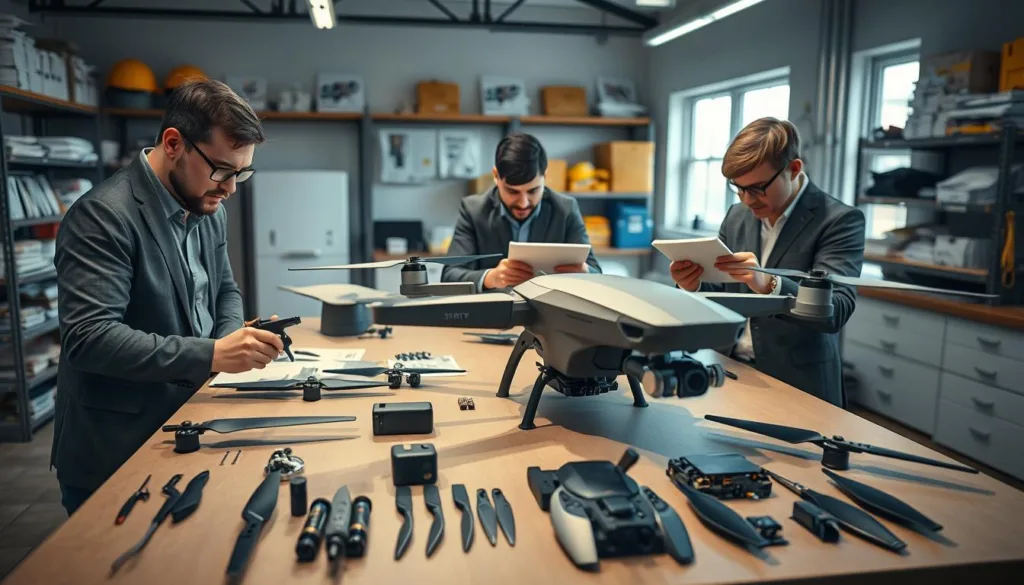
Ensuring Safety in Virtual Disassembly
Digital practice environments teach essential risk mitigation before physical work begins. You’ll learn proper battery disconnection to prevent electrical hazards. Recognizing components under tension becomes second nature.
Systematic procedures emphasize documentation practices that ensure successful reassembly. Photograph component positions before removal. Organize fasteners methodically to avoid confusion later.
Virtual troubleshooting lets you practice handling challenging situations without stress. Learn to deal with seized fasteners and delicate cables safely. This builds confidence for real maintenance operations.
Understanding the complete architecture reveals how components interact mechanically and electrically. This knowledge enhances both maintenance skills and design understanding for future projects.
Control parameter backup becomes routine through repeated practice. Extract flight controller configurations before beginning disassembly. Record calibration settings to ensure identical restoration afterward.
Safety verification steps establish protective habits for physical work. Confirm power disconnection before accessing electronics. Use proper tools and follow anti-static procedures consistently.
Exploring Simulation Software Features
The evolution of training technology has brought sophisticated flight testing capabilities directly to web browsers. These integrated platforms combine multiple tools that work seamlessly together.
Modern software provides comprehensive testing environments that validate designs under realistic conditions. Users can transition smoothly from construction to performance evaluation.
Real-Time Flight Simulation Tools
Manual control options support various input devices like USB transmitters and gamepads. This flexibility helps users develop piloting skills while understanding how component choices affect handling.
ArduPilot SITL integration connects virtual aircraft to actual ground control station software. This allows programming and testing autonomous missions using real-world workflows.
Recording features capture every test session for detailed review and sharing. Users build personal libraries of reference materials from their experiences.
Virtual reality capabilities create immersive three-dimensional perspectives on performance. State monitoring tools display real-time data during simulation for continuous learning feedback.
Ground control software integration enables advanced mission planning with unprecedented realism. The combination of these features creates comprehensive training environments.
Integrating Real-World Conditions in Simulations
The true test of any aerial vehicle configuration comes when facing unpredictable environmental challenges. Modern training platforms like SIMNET recreate these complex real-world conditions with remarkable accuracy.
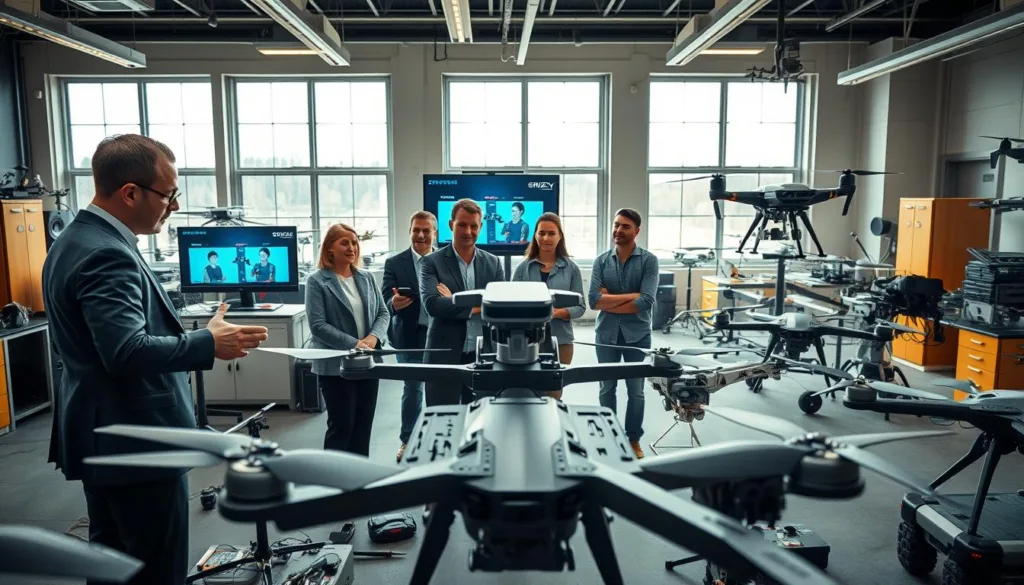
Dynamic weather integration goes beyond simple wind patterns. Systems model thermal updrafts, sudden gusts, and precipitation effects that stress your component choices. This reveals whether your configuration maintains stability under pressure.
Environmental factors extend to geographical considerations too. Altitude affects propeller efficiency while temperature impacts battery performance. High-fidelity location recreations let you practice for specific deployment sites.
The combination of equipment failures with challenging weather conditions creates valuable learning opportunities. You develop troubleshooting skills under compound stress without risking physical equipment.
This comprehensive environment integration ensures your virtual practice directly translates to field operations. You understand exactly how your choices perform across variable real-world scenarios.
Combining Design and Training Tools
Integrated platforms bridge the gap between conceptual understanding and hands-on application. These unified systems bring together multiple learning modalities for comprehensive skill development.
The convergence of design and instructional tools creates powerful learning environments. Users can transition smoothly from studying component specifications to testing virtual prototypes.
Advanced Customization Options
Modern platforms offer extensive customization capabilities. Organizations can tailor the training experience to their specific operational requirements.
This flexibility allows for creating proprietary models that replicate actual fleet configurations. Custom scenarios reflect unique mission profiles while maintaining safety standards.
| Customization Area | Application Scope | User Benefits |
|---|---|---|
| Component Libraries | Full system modeling | Realistic practice scenarios |
| Mission Parameters | Environmental conditions | Context-specific training |
| Assessment Criteria | Performance metrics | Standardized evaluation |
| Content Development | Curriculum integration | Organization-specific needs |
Interactive Learning Modules
Interactive modules transform passive instruction into active skill development. These tools embed assessment checkpoints within procedural workflows.
Users receive immediate feedback when choices deviate from best practices. This creates experiential learning loops that accelerate expertise development.
The modular design allows focus on specific skill areas while maintaining cross-functional connections. This approach ensures comprehensive understanding of complex systems.
Optimizing Drone Performance Through Simulation Analysis
Modern performance analysis tools turn complex engineering decisions into intuitive visual comparisons. Platforms like SIMNET provide instant feedback on how design changes affect critical mission capabilities.
Establishing baseline metrics is your first step toward optimization. Measure flight time, operational range, and payload capacity to understand your starting point. These metrics define your mission capability boundaries.
Interpreting Flight Data and Reports
Trade study visualization transforms multi-variable optimization into clear decision-making. See exactly what you gain and sacrifice with each modification. Adding payload capacity might reduce flight duration, for example.
Aerodynamic analysis tools reveal airflow patterns around your vehicle structure. Identify drag-inducing elements that waste power. This visual insight helps extend mission duration through efficient design.
| Analysis Tool | Primary Function | User Benefit |
|---|---|---|
| Performance Predictor | Instant metric calculation | Eliminates guesswork |
| Trade Study Pane | Visual comparison | Clear trade-off understanding |
| Virtual Wind Tunnel | Aerodynamic visualization | Drag reduction insights |
| Data Export | CS file generation | Advanced custom analysis |
Comprehensive reports document specifications and test results professionally. Export data for regulatory submissions or internal reviews. These skills prepare you for interpreting actual flight logs effectively.
Virtual testing dramatically reduces development cycles. Identify performance limits before physical prototyping. This approach enables rapid iteration that would be too costly with hardware testing.
Implementing Safety Protocols in a Virtual Environment
Virtual training platforms create the perfect space for developing critical safety habits without real-world consequences. These digital environments let you practice emergency responses until they become automatic reflexes.
You can rehearse procedures for equipment failures and hazardous conditions repeatedly. This builds muscle memory that activates correctly during actual emergencies.
Risk Management Strategies
Advanced platforms help operators systematically identify potential hazards in planned missions. You establish clear go/no-go decision criteria before any physical operations begin.
Digital twin technology replicates specific aircraft and locations with remarkable accuracy. This allows realistic testing of safety parameters across diverse scenarios.
One user confirms: “I lean heavily on SIMNET’s ability to produce accurate results when testing failsafe parameters and new standard operating procedures.”
Troubleshooting Common Simulation Issues
Working through virtual problems develops broader diagnostic skills that apply to real equipment. You learn systematic approaches to isolate variables and interpret error messages.
This troubleshooting practice enhances your understanding of complex control systems. The skills directly transfer to maintaining safety during actual flight operations.
Enhancing Training for Drone Operators and Builders
Today’s training solutions elevate operator skills through integrated platforms that combine practice with performance tracking. These systems serve diverse users including developers, educators, and professional teams.
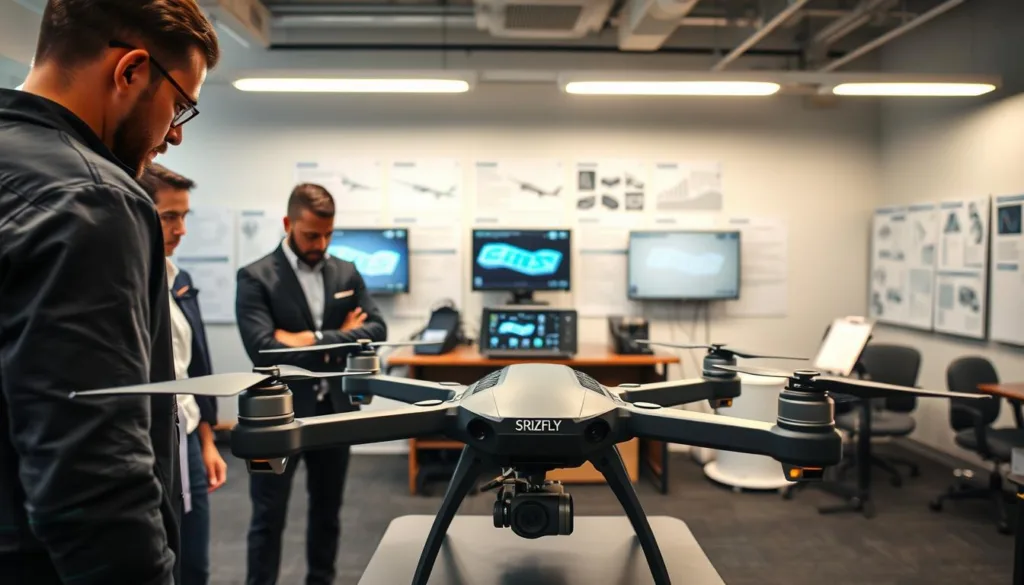
Professional organizations like AIRmarket Inc. validate this approach. Their Chief Pilot confirms: “SIMNET has become an invaluable tool in my everyday workflow. Inevitably, before any RPAS pilot touches a real drone at AIRmarket, they’ve refined their skills with SIMNET.”
This ensures every user achieves baseline proficiency before handling actual equipment. Team-based capabilities enable synchronized skill development across entire organizations.
Periodic retraining maintains operator proficiency in controlled environments. The integrated Learning Management System tracks individual and team progress effectively.
Mission-specific scenarios prepare users for real operational requirements. Training providers deliver high-quality programs while the platform handles technical support and updates.
Scalable solutions allow organizations to expand their teams without increasing costs. Comprehensive training addresses both technical skills and operational flying capabilities.
Practical Tips and Techniques for Efficient Simulator Use
Mastering any new platform is about developing smart habits from the very first session. A thoughtful approach to learning the system saves time and builds a solid foundation for advanced work.
This method makes the entire learning process smoother and more enjoyable.
Best Practices in Simulator Navigation
Start by systematically exploring the interface. Learn where key tools are located before tackling complex projects. This builds familiarity that becomes automatic.
Use built-in help features like the AeroBot virtual assistant. It provides immediate answers without breaking your workflow. This keeps your focus sharp during training.
Completing step-by-step tutorials is essential. They teach best-practice workflows and efficient techniques. Self-guided exploration might miss these important details.
| Navigation Area | Best Practice | Impact on Experience |
|---|---|---|
| Interface Layout | Customize tool placement | Faster access to frequent tools |
| Workflow | Establish consistent steps | Reduces errors and saves time |
| Learning Path | Progress through levels | Builds strong foundational skills |
| Community | Engage with other users | Discovers new techniques and solutions |
One user found this way of learning made their design work “way more efficient and informed.” Document your personal discoveries for future reference.
Experiment with different approaches to common tasks. Compare workflows to find the most effective techniques. Engaging with user communities accelerates skill development through shared knowledge.
Leveraging Cutting-Edge Technology for Drone Innovation
Cloud-native platforms are revolutionizing how we approach technical innovation in aerial systems. These solutions eliminate traditional barriers that once slowed progress.
The seamless integration of multiple technologies creates powerful development environments. Teams can focus on creativity rather than technical setup.
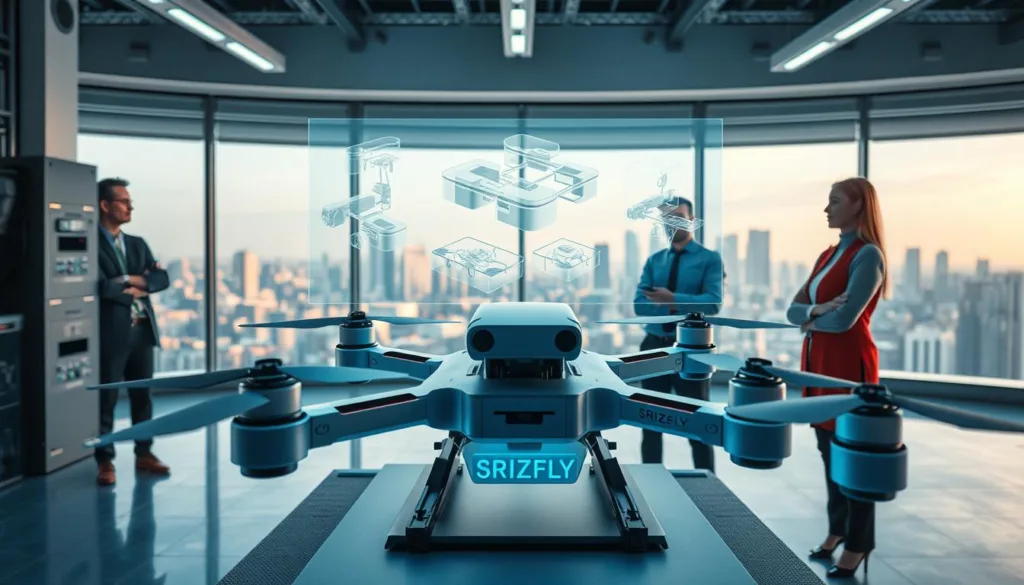
Cloud Integration and Virtual Reality Applications
Cloud architecture represents a fundamental shift in accessibility. Users access sophisticated capabilities through standard web browsers without expensive hardware.
This approach removes complex software installations and manual updates. The platform ensures everyone works with the latest features automatically.
Virtual reality integration transforms learning into immersive 3D experiences. Meta Quest headsets provide intuitive spatial understanding of procedures.
Enhanced depth perception improves component placement accuracy. This engaging environment boosts skill retention and transfer.
The platform integrates smoothly with conventional CAD software. Designs flow directly into simulation environments for validation.
This eliminates data translation errors and workflow gaps. The entire development cycle accelerates through rapid iteration.
Cloud-based collaboration features connect geographically distributed teams. Multiple users can work simultaneously on shared projects.
This maintains consistent standards across locations without travel requirements. The technology democratizes access to professional tools.
Hardware-independent access means innovation can happen anywhere. Office desktops, home laptops, or educational labs all work equally well.
Cutting-edge technology like AI assistants and machine learning continuously improves simulation accuracy. Cloud delivery ensures immediate access to these advancements.
Future Trends in Drone Simulation and Training
Tomorrow’s training environments will feature intelligent systems that anticipate user needs and provide proactive guidance. These advanced platforms transform from passive tools into active collaborators in the design process.
Emerging technologies in UAV development include AI-driven assistants that analyze mission requirements. They automatically generate optimized configurations balancing payload, flight time, and cost constraints.
Emerging Technologies and Industry Insights
MIT’s CSAIL research represents a breakthrough in interactive design systems. Their approach decouples geometry and control variables using sophisticated algorithms.
This method turns complex optimization into manageable sub-problems. An Autodesk research scientist confirms: “This is the first system in which users can interactively design a drone that incorporates both geometry and control. This is very exciting work that has the potential to change the way people design.”
Future versions could proactively suggest rotor placement for desired payloads. This expands creative possibilities beyond traditional configurations.
Industry insights point toward convergence with digital twin technology. Operational data from physical units will automatically update simulation models.
| Emerging Technology | Primary Function | User Benefit |
|---|---|---|
| AI Design Assistants | Automatic configuration optimization | Balanced performance parameters |
| Geometry-Control Integration | Guaranteed flight capability | Expanded design possibilities |
| Predictive Analytics | Problem identification before testing | Reduced development cycles |
| Domain-Specific Models | Industry-specific training environments | Targeted skill development |
Machine learning will enable platforms to recognize optimal patterns from user data. They’ll customize training based on individual learning styles and progression rates.
Universal platforms will support entire ecosystems connecting manufacturers, operators, and regulators. This facilitates standardization and collaborative innovation across the industry.
Conclusion
The landscape of UAV education has been transformed by accessible digital learning tools. These platforms provide a risk-free approach to mastering complex technical skills. They eliminate financial barriers that once limited aerospace training.
Modern training solutions combine design, testing, and analysis in one integrated process. This creates comprehensive learning ecosystems that support users from concept to deployment. The return on investment extends beyond cost savings to include accelerated skill development.
The friendly interfaces mean technical expertise is no longer required to begin exploring. Anyone with curiosity can start developing professional-level capabilities. This way of learning prepares you for the future of aerial innovation.
Your journey begins with selecting the right simulator platform. Take advantage of free trials and work through introductory tutorials. This practical approach builds confidence for real-world applications.
FAQ
What kind of computer hardware do I need to run the simulator effectively?
To ensure smooth performance, your system should meet the recommended specifications. This typically includes a modern multi-core processor, a dedicated graphics card, and sufficient RAM. You can find the detailed system requirements on our platform’s support page.
Can I practice flying in different weather conditions with this software?
A> Absolutely! Our platform includes a robust environment engine that lets you simulate various real-world conditions. You can adjust parameters like wind speed, precipitation, and visibility to test your control skills and prepare for challenging missions.
How does the simulator help me learn to build and take apart a UAV?
The software provides an interactive, step-by-step process for both assembly and disassembly. You’ll work with virtual models of actual components, learning proper techniques and configuration without the risk of damaging expensive hardware.
Is it possible to connect my own physical radio controller to the simulation?
Yes, integration with popular RC controllers is a key feature. This creates a more authentic training experience by allowing you to use the same control interface you would during an actual flight operation.
What kind of flight data and performance analysis does the tool provide?
After each session, the system generates detailed reports. These include metrics on your flight behavior, mission success, and areas for improvement. This data is crucial for optimizing your approach and enhancing your overall piloting skills.
Are there training modules for specific types of drone operations?
Yes, the software offers a range of specialized modules. These cover everything from basic flight training to advanced mission scenarios, helping users develop the precise skills needed for their specific applications and industry standards.

