


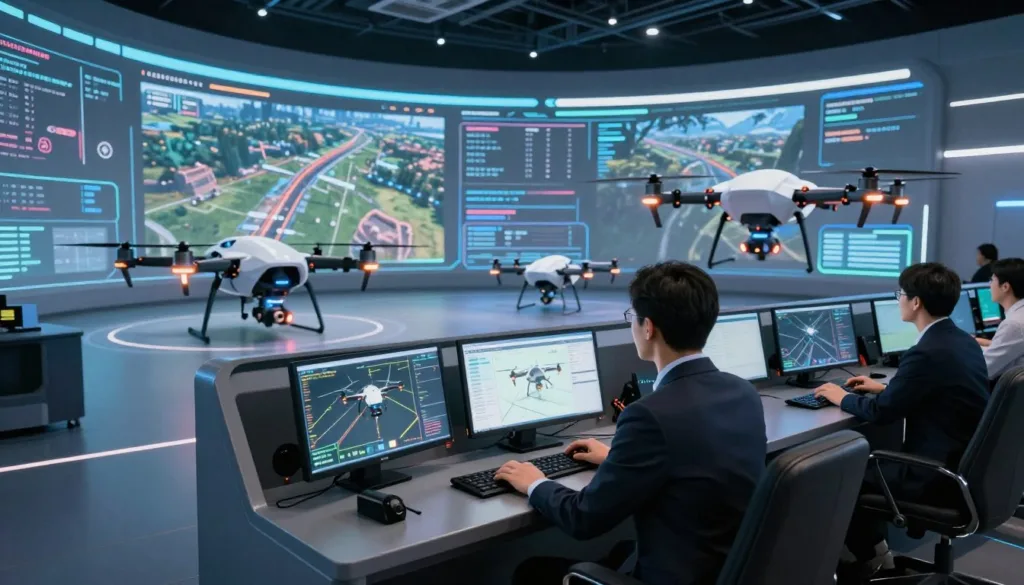
The SRIZFLY Drone Programming Simulator offers an innovative way to build flight confidence before taking to the skies. Users can practice essential flight commands and coding in a browser-based environment. This setup reflects the support for both block coding and Python coding, allowing learners to gain valuable experience.
By connecting virtual practice with realistic training goals, the simulator promotes safer experimentation and repeatable lessons. It enhances command accuracy, making it an essential tool for aspiring pilots. Additionally, the SIMNET platform combines drone design, flight simulation, and pilot training into one cohesive experience.
Ultimately, this simulator allows learners, educators, operators, and developers to test their skills without risking real hardware. It sets the stage for a comprehensive learning journey, ensuring that users are well-prepared for real-world flight scenarios.
Key Takeaways
- The simulator helps build confidence before operating real aircraft.
- Users can practice coding and flight commands in a web-based environment.
- It allows for safer experimentation and repeatable lessons.
- SIMNET combines design, simulation, and training in one platform.
- Test skills without risking real hardware.
What Is the SRIZFLY Drone Programming Simulator?
Explore the capabilities of the SRIZFLY platform, where training meets innovation. This virtual workspace allows users to practice flight controls and programming without needing to operate actual aircraft. It’s an ideal solution for both beginners and seasoned operators.
The DroneBlocks Minimal environment runs seamlessly in any web browser. This feature makes it accessible for those new to block coding. By using this setup, learners can grasp fundamental concepts before tackling more complex tasks.
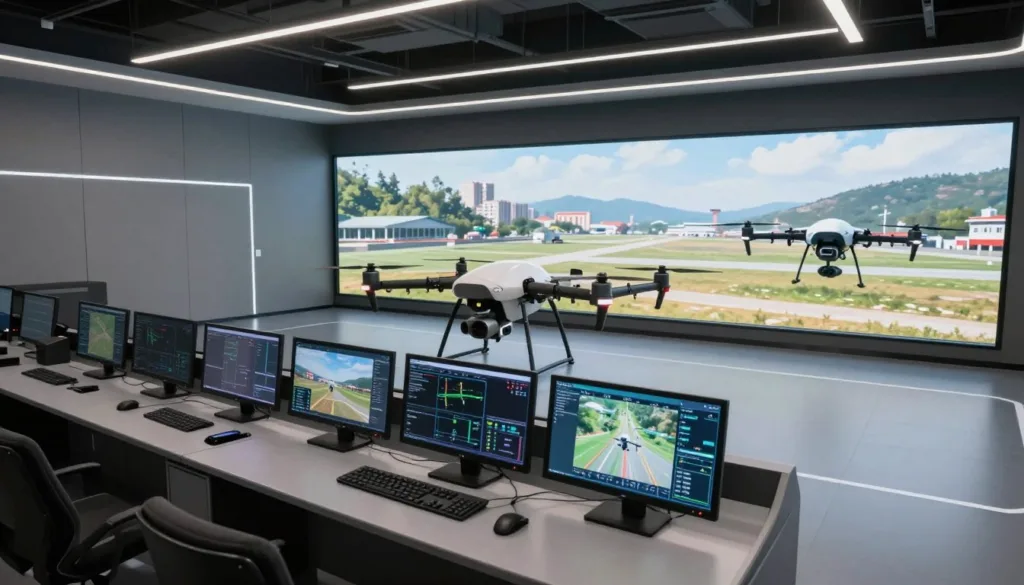
Moreover, users can test, adjust, and repeat their code before attempting a real flight. This approach significantly reduces command errors during early training phases. Additionally, the ArduPilot SITL simulation connects autonomous flight logic with a Ground Control Station, providing a realistic testing experience.
Virtual flight training supports a controlled environment for validating procedures, ensuring that all users can develop their skills effectively.
Build Realistic Flight Skills Through Simulation
A solid grasp of flight dynamics is crucial for successful drone operation. Understanding how a drone reacts to acceleration, turns, and altitude changes is essential for effective training. This is where realistic physics profiles come into play.
Zephyr provides unique physics profiles for each sUAS platform. This feature demonstrates why different aircraft should not be treated as identical during training. By simulating various aircraft types, users can refine their skills more effectively.
Repeatable virtual practice allows users to focus on manual controls and autonomous routines without waiting for batteries to charge or favorable weather conditions. With SIMNET supporting multicopters, fixed-wing aircraft, and VTOL designs, learners can prepare for both manual and programmed flight.
Simulation creates a consistent environment, helping users build confidence. This foundation is vital as they progress from basic exercises to more advanced operations.
Explore Drone Programming Simulator Scenarios and Missions
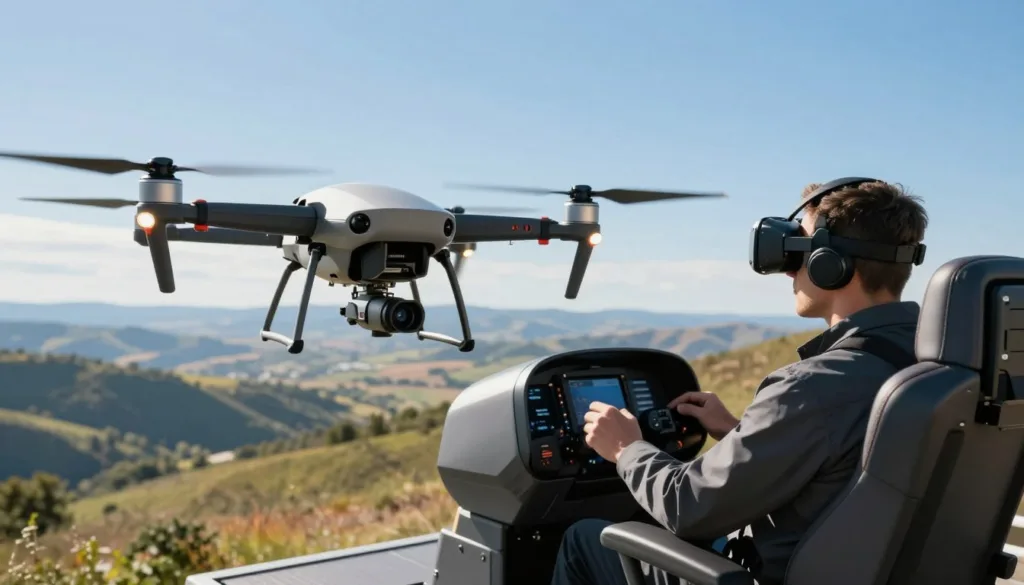
Engaging with diverse scenarios can transform theoretical coding skills into practical applications. The simulator offers a variety of environments where students can practice essential tasks such as navigation, landing, and obstacle challenges.
In the Tundra environment, learners can land on helipads located near a village, campfire, and castles. This creates clear location-based objectives, enhancing the learning experience.
Mars introduces STEM-focused challenges that involve solar panels, satellite communication, 3D cubes, and even rocket inspections. These tasks not only engage students but also expand their understanding of flight operations.
Another exciting mission is the Healthcare in the Himalayas challenge. Here, students deliver medical supplies to remote villages in Nepal, connecting coding with real-world healthcare scenarios.
Additionally, Zephyr offers scenarios like Search and Rescue Fundamentals, Obstacle Course, Weather, and Snowfall. These missions illustrate how learners can expand their skills beyond simple takeoff and landing.
Test Drone Code Before Using Real Hardware
Testing code in a virtual environment ensures safer operations in real-world scenarios. Developers and pilots can validate their code logic before connecting to an actual aircraft. This step significantly reduces the chance of unsafe commands.
The integration of ArduPilot SITL with Ground Control Stations supports autonomous mission testing in a controlled setting. This allows users to perform practical checks on navigation logic, return-to-home behavior, and failsafe responses.
Moreover, SIMNET’s capabilities extend to simulating BVLOS routing, dynamic weather, and failure scenarios. This feature enables users to test conditions that are challenging or risky to reproduce physically.
Ultimately, virtual code testing serves as a crucial development step. It not only saves hardware wear but also enhances readiness for real-world operations.
Train Students in a Safe Virtual Environment
Creating a safe virtual environment for students is essential for effective learning. With the SIMNET platform, educators can connect coding lessons with hands-on STEM activities. This approach allows students to engage with the material without the need for every learner to share one aircraft.
More than 3,000 students worldwide have benefited from this innovative education method. For instance, Embry-Riddle Aeronautical University incorporates SIMNET into its undergraduate uncrewed systems course, enhancing understanding of drone design and operation.
Dr. Joe Burgett from Clemson University reported that using Zephyr reduced the need for one-on-one instruction. This change enabled the university to enroll more students in UAS courses. Additionally, the Learning Management System (LMS) helps instructors monitor student progress effectively.
Moreover, the APSA has approved Zephyr for the BPERP exam, further validating the training’s relevance. Overall, the platform fosters a supportive environment where students can practice at their own pace.
Save Time and Reduce Hardware Risks During Training
Training in a virtual environment saves time and minimizes risks associated with physical hardware. Zephyr allows users to practice without worrying about charging batteries or unfavorable weather conditions. This flexibility makes early training more accessible for schools, businesses, and individual pilots.
Additionally, the simulator reduces scheduling delays caused by aircraft availability and shared equipment. Instructors can reserve real aircraft for advanced demonstrations, ensuring that students can focus on essential skills without the risk of damaging physical hardware.
Dr. Joe Burgett from Clemson University noted that Zephyr was a cornerstone of their UAS courses. The use of simulation expanded class capacity while reducing concerns about aircraft damage. Overall, virtual training is a practical way to control operating costs while maintaining regular practice opportunities.
Support Drone Development With Virtual Flight Testing
Virtual flight testing offers a unique opportunity for developers to analyze airframe behavior alongside flight-control logic. This process is crucial before building a physical prototype. With the SIMNET platform, teams can explore various configurations, including multicopters, fixed-wing aircraft, and VTOL designs.
Performance predictions for flight time, range, and speed allow teams to compare design choices effectively. This insight helps in making informed decisions before committing to costly construction.
Moreover, trade studies and virtual wind tunnel analysis reveal how geometry and control changes affect expected behavior. These tools provide valuable data that can significantly enhance the development process.
Finally, CAD exports in STEP and STL formats, along with CSV simulation records, facilitate the integration of virtual results into design workflows. This capability streamlines the transition from simulation to real-world application.
Get Started With the SRIZFLY Simulator
Unlock your potential with the SRIZFLY platform, where hands-on training meets innovative technology. Begin by choosing a clear training goal, such as learning block coding, practicing manual control, or rehearsing an autonomous mission.
Beginners can start with a browser-based lesson or a free trial. More advanced users may connect a Ground Control Station to test programmed flight. This flexibility caters to all skill levels.
Choose a training goal and begin with a mission
Mission-based learning gives students and pilots specific outcomes. Examples include landing on a helipad, inspecting an object, or delivering supplies. These goals make training more engaging and focused.
Build skills through repeated practice
Repeated practice is essential for improvement. Users can correct errors without waiting for aircraft access or suitable weather. Progress tools, including SIMNET’s LMS and DroneBlocks mission saving and sharing, help learners document their development over time.
Choose a Drone Programming Simulator for Your Training Needs
Choosing a simulator that aligns with your specific training goals is crucial for effective learning. The SIMNET platform serves a diverse audience, including developers, operators, educators, students, and enthusiasts. Each group has unique needs that the simulator can meet.
For educators, evaluating course content and LMS support is essential. Consider whether the platform is compatible with school computers or personal devices. This ensures all students can access the training environment.
Developers should focus on design tools and performance analysis features. Compatibility with flight-control systems is also vital for effective development. Meanwhile, operators can prioritize manual and autonomous simulation capabilities.
SIMNET supports a wide range of aircraft types, including multicopters, fixed-wing, and VTOL designs. This versatility allows users to engage in mission rehearsal, failsafe testing, and ongoing proficiency tracking.
In conclusion, matching simulator capabilities with your primary use case will enhance your training experience. This thoughtful approach ensures that your learning journey is both effective and enjoyable.
Conclusion
A drone training platform lets pilots, students, and developers practice flight behavior in a controlled setting before using real aircraft. Browser-based DroneBlocks lessons pair block and Python coding with mission practice, while SIMNET adds aircraft design and autonomous flight tests.
Zephyr uses aircraft-specific physics for more realistic handling. Clemson University’s experience shows how virtual lessons can reach more learners while limiting hardware risk. Missions on Mars, in the Himalayas and Tundra, or in Search and Rescue Fundamentals turn code into practical tasks.
Choose SRIZFLY based on your goals, aircraft type, learner skill, development workflow, and need to track progress. Compare the training options and start with a mission that fits your next step.
FAQ
What is the SRIZFLY Drone Programming Simulator?
The SRIZFLY simulator is a virtual platform designed to help users practice flight skills and test code before operating real drones.
How does the simulator help in building flight skills?
It allows users to develop confidence through repeatable practice in a safe environment, preparing them for both manual and programmed flight.
What types of scenarios can I practice in the simulator?
Users can engage in navigation, landing, and obstacle challenges, utilizing mission-based exercises to apply their coding skills effectively.
Can I test my drone code before using real hardware?
Yes, the simulator provides a platform to review and test code, ensuring it functions correctly before deploying it on actual drones.
How does the simulator support student learning?
It offers a safe virtual environment for hands-on STEM and coding activities, allowing learners to practice at their own pace.
What are the benefits of using a simulator for training?
Using a simulator saves time and reduces risks associated with hardware, enabling effective training without the potential for costly mistakes.
How can the simulator aid in drone development?
It allows developers to review how code interacts with flight behavior, facilitating improvements and innovations in drone technology.
How do I get started with the SRIZFLY simulator?
Simply choose a training goal and begin with a mission, gradually building your skills through repeated practice.
What should I consider when choosing a simulator for training?
Consider factors such as the range of scenarios offered, ease of use, and how well it aligns with your training goals and needs.