


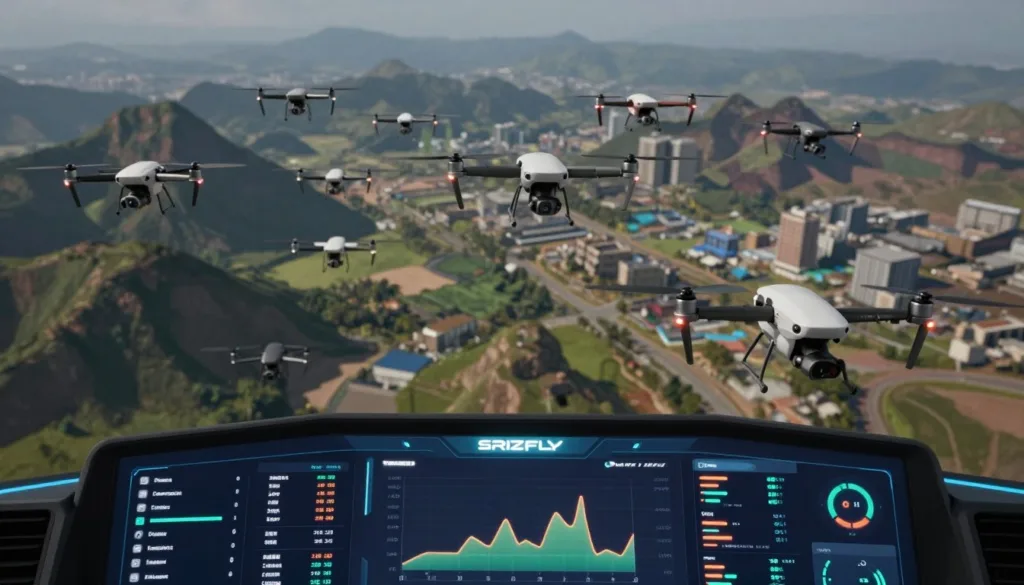
Drone swarm simulation software lets teams study how unmanned aerial vehicles act on their own and work together. A drone swarm simulator can help developers test mission plans and coordination methods before they run application code on real aircraft.
UAV swarm simulation can support research, training, education, and simulated data collection. Tools such as the SRIZFLY drone simulator can fit into a broader workflow for exploring multi drone simulation and autonomous drone coordination.
Key Takeaways
- Swarm simulation models both individual drones and group behavior.
- Teams can explore mission plans before physical flight tests.
- Simulation tools may support development, training, and education.
- Multi drone simulation helps teams study coordination across a fleet.
- Results should be checked before code is used on physical drones.
Drone swarm simulation software: Core features and capabilities
Drone swarm simulation features range from basic group movement to detailed vehicle behavior. The right model depends on what you need to test: flight dynamics, team coordination, or both. These tools give researchers and developers a safe way to explore multi-agent robotics before running tests with real aircraft.
How swarm simulators model individual drones and collective behavior
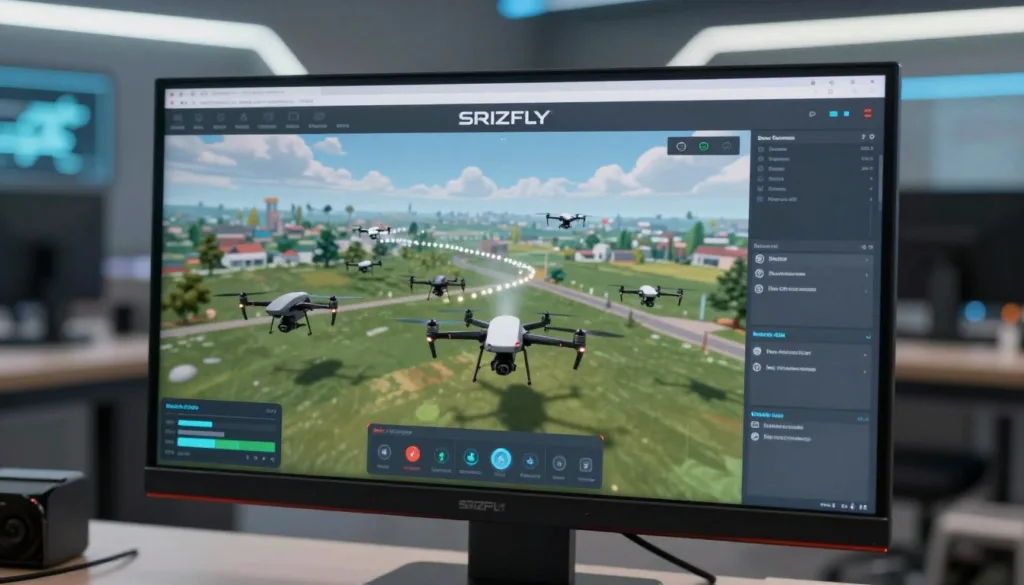
A simulator can represent each drone as a detailed vehicle or as a simpler agent. SwarmLab supports single-drone tests with quadcopter and fixed-wing models. Its swarm simulations support quadcopters and point-mass agents, too.
Point-mass models leave out vehicle dynamics, such as how a drone responds to a control input. They can run faster, making them useful when the main question is how a group moves or reacts. Detailed vehicle models suit tests that depend on realistic flight behavior.
Coordination algorithms for formation control, navigation, and collision avoidance
UAV swarm algorithms set how agents move, share tasks, and respond to nearby vehicles. A formation control simulation can test whether drones hold spacing as they turn or move through a route. Other methods guide navigation or adjust paths to reduce collision risk.
Results depend on the rules and conditions in the test. A useful setup lets teams change agent count, goals, and obstacles to compare how each approach performs.
Modeling communications, network topologies, and distributed decision-making
Some simulations model the links between drones, not just their flight paths. They can represent message delays, lost signals, or limits on which agents can communicate. Network topology describes how those links connect the group.
These details matter when each drone makes local decisions from the data it can access. Testing different communication patterns can reveal how a swarm responds when links fail or information arrives late.
Visualization, performance analysis, and debugging tools
Swarm visualization tools show agent paths, spacing, speed, and status during a run. Clear views help teams spot collisions, route drift, or uneven task loads. Playback can make it easier to trace when an issue began.
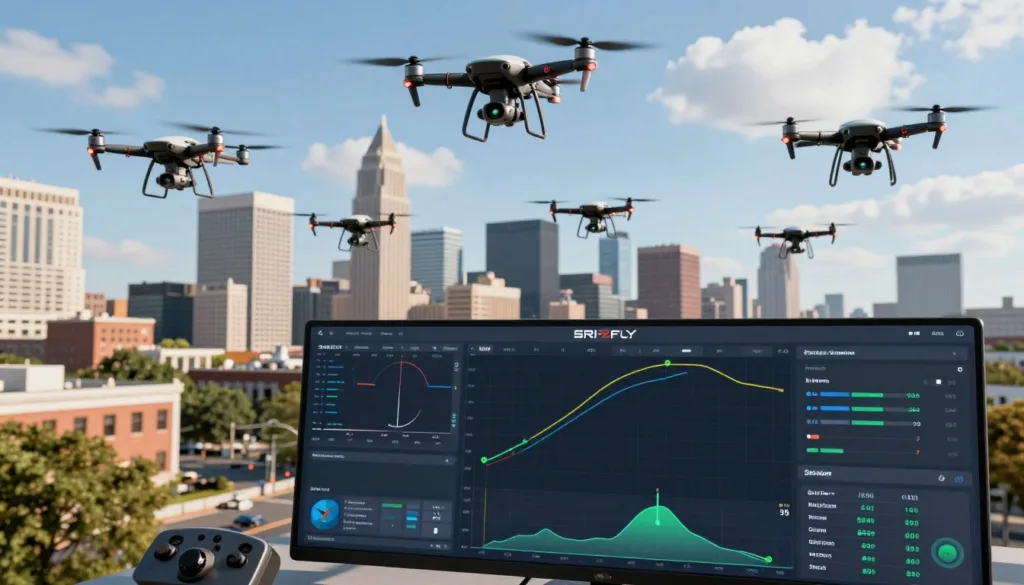
Performance measures add context to what the display shows. Teams can track mission time, distance traveled, near misses, and task completion to compare runs and find errors.
Examples of simulation software: SwarmLab, SwarmBox, and robotics frameworks
SwarmLab supports both single-vehicle and swarm studies, with model choices suited to different levels of detail. SwarmBox is another option for exploring swarm behavior and coordination. Its fit depends on the models and test workflow a project requires.
Robotics frameworks such as ROS 2 can support modular software tests, while Gazebo can model robots and their environments. Teams often combine tools to study group logic and vehicle behavior. The key is to match each tool to the question being tested.
How to choose and use drone swarm simulation tools
Choose a simulator based on the question your team needs to answer. Set the model detail, test plan, and performance measures before comparing results. This makes a drone simulation testing workflow easier to repeat and review.
Match simulation fidelity to your goal: vehicle dynamics or group behavior
Use a detailed vehicle model when flight forces, turns, or stability matter. For tests focused on group movement, simpler point-mass agents can save computing time. SwarmLab supports quadcopter models for swarm tests, as well as point-mass agents for faster studies. For single-drone work, it supports quadcopters and fixed-wing drones.
Build a testing workflow: configure agents, missions, and environmental conditions
Set the number of drones, starting positions, mission goals, and limits for each run. Add relevant conditions, such as wind, sensor range, or communication delays. Keep these settings fixed when comparing control methods, and change one factor at a time to see its effect.
Benchmark algorithms with repeatable scenarios and swarm-level metrics
Use the same missions to compare formation control, route planning, and collision avoidance. Track measures such as mission time, spacing errors, near collisions, and task completion. Clear records make swarm algorithm benchmarking more useful across teams and test runs.
Evaluate scalability, modularity, and hardware abstraction
Check how the tool performs as the swarm grows. Look for modular components that let teams replace sensors, controllers, or communication models without rebuilding the whole test. Scalable swarm software should support that growth and make it easier to move code between simulated and physical platforms.
Validate simulation results before deploying application code on physical drones
Compare model behavior with logs or controlled flight tests, and investigate gaps before field use. Test safety rules, sensor limits, and communication failures in simulation. Careful simulation to real drone testing can reduce risk, but it does not replace staged flight trials and human oversight.
Conclusion
The best drone swarm simulation software depends on what you need to test. Some tools focus on group behavior, while others model vehicle control, communication, and mission conditions. A careful drone swarm software comparison can help you find a tool that fits your project.
SwarmLab supports MATLAB-based single-drone and swarm simulations, with sample algorithms, visual tools, and performance analysis. SwarmBox offers modular experiments, swarm-level debugging, and ways to reuse application code on simulated and physical platforms.
Use repeatable scenarios to measure coordination, safety, and scale during UAV swarm testing. Then check that results hold up before running code on real drones. Autonomous drone simulation can reveal issues early, but it does not replace careful field validation.
For teams assessing SRIZFLY simulator evaluation, compare its features with your mission needs and test workflow. The right simulator makes it easier to refine swarm logic, spot risks, and prepare for reliable flights.
FAQ
What is drone swarm simulation software?
Drone swarm simulation software models how multiple unmanned aerial vehicles behave on their own and coordinate as a group. Teams can use it to study algorithms, plan missions, train, teach, or collect simulated data, depending on the tool.
What can teams test in a drone swarm simulator?
Teams can test mission setups, flight behavior, and coordination algorithms before trying application code on physical drones. Some tools also help compare swarm performance and visualize how agents behave during a scenario.
How do swarm simulators model individual drones and group behavior?
A simulator may represent each vehicle with a detailed model, represent agents as simplified points, or support both approaches. Detailed vehicle models can capture flight dynamics, while point-mass agents focus on movement and collective behavior without modeling those dynamics.
When should I use a vehicle model instead of a point-mass model?
Use a vehicle model when the question depends on flight dynamics. Choose point-mass agents when faster computation or the study of collective behavior matters more than detailed vehicle realism.
What drone types does SwarmLab support?
SwarmLab supports quadcopter and fixed-wing models for single-drone simulations. Its swarm simulations support quadcopters and point-mass agents.
What features does SwarmLab offer for swarm simulation?
SwarmLab provides MATLAB-based single-drone and swarm simulations, two example swarm algorithms, visualization, and performance analysis. These features can help users examine simulated behavior and compare results.
How does SwarmBox differ from SwarmLab?
SwarmBox describes a modular framework for configurable experiments, swarm-level debugging, and reuse of application code across simulation and physical platforms. SwarmLab offers MATLAB-based simulations and tools for visualization and performance analysis.
What should I include in a drone swarm testing workflow?
Configure the agents, mission, and environmental conditions for each scenario. Then run repeatable tests, review swarm-level results, and compare how the algorithms perform. A consistent setup makes results easier to interpret.
How can teams benchmark swarm algorithms?
Use repeatable scenarios and swarm-level performance measures. Keeping the mission setup and conditions consistent helps teams compare algorithm results across tests.
Why does scalability and modularity matter in a swarm simulator?
A modular tool can make it easier to configure experiments and reuse application code across simulation and physical platforms. Scalability matters when a team needs to study behavior across multiple agents.
Should simulation results be validated before using physical drones?
Yes. Simulation helps teams examine algorithms and mission setups, but it does not replace testing on physical drones. Validate the results before deploying application code to real aircraft.