
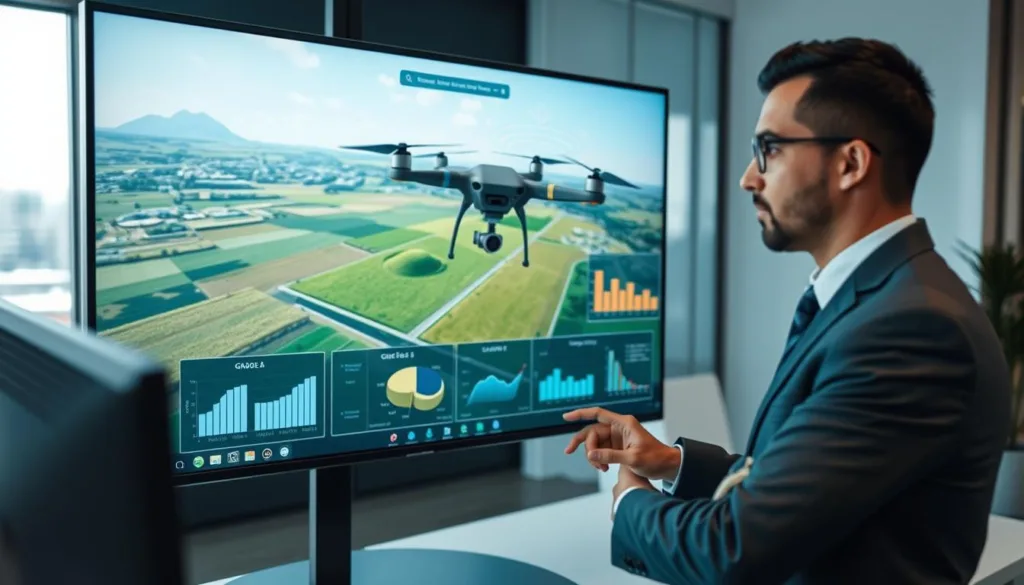
Imagine planning your next big earthmoving project in a perfect digital world first. New tools are changing how construction and land development teams work. They use advanced virtual training to revolutionize complex tasks.
This technology helps professionals visualize and plan grading operations with great confidence. A good simulator lets you test different approaches without moving a single pile of dirt. It turns guesswork into precise, actionable data.
The best platforms create a vital link between old-school methods and modern digital workflows. They offer unmatched accuracy and can speed up project timelines. This leads to smarter decisions and fewer costly mistakes on site.
Investing in a dedicated system for these tasks pays off. Teams see reduced material waste and better-trained equipment operators. It allows for rehearsing scenarios and validating plans before any real-world commitment.
This introduction explores how these powerful tools have become essential. We will look at the specific features that deliver real value for contemporary operations.
Key Takeaways
- Virtual training tools transform how earthwork and construction projects are planned.
- They enable precise visualization of complex grading operations before physical work begins.
- This technology bridges the gap between traditional methods and modern digital workflows.
- Significant benefits include reduced project timelines and minimized material waste.
- Operator competency improves by rehearsing scenarios in a risk-free environment.
- These systems provide a strong return on investment through increased efficiency.
- They are now an indispensable asset for teams aiming for precision and confidence.
Introduction to Drone Simulation Software for Grade Management
Before a single machine rolls onto a site, teams can now rehearse their entire operation in a virtual sky. This approach is revolutionizing how earthwork projects are planned and executed.
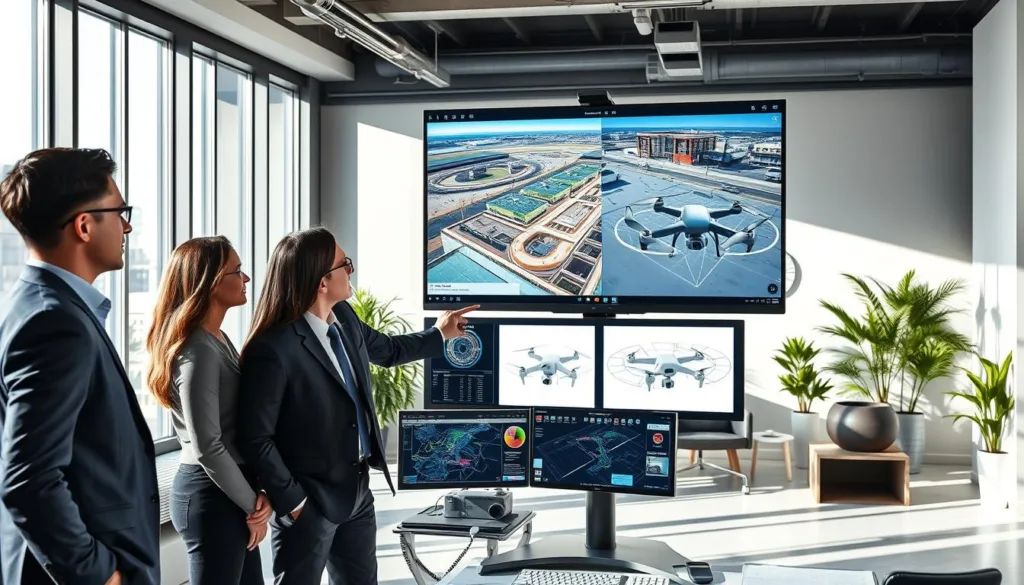
Understanding the Role in Modern Grade Management
In this context, these specialized tools are more than just games. They are precise platforms for surveying land and planning earth movements.
A drone flight simulator is a software program that simulates the experience of flying a drone by using a drone controller connected to the device of your choice.
The best platforms let you customize scenarios. You can prepare for the exact conditions you’ll face on the job site.
Overview of the Product Roundup
Available simulators generally fall into three types. Some are for fun, others build piloting skills, and a third group focuses on FPV racing.
Most run on a standard PC or Mac. A prime example is the Zephyr drone simulator. It’s built as dedicated educational software with progress tracking for teams.
Our roundup will explore options from professional systems to accessible ones. This helps you find the right fit for your operational needs.
Key Features and Benefits for Grade Management
Advanced features transform a simple training tool into a comprehensive platform for earthwork optimization. The best systems combine realistic physics, detailed world models, and smart data connections.
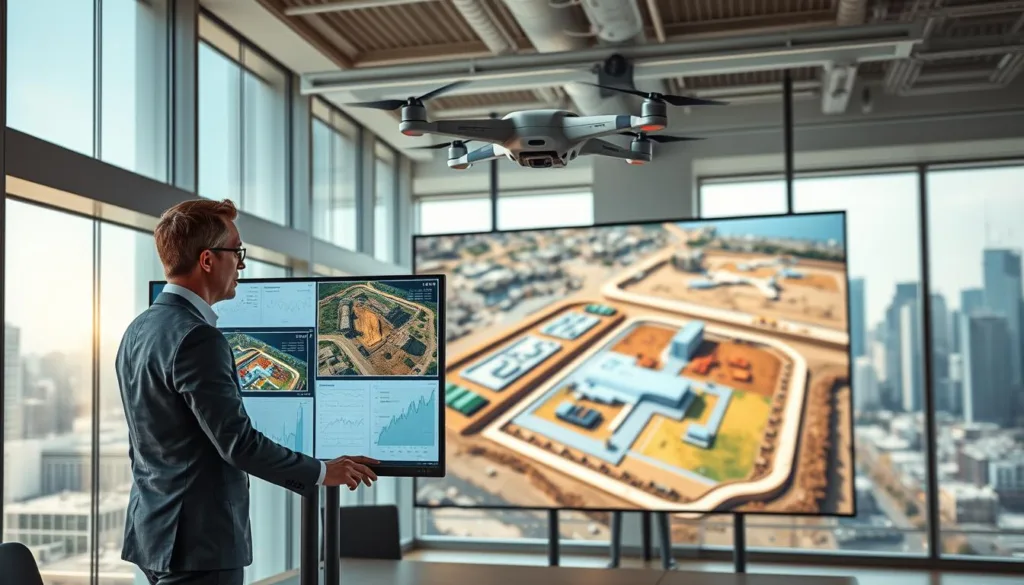
These core functionalities provide a safe, accurate space to test plans and build operator skill. You can rehearse complex missions long before arriving on-site.
Realistic Flight Physics and Simulation Environments
Authentic behavior is the foundation. A top-tier platform replicates how a real aircraft handles wind, battery drain, and sensor input.
This creates a genuine flying experience. Teams practice in high-fidelity virtual recreations of any location on Earth.
Platforms like SIMNET use worldwide 3D terrain models. You can fly over a digitally twinned version of your exact project site.
Customizable environments let you match specific soil conditions and weather patterns. This precision turns guesswork into confident action.
Enhanced Workflow and Data Integration
Seamless connection to your existing process is crucial. The right tool imports survey data, CAD files, and mission plans directly.
This integration allows for a closed-loop planning system, where virtual validation informs real-world execution.
Specialized views offer unprecedented insight. For example, Intellia Drone View provides subterranean visualization of cut-and-fill volume.
Instructors can monitor progress from impossible angles. This data integration supports smarter, faster decisions for the entire team.
User-Friendly Interfaces and Intuitive Controls
Ease of use is a cornerstone for any tool meant to be adopted by diverse teams. A well-designed platform minimizes training time and helps operators focus on skill development. This approach is vital for earthwork professionals who need to master new technology quickly.
Thoughtful layout and clear menus prevent frustration. They allow users to navigate complex features without confusion.
Simplified Navigation and Custom Configurations
Leading systems offer remarkable flexibility in hardware support. The Zephyr flight simulator, for instance, works with a wide range of controllers.
These include dedicated RC transmitters and popular gamepads from Xbox and PlayStation. This choice lets organizations use hardware their teams already know. It speeds up the learning process significantly.
Web-based platforms like SIMNET provide an easy-to-use interface accessible from any browser. The Real Drone Simulator also prioritizes straightforward navigation for all users.
Custom configuration options are a key benefit. Teams can map virtual controls to match their specific aircraft. This builds consistent muscle memory between practice and real flights.
The most effective tools blend advanced capabilities with an approachable design. They ensure every team member can participate confidently.
Real-World Training Capabilities and Pilot Support
The journey from novice to expert operator is paved with structured, virtual lessons that mimic real-world challenges. These platforms provide a safe space to develop essential competencies without site risks.
Professional Training Modules for Beginners
Systems like Zephyr offer an expanding library of training modules for beginners. Each lesson builds foundational flying skills through carefully sequenced exercises.
Accurate flight characteristics ensure a realistic flying experience from the start. An integrated Learning Management System tracks progress for each user, perfect for classroom settings.
Advanced Tools for Experienced Pilots
For experienced pilots, web-based platforms like SIMNET deliver advanced, scenario-based courses. These include ArduPilot-certified training for specialized missions.
Innovative safety features take learning further. Intellia Drone View allows instructors to become virtual obstacles in exercises. This dynamic method improves operator awareness and critical decision-making skills for all drones.
Comparing Top Drone Simulators for Grade Management
Finding the best fit means comparing core features, supported models, and real-world applicability. Each leading platform carves out its own niche for different users.
Insights from Leading Products and Reviews
The Zephyr drone simulator stands out for organizations. Its classroom tools and multi-model support justify a higher price for structured pilot development.
For commercial training, droneSimPro offers specific scenarios. DRL SIM 3.0 brings data-driven precision from thousands of bench tests. These provide very different user experiences.
Beginners have great options too. FPV Air 2 runs on older PCs, while FPV Freerider is a straightforward entry point. At the competitive end, VelociDrone is a premier choice for racing.
The right tool depends on your needs. Consider the variety of maps, the drone models supported, and the type of flying experiences your team requires.
Grade Management Drone Simulation Software: An Excellent Choice
Investing in a purpose-built platform delivers advantages that generic flight trainers simply cannot match. For earthmoving and construction professionals, this specialized focus translates directly to better project outcomes and a stronger return.
Why This Software Stands Out
General aviation tools are fun, but they lack the features needed for serious work. A platform designed for surveying and site operations is an excellent choice for professionals.
These systems target real-world benefits. Teams see less equipment damage from rookie errors. Training timelines shrink, and mission success rates climb.
Specialized virtual training prepares operators for the complex flight patterns and data collection required on a live site.
Platforms like the Zephyr drone simulator grow with your organization. They offer expandable content and support for new drone models.
This makes them a strategic excellent choice. You protect your hardware investment and build a skilled, confident team ready for any challenge.
Simulator Options for Various Skill Levels
Not all flight simulators are created equal, especially when catering to different experience levels. The available variety ensures teams can find tools that match their operators’ current abilities, providing a clear path for skill development.
Beginners and Casual Flyers
Platforms like FPV Air 2 and FPV Freerider are excellent for newcomers. They feature simplified aerodynamics and easy-to-navigate interfaces.
This approach builds confidence without overwhelming new pilots. The initial drone flying experience becomes more fun and less frustrating, encouraging practice.
Tools for Advanced and Competitive FPV Flying
For seasoned operators, VelociDrone and DRL SIM 3.0 are premier choices. These simulators boast sophisticated physics engines and a high degree of customization.
They focus on performance-based learning, which is ideal for refining precision control. This level of training is crucial for mastering complex flight patterns required in professional settings.
FPV Drone Simulators Tailored for Precise Control
Mastering tight maneuvers around steel beams and complex terrain demands a special kind of pilot training. First-person-view fpv drone simulators build the heightened spatial awareness and fine motor skills essential for this work.
Balance Between Realism and Accessibility
Top platforms offer different approaches to physics. DRL SIM 3.0 uses precise aerodynamics, like unsteady drag modeling, for a highly realistic flying experience.
VelociDrone also has an advanced engine for competitive flight. It offers a wide selection of tracks that mimic real-world race scenarios.
For newcomers, FPV Air 2 finds a great balance. Its simplified aerodynamics make flying accessible while still feeling authentic.
FPV Freerider focuses on essential flight dynamics. This makes it compatible with many controllers for easy entry.
This range of options lets every operator develop precise control. Practicing on diverse maps in different flight modes builds the muscle memory needed on site.
Free Versus Premium Simulation Solutions
Choosing the right training tool often comes down to a simple question: free or paid? Teams must weigh initial cost savings against long-term value and advanced capabilities.
Exploring Freemium Options and Trials
Many platforms offer free access. Examples include ORQA FPV Skydive on Steam and the web-based Crazy Games drone simulator. These are great for basic skill development and casual flying.
Freemium models and trials provide a smart choice. Zephyr offers a free 30-day trial. DRL also has a free version. This lets you evaluate the software before any purchase.
Paid options like Zephyr or VelociDrone justify their price. They deliver advanced features: more drone models, additional maps, better physics, and professional support.
A strategic approach works well. Start with free simulators for assessment. Then invest in premium tools for serious training. Free options are fun entry points, but premium simulators offer the reliability needed for professional drones.
Case Studies: Success Stories in Grade Management Applications
Organizations are now sharing measurable success stories from their use of flight training platforms. These real-world examples show clear improvements in safety and project efficiency.
Teams report fewer crashes and faster mission completion. The data proves these tools offer a strong return on investment.
Real-World Examples of Simulator Integration
Large earthmoving contractors use platforms like SIMNET to test flight plans. This happens before they deploy expensive equipment on site.
Educational institutions also prepare new operators with structured programs. This approach builds essential skills in a completely safe environment.
Metrics show crash rates drop significantly after consistent virtual practice. Training timelines for new pilots can be cut by weeks.
Testimonials from Industry Experts
Professionals confirm the value of this technology in their daily work. Their feedback highlights the accuracy and practical benefits.
SIMNET has become an invaluable tool in my everyday workflow. I lean heavily on its ability to produce accurate results when testing failsafe parameters and new procedures.
Student testimonials also praise the realistic flying experience. One user noted how the simulator correctly predicted their aircraft’s behavior.
SIMNET correctly predicted that my plane would lift off without elevator input. I used it to tweak the control surface limits, which made the real flight much smoother.
These stories validate the platform as a proven tool for building skilled teams. The learning experience directly translates to better on-site performance.
Integrating Simulation Tools into Your Workflow
Integration is the key that transforms a standalone practice tool into a central component of project planning. For earthmoving teams, this means connecting virtual training directly with daily operations.
The goal is to make rehearsals feel like a natural step before site work begins. This requires thoughtful setup and technical connections.
Seamless Integration with Existing Systems
Leading platforms are built to connect. For example, SIMNET can interface directly with your team’s Learning Management System (LMS).
This allows instructors to launch training modules and record pilot scores automatically. Performance data flows back into your existing records.
The same platform links with ground control software like Mission Planner. Teams can rehearse advanced missions, including complex BVLOS routing, with identical parameters.
Data integration is powerful. You can import survey models and CAD drawings to create a virtual twin of your jobsite. This lets operators practice specific flights and spot challenges early.
Licensing options support different needs. Individuals can get low-cost access for personal devices. Larger organizations often choose bulk licenses for computer labs.
This direct connection turns the simulator from a novelty into a trusted partner for mission planning.
With the right setup, these tools become a reliable part of your workflow. They help build skill and confidence for every flight.
Future Trends in Drone Simulation and Grade Management
Looking ahead, the next wave of innovation will make these tools more powerful and accessible than ever before. The field is rapidly evolving beyond basic training into intelligent, collaborative systems.
New technologies promise to deepen the learning experience and streamline project planning for teams everywhere.
Emerging Technologies and Simulation Advances
Virtual reality is creating unprecedented immersion. Platforms now support devices like Meta Quest headsets.
This places the operator directly inside a stunningly realistic virtual environment. Artificial intelligence is another key trend.
Smart systems can adapt training difficulty to match a user’s progress. Machine learning algorithms analyze flight data to offer personalized skill development tips.
Environment fidelity is also leaping forward. Expect more detailed worldwide terrain models and dynamic weather systems.
Digital twin technology creates perfect virtual copies of real job sites. Tools like the Real Drone Simulator show this evolution, with regular updates adding new features.
The Impact of Cloud-based Solutions
Cloud-native platforms are removing traditional barriers. SIMNET is a prime example of this shift.
It offers full web-based access with no downloads required. Teams can use sophisticated simulator software from any device with a browser.
This eliminates the need for expensive local computing power. Cloud solutions transform how distributed teams collaborate.
Everyone trains on identical environments, no matter their location. They can share custom scenarios and mission plans instantly.
Continuous platform updates deliver new content automatically. This means no manual software maintenance for your IT staff.
These trends support exciting new capabilities. Future tools will help with advanced autonomy and multi-craft coordination.
They prepare professionals for the next generation of site work. The future is collaborative, intelligent, and instantly accessible.
Conclusion
This roundup has shown that from beginner to expert, there’s a drone simulator solution for every team’s unique requirements. These platforms are vital for building pilot skills and testing mission plans safely.
Available simulators range from free entry-level tools to advanced professional systems. Choosing the right software depends on your team’s specific needs and goals.
Use the insights from this article to guide your decision. Investing in quality practice leads to more confident operators and successful projects.
The future of site work relies on well-prepared teams. These tools are key to building that readiness for efficient and safe flying.
FAQ
How does this platform help with site planning and surveying?
It provides a realistic flying experience in detailed virtual environments. You can practice precise maneuvers over digital terrain models. This helps pilots gather accurate data before a real-world mission, improving planning efficiency and safety.
Is this a good option for someone new to flying?
Absolutely. The user-friendly interface and dedicated training modules make it an excellent choice for beginners. You can learn basic controls in a safe, consequence-free setting. This builds confidence and core skills before you ever launch a real craft.
Can experienced pilots benefit from using a simulator?
Yes, advanced tools are incredibly valuable for seasoned flyers. Competitive pilots use platforms like the Drone Racing League simulator to hone racing lines. Professionals use them to test complex flight plans in various weather conditions, refining their techniques without risk.
What makes for a realistic flying experience in a simulator?
Top platforms use advanced physics engines that replicate real-world aerodynamics and weather effects. The feel of the controls, including FPV drone simulators, matches actual radio transmitters. Detailed maps and environments, like those in Zephyr, add to the immersion and training value.
Are there free versions available to try?
Many popular simulators offer freemium options or limited-time trials. This lets you test the core features and see if the interface works for you. It’s a great way to assess the tool’s value before committing to a purchase.
How do these tools integrate with other workflow systems?
The best solutions allow for seamless data export. Flight paths and simulated survey data can often be transferred to other planning and analysis software. This integration creates a smooth pipeline from virtual training to real-world project execution.

