
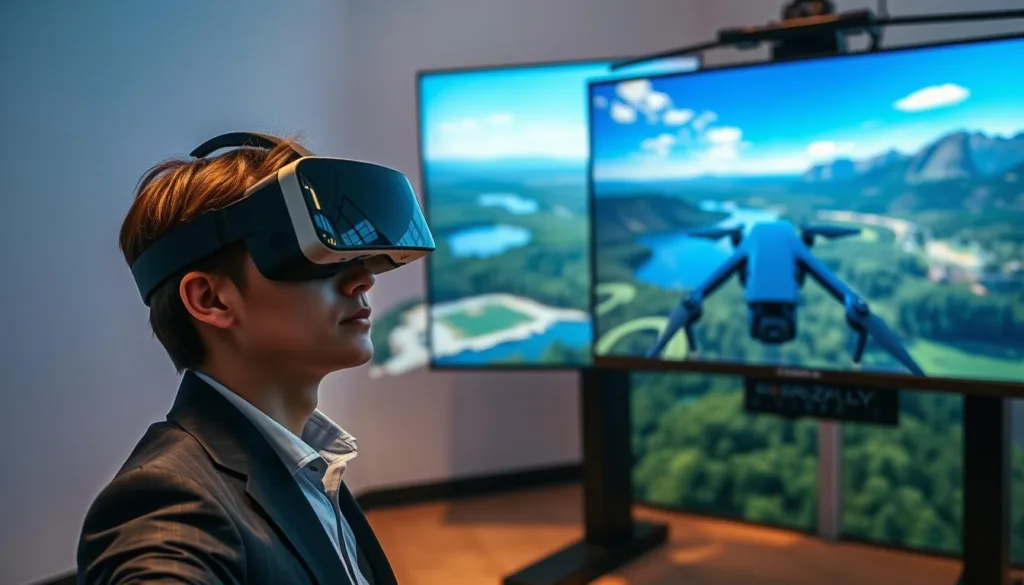
Welcome to the exciting world of first-person view flight simulation. This technology lets you feel the thrill of piloting from the cockpit’s perspective, all from the comfort of your home.
This guide introduces you to the tools that connect beginner curiosity with expert-level skills. Modern flight training software provides an incredibly realistic experience that mirrors real-world physics and behavior.
Over a million pilots globally have chosen this method as their entry point into competitive racing and freestyle flying. It offers a completely safe space to crash, learn, and improve without the cost of damaging real gear.
Whether you are just starting or aiming to refine your techniques, these platforms serve as the ideal training ground. This article will walk you through everything from the basics to advanced maneuvers that apply directly to actual flight.
Key Takeaways
- First-person view simulation offers a safe and cost-effective way to learn flying skills.
- Advanced physics engines create a highly authentic and responsive training environment.
- These platforms are accessible on multiple devices, including PC, Mac, and mobile.
- You can practice and master complex maneuvers without any risk of damaging expensive equipment.
- This technology is suitable for everyone from absolute beginners to seasoned experts.
- The skills you develop translate directly to piloting real-world aircraft.
Overview of Simulator FPV Drone Products
Today’s flight training platforms offer an unprecedented level of immersion that puts you right in the cockpit. These systems recreate the thrilling sensation of piloting from a first-person perspective with remarkable accuracy.
Options like FPV.SkyDive demonstrate how far this technology has advanced. This particular platform runs seamlessly on PC, Mac, and Linux devices, making it accessible to virtually everyone.
Understanding the First-Person Perspective
The cockpit view fundamentally transforms how you perceive spatial awareness and maneuvering. Unlike traditional line-of-sight flying, this perspective places you directly in the pilot’s seat.
You’ll experience exactly what you’d see through actual goggles during real flights. This immersive approach changes how you judge speed, distance, and navigation challenges.
Essential Features of Leading Platforms
Top-tier systems deliver professional-grade simulation through several key components. Realistic physics engines ensure that aircraft behavior mirrors real-world dynamics across various conditions.
Look for platforms offering diverse environments and multiple aircraft options. The ability to practice with different models—from racing quads to micro aircraft—prepares you for various real-world scenarios.
The best training software provides vibrant 3D worlds with progressive challenges that build your skills naturally.
Adjustable settings, customizable configurations, and comprehensive control mapping give you flexibility. These features allow you to tailor the experience to match your specific learning goals and equipment preferences.
The Evolution of FPV Drone Flight
What began as a specialized technical pursuit has evolved into accessible mainstream entertainment. The landscape of aerial sports has transformed completely, moving from garage workshops to international competitions.
From Hobby to High-Tech Simulation
Early enthusiasts faced significant barriers to entry. They needed deep technical knowledge and custom-built equipment that required substantial investment.
This kept many potential pilots from experiencing the thrill of aerial navigation. The arrival of sophisticated training software changed everything.
Modern platforms now feature advanced physics engines that replicate real-world conditions. They model aerodynamics, motor responses, and environmental factors with impressive accuracy.
The progression from simple games to photorealistic environments has made virtual training essential. Serious pilots use these tools for skill development and race course preparation.
Platforms like FPV.SkyDive demonstrate this evolution perfectly. They serve over one million pilots globally and host vibrant communities with thousands of active members.
These digital spaces offer discussions, exclusive content, and collaborative learning opportunities. The journey reflects broader advances in gaming technology and computing accessibility.
Features of a Realistic Flight Simulator
Modern flight training software achieves realism through a combination of precise physics modeling and detailed 3D worlds. This creates an authentic experience that feels remarkably close to actual aerial navigation.
Immersive 3D Environments and Maps
The foundation of believable flight begins with accurate physics engines. These systems replicate how aircraft respond to control inputs in various conditions.
Advanced platforms model propeller wash, air resistance, and momentum with impressive precision. This creates behavior that mirrors real-world performance.
Vibrant 3D environments transport you to diverse locations from urban landscapes to natural settings. Each map presents unique challenges for skill development.
Visual quality significantly impacts the training experience. Detailed textures and dynamic lighting create authentic atmospheric conditions.
Adjustable weather and time settings add valuable training scenarios. These features help build the muscle memory needed for confident piloting.
Advanced Flight Physics and Game Modes
Professional-grade platforms distinguish themselves through sophisticated physics engines and structured game modes. These elements work together to create an authentic training experience that builds real-world skills.
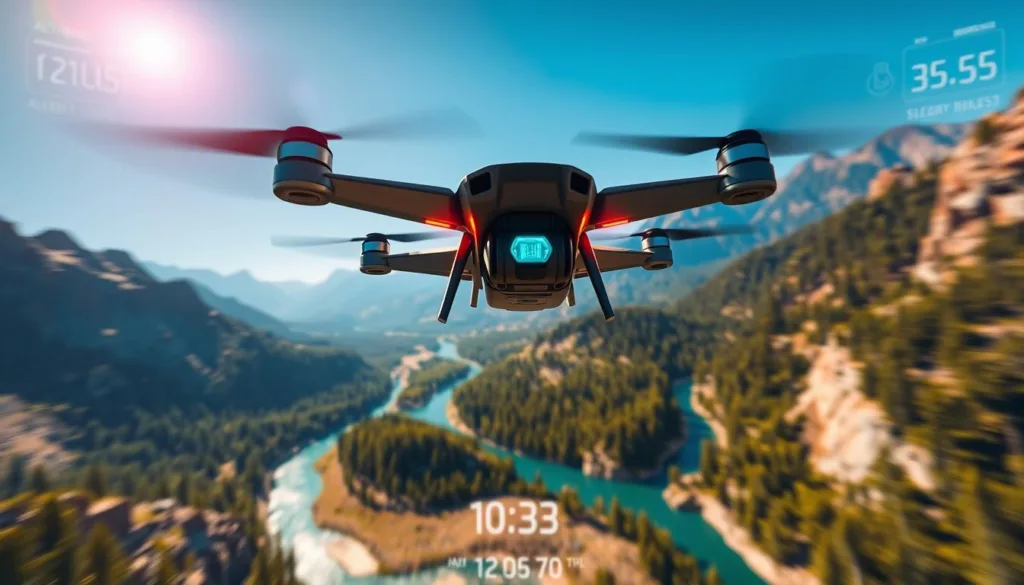
The combination of accurate physical simulations and engaging activities makes practice sessions both productive and enjoyable. You’ll find yourself naturally improving as you navigate through various challenges.
Realistic Drone Flight Dynamics
Top-tier systems model every aspect of aerial behavior with impressive precision. They account for factors like battery performance, weight distribution, and aerodynamic forces.
The physics engine calculates how air flows around the frame in real-time. This affects how quickly you can change direction and maintain control during complex maneuvers.
These accurate simulations help develop the muscle memory needed for confident piloting. You’ll learn to anticipate how your craft responds in different situations.
Competitive Racing and Freestyle Modes
Structured game modes give purpose to your practice sessions. Racing challenges demand precision flying through tight courses at high speeds.
This type of flying develops consistency and teaches optimal racing lines. You’ll build the reflexes needed for competitive events.
Freestyle environments offer creative freedom to experiment with tricks and maneuvers. Without time pressure, you can develop your unique style and technical execution.
Global leaderboards in contest modes provide motivation to measure your progress. You can compare your performance with pilots worldwide and track your improvement over time.
Top Picks in simulator fpv drone Products
When selecting the right training platform, FPV.SkyDive consistently emerges as the community favorite. This free-to-play option delivers professional features without any upfront cost.
The platform’s availability on Steam for Windows, Mac, Linux, and Steam Deck provides incredible flexibility. You can train on whatever device you have available.
User reviews tell an impressive story—84% of over 1,500 ratings are positive. Recent feedback shows even higher satisfaction at 86%, indicating continuous improvements.
This balance of accessibility and depth makes it ideal for both newcomers and experienced pilots. You get simple entry points alongside advanced features for skill progression.
The cross-platform availability means you can practice anywhere. Whether at home on your gaming PC or mobile with your smartphone, training remains consistent.
Joining over one million pilots means accessing a vibrant, supportive community. Members share tips, organize events, and help newcomers succeed.
The free model removes financial barriers while optional DLC content allows expansion when you’re ready. This approach makes high-quality training available to everyone.
Enhancing Your Drone Racing Skills
Mastering aerial navigation requires more than just casual practice—it demands systematic skill development. The right training approach can transform your flying abilities from basic to competition-ready.
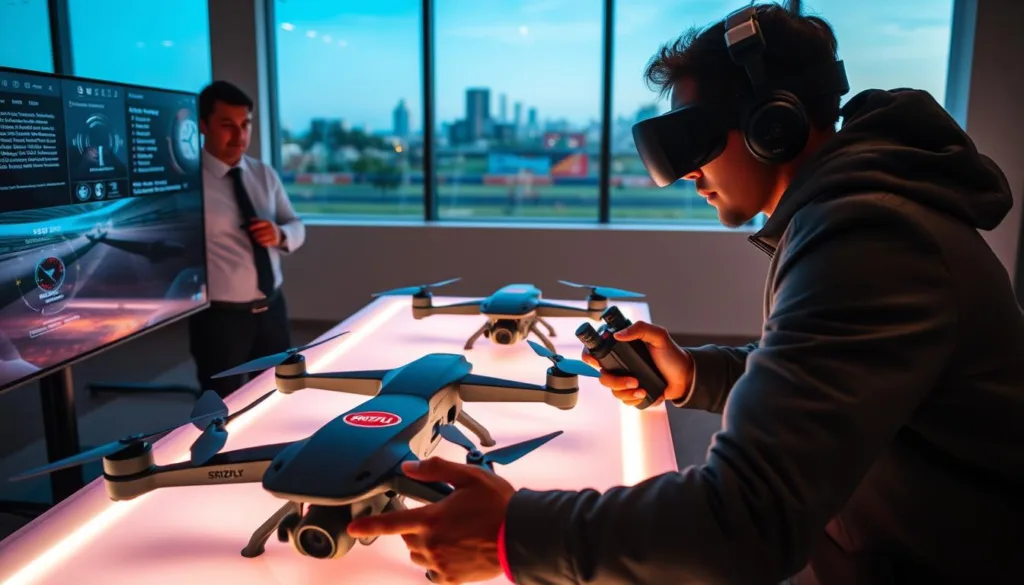
Structured learning programs provide the foundation for rapid improvement. They break down complex maneuvers into manageable steps that build confidence gradually.
Training Modes and Flight School Integration
FPV.SkyDive’s Flight School mode offers a comprehensive curriculum for pilots at every level. This popular DLC features fun lessons that guide you from basic hovering to advanced racing techniques.
The interactive challenges keep practice sessions engaging and motivating. Each lesson targets specific flying skills with clear objectives and progressive difficulty.
For serious competitors, these training modes focus on race-specific abilities. You’ll practice gate navigation, optimal line selection, and recovery techniques for challenging situations.
The structured feedback helps identify areas for improvement in your skills. This targeted approach ensures every practice session moves you closer to your racing goals.
Even complete beginners can develop the flying skills needed for confident competition. The Flight School curriculum systematically builds the muscle memory and spatial awareness essential for success.
Seamless Controller and Device Integration
Controller compatibility stands as one of the most critical factors in effective flight training. It bridges the gap between virtual practice and real-world performance.
The right input device ensures your movements translate accurately into aircraft responses. This creates a natural learning experience that builds proper muscle memory.
Native Support for Playstation, Xbox & FPV Controllers
FPV.SkyDive offers immediate compatibility with popular gaming controllers. PlayStation and Xbox users can start practicing right away with their existing equipment.
For the most authentic experience, using an actual radio transmitter provides identical stick feel. This matches the control layout you’ll use with real aircraft.
The ORQA FPV.Ctrl offers special benefits for dedicated pilots. Owners receive free lifetime access to all additional content.
Calibration features let you fine-tune sensitivity to match personal preferences. You can adjust rates and expo settings for optimal control response.
This flexibility means pilots at every level find suitable input solutions. The system eliminates complex setup procedures so you focus on skill development.
Product Reviews and Community Feedback
The collective voice of thousands of users offers valuable perspective on product quality and reliability. When choosing training software, customer feedback provides authentic insights into real-world performance.
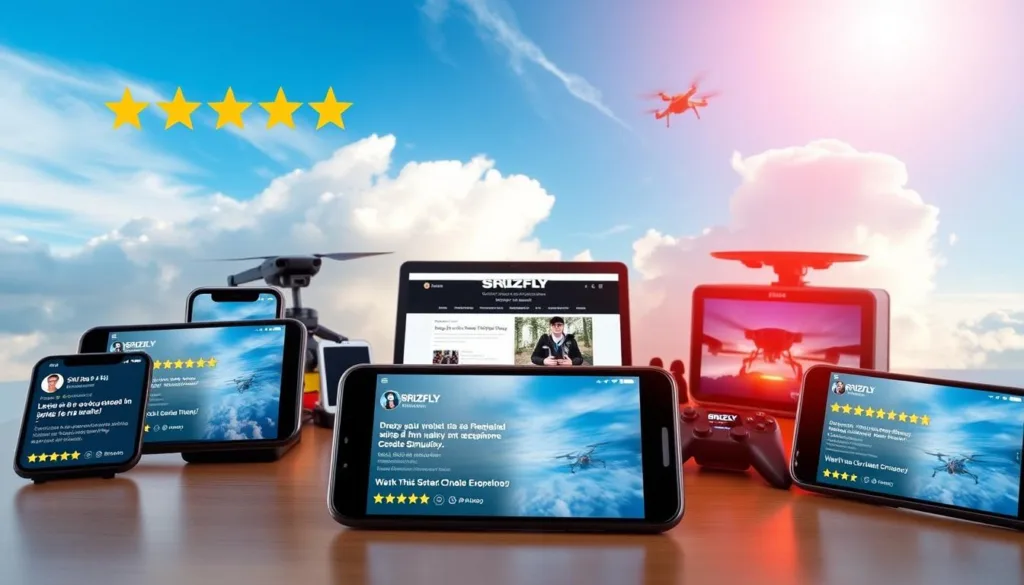
User Reviews and Ratings Breakdown
FPV.SkyDive demonstrates impressive consistency across review platforms. On Steam, the software maintains an 84% positive rating from 1,514 verified users.
Recent feedback shows even stronger satisfaction at 86% across 72 reviews. This indicates ongoing improvements and continued user happiness with the platform.
| Review Category | Positive Rating | Review Count | Platform |
|---|---|---|---|
| All Reviews | 84% | 1,514 | Steam |
| Recent Reviews | 86% | 72 | Steam |
| Total Reviews | Very Positive | 2,482 | All Languages |
Community feedback highlights specific strengths like realistic physics and excellent controller support. The free-to-play model receives particular praise for accessibility.
Experienced pilots provide valuable reviews assessing how well the game replicates real flight behavior. Developers actively respond to suggestions, implementing community feedback in regular updates.
Beyond Steam, the software maintains strong ratings on mobile platforms. This confirms consistent quality across all supported devices.
Comparing Simulator FPV Drones Across Platforms
Cross-platform compatibility opens up training possibilities for pilots using different devices. FPV.SkyDive stands out with its availability across multiple operating systems, making high-quality practice accessible to everyone.
Windows users enjoy the most comprehensive support with optimization for Windows 7, 8, and 10 (64-bit). The minimum requirements are surprisingly modest—an Intel Core i5 processor with 8 GB RAM and NVIDIA GeForce GTX 650 graphics card.
For optimal performance on Windows systems, upgrading to an Intel Core i5 6500 or better with GTX 970 graphics delivers smooth framerates. Note that Steam now requires Windows 10 or later versions for continued support.
The game is available on Steam with true cross-platform functionality. This allows a single purchase to install on Windows, Mac, Linux, and Steam Deck devices. Mobile versions extend training opportunities through Google Play and App Store.
Storage needs remain minimal at just 2 GB available space. Adjustable graphic settings ensure the software runs smoothly across various device capabilities. This approach prioritizes accessibility while maintaining quality performance.
The Impact of Realistic Settings on Flight Experience
Getting the most out of your virtual flight training hinges on finding the perfect visual setup. The right configuration transforms practice from a simple game into a powerful learning tool.
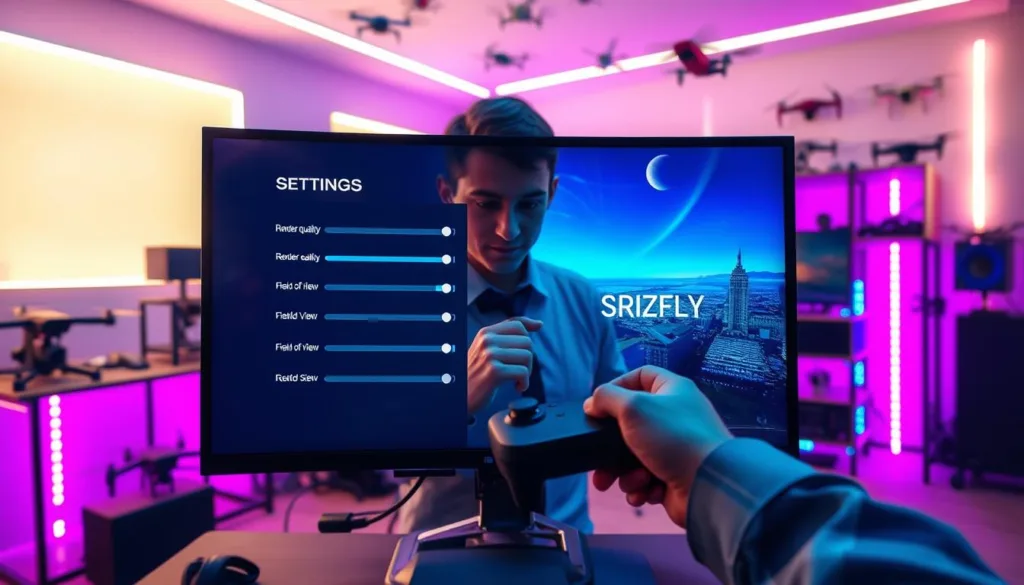
High-quality graphics with detailed textures and lighting create an immersive world. This environment helps you develop accurate depth perception and spatial awareness, just like in real flight.
Optimizing Graphic Settings for Different Devices
The balance between visual beauty and smooth performance is critical. Your flying experience depends on a consistent frame rate for responsive control.
Stuttering or lag can disrupt your training and build bad habits. It’s better to have slightly simpler graphics with flawless performance than ultra-realistic visuals that stutter.
Thankfully, the software offers granular control over individual settings. You can disable resource-heavy effects like shadows while keeping essential elements that aid navigation.
This allows users with lower-end hardware to maintain core physics and control responsiveness. Experiment with different configurations to find the sweet spot for your specific device.
A smooth, responsive session is always more valuable than a choppy, visually stunning one. The goal is a setup that feels natural and helps your skills translate directly to real-world piloting.
Customization: Track Builders and DLC Options
Custom track creation represents the ultimate frontier in tailoring your practice sessions to specific goals. This powerful feature transforms you from a passive user into an active creator of your training environment.
The Track Builder functionality provides comprehensive tools for designing courses that match your exact needs. Whether you’re focused on technical circuits or open spaces, this system adapts to your creative vision.
Maximizing Creativity with Track Builder
This innovative tool lets you experiment with different obstacle arrangements and elevation changes. You can challenge specific aspects of your flying skills through custom course design.
For drone racing preparation, the builder allows recreation of real-world competition layouts. This enables targeted practice before attending actual events. The same tool supports freestyle environments perfect for mastering maneuvers.
Beginners find the interface intuitive for creating simple courses. Advanced users appreciate the depth available for complex designs. Sharing custom tracks with the community adds a social dimension to training.
The combination of racing and freestyle options means you can design environments tailored to your current focus. This track builder truly personalizes your skill development journey.
Integration of Flight School Training Modes
Flight School integration transforms how pilots develop their aerial abilities through structured, progressive learning. This popular add-on for FPV.SkyDive provides the ultimate training ground to master FPV flying.
The curriculum breaks complex techniques into digestible lessons. Each session focuses on specific skills that build toward complete mastery.
This approach makes skill development genuinely enjoyable. Gamification elements keep practice engaging while building crucial muscle memory.
Measurable challenges let you track progress objectively. You celebrate milestones as you master each new aspect of control.
For serious pilots, the structured path eliminates guesswork. It provides a clear roadmap from basic maneuvers to advanced techniques.
The skills developed transfer directly to real-world flying. Lessons build capabilities needed for both racing competition and freestyle creativity.
By making learning fun rather than tedious, Flight School keeps motivation high. This helps pilots push through challenging early stages where many might otherwise give up.
Exploring Additional DLCs: Drone Soccer & Micro Drone Edition
Beyond the core racing and freestyle modes, downloadable content offers targeted practice environments for specific flying disciplines. These expansions bring specialized challenges that develop unique skill sets.
DLC Features and Benefits
The micro drone edition focuses on the distinct characteristics of smaller aircraft. These micro drones behave differently due to their lightweight design and unique power ratios.
Mastering control of these micro aircraft requires refined inputs and specialized techniques. The tight courses in this drone edition build precision that improves your overall control authority.
Drone Soccer introduces high-speed team gameplay that develops situational awareness. This mode combines flying skills with strategic thinking in dynamic scenarios.
Both DLCs prevent training monotony by offering varied challenges. They create a more well-rounded skill set through diverse practice environments.
Optimizing Simulator Settings for Best Performance
The right setup transforms your training from a simple game into a powerful learning tool. Proper configuration ensures every practice session builds the muscle memory needed for real-world success.
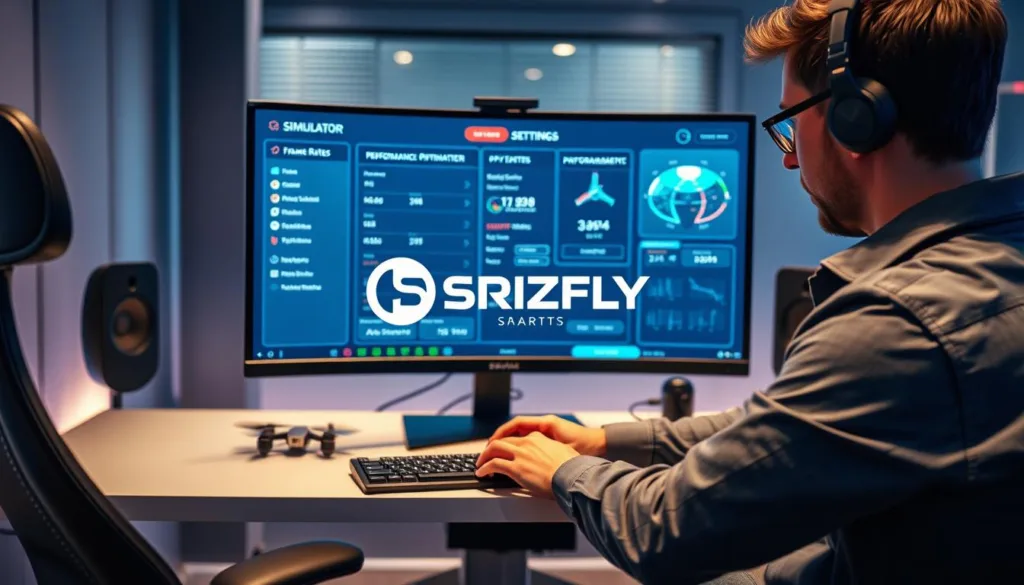
Start with graphics adjustments to match your hardware capabilities. Balance visual quality with smooth performance for the most responsive control experience.
| Setting Type | Low-End Device | Mid-Range Device | High-End Device |
|---|---|---|---|
| Texture Quality | Low | Medium | High |
| Shadow Details | Disabled | Medium | Ultra |
| Target FPS | 60 | 90 | 120+ |
| Effects Quality | Basic | Standard | Enhanced |
The most effective training happens when your virtual aircraft responds exactly like the real thing. Calibration is the bridge between practice and performance.
Radio configuration requires careful attention. Calibrate your transmitter to ensure precise input translation. This creates identical stick feel between virtual and real flying.
Frame rates above 60fps prevent input lag that disrupts training. Consistent performance builds proper reflexes and control habits.
Fine-tune your rates to match personal preferences. Experiment with different sensitivities until you find the perfect setup for your style.
Using an actual radio transmitter provides the most authentic experience. Proper endpoint calibration ensures the software responds like real equipment.
Settings optimization continues as your skills improve. Regular adjustments keep your training challenging and effective over time.
Bridging the Gap Between Simulation and Real-Life FPV Flying
Making the jump from virtual practice to actual flight can feel like a big step, but it’s easier than you think. The core skills you build in a digital environment translate directly to controlling real aircraft.
Your brain develops crucial muscle memory during practice sessions. This means your fingers learn the precise movements needed for smooth control.
Techniques to Improve Your Flying Skills
Focus on one maneuver at a time instead of trying to learn everything at once. Deliberate practice, where you analyze each mistake, builds skills much faster than mindless repetition.
The freedom to crash without consequence is a huge advantage. You can attempt risky moves and push your limits, which accelerates learning.
Transferring Simulator Experience to Real Flight
When you first fly a real craft, choose a calm day with no wind. This lets you focus on adapting your skills without extra challenges.
You will need to adjust for factors like battery life and weather conditions. The table below highlights key differences to prepare for.
| Aspect | Virtual Practice | Real-World Flight |
|---|---|---|
| Environmental Factors | Controlled & Predictable | Wind, Weather, Obstacles |
| Consequence of Error | Instant Reset | Potential Damage |
| Equipment Variables | Standardized | Battery Life, Signal Strength |
Over a million pilots worldwide have successfully made this transition. This proven method builds the confidence needed for an amazing realistic flying experience.
Getting Started with Your Simulator
Ready to take your first virtual flight? The setup process is surprisingly straightforward. You’ll be airborne in minutes with the right approach.
Begin by downloading the free application from Steam. This platform makes FPV SkyDive accessible across multiple operating systems.
Step-by-Step Setup Guide
First, verify your system meets the basic requirements. Check the table below for minimum and recommended specifications.
| Component | Minimum | Recommended |
|---|---|---|
| Processor | Intel Core i5 | Intel Core i5 6500+ |
| Memory | 8 GB RAM | 16 GB RAM |
| Graphics | NVIDIA GeForce GTX 650 | NVIDIA GeForce GTX 970 |
| Storage | 2 GB available | 5 GB available |
Next, connect your preferred input device. The software supports PlayStation, Xbox, and dedicated transmitters.
Using an actual radio provides the most authentic experience. Calibrate your radio through the intuitive configuration menus.
Fine-tune sensitivity settings to match your personal preferences. This ensures precise control over your virtual aircraft.
Start with beginner-friendly environments to build confidence. Gradually progress to more challenging courses as your skills improve.
The seamless integration means you’ll spend less time configuring and more time flying. This simulator truly simplifies the learning process.
Conclusion
Your journey into the world fpv starts with a single virtual flight. Modern training platforms have completely changed how pilots build their abilities.
The combination of racing and freestyle modes creates a comprehensive learning environment. You can safely push your limits without worrying about expensive crashes.
Over one million users have proven that these tools accelerate skill development. The realistic physics and diverse environments make practice both effective and enjoyable.
Visit the official website to review the privacy policy and begin your adventure today. Your path to mastering aerial navigation begins right now.

