
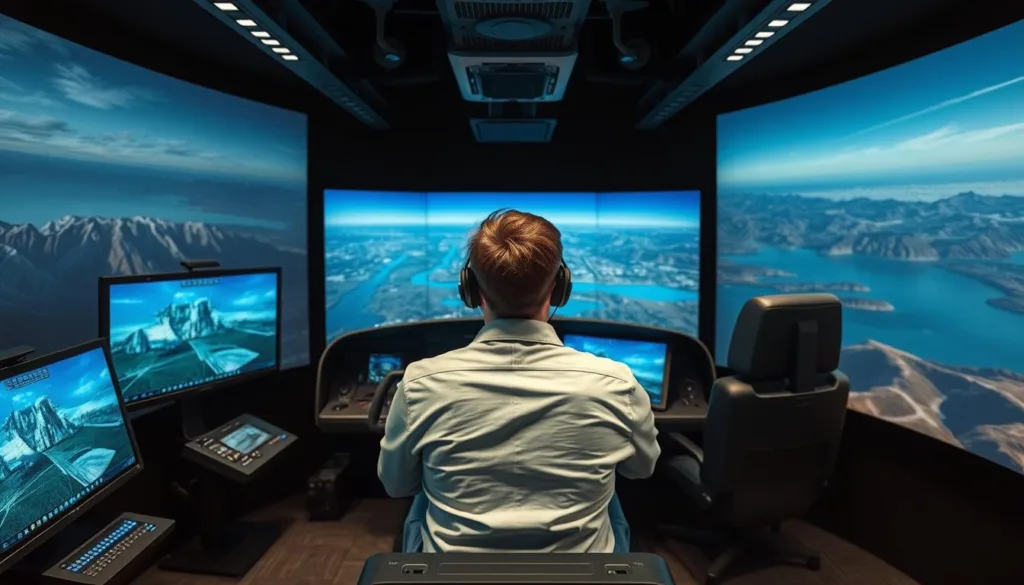
Welcome to the world of professional flight training that bridges the gap between virtual practice and real-world aerial adventures. This innovative platform offers an unparalleled opportunity to develop your piloting skills in a completely safe environment.
The application stands out as the only training software officially recognized by DJI, demonstrating a true commitment to quality and innovation. Whether you’re just starting out or have years of experience, this comprehensive training system adapts to your skill level.
You can master complex aerial maneuvers and build unshakable confidence without ever risking expensive hardware. The realistic physics and immersive environment create genuine muscle memory that directly translates to actual operation.
This complete training ecosystem combines cutting-edge technology with user-friendly design. It’s perfect for recreational enthusiasts, competitive pilots, and professional operators alike. Discover how this platform can transform your journey toward mastering aerial navigation.
Key Takeaways
- Official DJI recognition ensures top-tier quality and innovation
- Safe environment for mastering complex aerial maneuvers
- Realistic physics create genuine flight muscle memory
- Suitable for beginners through professional pilots
- Comprehensive training ecosystem with user-friendly design
- Risk-free skill development without hardware costs
- Direct translation of virtual practice to real-world operation
Overview of SRIZFLY Drone Simulator PC
Step into an advanced training environment where digital mastery translates directly to confident aerial operation skills. This platform stands apart with its official industry recognition and comprehensive approach to flight preparation.
Key Features and Industry Recognition
The training software combines an advanced physics engine with realistic graphics for truly immersive practice sessions. Users benefit from broad controller support and compatibility with various aerial devices.
“This represents the gold standard in virtual flight training, setting new benchmarks for authenticity and educational value.”
Industry validation comes through rigorous testing and evaluation processes. This endorsement ensures ongoing compatibility and future development support.
| Feature Category | Core Capabilities | User Benefits |
|---|---|---|
| Physics Engine | Real-world flight dynamics | Authentic muscle memory development |
| Visual Environment | High-resolution graphics | Immersive training experience |
| Controller Support | Multiple device compatibility | Flexible training options |
Product Benefits at a Glance
Pilots gain access to risk-free skill development without equipment costs. The platform offers diverse training scenarios adaptable to any skill level.
A 10-day trial period allows thorough evaluation before commitment. This demonstrates confidence in the product’s value and effectiveness.
The software serves both recreational enthusiasts and professional operators. It provides efficient, safe training solutions for various applications.
Immersive Flight Experience and Realistic Graphics
Experience flight simulation that feels genuinely authentic with advanced physics modeling and detailed environments. The platform creates a training atmosphere where virtual practice translates directly to real-world skills.
Advanced Physics Engine
The technology captures subtle details like motor response curves and propeller wash effects. Every movement mirrors actual aerial device behavior with remarkable precision.
Aerodynamic drag and inertia characteristics receive meticulous attention. This ensures your virtual training builds proper muscle memory for confident operation.
| Physics Element | Real-World Effect | Training Benefit |
|---|---|---|
| Motor Response | Instant power adjustments | Precise control development |
| Propeller Wash | Airflow turbulence | Stability management skills |
| Aerodynamic Drag | Wind resistance impact | Efficient flight techniques |
Dynamic Simulator Environments
Diverse settings challenge different piloting aspects from urban landscapes to natural terrains. Weather effects including wind conditions and atmospheric changes prepare you for various scenarios.
“The visual realism creates spatial awareness that directly benefits actual flying performance.”
Day-night cycles and lighting variations enhance the immersive training experience. High-quality graphics help develop situational judgment for confident real-world operation.
Authentic Controls and Training Scenarios
Develop your flying expertise with progressive learning paths designed for every skill level. The platform offers genuine control systems that mirror real equipment, creating seamless transitions from virtual practice to actual operation.
Users experience true-to-life responsiveness through supported controllers and transmitters. This authentic feel builds muscle memory that directly translates to confident real-world performance.
From Beginner to Advanced Training
Newcomers start with thirty structured levels covering fundamental flight concepts. These initial exercises build essential skills like orientation, navigation, and basic control.
The curriculum progresses through intermediate challenges including precision flying and smooth transitions. Advanced modules simulate professional missions with realistic constraints and objectives.
Customizable training scenarios allow personalized practice targeting specific skill development. Whether mastering obstacle courses or complex maneuvers, the system adapts to individual learning needs.
“The structured progression ensures proper technique development from the very first session.”
This comprehensive approach prevents bad habits while building solid foundations. Both recreational enthusiasts and professional operators benefit from the systematic skill development.
System Requirements and Easy Installation
Before diving into virtual flight practice, let’s ensure your computer meets the necessary specifications for optimal performance. The platform maintains modest system requirements that work with most modern computers.
Free Trial vs Full Version Activation
You can test the training platform risk-free with a 10-day trial. Simply download the software and install it directly without any activation code.
The full version requires purchasing a license plan online. After completing your order, you’ll receive a download link and activation code via email.
| Component | Minimum Requirements | Recommended Setup |
|---|---|---|
| Operating System | Windows 10 | Windows 11 |
| Processor | Intel i3 | Intel i5 |
| Memory | 8 GB RAM | 16 GB RAM |
| Graphics | NVIDIA GTX 660 | NVIDIA GTX 1060 |
| Storage | 10 GB available | 15 GB available |
The complete installation process takes just minutes from download to first flight. Enter your activation code after setup to unlock all features.
For optimal performance, ensure your graphics drivers are updated. Temporary antivirus disabling may help if the installer stalls.
Enhancing Your Flight Skills through Simulation
Mastering aerial navigation requires developing muscle memory through repeated practice, which virtual training platforms facilitate perfectly. This approach transforms how pilots build competence compared to traditional methods.
Cost-Effective Training Methods
Virtual practice eliminates the substantial expenses of physical training. You avoid costs for replacement parts, repairs, and potentially destroyed equipment.
Unlimited practice time costs a fraction of real-world training investments. This makes skill development accessible without financial barriers.
Risk-Free Practice Environment
Pilots can push their limits without real-world consequences. Challenging maneuvers become learning opportunities rather than risks.
Beginners build basic competency before handling expensive gear. Experienced operators master advanced techniques safely.
The platform creates optimal learning conditions where confidence builds solidly. Skills develop faster through concentrated, repetitive practice.
- No equipment setup delays maximize productive training time
- Mistakes become valuable lessons without costly damage
- Muscle memory develops through unlimited repetition
This training tool accelerates progression more efficiently than real-world practice alone. The time invested yields remarkable skill improvement.
Compatibility with DJI Drones and Models
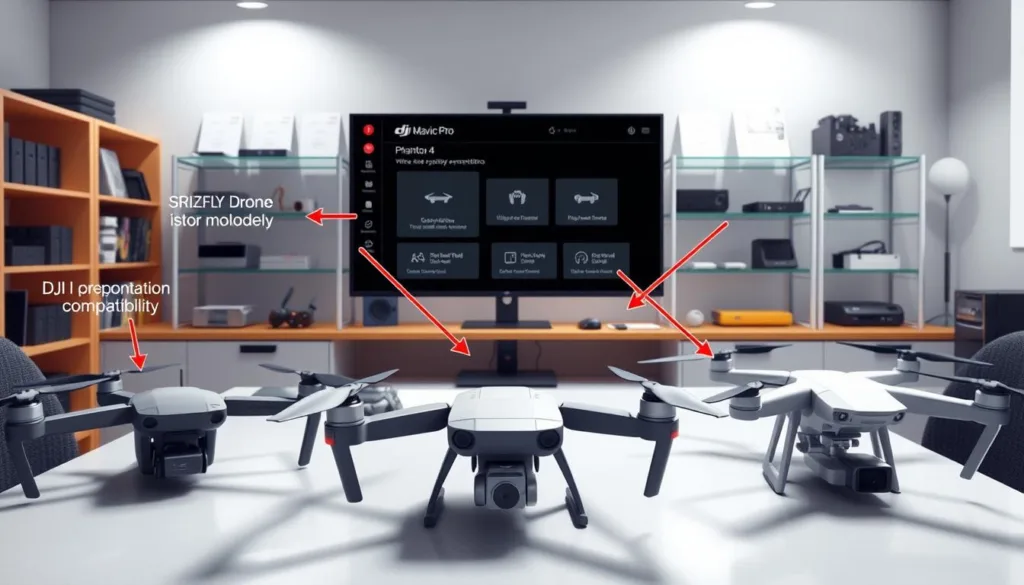
One of the most valuable aspects of virtual flight training is the ability to practice with your exact aerial device. This platform’s extensive compatibility ensures your practice sessions directly translate to real-world performance.
Supported DJI Models
The software supports a wide range of popular devices from the industry leader. You’ll find accurate virtual versions of Mavic series including Air, Pro, and Mini models.
Phantom series devices like Phantom 3, 4, and 4 Pro are fully replicated. The platform also includes Spark and Inspire series for comprehensive training options.
| Device Series | Specific Models | Training Benefits |
|---|---|---|
| Mavic Series | Air, Pro, Mini | Portable device mastery |
| Phantom Series | Phantom 3, 4, 4 Pro | Professional-grade training |
| Inspire Series | Various configurations | Cinematic flight practice |
| Spark Models | Standard edition | Beginner-friendly operation |
| Additional Types | Whoop quads to multirotors | Diverse skill development |
Each virtual device captures authentic flight characteristics and control responses. This attention to detail means skills developed in the simulation transfer seamlessly to actual operation.
Pilots can confidently experiment with different configurations without financial risk. The broad model support demonstrates a commitment to relevant, authentic training for every user.
User-Friendly Interface & Controller Integration
Navigating complex software shouldn’t be a barrier to developing flight skills. The platform’s thoughtful design ensures pilots spend more time practicing and less time configuring.
Clear menus and logical organization make finding features straightforward. Helpful tooltips guide users through every option without overwhelming them.
Seamless Controller Support
The system works effortlessly with popular gaming controllers and professional transmitters. Native integration for Xbox and PlayStation devices means minimal setup time.
Low-latency mapping creates responsive, natural-feeling control. This precision helps develop proper muscle memory for real-world operation.
Intuitive Navigation
Quick-start presets get beginners flying within minutes. Advanced users appreciate granular control over every parameter when needed.
The interface balances simplicity with powerful customization options. This thoughtful approach keeps the focus where it belongs: on skill development.
Every pilot benefits from this accessible design regardless of technical expertise. The user-friendly experience removes barriers to professional-grade training.
Customizable Settings for Personalized Training
Tailor your virtual flight experience with powerful customization tools that mirror real-world setups. This platform’s tunable physics engine gives you control over core flight characteristics.
You can adjust motor response, frame weight, and propeller configurations. This lets users replicate their exact quadcopter for highly relevant training.
Fine-tuning goes deep with PID value adjustments. These settings control how your aircraft responds to commands and environmental factors.
This risk-free environment is perfect for testing new configurations. You can experiment with racing or freestyle setups without physical builds.
| Adjustable Parameter | Impact on Flight | Primary User Benefit |
|---|---|---|
| Motor Response Curve | Controls acceleration and power delivery | Matches real-world equipment feel |
| Frame Weight & Distribution | Affects agility and stability | Customizes handling for different styles |
| Propeller Configuration | Alters thrust and efficiency | Optimizes performance for specific goals |
| PID Tuning Values | Dictates control responsiveness | Enables precise characteristic dialing |
Advanced options include filter settings for prop wash management. You can also create customized throttle curves.
These extensive settings transform the SRIZFLY simulator into a personalized training tool. It maximizes the effectiveness of every practice session for all users.
Community Engagement and User Testimonials
Beyond the software itself lies a dynamic ecosystem where pilots connect and grow together. This vibrant network turns individual practice into a shared journey of improvement.
New and experienced users find tremendous value in these collaborative spaces. They share tips, celebrate successes, and solve challenges as a group.
User Forums and Reviews
The dedicated forums are buzzing with activity. Pilots exchange configuration files, discuss advanced techniques, and offer real-time advice.
“This platform has been a game-changer for my training. It’s realistic, immersive, and fun to use.”
Another user notes, “I was skeptical at first, but it really helped me improve my flying skills. The support team is also very helpful.”
This feedback directly influences future updates. The development team actively incorporates suggestions from the community.
Community Resources
A wealth of learning materials is available to all members. These resources accelerate skill development for everyone.
| Resource Type | Primary Content | Key Benefit for Users |
|---|---|---|
| Video Tutorials | Step-by-step technique demonstrations | Visual learning for complex maneuvers |
| Shared Libraries | Community-created configurations | Learn from proven setups |
| Interactive Leaderboards | Global skill challenges | Friendly competition motivation |
Technical support is always available to answer questions. This ensures a smooth experience for all pilots.
Joining this community means accessing collective knowledge. It transforms training from a solitary activity into a connected adventure.
Comparative Advantage over Other Drone Simulators
Choosing the right flight training platform requires careful consideration of features, quality, and overall value. While several options exist, one solution stands apart by combining the best elements of leading competitors.
Competitive Features and Value
This platform delivers professional-grade physics matching VelociDrone’s racing standard. It maintains beginner-friendly accessibility similar to DRL Simulator’s approach.
Creative environments rival Uncrashed’s stunning locations. The software combines these strengths into a single, integrated solution.
Regular updates continuously expand capabilities beyond static competitors. Customization options provide flexibility that exceeds other programs.
- Official industry recognition ensures authentic training translation
- Cost-effective access to premium simulation quality
- User-friendly interface reduces learning curve
This comprehensive approach offers exceptional value for all skill levels. Pilots receive versatile training without compromising on features or performance.
Comprehensive Training Programs and Modules
Building pilot expertise requires a structured approach that grows with your abilities. The platform offers progressive learning paths that adapt to each user’s skill development.
These carefully designed programs ensure systematic improvement from basic operations to professional techniques. Every module focuses on practical application and real-world relevance.
Beginner Training Modules
New pilots start with thirty foundational levels covering essential flight controls. These introductory exercises build orientation, navigation, and stability skills.
The curriculum progresses gradually to prevent overwhelm while maintaining engagement. Beginners develop confidence through controlled environments before advancing.
Advanced Flight Techniques
Experienced operators master precision maneuvers for professional applications. The training includes cinematic movements, inspection routines, and complex racing sequences.
Real-world mission scenarios prepare pilots for surveying, search operations, and commercial photography. This practical experience translates directly to professional work environments.
The comprehensive approach ensures no essential skill is overlooked during development. Both recreational enthusiasts and career professionals benefit from this systematic training methodology.
Professional Drone Use and Simulation Benefits
For commercial operators, aerial technology represents more than recreation—it’s serious business where precision matters. Mistakes during professional assignments can lead to significant financial losses and damaged reputations.
Virtual practice platforms provide essential preparation for real-world missions. They allow operators to develop specialized skills without risking expensive equipment.
Real-World Mission Preparation
Commercial pilots can rehearse specific assignments in detailed virtual environments. This includes practicing inspection routes for infrastructure assessment and mastering camera movements for filming projects.
The technology helps professionals prepare for various scenarios they might encounter. Emergency situations, equipment malfunctions, and changing weather conditions can all be simulated safely.
Case studies show measurable improvements in operator performance after consistent virtual practice. These include reduced incident rates and enhanced mission efficiency.
Professional applications benefit greatly from this preparation method. Aerial photography, surveying, inspection work, and search operations all become more reliable.
This approach builds the judgment and composure required for safe commercial operations. It transforms how professionals develop the competencies needed for demanding client work.
Ongoing Support, Updates, and Technical Assistance
Your investment in flight training extends beyond the initial purchase to include ongoing improvements and responsive assistance. The platform’s value grows through continuous enhancement and reliable help when needed.
The development team regularly releases updates that expand capabilities and refine performance. These improvements ensure the training experience remains current with evolving technology.
Regular Software Updates
New features and aircraft models arrive through systematic updates. The software evolves to match real-world advancements in flight technology.
Performance optimizations and bug fixes maintain smooth operation. Users benefit from an experience that improves over time rather than becoming outdated.
Dedicated Technical Support
Knowledgeable support staff provide prompt assistance for any issues. They help with installation, configuration, and performance optimization.
Multiple channels including email and forums ensure quick resolution. The support team demonstrates genuine commitment to user success.
Community feedback directly influences future development priorities. This collaborative approach creates a platform that truly serves pilot needs.
Future Developments and Innovative Features
The commitment to continuous innovation ensures this platform remains at the forefront of virtual flight training technology. Exciting advancements are already in the pipeline.
Upcoming Enhancements
Planned updates will expand compatibility with the latest aerial equipment as new models launch. Support for additional manufacturers will create a universal training solution.
This approach allows pilots to practice with diverse gear from various brands. The system’s versatility will grow significantly with these developments.
Expanding Platform Capabilities
New training scenarios will reflect emerging real-world applications. Advanced environmental settings will challenge different piloting skills.
Innovative features may include AI-assisted feedback and detailed performance analytics. Enhanced graphics and sophisticated weather simulation will boost immersion.
Virtual reality integration could provide the ultimate training experience. The physics engine will evolve alongside actual aviation technology.
This dynamic approach guarantees your investment continues delivering value. The platform’s future looks brighter than ever with these planned improvements.
Deep Dive into SRIZFLY drone simulator pc Performance
Understanding the technical excellence behind flight training platforms reveals why some stand out from the competition. This analysis explores the sophisticated systems that create an authentic flying experience.
Realistic Flight Dynamics
The advanced physics engine captures nuanced behaviors with remarkable accuracy. It models motor response curves and propeller wash effects precisely.
Aerodynamic drag and inertia characteristics receive meticulous attention. This creates a seamless bridge between virtual practice and real-world operation.
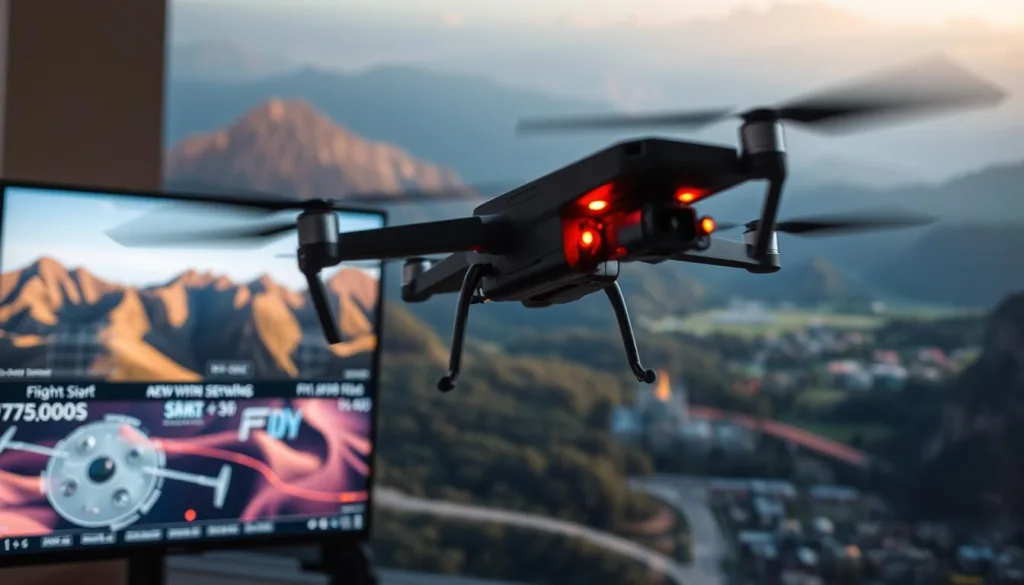
Muscle memory and reaction timing developed here translate directly to actual flying. The demanding environment builds genuine piloting skills rather than simulator-specific techniques.
Enhanced User Experience
Performance optimization ensures smooth operation even on modest hardware. Efficient code maintains high frame rates critical for proper timing.
The overall training quality extends beyond technical specifications. Users enjoy intuitive responsiveness and visual clarity throughout their sessions.
This combination creates a satisfying feeling of mastery as skills develop. The platform represents the pinnacle of flight simulation technology for serious pilots.
Conclusion
Your journey toward mastering aerial navigation finds its perfect training partner in this comprehensive platform. It delivers exceptional value through official industry recognition and remarkably realistic physics.
This creates a safe space to build genuine piloting skills without financial risk. The structured programs accelerate learning for all experience levels.
From first-time flyers to professional operators, everyone benefits from this versatile approach. The simulation experience directly translates to confident real-world flight performance.
Begin your adventure today with the free trial. Discover how this outstanding training solution can transform your abilities and unlock new possibilities in the sky.
FAQ
What makes this simulation software stand out for learning to fly?
Our platform is praised for its incredibly realistic physics engine and high-quality graphics. This creates a true-to-life training environment that helps you build confidence and skill safely, without the risk of damaging an actual aircraft.
Can I use my own controller with the program?
Absolutely! The software offers seamless integration with a wide range of popular controllers. This allows for an authentic and responsive control experience that mirrors flying a real device.
Is this tool suitable for someone with no prior experience?
Yes, it’s perfect for beginners! The software includes structured training modules that start with the very basics. You can progress at your own pace in a completely risk-free setting.
What are the minimum system requirements to run it smoothly?
For optimal performance, you’ll need a modern Windows operating system, a dedicated graphics card, and a sufficient amount of RAM. Detailed specifications are available on our website to ensure your computer is compatible.
Does the software support practicing in different weather conditions?
Yes, it does! One of the key features is a range of dynamic environments, including various weather scenarios like wind and rain. This is essential for preparing for real-world flying challenges.
How does this help if I already own a specific brand of drone, like DJI?
The simulation includes accurate models that replicate the flight characteristics of many popular commercial drones. This means you can practice with a virtual version that behaves just like your actual equipment.
Is there a way to try it before I purchase the full version?
Certainly! We offer a free trial so you can experience the core features and see if the software is the right fit for your training needs before committing.
What kind of ongoing support can I expect after installation?
Our dedicated team provides regular software updates to improve performance and add new features. We also offer comprehensive technical assistance to help with any questions you may have.

