
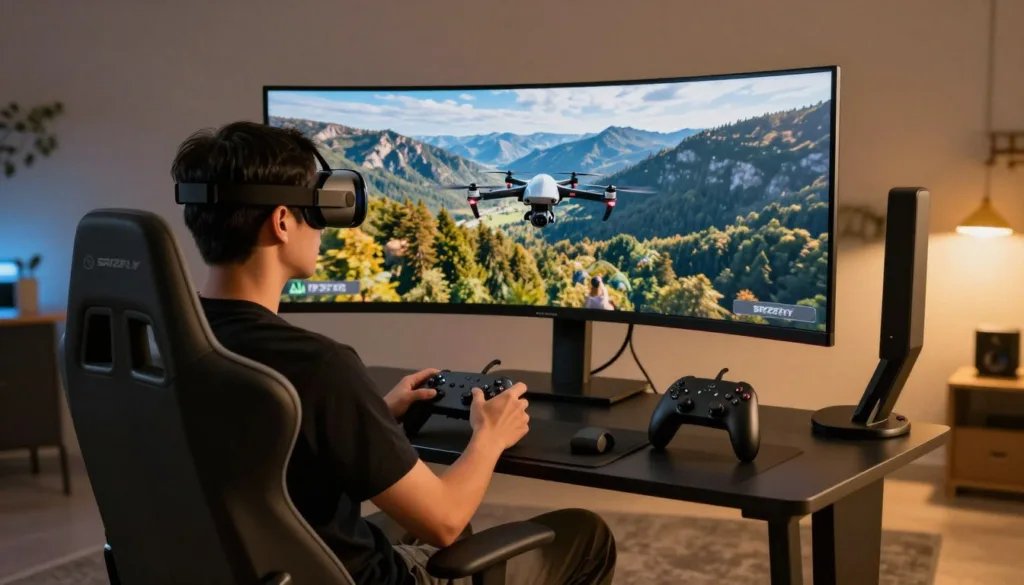
Welcome to the exciting world of virtual pilot training! Whether you’re just starting out or looking to refine your techniques, modern simulation software offers an incredible opportunity to build confidence and ability.
These digital training platforms have become essential tools for anyone interested in aerial sports. Beginners can learn fundamental controls in a risk-free environment, while seasoned enthusiasts can practice complex maneuvers without worrying about damaging expensive equipment.
The accessibility of these programs makes them perfect for aspiring pilots. You can experience the thrill of first-person view flying from your computer or mobile device. This approach is significantly more cost-effective than learning exclusively with physical gear.
Today’s advanced training software features realistic physics, diverse environments, and competitive multiplayer options. Professional racers and freestyle experts worldwide use these platforms to hone their craft and push their limits safely.
Key Takeaways
- Virtual training platforms provide a safe environment to learn aerial piloting techniques
- Both beginners and experienced pilots benefit from simulation practice
- Digital training is more affordable than learning with physical equipment alone
- Modern programs offer realistic physics and diverse flying environments
- Professional competitors use these tools to refine their skills safely
- You can access these training programs from computers and mobile devices
- Simulation practice helps build muscle memory and reaction times
Understanding the World of FPV Drone Flight Simulators
Virtual environments provide the perfect playground for mastering aerial maneuvers. These digital platforms recreate realistic flying conditions without any real-world risks.
What is an FPV Drone Flight Simulator?
A specialized software application replicates the sensation of piloting from a first-person perspective. It connects with actual radio controllers to deliver authentic handling.
The physics engine mimics real equipment behavior with impressive accuracy. This creates a genuine training experience that builds proper muscle memory.
Programs like OrqaFPV.SkyDive serve as excellent entry points into this hobby. They offer immersive racing and freestyle sessions in various virtual settings.
The Benefits of Virtual Training
Practice becomes completely risk-free with no worry about damaging expensive gear. Crashes have zero consequences beyond a quick reset.
You can train in any weather condition at any time of day. This flexibility accelerates skill development dramatically.
Virtual sessions build confidence before transitioning to physical equipment. They develop the quick reflexes needed for advanced maneuvers.
This approach complements real-world practice rather than replacing it. It creates a comprehensive learning path that saves both time and money.
Top fpv drone flight simulator Product Roundup
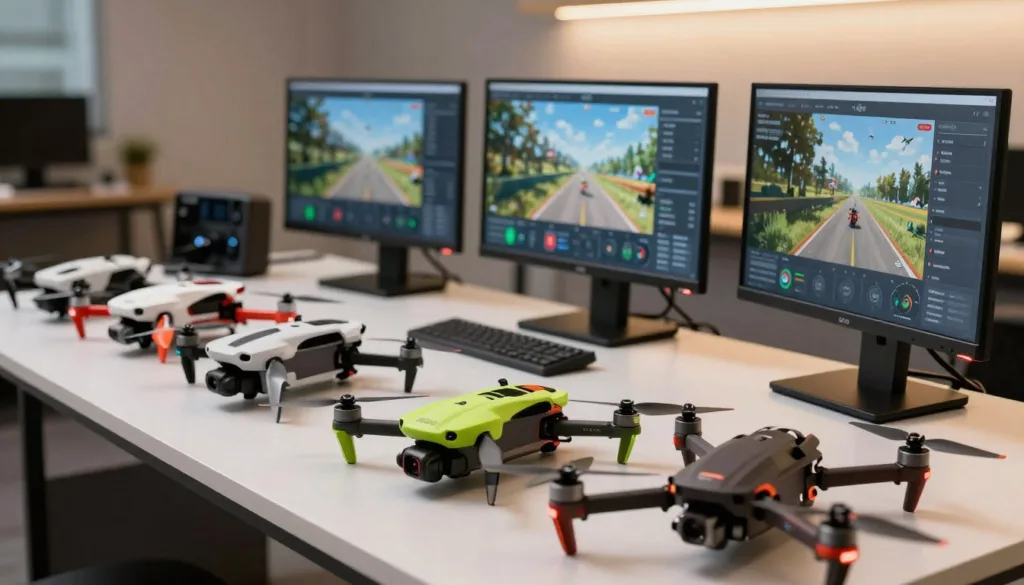
When it comes to choosing the right digital training tool, today’s options offer diverse approaches to skill development. Each platform brings unique strengths to the table.
Featured Simulators and Their Unique Selling Points
OrqaFPV.SkyDive stands out as a completely free option with impressive review scores. It works across PC, Mac, and Linux systems.
This platform includes racing, freestyle, and educational modes. Users can even build custom tracks for personalized practice sessions.
For mobile enthusiasts, FeelFPV delivers quality training on iOS devices. It requires no expensive computer setup, making practice accessible anywhere.
Comparative Insights from Recent Reviews
Recent feedback shows strong approval ratings for these platforms. OrqaFPV.SkyDive maintains 83% positive reviews from recent users.
One reviewer noted, “a great alternative if you don’t want to spend the money on premium options.” This highlights the value proposition.
Users consistently praise realistic physics and diverse game modes. Some requests for additional content appear in the feedback data.
These insights help identify which platform suits specific training needs best.
Realistic Flight Physics and Immersive Simulation Experience
What separates basic games from professional training tools is the attention to realistic physics. Modern platforms create authentic experiences through sophisticated engineering.
Optimized Drone Physics and Controls
The core of any quality training system lies in its physics engine. OrqaFPV.SkyDive delivers optimized and realistic flight physics for the most authentic experience possible.
Technical improvements have revolutionized virtual training. Platforms now include advanced mechanisms like propwash effects from spinning propellers. These subtle details affect stability and control.
| Physics Element | Real-World Effect | Training Benefit |
|---|---|---|
| Aerodynamic Drag | Slows movement through air | Teaches speed management |
| Gyroscopic Precession | Affects turning responsiveness | Builds precise control skills |
| Battery Voltage Sag | Reduces power over time | Develops energy awareness |
Immersive 3D Environments and Maps
Vibrant 3D worlds provide the perfect testing ground for developing skills. Different maps challenge pilots with unique obstacles and lighting conditions.
One satisfied user noted,
“the controls feel really clean and smooth, making practice sessions incredibly effective.”
This intuitive feel helps build muscle memory that translates directly to real equipment operation. The variety of environments ensures comprehensive skill development.
Diverse Gamemodes and Customizable Tracks
One of the most engaging aspects of contemporary training software is the wide range of available gameplay options. These different approaches help users develop specific skills while keeping practice sessions fresh and exciting.
Racing, Freestyle, and Contest Modes
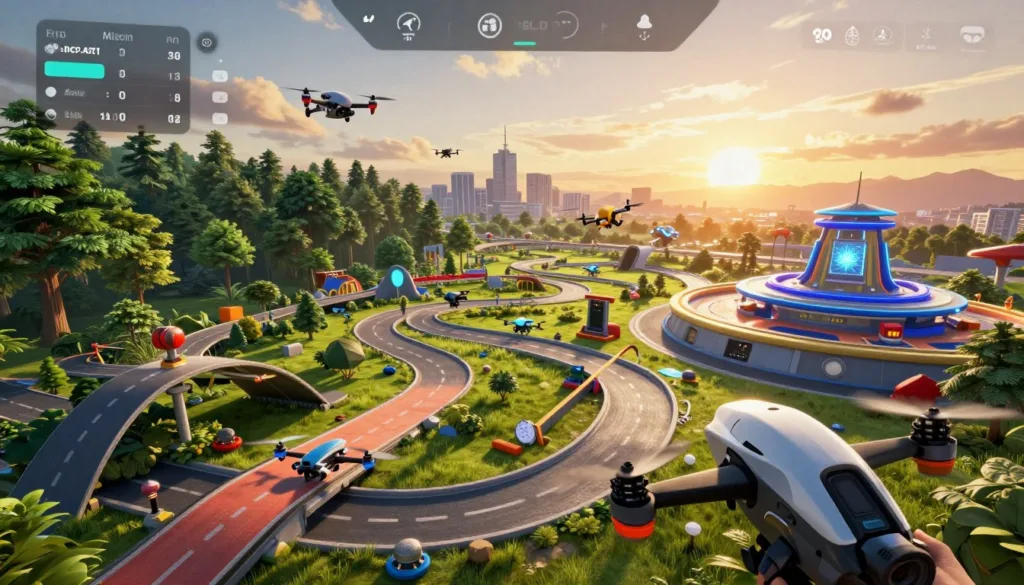
The racing mode challenges pilots with high-speed competitions through complex gate sequences. This adrenaline-filled experience builds precision and quick decision-making abilities.
For creative expression, the freestyle option provides open sandbox environments. Users can practice aerial tricks without time pressure or specific objectives.
Global contest features allow participation in worldwide events with competitive leaderboards. One experienced user noted,
“The races are so hard so practice in sandbox mode on some of the maps before career mode”
Specialized training modules like Flight School break down complex maneuvers into manageable steps. This progressive learning approach ensures steady skill development.
Custom Track Builder Capabilities
The track creation tool empowers users to design unique racing circuits and practice areas. This feature encourages creativity and community sharing.
| Game Mode | Primary Focus | Skill Development |
|---|---|---|
| Racing | Speed and precision | Gate navigation, timing |
| Freestyle | Creative expression | Trick execution, control |
| Contest | Competitive performance | Pressure management, consistency |
| Flight School | Progressive learning | Fundamental technique building |
Recent updates continue expanding these possibilities with new maps and cooperative features. The container map, for example, lets pilots “get cool shots by following the car that’s drifting around the track.”
User Reviews and Expert Opinions
The collective voice of experienced users reveals the true strengths and limitations of virtual practice environments. Authentic feedback helps newcomers make informed decisions about which platforms suit their needs.
Insights from Community Feedback and Curators
Community approval data shows strong support for quality training tools. OrqaFPV.SkyDive maintains 84% positive ratings from 1,521 English reviews.
Recent feedback remains consistently strong at 83% positive. Four independent curators have validated this platform, adding expert credibility.
User testimonials highlight satisfying progression curves. One pilot shared, “This game is so fun!!!! When I first played it it was soo hard but I love a good challenge.”
Experienced users offer practical guidance for beginners. They recommend avoiding advanced modes initially to build skills systematically.
Analysis of Recent and English Reviews
The training value receives consistent praise across recent evaluations. Users appreciate clean controls and the absence of intrusive advertising.
Non-pilots successfully learn aerial skills through these platforms. One newcomer noted significant improvement over just one month of practice.
Constructive feedback focuses on expanding content variety and controller compatibility. These insights help developers continue improving the user experience.
Essential Hardware, Compatibility, and System Requirements
Before diving into virtual skies, understanding your equipment requirements ensures a smooth experience. Proper setup prevents technical issues that could interrupt your training progress.
Compatible Platforms and Device Requirements
OrqaFPV.SkyDive works across multiple operating systems. It supports PC, Mac, and Linux devices with flexible specifications.
The minimum requirements include Windows 7/8/10 64-bit systems. You’ll need an Intel Core i5 processor with 8GB RAM and NVIDIA GeForce GTX 650 graphics.
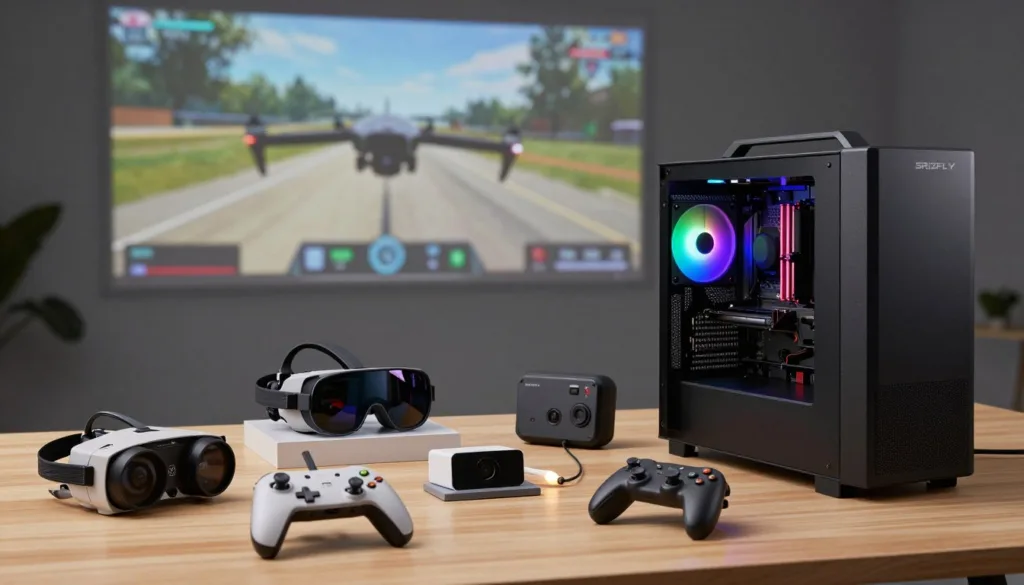
Mobile users can access FeelFPV on iOS 13.0 or later devices. This includes iPad, iPod touch, and Mac with Apple M1 chip running macOS 11.0+.
Optimized Settings for Lower-End Devices
Developers note that graphic settings are adjustable for older hardware. This flexibility allows participation regardless of your computer’s age.
A transmitter radio provides the most authentic control experience. While keyboards work, actual controllers build better muscle memory.
| Component | Minimum Specification | Recommended for Best Experience |
|---|---|---|
| Processor | Intel Core i5 | Intel Core i5 6500 or better |
| Graphics Card | NVIDIA GeForce GTX 650 | NVIDIA GeForce GTX 970 or better |
| RAM | 8GB | 16GB for highest fidelity |
| Storage Space | 2GB | 2GB+ for updates |
Budget-conscious users appreciate these accessible requirements. You can start training without expensive gaming equipment investments.
Key Features and Settings to Enhance Your Simulation
The true power of modern training software lies in its extensive customization capabilities. These options transform basic practice into professional skill development.
Advanced Game Features and Customizable Controls
Recent innovations include expert mode control mapping. Users can assign specific functions like flip commands to preferred buttons.
The platform supports both micro and regular aircraft. This allows practice with virtual versions of actual equipment.
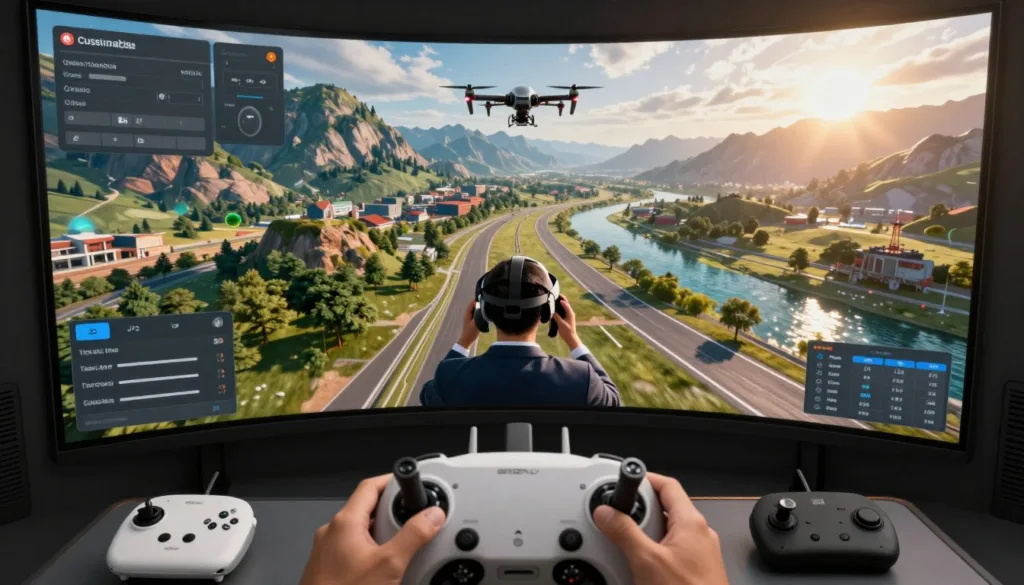
New advanced settings provide speed and camera angle adjustments. The horizon OSD element replicates real goggle displays for authentic training.
Integration with Controllers and Calibration Tips
Seamless integration works with popular controllers including PlayStation, Xbox, and ORQA FPV.Ctrl. ELRS Wi-Fi support enables wireless transmitter connections.
Proper calibration ensures virtual practice translates directly to real skills. One user confirmed compatibility with “BETA FPV remote controle.”
Matching your rates between virtual and physical setups builds consistent muscle memory. This eliminates adjustment periods when switching to actual equipment.
Customizable touch controls and extended setting ranges create personalized training scenarios. These features target specific skill development needs effectively.
Mobile vs. PC Drone Simulation: What Works Best?
Modern aerial enthusiasts face an important choice: mobile convenience or desktop performance for skill development. Each platform offers distinct advantages that suit different lifestyles and training goals.
Comparison of Mobile Simulator Experiences
Mobile options like FeelFPV provide incredible flexibility. With just 914.9 MB of storage needed, you can practice anywhere using your iPhone or iPad.
The app supports touch controls, gamepads, and actual RC controllers. Users praise it as “the best one out here on the App Store” for portable training.
However, smaller screens and reduced processing power present limitations. Graphics may be less detailed compared to desktop alternatives.
Advantages of PC, Mac, and Linux Platforms
Desktop systems deliver superior visual quality and performance. Larger displays or VR compatibility create more immersive experiences.
Platforms like OrqaFPV.SkyDive work across all major operating systems. They offer lower latency and typically more game modes for comprehensive training.
| Platform | Best For | Key Advantage |
|---|---|---|
| Mobile | Casual practice & travel | Portability & quick sessions |
| PC/Mac/Linux | Serious training | Performance & feature depth |
| Hybrid Approach | Balanced development | Combines convenience with intensity |
Many pilots successfully combine both approaches. They use mobile for daily practice and desktop for intensive sessions. This strategy maximizes skill development efficiency.
How to Choose the Right Simulator for Your FPV Skills
Finding the perfect virtual training tool requires matching your personal goals with available features. Start by honestly evaluating what you want to achieve.
Determining Your Training and Gaming Needs
Are you learning basic controls or preparing for competitions? Your answer guides your choice. Beginners benefit from structured tutorials and gentle learning curves.
Advanced users need challenging physics and competitive modes. Consider your available time and hardware too. Mobile options suit busy lifestyles, while desktop systems offer deeper immersion.
Tips for Selecting Based on Features and Reviews
Create a priority list of must-have features. Realistic physics might top your list, or perhaps controller compatibility matters most.
Read recent user feedback carefully. Look for patterns in reviews rather than isolated comments. Free trials let you test different platforms before committing.
Remember that your first choice isn’t permanent. Many pilots use multiple tools to develop different abilities. Skills you build transfer across platforms and into real-world flying.
Looking Ahead: Updates, Enhancements, and Community Trends
Regular software updates transform basic practice tools into cutting-edge training systems. Platforms maintain their value through continuous improvement cycles that respond to user needs.
Latest Software Updates and Patch Notes
Recent versions introduce significant enhancements that improve the training experience. New environments and cooperative features expand practice possibilities.
Technical improvements include refined physics and visual effects. These changes create more authentic virtual flying conditions.
| Update Version | Key Additions | Training Impact |
|---|---|---|
| 1.5 | Castle map, improved gravity | Advanced navigation skills |
| 1.4 | Cooperative multiplayer | Team practice opportunities |
| 1.1 | Reworked physics engine | More realistic handling |
Community-Driven Feature Requests
User feedback directly influences development priorities. Common requests often appear in subsequent releases.
This collaborative approach ensures the software evolves alongside real-world techniques. Checking the official website keeps you informed about upcoming changes.
The active development cycle means your investment grows over time. You’re joining a dynamic platform rather than a static product.
Conclusion
Today’s technology bridges the gap between aspiring pilots and professional-level training. These powerful tools offer an incredible opportunity to develop your aerial abilities safely and efficiently.
Whether you’re just starting out or refining advanced techniques, there’s a perfect platform for your needs. The skills you build through consistent practice translate directly to real-world flying.
Take that first step today by downloading a simulator and connecting your controller. Every expert pilot began exactly where you are now. Consistent practice is the key to mastery.
Remember that virtual training complements real flying experience beautifully. Combine both approaches for the fastest skill development. The supportive community welcomes newcomers eager to learn.
You now have everything needed to begin your exciting journey into aerial sports. The thrill of mastering complex maneuvers awaits!
FAQ
What exactly is an FPV drone flight simulator?
It’s a specialized piece of software that mimics the experience of flying a real First-Person View quadcopter. You use a controller to navigate a virtual craft through digital environments, which helps you practice without the risk of damaging expensive equipment.
How can a simulator help me become a better pilot?
Virtual training is a safe space to build muscle memory and master complex maneuvers. You can crash endlessly while learning acrobatic tricks or perfecting your racing line, saving you time and money on repairs.
Which simulators are considered the best for beginners?
Popular choices like Liftoff and Velocidrone are highly regarded for their realistic physics and supportive communities. They offer great tutorials and adjustable settings to ease new pilots into the experience.
Do I need a powerful computer to run these programs?
While high-end PCs provide the best graphics and performance, many modern simulators are optimized to run smoothly on a wide range of hardware, including less powerful laptops and even mobile devices.
Can I use my actual radio controller with a simulator?
Absolutely! Most programs support a wide range of popular RC transmitters. Connecting your real controller is highly recommended, as it helps you get comfortable with the exact feel of your gear.
What’s the difference between racing and freestyle modes?
Racing modes focus on speed and precision as you navigate through gates on a set course. Freestyle modes give you an open area to practice tricks, flips, and creative flying without any set path.
Are there options to create my own tracks?
Yes, several leading simulation titles include powerful track editors. These tools let you design custom courses, share them with the community, and download maps created by other users.

