
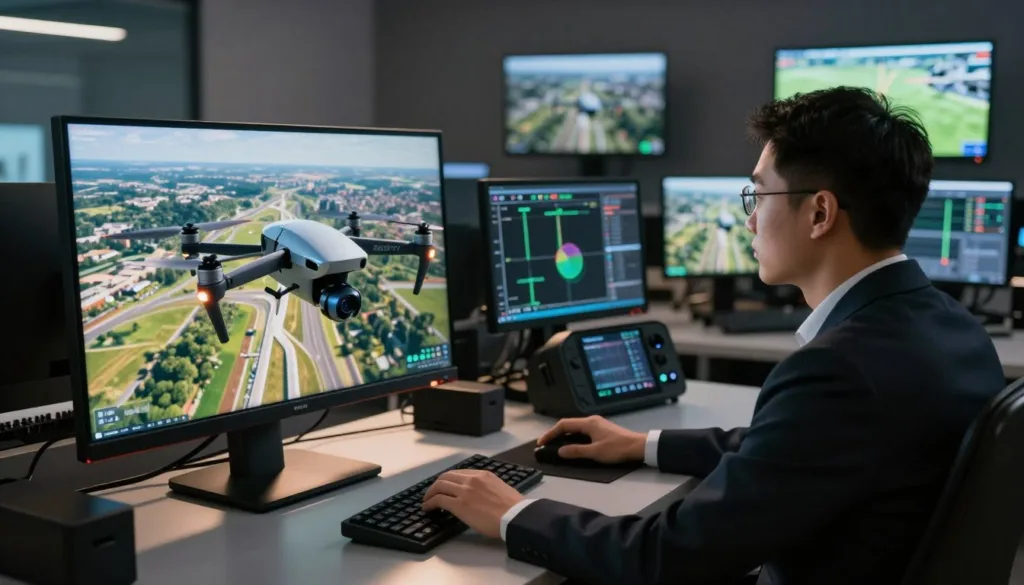
Drone enthusiasts and professionals alike are turning to realistic drone simulation tools to hone their piloting skills. A PC UAV simulator offers a safe and cost-effective way to practice drone flying, reducing the risk of damage to actual drones.
Simulators like UAVProf Drone Simulator and Drone Simulator Realistic 3D FPV provide immersive experiences that mimic real-world flying conditions. These tools are invaluable for training, allowing pilots to practice complex maneuvers and scenarios without the risks associated with real-world flights.
Key Takeaways
- Realistic drone simulators offer a safe environment for pilot training.
- PC UAV simulators reduce the cost and risk associated with drone training.
- Simulators provide immersive experiences that mimic real-world conditions.
- Drone simulation tools are essential for practicing complex maneuvers.
- They help in improving piloting skills effectively.
What Are UAV Simulators and Why Use Them
With the rise of UAV simulators, the process of learning to fly drones has become more efficient and cost-effective. UAV simulators are software programs designed to mimic the experience of flying a drone, allowing pilots to practice and hone their skills in a virtual environment.
The Definition and Purpose of Drone Simulation
Drone simulation, or UAV simulation, refers to the use of computer-based programs to simulate the flight of a drone. The primary purpose of these simulators is to provide a safe and controlled environment for pilots to learn and practice flying without the risk of damaging an actual drone.
Key benefits of drone simulation include:
- Reduced risk of accidents and damage to drones
- Cost-effective training without the need for multiple drones
- The ability to practice in various weather conditions and environments
The Evolution of UAV Simulation Technology
UAV simulation technology has come a long way since the early days of flight simulators. Modern drone simulators offer highly realistic environments and drone models, making them an invaluable tool for training.
Early Flight Simulators vs. Modern Drone Software
Early flight simulators were often rudimentary and lacked the realism of modern UAV simulators. For example, modern simulators like UAVProf Drone Simulator offer realistic environments and drone models, significantly enhancing the training experience.
The advancements in UAV simulation technology have transformed the way drone pilots train, making it more accessible and effective.
As technology continues to evolve, we can expect UAV simulators to become even more sophisticated, further enhancing their utility for drone pilots.
Benefits of Training with a PC UAV Simulator
For those looking to master drone flying, PC UAV simulators provide an invaluable training ground. These simulators offer a realistic and immersive experience, allowing pilots to hone their skills in a variety of conditions without the risks associated with real-world flying.
Cost-Effective Practice Without Crash Risks
One of the significant benefits of UAV simulators is the cost-effectiveness they offer. By practicing in a virtual environment, pilots can avoid the expenses associated with damaging drones during the learning process. This not only saves money but also reduces the risk of injury or damage to people and property.
Weather-Independent Training Opportunities
Unlike real-world drone flying, which is often weather-dependent, PC UAV simulators allow for training in various weather conditions. This flexibility means that pilots can practice and improve their skills regardless of the weather outside, making cost-effective training a reality.
Accelerated Skill Development in a Controlled Environment
The controlled environment of a PC UAV simulator enables pilots to focus on skill development without the distractions and risks of real-world flying. This environment is particularly beneficial for learning complex maneuvers.
Learning Advanced Maneuvers Safely
With a PC UAV simulator, pilots can safely practice advanced flying techniques, such as navigating through obstacles or performing aerobatic stunts. This safe environment allows for the repetition needed to master these skills, accelerating the learning process.
By leveraging the benefits of PC UAV simulators, aspiring drone pilots can significantly enhance their flying abilities in a safe, cost-effective, and efficient manner.
Top PC UAV Simulators Available in 2023
As we dive into 2023, the world of PC UAV simulators has evolved significantly, offering a range of options for drone enthusiasts. Whether you’re a beginner looking to learn the basics or a professional seeking to hone your skills, there’s a simulator out there for you.
DRL (Drone Racing League) Simulator
The DRL Simulator is a popular choice among drone racing enthusiasts. It offers a realistic racing experience with challenging courses and realistic physics. The simulator is designed to help players develop the skills needed to compete in real-world drone racing competitions.
RealFlight Drone Edition
RealFlight Drone Edition is another highly-regarded simulator that offers a realistic drone flying experience. It features a wide range of aircraft models and environments, allowing users to practice various flying techniques. The simulator is known for its accurate flight dynamics and is used by both hobbyists and professionals.
Liftoff: FPV Drone Racing
Liftoff: FPV Drone Racing is a simulator that specializes in FPV (First-Person View) drone racing. It offers a range of modes, including racing, acrobatic flying, and exploration. The simulator is praised for its realistic graphics and physics engine.
VelociDrone Professional Training Software
VelociDrone is a professional-grade simulator designed for serious drone pilots. It offers advanced features such as customizable drones, realistic environments, and a variety of training modes. The simulator is used by professionals and serious enthusiasts looking to improve their skills.
Pricing Comparison and Value Assessment
When choosing a PC UAV simulator, pricing is an important consideration. Here’s a comparison of the simulators mentioned:
| Simulator | Price | Features |
|---|---|---|
| DRL Simulator | $29.99 | Realistic racing experience, challenging courses |
| RealFlight Drone Edition | $129.99 | Wide range of aircraft models, realistic flight dynamics |
| Liftoff: FPV Drone Racing | $24.99 | FPV drone racing, realistic graphics and physics |
| VelociDrone Professional Training Software | $99.99 (Basic), $199.99 (Pro) | Customizable drones, realistic environments, advanced training modes |
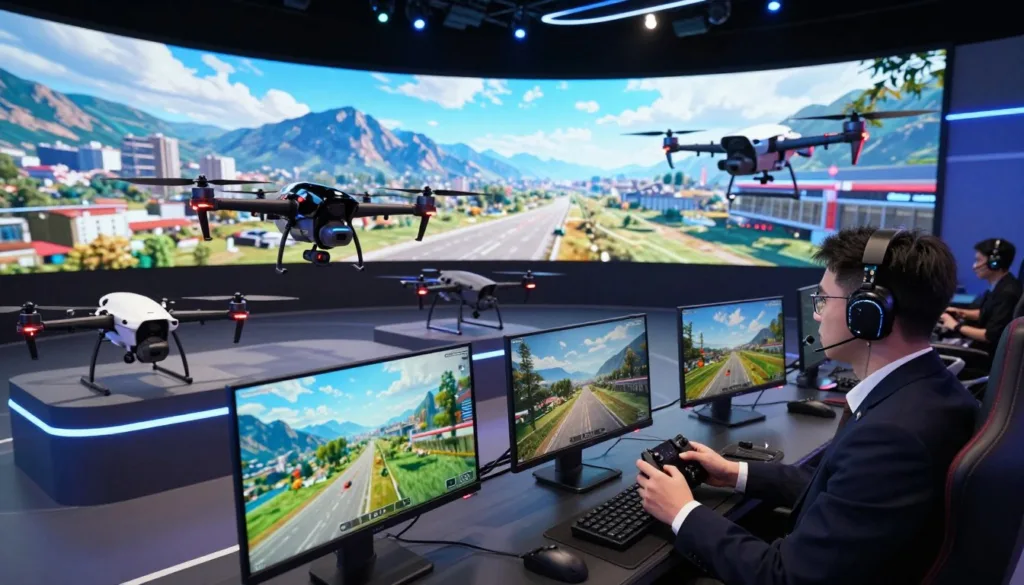
Each of these simulators offers unique features and pricing options, allowing users to choose the one that best fits their needs and budget.
Essential Features to Look for in a Quality PC UAV Simulator
The best PC UAV simulators offer a combination of realistic physics, diverse environments, and customizable drones. These features are crucial for an effective and immersive training experience.
Physics Accuracy and Flight Dynamics
A simulator with accurate physics and flight dynamics is essential for realistic training. It allows users to understand how different drones behave under various conditions, enhancing their skills in a virtual environment that closely mimics real-world flying.
Drone Variety and Customization Options
Having a variety of drones and the ability to customize them is vital for users who want to practice with different models or settings. This feature ensures that the training is versatile and applicable to various real-world scenarios.
Environment Diversity and Visual Realism
Environment diversity, including different terrains and weather conditions, adds to the realism of the simulation. Realistic 3D graphics and vivid, colorful environments make the experience more engaging and challenging.
Wind and Weather Simulation Capabilities
The ability to simulate wind and various weather conditions is a critical aspect of environment diversity. It prepares users for the challenges they might face in real-world flying, such as navigating through windy or rainy conditions.
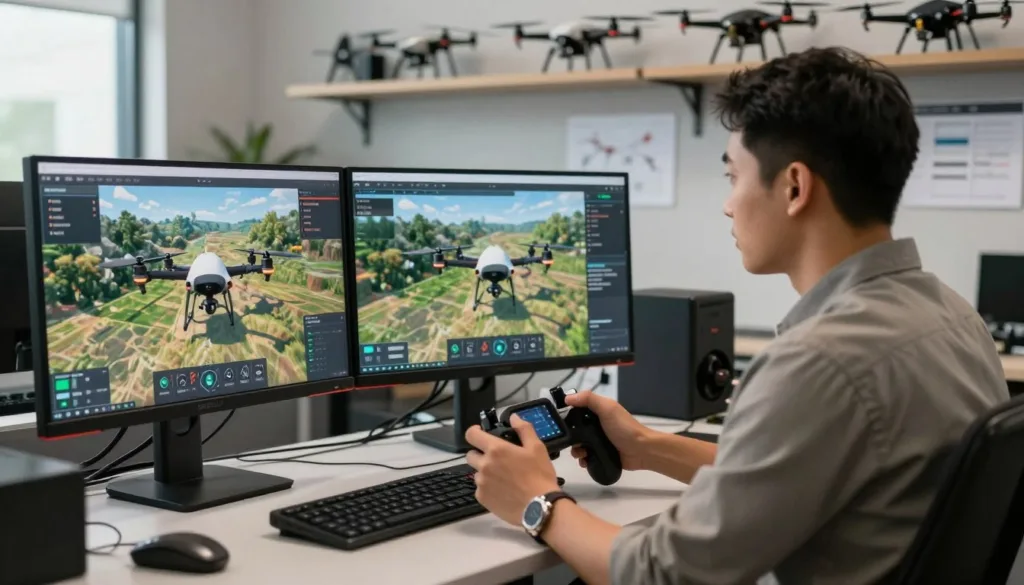
In conclusion, when looking for a quality PC UAV simulator, it’s essential to consider features like physics accuracy, drone variety, and environment diversity. These elements work together to provide a comprehensive and realistic training experience.
Hardware Requirements for an Optimal Simulation Experience
For an optimal UAV simulation experience, understanding the necessary hardware requirements is key. The right hardware setup can significantly enhance the realism and enjoyment of your simulation.
Computer Specifications for Smooth Performance
A capable computer is the backbone of any UAV simulator. Ensure your PC meets the minimum system requirements, which typically include a multi-core processor, a dedicated graphics card, and sufficient RAM. For instance, a quad-core CPU, an NVIDIA GeForce GTX 1660 graphics card, and 16 GB of RAM can provide a smooth experience.
Controller Options: From Keyboard to Professional Transmitters
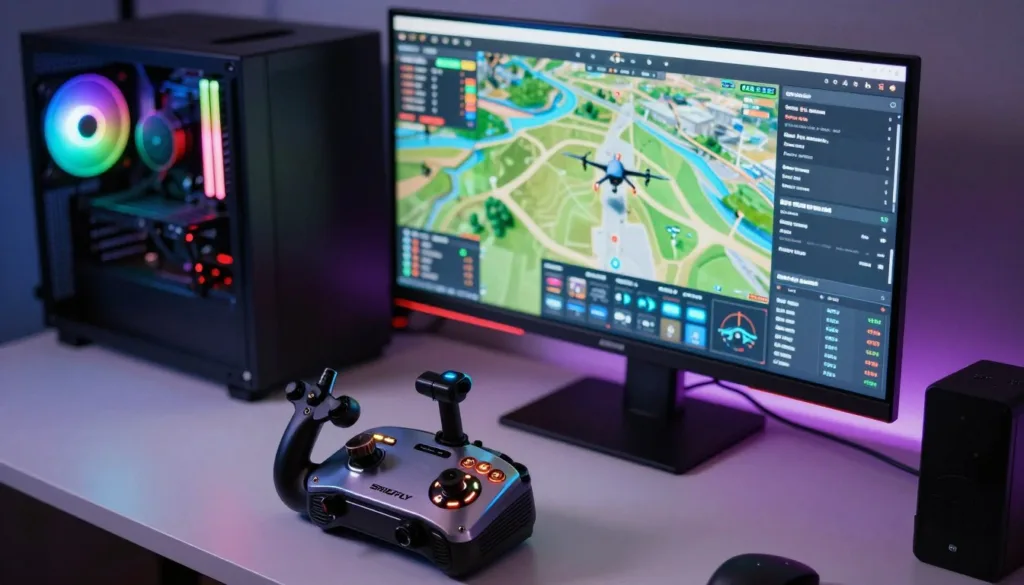
The choice of controller can greatly affect your simulation experience. While a keyboard can be used, a dedicated RC transmitter like the Radiomaster, TBS Tango, or FrSky Taranis offers more realism. UAVProf Drone Simulator recommends these controllers for the best experience.
FPV Goggles and Immersive Equipment
FPV goggles can immerse you in the simulation, making it feel more realistic. When choosing FPV goggles, consider factors like resolution, latency, and compatibility with your simulator.
Budget-Friendly vs. Professional Setup Recommendations
Your budget will influence your hardware choices. For a budget-friendly setup, consider entry-level FPV goggles and a basic RC transmitter. For a professional setup, invest in high-end goggles and a premium transmitter for the most realistic experience.
| Hardware Component | Budget-Friendly | Professional |
|---|---|---|
| FPV Goggles | Entry-level goggles ($100-$200) | High-end goggles ($500-$1000) |
| RC Transmitter | Basic transmitter ($50-$100) | Premium transmitter ($200-$500) |
Getting Started: Setting Up Your First UAV Simulation
The first step to mastering drone simulation is configuring your PC UAV simulator correctly. This involves several key steps that ensure you have a realistic and effective training environment.
Software Installation and Configuration Steps
To begin, you need to install the UAV simulation software on your computer. For instance, UAVProf Drone Simulator requires a compatible operating system and specific hardware specifications. Ensure your PC meets these requirements for optimal performance. Follow the installation instructions provided with the software, and configure the settings as recommended for the best experience.

Controller Calibration and Settings Optimization
After installing the software, calibrate your controller to ensure it works seamlessly with the simulator. Most UAV simulators support a variety of controllers, from basic keyboards to professional transmitters. Adjust the settings within the simulator to match your controller’s capabilities and your personal preferences. This step is crucial for a realistic flying experience.
Choosing Appropriate Beginner Practice Scenarios
Once your simulator is set up, select beginner-friendly practice scenarios. These scenarios typically include simple maneuvers and basic flight patterns designed to help you get accustomed to the controls and the simulator’s physics engine.
Troubleshooting Common Setup Issues
If you encounter issues during setup, such as controller lag or software glitches, refer to the simulator’s troubleshooting guide. Common solutions include updating your drivers, adjusting controller settings, or reinstalling the software.
By following these steps, you can ensure a smooth and effective UAV simulation experience, setting the stage for advanced training and skill development.
Effective Training Techniques in a Virtual Environment
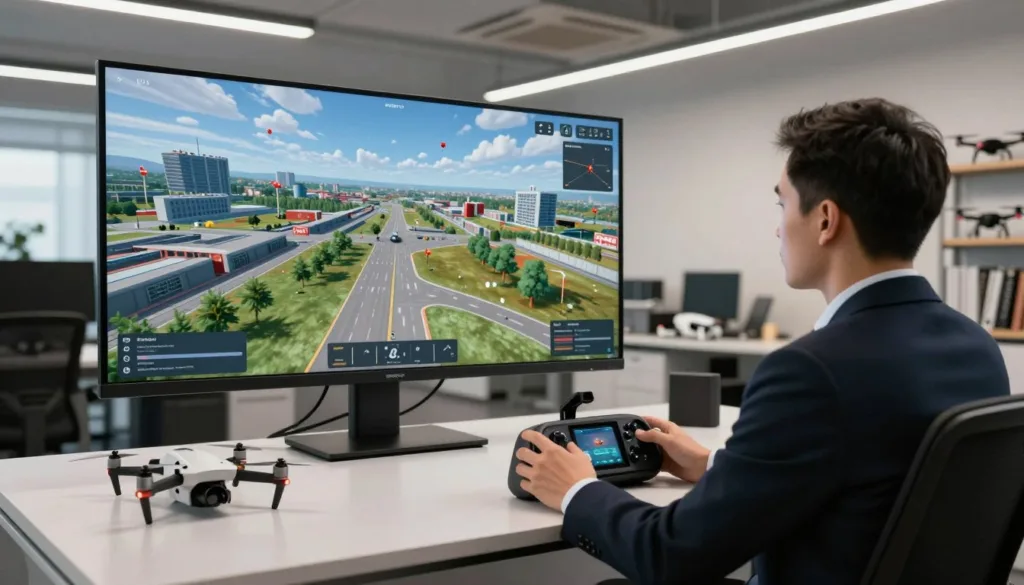
A well-structured training regimen in a drone simulator can significantly enhance a pilot’s proficiency. By leveraging the capabilities of a realistic PC UAV simulator, pilots can improve their skills in a controlled and safe environment.
Progressive Skill Building Exercises
Progressive skill building is essential for effective training. This involves starting with basic exercises and gradually increasing the difficulty level as the pilot becomes more proficient. Drone Simulator Realistic 3D FPV offers various training modes that cater to different skill levels, ensuring that pilots can progress at their own pace.
Mastering Basic Maneuvers and Controls
Mastering the basics is crucial before moving on to advanced techniques. Pilots should focus on getting comfortable with the controls and understanding how the drone responds to different commands. Practice makes perfect, and a simulator provides the ideal platform for repetitive practice without the risk of damaging a real drone.
Advanced Flight Patterns and Precision Techniques
Once the basics are mastered, pilots can move on to more complex maneuvers and flight patterns. This includes navigating through obstacles, performing aerobatic stunts, and practicing precision landings. Such advanced training helps in developing the fine motor skills required for expert drone flying.
Creating a Structured Practice Schedule
To maximize the benefits of simulator training, it’s essential to create a structured practice schedule. This involves setting specific goals for each training session, tracking progress, and adjusting the training regimen as needed. A well-planned schedule ensures that pilots stay focused and continue to improve their skills.
- Set clear objectives for each training session
- Track progress and adjust the training plan accordingly
- Practice regularly to maintain and improve skills
Bridging Virtual Skills to Real-World Flying
One of the most significant advantages of UAV simulator training is the potential to translate virtual skills into real-world proficiency. Using a simulator like UAVProf Drone Simulator, pilots can develop transferable skills that are essential for actual drone operation.
Transferable Skills from Simulator to Actual Drones
Skills learned in a UAV simulator, such as navigation, obstacle avoidance, and control precision, are directly applicable to real drones. Simulators help pilots understand how different environmental conditions affect drone performance, preparing them for various real-world scenarios.
- Improved hand-eye coordination
- Enhanced situational awareness
- Better control over drone maneuvers
Understanding the Limitations of Simulation
While simulators are incredibly useful, they have their limitations. Factors such as weather conditions, GPS signal strength, and hardware malfunctions are challenging to fully replicate in a virtual environment. Understanding these limitations is crucial for a successful transition to real-world flying.
Making the Transition Smoothly and Safely
To make the transition smoothly and safely, pilots should start with simple flights in familiar environments and gradually move to more complex scenarios. It’s also essential to familiarize oneself with the specific drone model’s characteristics and limitations.
By combining simulator training with real-world practice, drone pilots can achieve a high level of proficiency and confidence in their flying abilities.
Professional Applications of UAV Simulator Training
UAV simulator training has become an indispensable tool for professionals across various industries. The versatility of UAV simulators makes them ideal for a wide range of applications, from commercial drone operations to military training exercises.
Commercial Drone Pilot Certification Preparation
For aspiring commercial drone pilots, UAV simulators provide a realistic and safe environment to practice and hone their skills. Simulators like UAVProf Drone Simulator are used by professionals to prepare for certification exams, offering scenarios that mimic real-world conditions.
Military and Emergency Services Training Protocols
Military and emergency services organizations utilize UAV simulators to train personnel in complex missions and emergency response scenarios. These simulators allow for the replication of diverse environments and conditions, enhancing the readiness of response teams.
Drone Racing League Preparation and Competition
For drone racing enthusiasts, simulators offer a platform to practice and perfect their racing skills. The Drone Racing League (DRL) Simulator is a popular choice, providing realistic tracks and competitive scenarios.
Industry-Specific Simulation Scenarios
Different industries have unique requirements for UAV training. Simulators can be customized to cater to these needs, offering industry-specific scenarios.
| Industry | Simulation Scenario | Training Focus |
|---|---|---|
| Commercial Drone Pilots | Aerial Inspection | Precision flying, obstacle avoidance |
| Military | Reconnaissance Missions | Stealth, navigation, tactical maneuvers |
| Emergency Services | Disaster Response | Quick response, situational awareness |
By leveraging UAV simulator training, professionals can enhance their skills in a controlled and efficient manner, preparing them for the demands of their respective industries.
The Future of PC UAV Simulators
The landscape of UAV simulation is on the cusp of a revolution, driven by emerging technologies. As we look to the future, it’s clear that PC UAV simulators will continue to play a crucial role in drone training and development.
Emerging Technologies in Drone Simulation
One of the most significant advancements in UAV simulation is the integration of Virtual Reality (VR) and Augmented Reality (AR) technologies. These innovations are set to provide users with fully immersive experiences, allowing for more realistic training scenarios.
The incorporation of VR/AR will enable pilots to engage in simulated environments that closely mimic real-world conditions. This will be particularly beneficial for training in complex scenarios, such as navigating through obstacles or operating in challenging weather conditions.
VR/AR Integration and Fully Immersive Experiences
The future of UAV simulators will be characterized by fully immersive experiences, thanks to VR/AR integration. This technology will allow users to feel as if they are actually flying, enhancing the learning experience and improving skill retention.
- Enhanced realism through detailed environments
- Improved user engagement and interaction
- Better preparation for real-world flying scenarios
AI-Assisted Training and Adaptive Skill Development
Another key development in the future of PC UAV simulators is the integration of Artificial Intelligence (AI) to assist in training. AI can analyze a pilot’s performance and adapt the simulation to their skill level, providing a more personalized learning experience.
This adaptive training capability will enable pilots to progress at their own pace, focusing on areas where they need improvement. As a result, pilots will be better prepared for real-world flying, with enhanced skills and confidence.
Conclusion: Taking Your Drone Skills to New Heights
As we’ve explored throughout this article, utilizing a PC UAV simulator is an effective way to enhance your drone skills. By leveraging the benefits of UAV simulator training, you can improve your piloting abilities in a controlled and cost-effective environment.
The use of a PC UAV simulator allows you to practice and hone your skills without the risks associated with real-world flying. With the ability to simulate various weather conditions, environments, and scenarios, you can develop a more comprehensive understanding of drone operation.
By investing time in UAV simulator training, you’ll be able to take your drone skills to new heights. Whether you’re a recreational pilot or aspiring to become a professional drone operator, the benefits of simulation training will be invaluable in achieving your goals.
FAQ
What is a PC UAV simulator, and how does it work?
A PC UAV simulator is a software program that mimics the experience of flying a drone, allowing users to practice and improve their piloting skills in a virtual environment. It works by using complex algorithms and physics engines to simulate the behavior of a drone in various conditions.
What are the benefits of using a PC UAV simulator for drone training?
The benefits of using a PC UAV simulator include cost-effectiveness, weather-independent training, and accelerated skill development in a controlled environment. It also allows users to practice advanced maneuvers and techniques without risking damage to their actual drone.
What features should I look for in a quality PC UAV simulator?
A quality PC UAV simulator should have physics accuracy, drone variety, and environment diversity. It should also have realistic wind and weather simulation, as well as customization options to suit different user needs.
What are the hardware requirements for running a UAV simulator smoothly?
To run a UAV simulator smoothly, you’ll need a computer with a strong processor, sufficient RAM, and a dedicated graphics card. You may also want to consider using a professional-grade controller or FPV goggles to enhance the simulation experience.
Can skills learned in a UAV simulator be transferred to real-world drone flying?
Yes, skills learned in a UAV simulator can be transferred to real-world drone flying, but it’s essential to understand the limitations of simulation and make a smooth transition to actual drone operation. Users should also be aware of the differences between simulated and real-world conditions.
Are PC UAV simulators used for professional drone training?
Yes, PC UAV simulators are used for professional drone training, including commercial drone pilot certification preparation, military and emergency services training, and drone racing league preparation. They offer a safe and effective way to develop and refine piloting skills.
What emerging technologies are being integrated into PC UAV simulators?
Emerging technologies being integrated into PC UAV simulators include VR/AR integration, AI-assisted training, and adaptive skill development. These advancements are expected to enhance the simulation experience and improve user skills.
How do I choose the best PC UAV simulator for my needs?
To choose the best PC UAV simulator, consider your specific needs and goals, as well as your budget. Research different simulators, their features, and pricing, and read reviews from other users to find the one that best suits you.

