



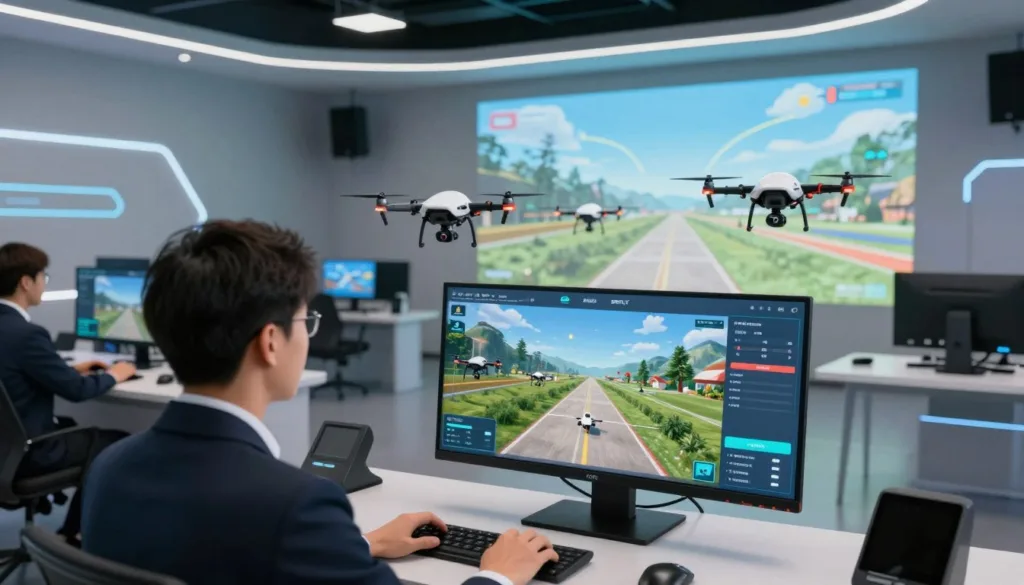
Drone simulation software gives U.S. pilots and training teams a safer way to build flight skills. With the SRIZFLY drone simulator, learners can practice manual control, prepare missions, and repeat key exercises in a controlled virtual setting. This helps reduce avoidable risk to people, aircraft, property, and public spaces.
Simulation also makes practice more efficient. Pilots can repeat difficult turns, landings, and emergency responses without using batteries, propellers, or airframes. They can gain confidence before taking a real drone into the field. Training providers may also reduce costs tied to travel, site setup, equipment damage, and instructor time.
Professional simulation is more than a video game. Useful software should reflect flight controls, aircraft behavior, terrain, mission conditions, and operating procedures closely enough to support meaningful training. It should help commercial pilots, Part 107 programs, drone schools, public safety agencies, universities, community colleges, and STEM educators prepare for real work.
Training can follow several paths. Manual flight simulation lets a pilot use a transmitter, gamepad, or keyboard. Autonomous flight simulation connects a ground control station so users can test planned missions. Design and engineering simulation helps teams review airframes, flight-control logic, and performance before building hardware.
SIMNET offers a web-based platform that combines drone design, flight simulation, and pilot training. It is designed for drone developers, operators, educators, and students. As with any web-based software, trust and privacy also matter. Providers should explain the use of necessary, functional, performance, analytical, advertising, and uncategorized cookies. Users should be able to accept or reject optional cookies, while necessary cookies remain active for basic site functions.
This article examines how realistic simulation improves safety, which features matter most, and how different users can apply the technology. Compare your current training process with a simulator-based workflow. To explore the SRIZFLY drone simulator, request a demonstration, start a trial, or contact the SRIZFLY team for a training assessment.
Key Takeaways
- Drone simulation software supports safer, repeatable flight practice.
- The SRIZFLY drone simulator can support manual practice, mission preparation, and skill development.
- Simulation helps reduce wear on batteries, propellers, and aircraft.
- Pilots can rehearse abnormal situations before real operations.
- Manual, autonomous, and design simulation serve different training needs.
- Cookie controls and clear privacy practices are important for web-based platforms.
How Drone Simulation Software Creates Safer, More Realistic Flight Training
Drone simulation software creates a repeatable training environment for pilots, instructors, and design teams. Learners can practice key procedures many times before operating real equipment. This approach builds skill while reducing the risk of damage, injury, and costly downtime.
Realistic simulation combines several systems in one virtual flight space. Accurate aircraft behavior helps the drone respond like the selected platform. Virtual terrain, real locations, wind, weather, ground control connections, flight controls, and failsafe logic make each exercise feel closer to field work.
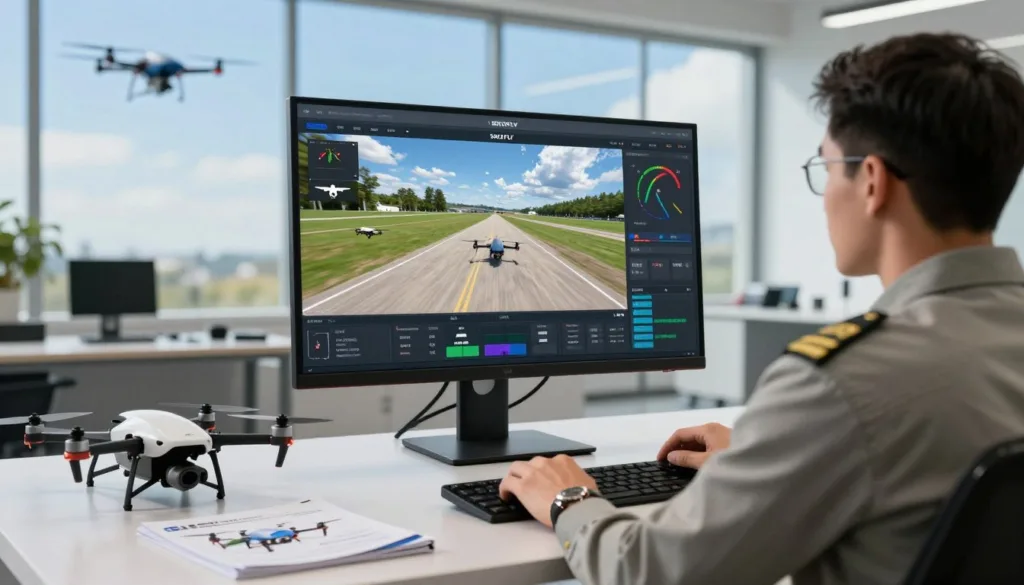
Training can start with basic controls and orientation. A learner may practice takeoff, landing, hovering, turns, altitude control, and position awareness. Once those skills improve, an instructor can add stronger wind, low visibility, obstacles, or changing light.
The next step may include emergency procedures and failsafe actions. Pilots can practice lost-link events, low battery alerts, return-to-home behavior, navigation errors, and unexpected weather. The learner can repeat each task until the response becomes clear and controlled.
Structured scenarios give instructors a consistent way to measure progress. Each pilot can face the same route, weather setting, aircraft response, and emergency event. Performance data can be reviewed before the pilot moves to supervised live flight.
SIMNET supports web-based manual UAS flight simulation through a USB transmitter, gamepad, or keyboard. This gives learners a practical way to develop control inputs without using a physical aircraft. It can help new pilots build confidence before they manage the cost and risk of live operations.
Manual flight practice can focus on the skills that demand regular repetition. These include smooth control, coordinated turns, precise altitude changes, landing alignment, and recovery from disorientation. Instructors can watch the session and identify habits that may create risk in the field.
Autonomous flight practice uses a different workflow. SIMNET supports ArduPilot software-in-the-loop simulation and can connect directly to a ground control station. Pilots can rehearse automated routes, review mission behavior, and adjust settings before deployment.
Ground control integration supports mission planning and route review. Teams can test waypoint spacing, altitude limits, geofencing, and route timing. BVLOS route rehearsal becomes possible without sending an aircraft beyond the pilot’s visual line of sight.
Simulation can test terrain-following exercises, dynamic weather, and return-to-home behavior. A team can examine how the aircraft responds when the launch point changes or the planned route meets rising terrain. These exercises support safer planning for complex missions.
Failure and edge-case training can cover events that are hard to recreate in real operations. A pilot may face a lost communication link, sensor fault, navigation problem, wind shift, or battery concern. The scenario can be paused, reset, and repeated without placing people or aircraft in danger.
Digital twins make this process more specific. SIMNET can use a digital twin of the drone platform and the operating location. A custom model can reflect a certain aircraft, mission area, payload, operating procedure, and control setup.
A digital twin helps operators rehearse the mission they expect to fly. It can reveal terrain concerns, route conflicts, control limits, and timing issues before the field crew arrives. The model can support planning for inspection, mapping, public safety, delivery, and other UAS work.
High-fidelity mission simulations can inform Specific Operations Risk Assessment, or SORA, activities. Simulation records may help demonstrate that a team has tested key procedures and reviewed known hazards. They can support a broader safety case when paired with aircraft checks, operating procedures, and instructor records.
Training records matter when simulation supports formal instruction or compliance work. Teams should retain scenario results, pilot scores, instructor notes, and retraining history. An integrated Learning Management System can help managers monitor individual and group progress over time.
Structured retraining can support pilot proficiency and continuing certification needs. A team may assign a short simulator session after a long break, equipment change, or procedure update. Managers can use performance trends to spot skills that need more practice.
AIRmarket Inc. uses simulation as part of its operational preparation. Cale Griffith, Chief Pilot at AIRmarket Inc., described using SIMNET to test failsafe parameters, standard operating procedures, flight-planning efficiency, and training footprints.
“Our RPAS pilots refine their skills with SIMNET before operating a real drone,” said Cale Griffith, Chief Pilot at AIRmarket Inc.
Simulation reduces risk during advanced operations because training providers can create difficult scenarios in a controlled setting. They can model situations that may be too dangerous, expensive, or difficult to reproduce outdoors. Pilots gain exposure to the event before they must manage it during a real mission.
The same technology supports design and engineering work. SIMNET can recreate an existing aircraft or help a team build a new design through a parametric component library. Supported configurations include multicopters, fixed-wing aircraft, vertical takeoff and landing aircraft, tilt-rotor designs, tilt-wing designs, and tailsitter aircraft.
The virtual testing process starts with the aircraft design. Engineers build or recreate the platform, set its components, and predict performance in real time. They can compare design options through trade studies before selecting a configuration for physical testing.
Teams can use virtual wind tunnel and computational fluid dynamics analysis to study airflow and stability. They can test airframe behavior, flight-control performance, power demands, and handling response. Control problems or stability concerns may appear before a prototype leaves the workshop.
Designers can refine the aircraft before physical prototyping. This may reduce the number of early hardware prototypes and lower risk during initial flight tests. Faster design changes can give teams a better understanding of flight characteristics at an earlier stage.
The HORYZN team at the Technical University of Munich used simulation to visualize flight behavior and test parameter changes. The team worked with PX4, QGroundControl, and Mission Planner to validate design choices in a virtual setting.
The Flylanders team at the New Jersey Institute of Technology used repeated simulations after design changes. The results helped the team predict aircraft behavior and guide later flight testing. This repeated process gave the engineers a controlled way to compare each version.
A student at Elizabeth City State University used simulation to identify excessive elevator sensitivity. The student adjusted the control-surface limits before the aircraft flew. The changes supported a smoother real-world flight and reduced the chance of an unstable first test.
Simulation does not replace live flight instruction. Pilots still need supervised field work, aircraft inspections, regulatory instruction, and hands-on operating practice. Real flight exposes learners to equipment checks, site conditions, people nearby, and decisions that require physical judgment.
A blended training model connects each part of the learning process. It can include online theory, simulator-based skill development, scenario-based assessment, instructor review, and supervised live flight. Periodic simulator retraining helps pilots maintain readiness after the first qualification.
Training managers should set clear goals for each simulator session. They can assign basic handling, autonomous missions, emergency response, or advanced route work based on the pilot’s experience. This creates a measured path from first controls to complex operations.
When used for formal instruction or compliance support, the software should produce a clear record. Training teams should retain scenario results, pilot performance scores, instructor reviews, and completion dates. These records give operators a stronger view of readiness before the next live mission.
Drone Simulation Software Features for Pilots, Training Providers, and Educators
Drone simulation software gives pilots, training providers, and educators a safe way to build flight skills. Tools such as the SRIZFLY drone simulator recreate flight controls, weather changes, missions, and emergency events without risking an aircraft. This creates useful practice for commercial drone operations, public safety, inspections, and classroom training.
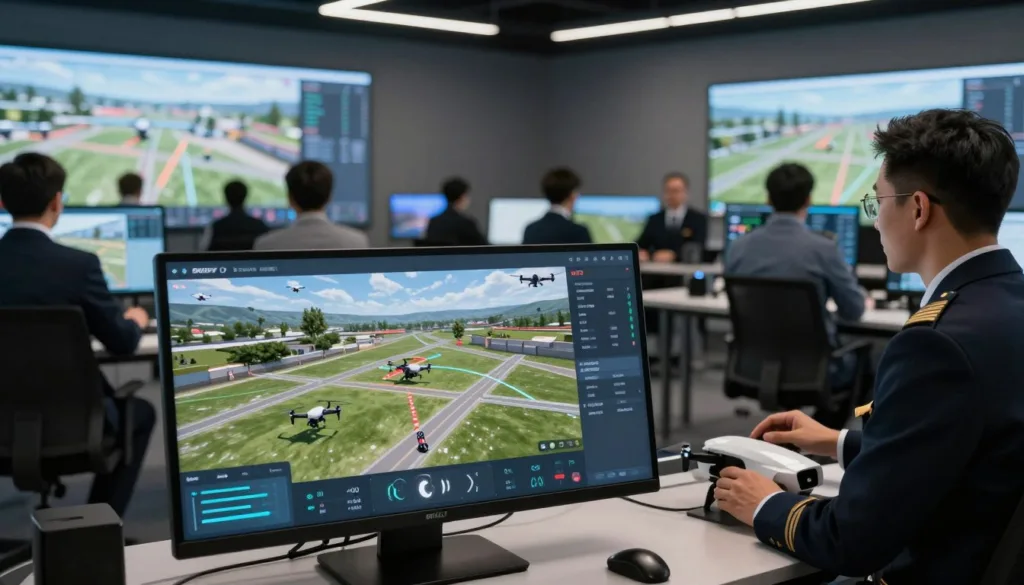
Pilots and operators can practice takeoffs, landings, route planning, and camera control in a repeatable setting. They can test skills in wind, rain, poor visibility, and tight spaces. These sessions help operators prepare for demanding missions before they fly a real drone.
Flight records give pilots a clear view of their progress. They can review response time, control errors, battery use, and mission results. This data helps operators find weak areas and build a stronger training plan.
Training providers need tools that support many learners and flight goals. A simulator can offer guided lessons, custom scenarios, scoring tools, and performance reports. Instructors can set the same task for each learner and compare results with clear standards.
Scenario design makes training more relevant to each job. A provider can create missions for roof inspections, construction surveys, search operations, or utility work. Learners gain practice with the same decisions they may face in the field.
Educators can use drone simulation software to connect lessons with hands-on practice. Students can study airspace rules, mission planning, safety checks, and flight control in one learning environment. A virtual flight gives them a chance to apply each concept without the cost of damaged equipment.
Classroom leaders can use simulation data to support fair assessment. Students may complete timed missions, respond to system alerts, or manage a changing flight plan. The results give educators useful evidence of technical skill and sound judgment.
Advanced design and analysis tools serve developers and students who need deeper control. Developers can test flight behavior, build custom environments, and study how a drone responds to new conditions. Students can examine mission data, compare flight paths, and explore ideas for safer drone systems.
These features make drone simulation software useful across the full training process. Users can prepare, practice, measure performance, and adjust their approach in one controlled space.
Conclusion
Drone simulation software gives pilots a safer way to build skill before they fly a real aircraft. It supports manual and autonomous practice, emergency and failsafe drills, and digital-twin mission rehearsal. With worldwide 3D terrain, ground control station integration, virtual reality, and recorded flight data, teams can train in realistic settings without the same fuel, repair, or weather costs. Educators can also use aircraft design tools to study performance before building a physical prototype.
The right platform depends on the mission. A recreational simulator may meet the needs of a casual pilot. Commercial operators, public agencies, and schools may need aircraft-specific models, structured lessons, assessments, reports, LMS progress tracking, and support for regulatory preparation. Training should support qualified instruction, aircraft maintenance, safety procedures, compliance, and supervised live flight rather than replace them.
A practical rollout starts with clear training goals. Identify aircraft, flight controls, and ground station needs, then select basic and advanced scenarios. Test the platform with instructors and learners, connect it to an LMS when needed, and set clear performance benchmarks. Combine simulator sessions with supervised flight and schedule regular proficiency refreshers.
SRIZFLY is a practical next step for teams comparing drone training solutions. Review its simulator capabilities against your aircraft, controllers, software, curriculum, and operating procedures. Schedule a live SRIZFLY demonstration, start a free trial when available, or request a consultation for a school, public agency, training program, or commercial operation. You can also ask about a custom aircraft, terrain model, or mission scenario. For cloud-based platforms, review data handling, account security, LMS integration, cookie controls, technical support, update policies, and the protection of training records and user information.